Top 6 Windows Server Backup Software for SMBs for 2026 (Prices and Free Plans)
Best windows server backup software for SMBs, compared. 6 tools with published prices, free plans and limits. Every entry states what it lacks. No hype.
- Editor's choice
 Acronis Cyber Protect
Integrated backup and cybersecurity
Starts atSee websiteVisit acronis.comFull review - Great alternativeBackupAssist
Straightforward, low-cost Windows server backup
Starts at$199 per virtual guest machine a yearVisit backupassist.comFull review - Also considerVeeam Backup & Replication
Full virtual and physical server backup
Starts atSee websiteVisit veeam.comFull review
Direct answer
For integrated backup and cybersecurity, Acronis Cyber Protect is where this list starts. Listed starting prices: BackupAssist from $199 per virtual guest machine a year. For a different need, BackupAssist covers straightforward, low-cost Windows server backup and Veeam Backup & Replication covers full virtual and physical server backup. The full list of 6 tools follows, with prices and free plan facts.
TL;DR:
- Acronis Cyber Protect takes the first slot, best suited to integrated backup and cybersecurity.
- A fair warning about Veeam Backup & Replication: can be complicated to set up.
- Veritas Backup Exec fits enterprise-grade backup with ransomware resilience.
- None of the 6 tools, from Acronis Cyber Protect to Veritas Backup Exec, has a free plan, so budget for a subscription or use a trial.
- Pricing for Acronis Cyber Protect, Veeam Backup & Replication, Datto SIRIS and others is quote-based, which adds a sales step before you can compare cost.
Last checked November 2026. Prices and plan details were read from the vendors' own pages in November 2026; vendors change plans often, so confirm the current price on the vendor site before you buy.
Quick comparison
| Tool | Best for | Starts at | Free plan? | |
|---|---|---|---|---|
| Acronis Cyber Protect | Integrated backup and cybersecurity | See website | Not stated | Visit |
| BackupAssist | Straightforward, low-cost Windows server backup | $199 per virtual guest machine a year | Free trial | Visit |
| Veeam Backup & Replication | Full virtual and physical server backup | See website | Not stated | Visit |
 Datto SIRIS | Business continuity and disaster recovery | See website | Not stated | Visit |
 Cove Data Protection | Cloud-based data protection for SMBs | See website | Not stated | Visit |
| Veritas Backup Exec | Enterprise-grade backup with ransomware resilience | See website | Not stated | Visit |
Windows Server Backup Software for SMBs compared in detail
If you are comparing windows server backup software for SMBs, this page covers 6 tools in one place: what each is best for, what it costs to start, whether it has a free plan, and the main limit to know about.
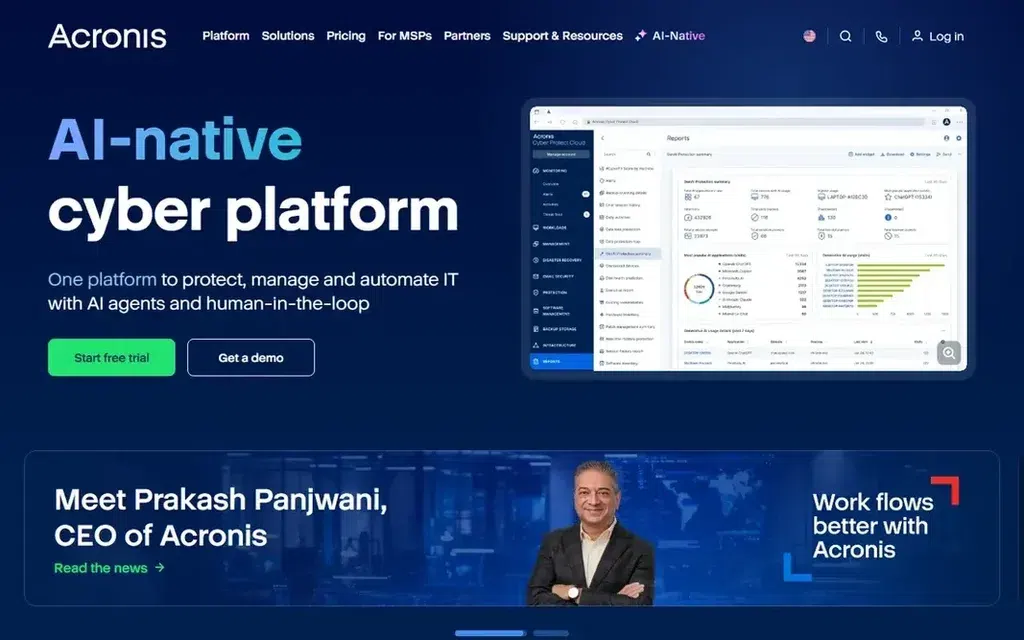
In short, Acronis Cyber Protect is for integrated backup and cybersecurity. Acronis Cyber Protect integrates backup, cybersecurity, and endpoint management into a single option. It uses AI-powered features to protect against threats and ease workload management.
Downsides: Feature-rich interface may overwhelm some.
More specifically, the full feature set can be overwhelming and may need training. It might be heavier than needed for companies that only need entry-level backup. Pricing for Acronis Cyber Protect is not stated here, so ask the vendor for current figures. As for free access: Not stated.
- Merges backup with AI-powered security
- Supports endpoint protection
- Can be resource-intensive
BackupAssist
Best for: Straightforward, low-cost Windows server backup
In short, BackupAssist is for straightforward, affordable Windows server backup. BackupAssist offers straightforward backup software for companies and personal data, with a focus on cyber resilience for SMEs. It supplies a clear path to recovery and is meant to be approachable.
The main drawbacks: Restricted advanced features.
The software may lack some advanced features found in enterprise options, for example advanced replication or AI-based threat detection. It may not scale well for bigger, complex environments. BackupAssist cost at the entry level: $199 per virtual guest machine per year. Free plan details: Free trial.
- Clear recovery paths
- Budget-friendly for small firms
- Less suited for complicated environments
Veeam Backup & Replication
Best for: Full virtual and physical server backup
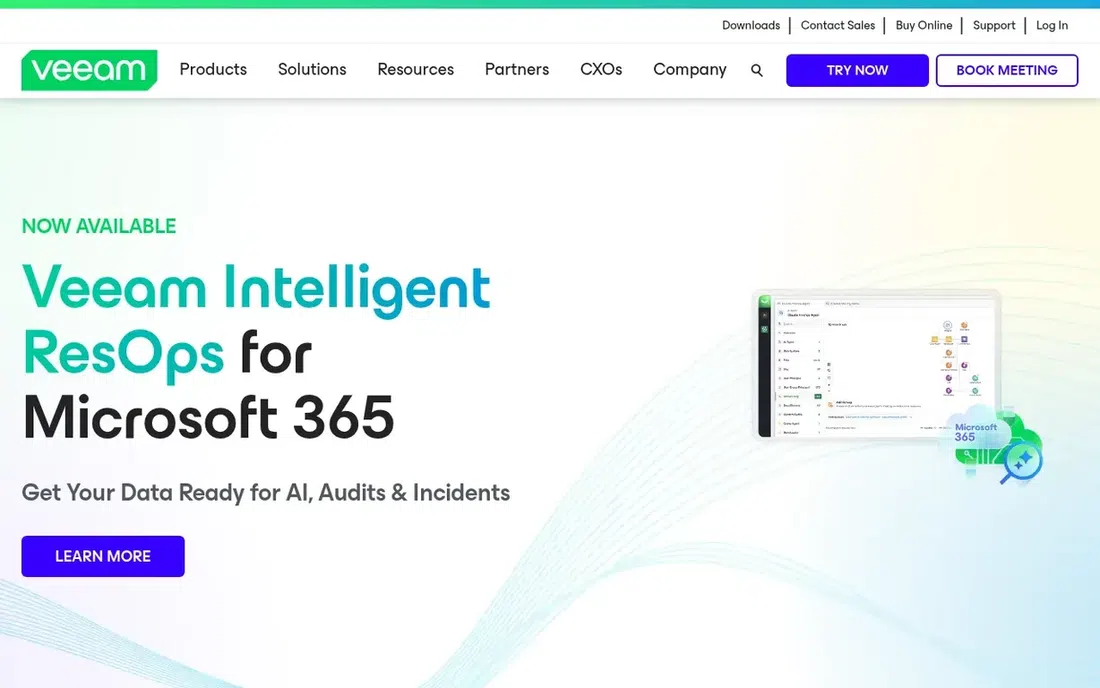
Where Veeam Backup & Replication fits: full virtual and physical server backup. Veeam Backup & Replication is a widely used option for backing up virtual, physical, and cloud workloads. It gives you image-based backups, replication, and recovery verification to help ensure data integrity.
Drawbacks to consider: Can be complicated to set up.
For everyday use, if you need a more straightforward, set-and-forget option, consider BackupAssist or Acronis Cyber Protect. In daily use, the software can be complicated to configure and handle, frequently requiring specialized knowledge. Pricing for Veeam Backup & Replication is not stated here, so ask the vendor for current figures. On free options: Not stated.
- Capable replication and recovery choices
- Wide system support
- May need dedicated training
Datto SIRIS targets business continuity and disaster recovery. Datto SIRIS is a business continuity and disaster recovery option that merges local backup with cloud replication. In daily use, the option needs a hardware appliance, which may be a barrier for firms seeking software-only choices.
It also involves a higher upfront cost. For everyday use, for software-only backup, consider Veeam or Acronis Cyber Protect. Datto SIRIS does not show a starting price in this comparison, so check the vendor site for current pricing. Free options: Not stated.
Where it falls short: Hardware dependency.
- Cloud-based backup choices
- Integrated BCDR appliance
- Higher upfront investment
Cove Data Protection is aimed squarely at cloud-based data protection for SMBs. It protects data across servers, endpoints, and Microsoft 365.
The subscription model may not appeal to those preferring perpetual licenses. Check the vendor site for Cove Data Protection pricing; none is listed in this comparison. On free options: Not stated.
Honest limits: Restricted offline capabilities.
- Centralized management
- Cloud-first architecture
- Subscription-based model
Veritas Backup Exec
Best for: Enterprise-grade backup with ransomware resilience
Choose Veritas Backup Exec for enterprise-grade backup with ransomware resilience. Veritas Backup Exec, now part of Cohesity, gives you data security and management with features like immutable backup, AI-based early threat detection, and rapid recovery.
The main drawbacks: Higher complexity.
The option can be complicated to deploy and run, commonly needing dedicated IT staff. Veritas Backup Exec does not show a starting price in this comparison, so check the vendor site for current pricing. As for free access: Not stated.
- Rapid recovery capabilities
- AI-based threat detection
- May need specialized expertise
How the list was put together
A buyer's checklist
- Ask Acronis Cyber Protect, Veeam Backup & Replication, Datto SIRIS and others for a written quote, since no starting price is shown.
- Run a trial of BackupAssist with real work before paying for a year; your own workflow is the best test.
- Read the limits listed for Acronis Cyber Protect first: can be resource-intensive.
- Map your must-have features to a specific Veeam Backup & Replication plan before you compare prices.
- Involve the people who will use Acronis Cyber Protect daily; a short pilot beats a long feature checklist.
FAQ
Is Acronis Cyber Protect the right pick for everyone comparing windows server backup software for SMBs?
No single tool suits every team. Acronis Cyber Protect comes first because it fits integrated backup and cybersecurity, while BackupAssist suits simple, affordable Windows server backup and Veeam Backup & Replication suits comprehensive virtual and physical server backup. Match the tool to your own size, budget and workflow before deciding.
How are the windows server backup software for SMBs ordered?
Acronis Cyber Protect sits first and Veritas Backup Exec last because the order follows typical fit for Windows server backup software for SMBs, then price clarity and free access. It is a judgement call, so read each profile for fit and limits.
What should I look for in SMB backup software?
Key considerations contain simplicity, recovery speed, support for your applications, and total cost of ownership. Also evaluate whether you need integrated security features or disaster recovery capabilities like instant virtualization.
Does any tool for Windows server backup software for SMBs here have a free plan?
No tool in this list, Acronis Cyber Protect and Veritas Backup Exec included, has a permanent free plan. BackupAssist offer a trial. Trials and quotes are the usual route, so plan a short evaluation period.
Can I try these tools before paying?
Often, yes. BackupAssist offers a free trial. Use your own data and a real task during the test, and check what the free tier or trial limits before you rely on it.
Sources
- https://www.acronis.com
- https://www.backupassist.com
- https://www.veeam.com
- https://www.datto.com
- https://www.coveware.com
- https://www.veritas.com