Top 6 Web Security Software for Remote Teams for 2026 (Prices and Free Plans)
Best web security software for remote teams, compared. 6 tools with published prices, free plans and limits. Concise write-ups of every option. Numbers first.
- Editor's choice
 CrowdStrike Falcon
Endpoint and workload protection
Starts at$7.99 per device per monthVisit crowdstrike.comFull review - Great alternativeNetskope One
Cloud, data and AI security
Starts atSee websiteVisit netskope.comFull review - Also consider
 Microsoft Defender for Business
Smaller teams in Microsoft tools
Starts atSee websiteVisit microsoft.comFull review
Direct answer
CrowdStrike Falcon comes first here, mainly for endpoint and workload protection. Listed starting prices: CrowdStrike Falcon from $7.99 per device per month. Netskope One is better for cloud, data and AI security, and Microsoft Defender for Business is better for smaller teams in Microsoft tools. Prices, free plans and limits for all 6 tools follow.
TL;DR:
- This list starts with CrowdStrike Falcon, which is built for endpoint and workload protection.
- Zscaler Private Access fits Private app access without exposure.
- Neither CrowdStrike Falcon nor Zscaler Private Access, nor any of the other 4 tools, has a permanent free plan; trials and quotes are the norm.
- A fair warning about Microsoft Defender for Business: targeted at smaller organizations.
- The cheapest monthly starting price in the list is $7.99 per device per month, offered by CrowdStrike Falcon.
Last checked November 2026. Prices and plan details were read from the vendors' own pages in November 2026; vendors change plans often, so confirm the current price on the vendor site before you buy.
Quick comparison
| Tool | Best for | Starts at | Free plan? | |
|---|---|---|---|---|
| CrowdStrike Falcon | Endpoint and workload protection | $7.99 per device per month | Free trial | Visit |
| Netskope One | Cloud, data and AI security | See website | Not stated | Visit |
| Microsoft Defender for Business | Smaller teams in Microsoft tools | See website | Not stated | Visit |
 Cisco Umbrella | DNS-layer cloud protection | See website | Not stated | Visit |
 Cloudflare One | Unified zero trust and SASE | See website | Not stated | Visit |
| Zscaler Private Access | Private app access without exposure | See website | Not stated | Visit |
The 6 tools in detail
Short on time? The summary and table above give the quick view of 6 web security software for remote teams, and the profiles that follow give the detail behind each entry.
CrowdStrike Falcon targets endpoint and workload protection. If your priority is zero trust access for a distributed workforce, pair it with an access system or choose a SASE-oriented tool instead.
Downsides: Not a network access system.
From a buyer's view, Falcon concentrates on endpoint and workload security instead of connecting users to private applications. Also, CrowdStrike Falcon is described as an advanced cloud-native product for protecting endpoints, cloud workloads, identities and data, built to stop breaches with AI-native cybersecurity. CrowdStrike Falcon starts at: $7.99 per device per month. On free options: Free trial.
- AI-native approach to stopping breaches
- Cloud-native security system
- Needs complementary access tooling
Netskope One
Best for: Cloud, data and AI security

Netskope One is aimed squarely at cloud, data and AI security. Netskope One is positioned as modern security and networking for the cloud and AI era, securing and accelerating cloud, data and AI everywhere. It emphasizes unified visibility, advanced SASE and SSE protection, and optimized performance, which fits remote teams that rely heavily on cloud apps and want consistent policy across them.
The system is wide, and teams with restricted security staff may need time to configure and tune policies. If your central concern is straightforward private app access, a more focused tool may be simpler to operate. Netskope One shows no starting price here, so confirm the cost on the vendor site. Free options: Not stated.
Drawbacks to consider: Best value for cloud-heavy teams.
- Unified visibility across cloud and data
- Advanced SASE and SSE protection
- Feature depth can need tuning
Microsoft Defender for Business makes the most sense for smaller teams in Microsoft tools. Microsoft Defender for Business is a device security option built to help protect small companies against cybersecurity threats.
Drawbacks to consider: Geared toward smaller organizations.
It is oriented toward small business device protection, so bigger or highly regulated teams may need broader coverage. It also does not serve as a zero trust access system, so consider a SASE tool if connecting users to private apps is the central requirement. Pricing for Microsoft Defender for Business is not stated here, so ask the vendor for current figures. On free options: Not stated.
- Made for small business device security
- Suits Microsoft-centric environments
- Device security instead of network access
Where Cisco Umbrella fits: DNS-layer cloud protection. It suits remote teams that want to block malicious destinations before connections are made and add a consistent layer of protection for users working away from the office.
Limits to weigh: Commonly paired with other tools.
Umbrella centers on DNS and cloud security, so it does not replace a full zero trust access system on its own. Pricing for Cisco Umbrella is not stated here, so ask the vendor for current figures. Trial and free access: Not stated.
- Protection at the DNS layer
- Unified cloud-delivered solution
- DNS focus instead of full access control
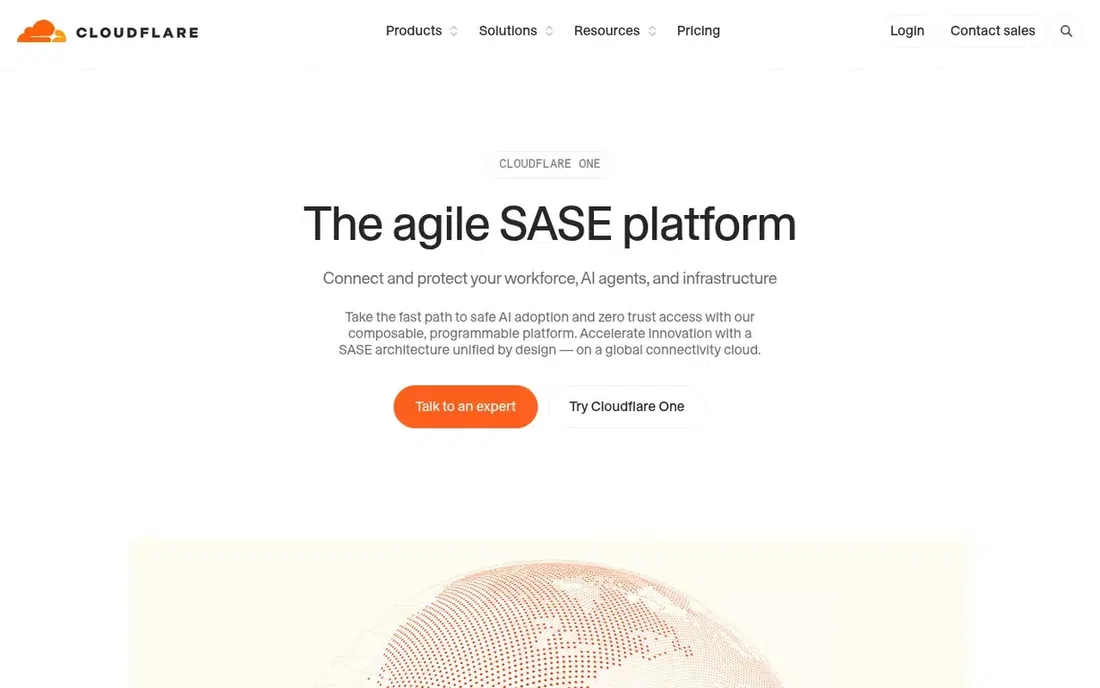
Cloudflare One was built for unified zero trust and SASE. Since it spans access, networking and infrastructure, the product can take planning to roll out well.
As for the details, consider a narrower access tool if you only have to publish private applications to remote users. Pricing for Cloudflare One is not stated here, so ask the vendor for current figures. On free options: Not stated.
What Cloudflare One does well: Merges access control with SASE.
Points against: Wide scope can feel complicated at first.
- Built around zero trust principles
- AI agents and infrastructure
- Some teams need time to map policies
Zscaler Private Access
Best for: Private app access without exposure
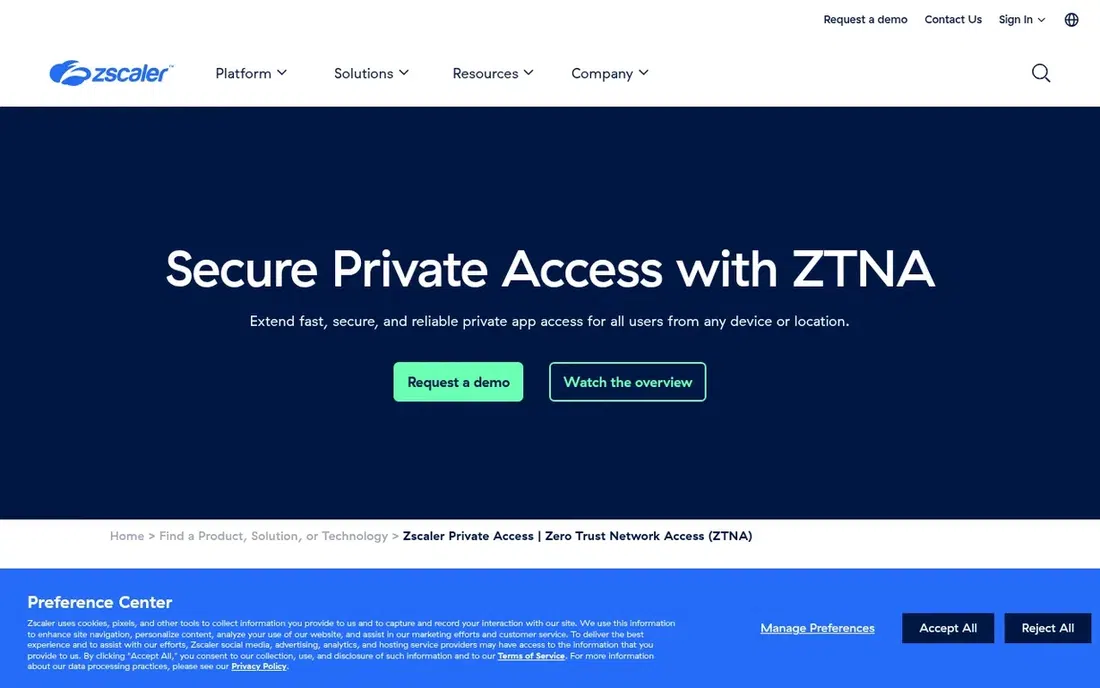
Zscaler Private Access is aimed squarely at Private app access without exposure. Zscaler Private Access provides a modern approach to secure access by giving users connectivity to private applications without exposing networks to the public internet.
Drawbacks to consider: Needs policy planning.
In daily use, pick something else if your priority is protecting devices instead of controlling how users reach internal applications. The product centers on application access, so teams wanting endpoint detection or broader data protection will need complementary tools. Check the vendor site for Zscaler Private Access pricing; none is listed in this comparison. Free access: Not stated.
- Hides private apps from the public internet
- Modern approach to secure access
- Centred on access instead of full endpoint defense
Selection criteria
Selection started from tools commonly considered for web security software for remote teams, then narrowed to 6 that have clear pricing information or a clear quote process. Figures are shown as the vendors publish them. Billing terms, seat minimums and add-ons can change the real cost. The sequence is a judgement call: typical use case first, then pricing transparency, then free access. Use the profiles to check fit.
Questions to settle before buying
- Ask Netskope One, Microsoft Defender for Business, Cisco Umbrella and others for a written quote, since no starting price is shown.
- Take the trial from CrowdStrike Falcon and push a live task through it before you pay.
- Before choosing CrowdStrike Falcon, weigh its main limit: not a network access system.
- Before you load data into Cloudflare One, check what an export looks like and who can run it.
- Add up seats, add-ons and usage charges for Microsoft Defender for Business before comparing it with cheaper entries.
FAQ
What is the cheapest option for web security software for remote teams in this list?
On published monthly entry prices, CrowdStrike Falcon is the lowest here at $7.99 per device per month. Entry price is only part of the cost, because seats, add-ons and billing terms can change the total. For the full picture, the cards above cover all 6 entries of this web security software for remote teams list, including price, free plan and limits.
Does any tool for web security software for remote teams here have a free plan?
A permanent free plan is not offered by CrowdStrike Falcon, Zscaler Private Access or the other tools here. CrowdStrike Falcon offer a trial. Plan a short evaluation period instead.
Is CrowdStrike Falcon the right pick for everyone comparing web security software for remote teams?
No single tool suits every team. CrowdStrike Falcon comes first because it fits endpoint and workload protection, while Netskope One suits cloud, data and AI security and Microsoft Defender for Business suits smaller teams in Microsoft tools. Match the tool to your own size, budget and workflow before deciding.
How are the tools for web security software for remote teams ordered?
The order follows typical fit for web security software for remote teams, with CrowdStrike Falcon first and Zscaler Private Access last, then price clarity and free access. It is editorial judgement, not a score, so another team could rank the tools differently.
Sources
- https://www.crowdstrike.com
- https://www.netskope.com
- https://www.microsoft.com/en-us/security/business/endpoint-security/microsoft-defender-business
- https://umbrella.cisco.com
- https://www.cloudflare.com/zero-trust
- https://www.zscaler.com/products/zscaler-private-access