Top 6 Backup Software for Electricians for 2026 (Prices and Free Plans)
Shortlisting the best backup software for electricians? 6 products compared on cost, free access and ideal buyer. Prices and drawbacks included. Pick by budget.
- Editor's choice
 Datto SIRIS
Business continuity and disaster recovery
Starts atSee websiteVisit datto.comFull review - Great alternative
 Carbonite
Automatic backup for home and business
Starts atSee websiteVisit carbonite.comFull review - Also consider
 IDrive
One account across computers and phones
Starts at$11.99 a monthVisit idrive.comFull review
Direct answer
If you need business continuity and disaster recovery, Datto SIRIS is the first tool to look at here. Listed starting prices: IDrive from $11.99 a month and Backblaze from $99 a year. Look at Carbonite for automatic backup for home and business, and at IDrive for one account across computers and phones. All 6 tools are compared below on price, free plan and limits.
TL;DR:
- Top of the list is Datto SIRIS, which targets business continuity and disaster recovery.
- One limit worth knowing about Carbonite: fewer advanced management features.
- IDrive has the lowest monthly starting price in this list: $11.99 per month.
- Just one of the 6 tools, IDrive, has a free plan.
Last checked November 2026. Prices and plan details were read from the vendors' own pages in November 2026; vendors change plans often, so confirm the current price on the vendor site before you buy.
Quick comparison
| Tool | Best for | Starts at | Free plan? | |
|---|---|---|---|---|
| Datto SIRIS | Business continuity and disaster recovery | See website | Not stated | Visit |
| Carbonite | Automatic backup for home and business | See website | Not stated | Visit |
| IDrive | One account across computers and phones | $11.99 a month | Yes | Visit |
 Backblaze | Cloud storage as a backup destination | $99 a year | Free trial | Visit |
 Cove Data Protection | Managed service providers and IT departments | See website | Not stated | Visit |
 Acronis Cyber Protect | All-in-one backup and security | See website | Not stated | Visit |
Backup Software for Electricians, one by one
LinkVetted put together this guide to backup software for electricians for readers who want a clear shortlist without reading every vendor page. It compares 6 tools on starting price, free plans, who each one suits and where each one falls short.
Pick Datto SIRIS if this describes you: business continuity and disaster recovery. Datto SIRIS is made for mission-critical business continuity and disaster recovery, alongside networking and file backup and sync. If your priority is just protecting job files and invoices, a lighter backup service spans the need.
Also, electrical contractors with critical business systems and an IT partner could depend on it to keep operations running after an outage. On top of that, SIRIS is made for IT professionals, so a small trade business without technical staff will likely find it excessive. No starting price is listed for Datto SIRIS here; confirm pricing on the vendor site. Free plan details: Not stated.
Trade-offs to know: Targeted at IT professionals.
- Made for business continuity
- Disaster recovery focus
- Heavier than small shop needs
Carbonite targets automatic backup for home and business. For an electrician who wants files protected without much configuration, it gives you a direct path to continuous backup of important documents and records.
More specifically, if you need centralized management across a bigger fleet of machines, a platform-oriented tool is a better fit. Firms juggling plenty of devices and servers may outgrow it. Check the vendor site for Carbonite pricing; none is listed in this comparison. Free access: Not stated.
Where it is weaker: Fewer advanced management features.
- Straightforward protection focus
- Automatic backups
- May not suit complicated multi-device setups
IDrive is built with one account across computers and phones in mind. IDrive supplies cloud backup and storage for computers and mobile devices under one account.
What users get: Macs and mobile devices.
The main drawbacks: Interface may feel busy for beginners. That matters for electricians who run estimates and take job photos on a phone plus a laptop. If you only need one computer protected, a more straightforward single-device service may be simpler. The starting price for IDrive: $11.99 per month. IDrive offers a free plan.
- Backs up PCs
- Single account for several devices
- Mobile backup relies on app behavior
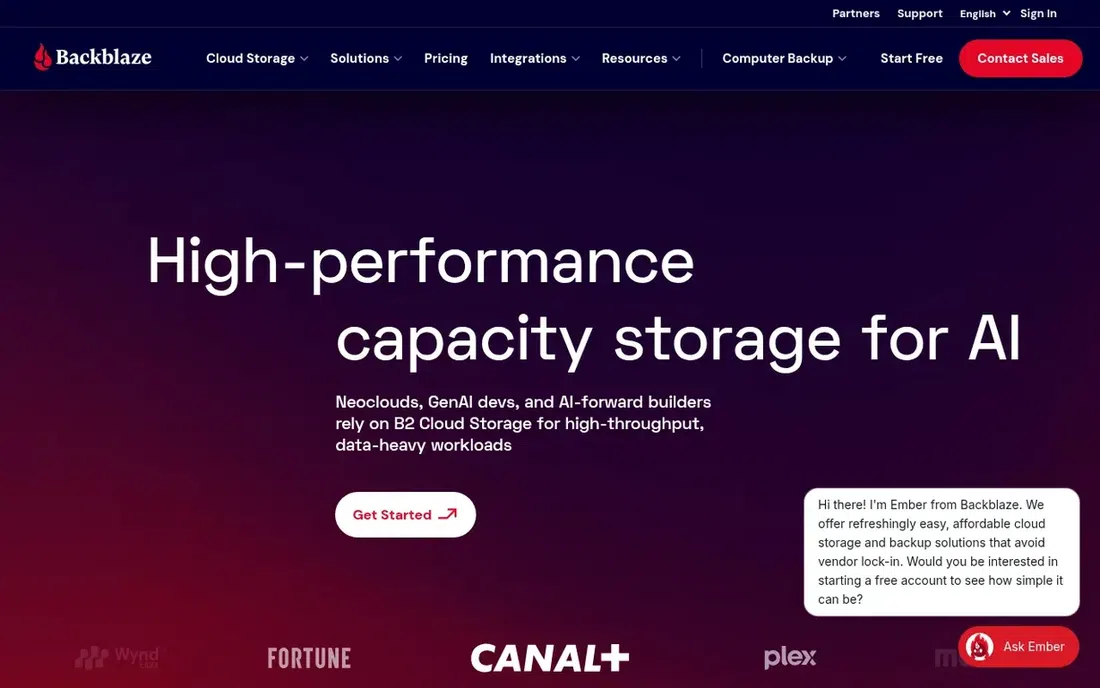
Think of Backblaze for cloud storage as a backup destination. Backblaze supplies high-performance cloud storage built around S3-compatible object storage. Beyond that, if you want a set-and-forget backup tool for a single work computer, a packaged service is the more straightforward choice.
On top of that, electricians who already use a backup application can point it at Backblaze as an offsite destination for job photos, records and documents. Backblaze is a storage layer, so it does not by itself schedule or handle backups the way a dedicated backup product does. Price to start with Backblaze: $99 per year. Free access: Free trial.
Drawbacks to consider: Needs some technical setup.
- S3-compatible object storage
- Aimed at high-throughput data
- Storage service
Think of Cove Data Protection for managed service providers and IT departments. Cove Data Protection is part of N-able's lineup of cybersecurity and IT management software geared toward managed service providers and IT departments.
Beyond that, Cove is not positioned as a direct purchase for a solo electrician managing their own laptop. As for the details, if you manage your own backups, a consumer or small business product is the more practical starting point. Pricing for Cove Data Protection is not stated here, so ask the vendor for current figures. Trial and free access: Not stated.
Where it is weaker: Assumes an IT provider relationship.
- Suited to IT departments
- Data protection within a MSP toolkit
- Not built for direct solo use
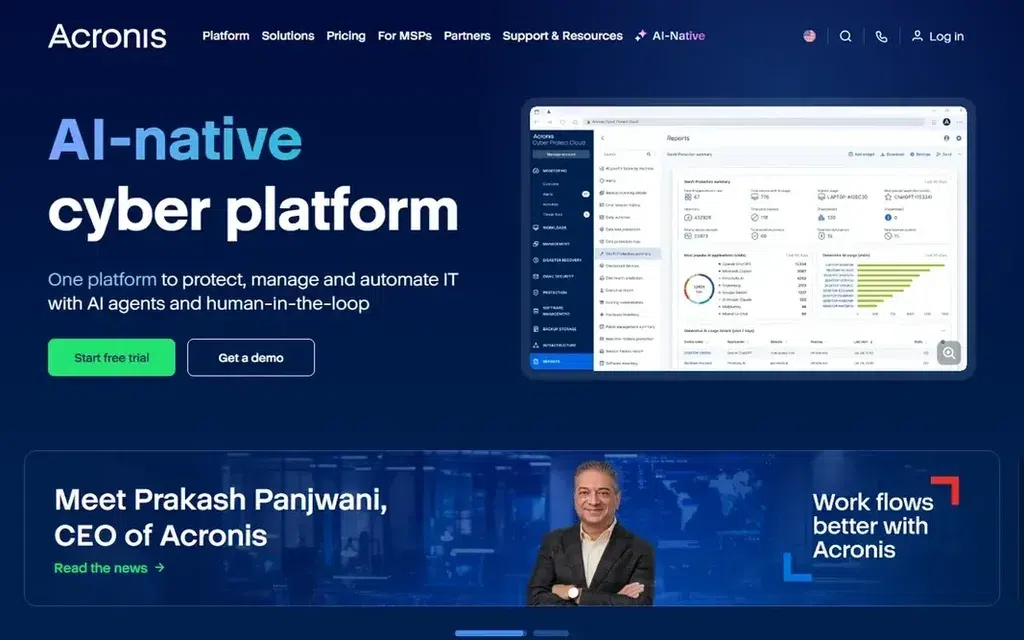
For all-in-one backup and security, Acronis Cyber Protect is a natural candidate. It fits firms that want data protection and security handled together instead of stitching separate tools into a workflow.
Honest limits: Feature set may overwhelm very small shops.
The breadth is the central caveat: a one-person operation that only wants straightforward file backup may find the system heavier than needed. No starting price is listed for Acronis Cyber Protect here; confirm pricing on the vendor site. On free options: Not stated.
- Built for firms and service providers
- Endpoint management included
- Full system can be more than entry-level backup needs
How we chose
We compared the tools on published pricing, free plan or trial availability, feature coverage for backup software for electricians, and the limits each vendor documents. Where a price is missing, the vendor does not list one publicly or ties it to a quote. Always confirm before budgeting. The order reflects how well each tool fits the most common buying scenario for backup software for electricians, then price clarity, then free plan access. It is a starting point, not a verdict.
A buyer's checklist
- Confirm the entry price on the vendor page. For Datto SIRIS, Carbonite, Cove Data Protection and Acronis Cyber Protect that means a quote rather than a fixed price.
- Look at the free plan from IDrive closely: its caps decide whether it is usable for real work.
- Take the trial from Backblaze and push a live task through it before you pay.
- Before choosing Datto SIRIS, weigh its main limit: targeted at IT professionals.
- See whether Datto SIRIS offers onboarding or training, and whether it is included in the price.
- Test the integrations you rely on with Cove Data Protection before committing; some connectors sit on upper tiers.
FAQ
Is Datto SIRIS the right pick for everyone comparing backup software for electricians?
No single tool suits every team. Datto SIRIS comes first because it fits business continuity and disaster recovery, while Carbonite suits automatic backup for home and business and IDrive suits one account across computers and phones. Match the tool to your own size, budget and workflow before deciding.
How are the tools for backup software for electricians ordered?
The order follows typical fit for backup software for electricians, with Datto SIRIS first and Acronis Cyber Protect last, then price clarity and free access. It is editorial judgement, not a score, so another team could rank the tools differently.
Do these tools publish their prices?
Not all of them. Datto SIRIS, Carbonite, Cove Data Protection and Acronis Cyber Protect publish no starting price, so expect a quote request for those. The rest, IDrive included, show a starting price, though seats and billing terms still change the final cost.
Which options for backup software for electricians have a free plan?
IDrive is the only tool in this list with a free plan. Free plans usually cap users, projects or features, so check the limits on the vendor page. One other tool offers a trial instead. For the full picture, the cards above cover all 6 entries of this backup software for electricians list, including price, free plan and limits.
Do I need a managed service provider for backup?
Not necessarily. Solo electricians can use a straightforward cloud backup service straight. Tools like Cove Data Protection and Datto SIRIS make more sense when a MSP or IT department already runs your systems.
Sources
- https://www.datto.com
- https://www.carbonite.com
- https://www.idrive.com
- https://www.backblaze.com
- https://www.n-able.com
- https://www.acronis.com
Related guides
- Best Analytics Software for Electricians for 2026: Our 5 Vetted Picks
- Best Backup Software for Contractors in 2026: Prices, Free Plans and 5 Picks
- Top 6 Blueprint Markup Software for Field Superintendents for 2026 (Prices and Free Plans)
- Top 5 Bug Tracking Software for Government Contractors for 2026 (Prices and Free Plans)