Best Backup Software for Cleaning Businesses for 2026: Our 5 Vetted Picks
Need the best backup software for cleaning businesses? We compare 5 tools on cost, free access and who each suits. Every profile names its biggest catch.
- Editor's choice
 Cove Data Protection
Managed data protection for teams
Starts atSee websiteVisit n-able.comFull review - Great alternative
 Backblaze
Cloud storage and offsite copies
Starts at$99 a yearVisit backblaze.comFull review - Also consider
 IDrive
Multi-device cloud backup
Starts at$11.99 per monthVisit idrive.comFull review
Direct answer
Start with Cove Data Protection if you need managed data protection for teams. Listed starting prices: Backblaze from $99 a year and IDrive from $11.99 per month. If your case is different, Backblaze suits cloud storage and offsite copies and IDrive suits multi-device cloud backup. The other 2 tools in the list cover narrower or pricier cases.
TL;DR:
- Top of the list is Cove Data Protection, which targets managed data protection for teams.
- Starting prices begin at $11.99 per month with IDrive.
- Before buying Acronis Cyber Protect, weigh this: feature depth may overwhelm very small teams.
- Datto SIRIS fits business continuity and disaster recovery.
Last checked November 2026. Prices and plan details were read from the vendors' own pages in November 2026; vendors change plans often, so confirm the current price on the vendor site before you buy.
Quick comparison
| Tool | Best for | Starts at | Free plan? | |
|---|---|---|---|---|
| Cove Data Protection | Managed data protection for teams | See website | Not stated | Visit |
| Backblaze | Cloud storage and offsite copies | $99 a year | Free trial | Visit |
| IDrive | Multi-device cloud backup | $11.99 per month | Yes | Visit |
 Acronis Cyber Protect | All-in-one backup and security | See website | Not stated | Visit |
 Datto SIRIS | Business continuity and disaster recovery | See website | Not stated | Visit |
Backup Software for Cleaning Businesses profiles
If you are comparing backup software for cleaning businesses, this page covers 5 tools in one place: what each is best for, what it costs to start, whether it has a free plan, and the main limit to know about.
Where Cove Data Protection fits: managed data protection for teams. Cleaning companies that work with an IT provider can have backup handled inside the same product used to monitor their systems, which keeps responsibilities in one place.
Downsides: Not targeted at individual home users.
As for the details, direct buyers may prefer a more straightforward standalone tool. Pricing for Cove Data Protection is not stated here, so ask the vendor for current figures. Free options: Not stated.
- Data protection within a MSP-focused suite
- Pairs with remote monitoring and management
- Assumes a managed IT relationship
Backblaze was built for cloud storage and offsite copies. Teams that already use backup software can point it at Backblaze storage to keep a copy away from the office.
Points against: Needs some technical understanding.
Its homepage centers on storage infrastructure instead of turnkey device backup and management. So it is not a full replacement for a backup suite. Backblaze pricing: $99 per year. As for free access: Free trial.
- S3-compatible object storage
- Handy for offsite data copies
- Storage focus instead of full device management
IDrive is designed for multi-device cloud backup. Consolidating devices into one account keeps oversight straightforward for an owner or office manager.
Reasons to shortlist it: Backs up PCs.
From a buyer's view, very large data sets need planning around what to bundle. IDrive starts at: $11.99 per month. IDrive includes a free tier.
Limits to weigh: Not a full IT management system.
- Single account for several devices
- Includes phones and tablets used in the field
- Recovery of large environments needs planning
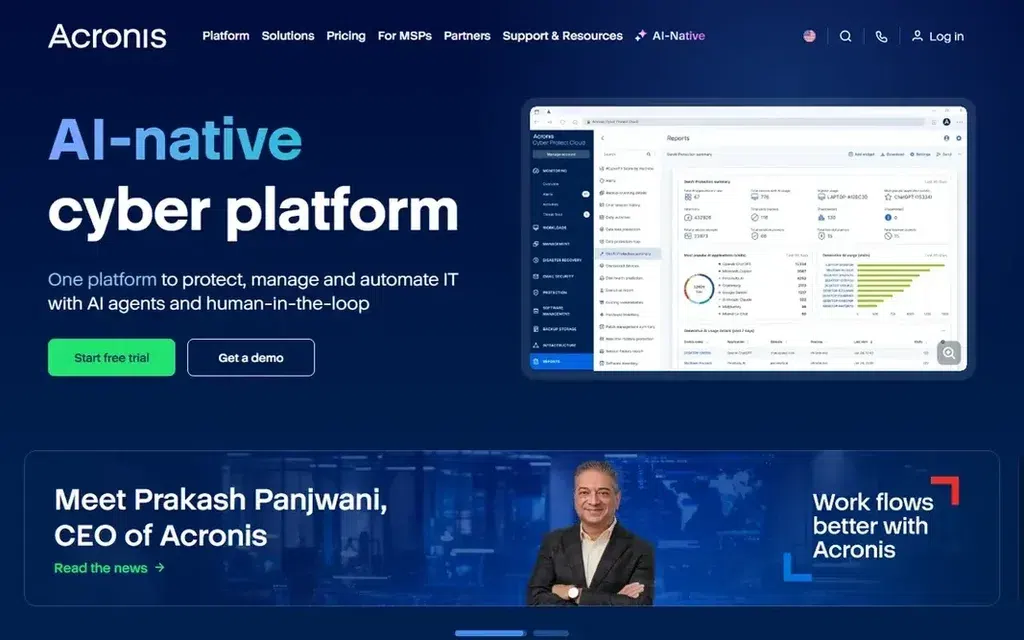
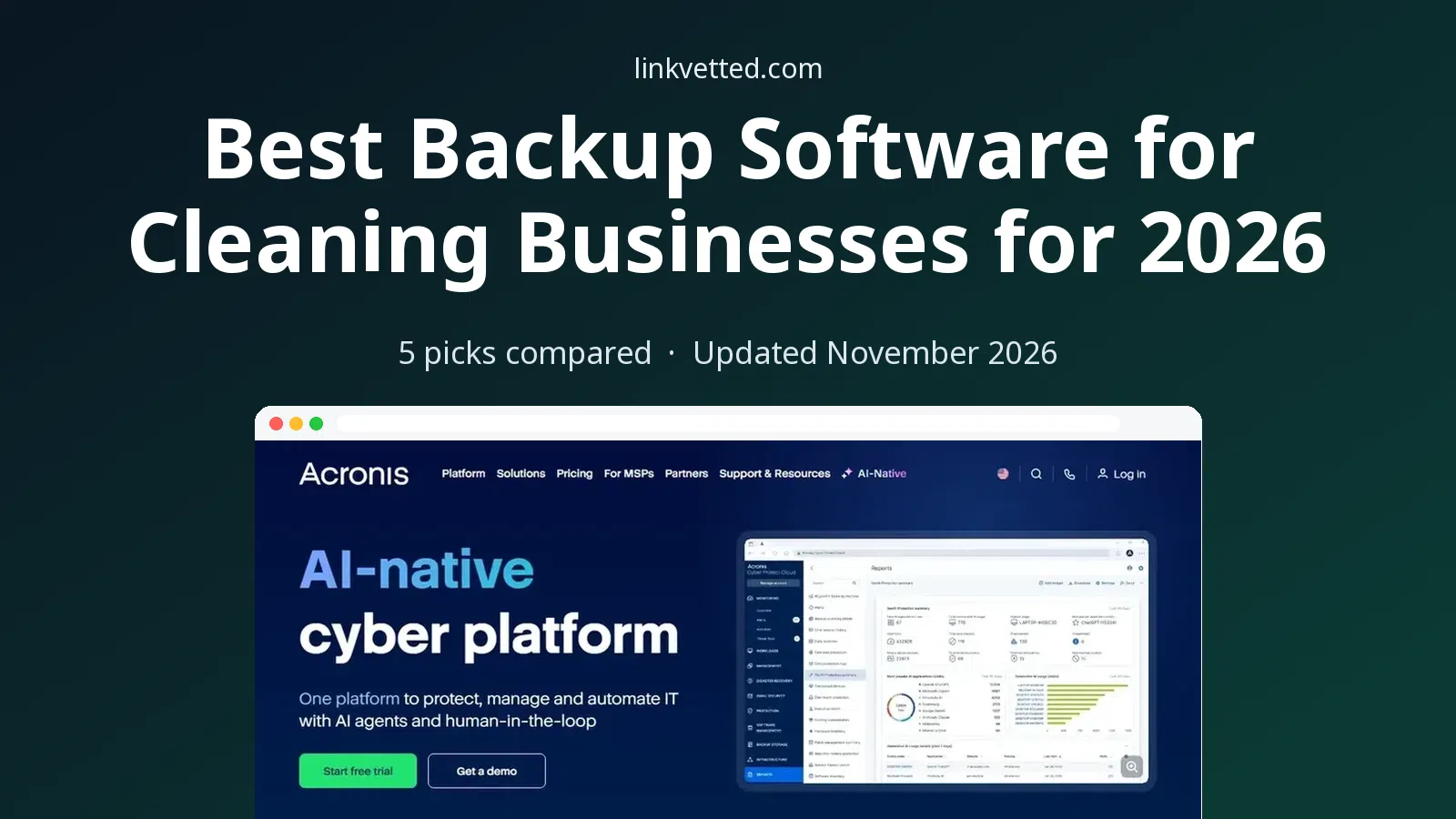
Acronis Cyber Protect was built for all-in-one backup and security. Acronis Cyber Protect is an integrated product that brings backup, cybersecurity, endpoint management and automation together. The breadth of modules can be more than a small owner needs, and getting everything configured takes planning.
Worth adding: if you only want a straightforward cloud copy of a handful of office machines, a lighter tool may be simpler. Choose Acronis when security and device management matter alongside backup. Check the vendor site for Acronis Cyber Protect pricing; none is listed in this comparison. Free options: Not stated.
Trade-offs to know: Setup needs planning across modules.
- Handles several workloads in one system
- Designed for managed service providers and companies
- Feature depth may overwhelm very small teams
In short, Datto SIRIS is for business continuity and disaster recovery. Datto SIRIS is part of a portfolio geared toward IT professionals, including mission-critical business continuity and disaster recovery along with networking, business management and file backup and sync.
As for the details, a cleaning business with several branches or a managed service provider relationship may value that continuity focus, notably where downtime straight stops scheduled jobs and invoicing. Check the vendor site for Datto SIRIS pricing; none is listed in this comparison. Free options: Not stated.
The main drawbacks: Oriented toward IT professionals.
- Made for mission-critical continuity
- Handles backup and disaster recovery
- More capability than a small office needs
What went into this list
We compared the tools on published pricing, free plan or trial availability, feature coverage for backup software for cleaning businesses, and the limits each vendor documents. Plan names, prices and limits change often. Treat the figures here as a starting point and verify them with the vendor. The ranking is editorial: typical fit first, then clear pricing, then free access. If your needs are unusual, read the profiles rather than relying on position.
Before you commit
- Confirm the entry price on the vendor page. For Cove Data Protection, Acronis Cyber Protect and Datto SIRIS that means a quote rather than a fixed price.
- Look at the free plan from IDrive closely: its caps decide whether it is usable for real work.
- Use real work to test the free trial from Backblaze, rather than a demo project.
- Read the limits listed for Cove Data Protection first: assumes a managed IT relationship.
- Run a one or two week pilot of Acronis Cyber Protect with the people who will use it every day.
- The entry price of Backblaze is only the starting point; model the full cost with seats and extras.
FAQ
Do these tools publish their prices?
Not all of them. Cove Data Protection, Acronis Cyber Protect and Datto SIRIS publish no starting price, so expect a quote request for those. The rest, Backblaze included, show a starting price, though seats and billing terms still change the final cost.
Is Cove Data Protection the right pick for everyone comparing backup software for cleaning businesses?
No single tool suits every team. Cove Data Protection comes first because it fits managed data protection for teams, while Backblaze suits cloud storage and offsite copies and IDrive suits multi-device cloud backup. Match the tool to your own size, budget and workflow before deciding.
What is the cheapest option for backup software for cleaning businesses in this list?
On published monthly entry prices, IDrive is the lowest here at $11.99 per month. Entry price is only part of the cost, because seats, add-ons and billing terms can change the total. For the full picture, the cards above cover all 5 entries of this backup software for cleaning businesses list, including price, free plan and limits.
How are the tools for backup software for cleaning businesses ordered?
The order follows typical fit for backup software for cleaning businesses, with Cove Data Protection first and Datto SIRIS last, then price clarity and free access. It is editorial judgement, not a score, so another team could rank the tools differently.
Is cloud backup enough for a small cleaning company?
For plenty of small teams, cloud backup of office devices and field phones handles the essentials. If you run local servers or need very quick recovery, a product with replication and continuity features may be worth considering.
Sources
- https://www.n-able.com
- https://www.backblaze.com
- https://www.idrive.com
- https://www.acronis.com
- https://www.datto.com