Best Backup Software for Contractors in 2026: Prices, Free Plans and 5 Picks
5 best backup software for contractors, compared on pricing, free plans and best-fit use. Hidden costs and gaps are flagged. Current for November 2026.
- Editor's choice
 Datto SIRIS
MSP-managed all-in-one backup and recovery
Starts atSee websiteVisit datto.comFull review - Great alternative
 Druva Data Resiliency Cloud
Completely managed SaaS data protection
Starts atSee websiteVisit druva.comFull review - Also consider
 IDrive
Multi-device cloud backup
Starts at$11.99 a monthVisit idrive.comFull review
Direct answer
Datto SIRIS is the first pick on this list for MSP-managed all-in-one backup and recovery. Listed starting prices: IDrive from $11.99 a month. Alternatives: Druva Data Resiliency Cloud for fully managed SaaS data protection, and IDrive for multi-device cloud backup. The full list of 5 tools follows, with prices and free plan facts.
TL;DR:
- This list starts with Datto SIRIS, which is built for MSP-managed all-in-one backup and recovery.
- Cove Data Protection suits Cloud data protection as a service.
- The cheapest monthly starting price in the list is $11.99 per month, offered by IDrive.
- Check the limits for Datto SIRIS before you commit: built for MSPs, not direct buyers.
- Just one of the 5 tools, IDrive, has a free plan.
Last checked November 2026. Prices and plan details were read from the vendors' own pages in November 2026; vendors change plans often, so confirm the current price on the vendor site before you buy.
Quick comparison
| Tool | Best for | Starts at | Free plan? | |
|---|---|---|---|---|
| Datto SIRIS | MSP-managed all-in-one backup and recovery | See website | Not stated | Visit |
| Druva Data Resiliency Cloud | Completely managed SaaS data protection | See website | Free trial | Visit |
| IDrive | Multi-device cloud backup | $11.99 a month | Yes | Visit |
| Veeam Backup & Replication | Wide workload and cloud data protection | See website | Free trial | Visit |
 Cove Data Protection | Cloud data protection as a service | See website | Not stated | Visit |
Backup Software for Contractors, one by one
Choosing backup software for contractors usually comes down to price, fit and limits. This LinkVetted guide sets 5 tools side by side on those three points, with the facts kept short and checkable.
Datto SIRIS works best for MSP-managed all-in-one backup and recovery. Datto SIRIS is built for MSPs instead of direct purchase by end users.
So it may not be the right choice if you run your own backups. Pricing for Datto SIRIS is not stated here, so ask the vendor for current figures. Free options: Not stated.
Watch-outs: Appliance-based approach may not suit all.
- Verified backup and restore
- Ransomware detection
- Made for MSPs, not direct buyers
Pick Druva Data Resiliency Cloud if this describes you: completely managed SaaS data protection. Being cloud-native, it can ease deployment and management for contractors who want a service-led approach.
What to check first: SaaS-only model.
Pricing for Druva Data Resiliency Cloud is not stated here, so ask the vendor for current figures. On free options: Free trial.
- Quick ransomware recovery
- Cloud-native SaaS platform
- May be complicated for entry-level needs
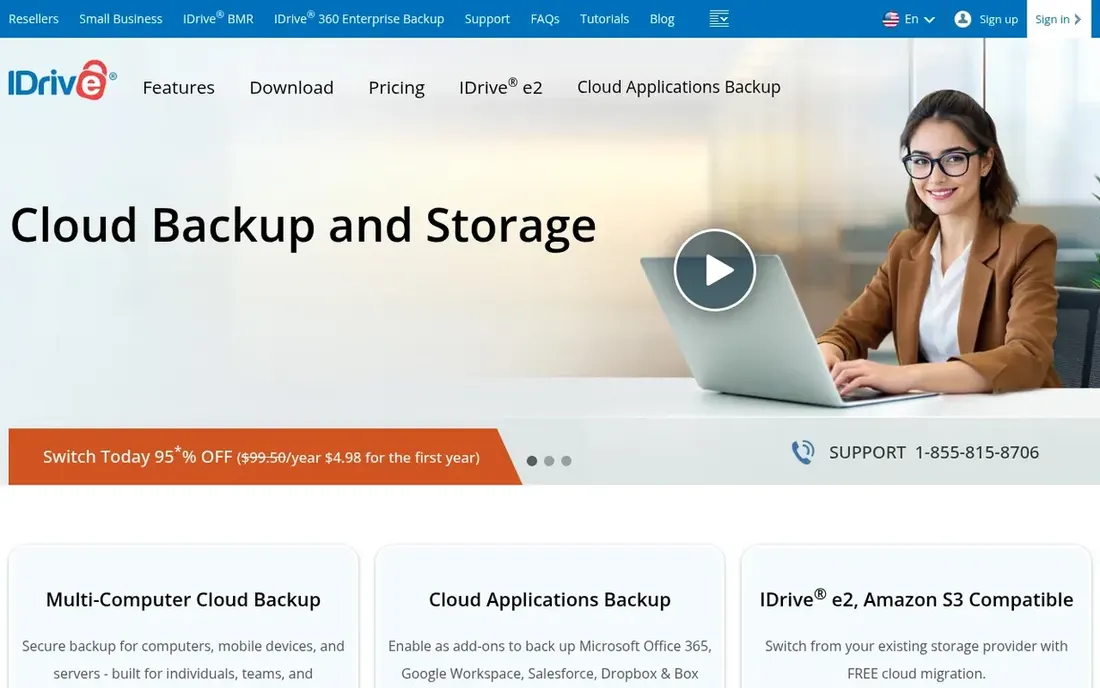
IDrive is a good fit for multi-device cloud backup. IDrive supplies online cloud backup for PCs, Macs, iPhones, Android devices, and other mobile devices, all managed from one account.
Main advantages: Includes PCs, Macs.
The cloud storage component layers on adaptability for sharing and archiving. Contractors with server-based systems should look at Veeam or Datto SIRIS for broader protection. IDrive starts at: $11.99 per month. IDrive has a free plan.
Points against: May not contain advanced server recovery.
- Mobile devices
- Single account for several devices
- Consumer-oriented interface
Veeam Backup & Replication
Best for: Wide workload and cloud data protection
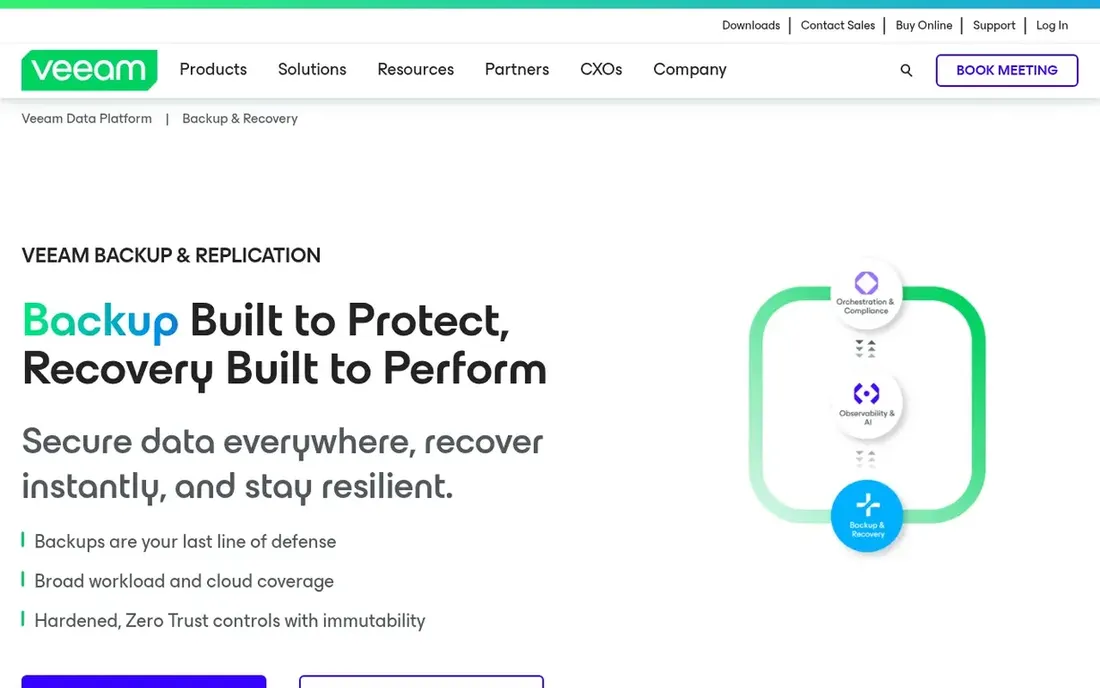
Pick Veeam Backup & Replication if this describes you: wide workload and cloud data protection. Veeam Backup & Replication is a data protection system that gives secure backup and recovery for workloads across on-premises and cloud environments.
Honest limits: Needs technical setup.
Pricing for Veeam Backup & Replication is not stated here, so ask the vendor for current figures. Trial and free access: Free trial.
- Instant recovery features
- Supports on-premises and cloud workloads
- May be complicated for very small teams
Think of Cove Data Protection for Cloud data protection as a service. As a service, Cove may involve a partner or provider for setup and support, which can add a layer of dependency.
Beyond that, the focus on simplicity and recovery confidence may appeal to small teams without dedicated IT staff. Check the vendor site for Cove Data Protection pricing; none is listed in this comparison. Free access: Not stated.
Where it is weaker: Service-oriented model.
- Cuts backup complexity
- Cloud-based delivery
- May need partner involvement
How we chose
For each of the 5 tools we noted price, free plan or trial, fit for backup software for contractors and the main limit, using vendor pages and documentation. Prices and plan limits come from vendor pages and can change, so confirm them on the vendor site before you buy. We ordered the tools by general fit, then by how clearly pricing is shown, then by free access. A buyer with unusual needs may reorder them.
Questions to settle before buying
- Confirm the entry price on the vendor page. For Datto SIRIS, Druva Data Resiliency Cloud, Veeam Backup & Replication and Cove Data Protection that means a quote rather than a fixed price.
- Test the free plan from IDrive against your real workload before relying on it.
- Run a trial of Druva Data Resiliency Cloud and Veeam Backup & Replication with real work before paying for a year; your own workflow is the best test.
- Before choosing Datto SIRIS, weigh its main limit: aimed at MSPs, not direct buyers.
- Check whether Datto SIRIS bills monthly or annually, and what cancelling early costs.
- Map your must-have features to a specific Cove Data Protection plan before you compare prices.
FAQ
Is cloud backup or local backup better for contractors?
Cloud backup supplies off-site protection and is frequently more straightforward to handle, whereas local backup can supply quicker recovery for large files. Many contractors use a combination, but the best choice relies on your recovery time needs and IT setup.
What should contractors look for in backup software?
Contractors should prioritize steady automatic backups, simple recovery, and coverage for the devices and data they use daily. Security features like ransomware detection can also help protect client and project files.
How do I know if a backup tool is secure enough?
Look for features like encryption, immutable backups, and ransomware detection. Vendors like Rubrik and Datto SIRIS highlight these capabilities, but you should confirm the specifics on their official pages.
Can I try these tools before paying?
Often, yes. IDrive has a free plan and Druva Data Resiliency Cloud and Veeam Backup & Replication offer a free trial. Use your own data and a real task during the test, and check what the free tier or trial limits before you rely on it.
What is the cheapest option for backup software for contractors in this list?
On published monthly entry prices, IDrive is the lowest here at $11.99 per month. Entry price is only part of the cost, because seats, add-ons and billing terms can change the total.
Is Datto SIRIS the right pick for everyone comparing backup software for contractors?
No single tool suits every team. Datto SIRIS comes first because it fits MSP-managed all-in-one backup and recovery, while Druva Data Resiliency Cloud suits fully managed SaaS data protection and IDrive suits multi-device cloud backup. Match the tool to your own size, budget and workflow before deciding.
Sources
- https://www.datto.com/products/siris
- https://www.druva.com
- https://www.idrive.com
- https://www.veeam.com/vm-backup-recovery-replication-software.html
- https://www.n-able.com/products/cove-data-protection