Best AR Visualization Software in 2026: Prices, Free Plans and 5 Picks
Weighing the best AR visualization software? We lined up 5 products by cost, free access and fit. Each pick lists its main limit. Full profiles inside.
- Editor's choice
 Enscape
One-click rendering inside design tools
Starts atSee websiteVisit enscape3d.comFull review - Great alternative
 Autodesk 3ds Max
Professional 3D modeling and rendering
Starts atSee websiteVisit autodesk.comFull review - Also consider
 Lumion
Quick architectural live rendering
Starts at$96 named user a monthVisit lumion.comFull review
Direct answer
This list puts Enscape first for one-click rendering inside design tools. Listed starting prices: Lumion from $96 named user a month and Unity from $210.00 per month. If your case is different, Autodesk 3ds Max suits professional 3D modeling and rendering and Lumion suits fast architectural live rendering. All 5 tools are compared below on price, free plan and limits.
TL;DR:
- Top of the list is Enscape, which targets one-click rendering inside design tools.
- For interactive AR and XR app development, Unity is worth a look.
- Starting prices begin at $96 named user per month with Lumion.
- A permanent free plan is missing from all 5 tools, Enscape and Unity included; plan for a trial or a premium start.
- V-Ray comes with a trade-off: rendering focus, not AR authoring.
Last checked November 2026. Prices and plan details were read from the vendors' own pages in November 2026; vendors change plans often, so confirm the current price on the vendor site before you buy.
Quick comparison
| Tool | Best for | Starts at | Free plan? | |
|---|---|---|---|---|
| Enscape | One-click rendering inside design tools | See website | Not stated | Visit |
| Autodesk 3ds Max | Professional 3D modeling and rendering | See website | Not stated | Visit |
| Lumion | Quick architectural live rendering | $96 named user a month | Free trial | Visit |
 V-Ray | Photorealistic rendering across systems | See website | Not stated | Visit |
 Unity | Interactive AR and XR app development | $210.00 per month | Free trial | Visit |
AR Visualization Software compared in detail
LinkVetted put together this guide to AR visualization software for readers who want a clear shortlist without reading every vendor page. It compares 5 tools on starting price, free plans, who each one suits and where each one falls short.
Think of Enscape for one-click rendering inside design tools. Enscape supplies live rendering and virtual reality for Revit, SketchUp, Rhino, ArchiCAD and Vectorworks, with a one-click workflow.
What works well: Straightforward one-click workflow.
What to check first: Tied to supported design products. It suits design teams seeking immediate, immersive presentation of their models. No starting price is listed for Enscape here; confirm pricing on the vendor site. Trial and free access: Not stated.
- Live rendering and VR
- Rhino and more
- Not a general AR app builder
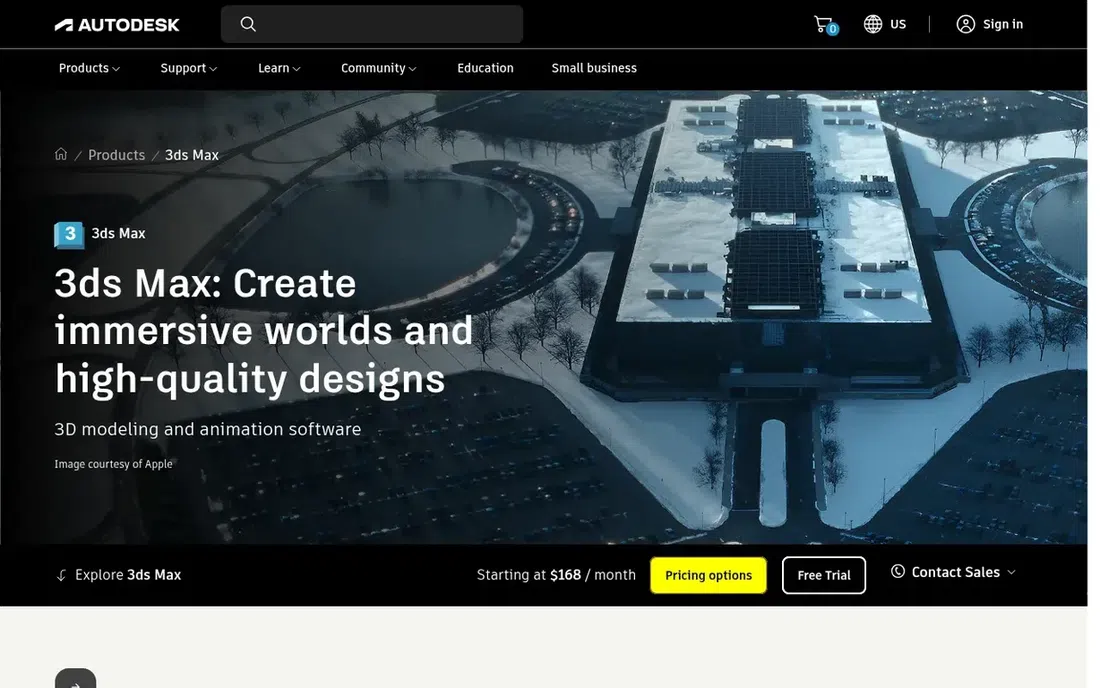
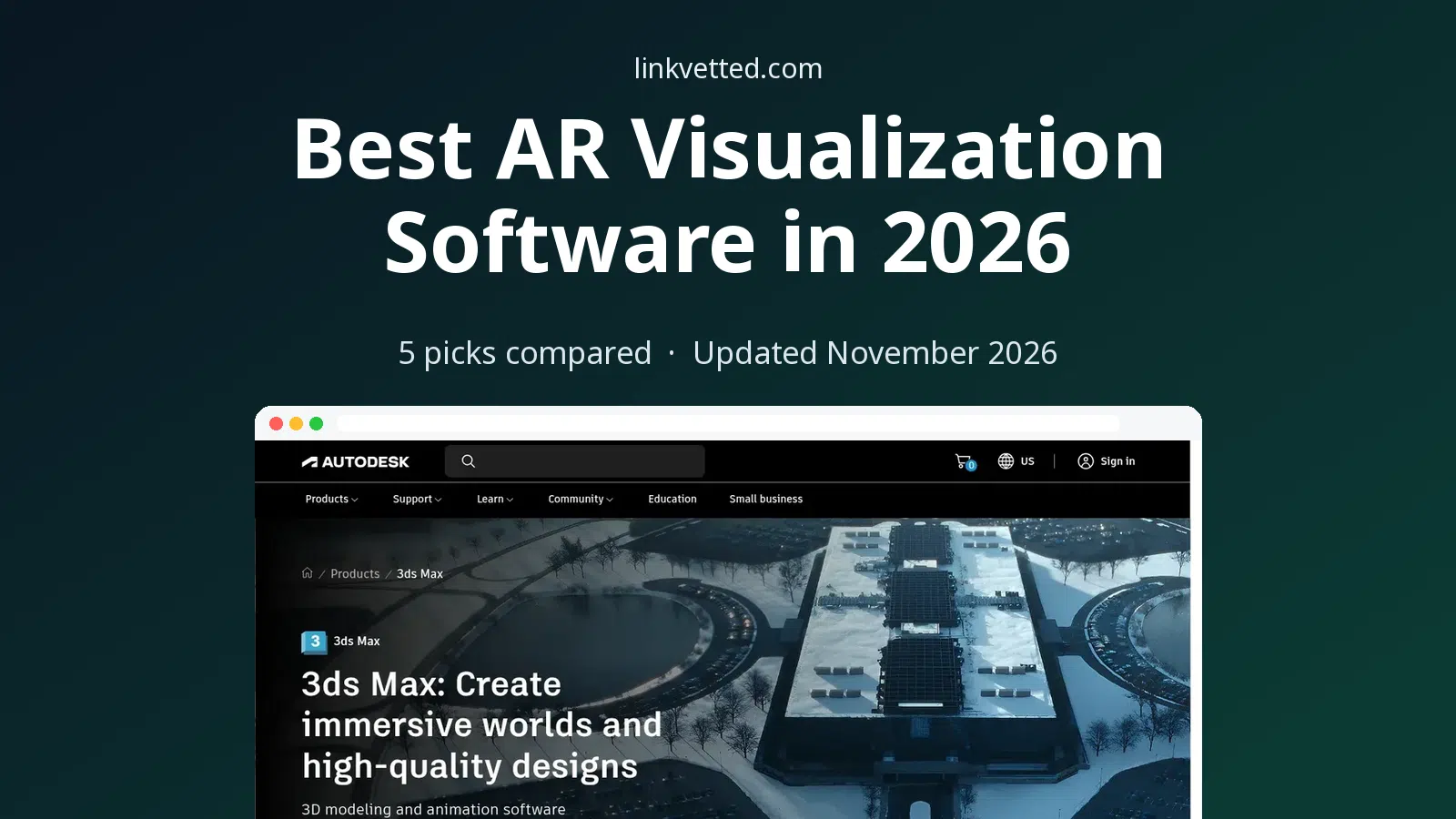
Think of Autodesk 3ds Max for professional 3D modeling and rendering. Autodesk 3ds Max is professional 3D modeling, animation and rendering software used to build expansive worlds and high-quality designs.
Beginners may find the interface dense. This comparison lists no price for Autodesk 3ds Max; ask the vendor. Free access: Not stated.
Downsides: Ramp-up time for new users.
- Capable modeling and animation tools
- Manages expansive scenes
- Subscription-based professional tool
Lumion is a good fit for quick architectural real-time rendering. Lumion is 3D rendering software aimed at architects, with live rendering that follows a design from concept to final image. Worth adding: choose Lumion when quick, approachable architectural visualization is the priority.
Worth adding: teams needing app-level AR logic should look to an engine. Lumion centers on architectural rendering instead of building custom interactive AR applications. Lumion pricing: $96 named user per month. Trial and free access: Free trial.
Drawbacks to consider: Concentrated on architectural visuals.
- Emphasis on speed and ease
- Live rendering for architects
- Less suited to custom app development
V-Ray is aimed squarely at Photorealistic rendering across systems. V-Ray is a photorealistic 3D rendering plugin from Chaos, available for products like 3ds Max, SketchUp, Rhino, Maya and Blender. V-Ray is a renderer instead of an AR development environment, so interactive delivery needs other tools.
Pick V-Ray when final image quality is the deciding factor. Photorealistic rendering can also take longer than live previews. Pricing for V-Ray is not stated here, so ask the vendor for current figures. On free options: Not stated.
Where it is weaker: Render times can be longer.
- Rhino and more
- Works with 3ds Max, SketchUp
- Rendering focus, not AR authoring

Unity serves interactive AR and XR app development. If you need interactive, app-based AR with wide device reach, Unity is the natural starting point. In daily use, teams that only need quick stills or walkthroughs may prefer a dedicated architectural renderer.
Where it falls short: Needs development skills.
Choose Unity when interactivity and multi-platform AR deployment matter more than out-of-the-box presentation tools. In practice, Unity is a 3D engine for developing and deploying interactive content across mobile, PC, console and XR targets. Its homepage highlights both game development and industrial applications, which makes it a good fit for teams building custom AR visualization experiences instead of static renders. What you pay to start with Unity: $210.00 per month. As for free access: Free trial.
- Wide platform deployment
- Console and XR
- Less centred on architectural rendering
How we built this list
A buyer's checklist
- Get a written quote from Enscape, Autodesk 3ds Max and V-Ray; the list shows no starting price for them.
- Run a trial of Lumion and Unity with real work before paying for a year; your own workflow is the best test.
- Read the limits listed for Enscape first: tied to supported design platforms.
- Check how data leaves Enscape: formats, limits and whether exports are available on every plan.
- Involve the people who will use Autodesk 3ds Max daily; a short pilot beats a long feature checklist.
FAQ
Can I try these options before paying?
Often, yes. Lumion and Unity offer a free trial. Use your own data and a real task during the test, and check what the free tier or trial limits before you rely on it.
How are the tools for AR visualization software ordered?
Enscape sits first and Unity last because the order follows typical fit for AR visualization software, then price clarity and free access. It is a judgement call, so read each profile for fit and limits.
Can these tools work together?
Assets are often modeled in tools like 3ds Max, rendered with V-Ray or Lumion, and delivered interactively through an engine. Enterprise AR products can then host the resulting experiences.
What is the cheapest option for AR visualization software in this list?
On published monthly entry prices, Lumion is the lowest here at $96 named user per month. Entry price is only part of the cost, because seats, add-ons and billing terms can change the total. For the full picture, the cards above cover all 5 entries of this AR Visualization software list, including price, free plan and limits.
Does any tool for AR visualization software here have a free plan?
No tool in this list, Enscape and Unity included, has a permanent free plan. Lumion, Unity offer a trial. Trials and quotes are the usual route, so plan a short evaluation period.
Sources
- https://enscape3d.com
- https://www.autodesk.com/products/3ds-max
- https://lumion.com
- https://www.chaos.com/vray
- https://unity.com
Related guides
- 6 Best Augmented Reality Visualization Software for 2026, Vetted and Compared
- Best Augmented Reality Visualization Software for Enterprise for 2026: Our 6 Vetted Picks
- Best BI Data Visualization Tools for 2026: Our 6 Vetted Picks
- Best Data Visualization Platform for Analytics in 2026: 10 Platforms Compared