9 Best Apps for Digital Media Stock Assets in 2026
Find the best app for digital media stock assets for photos, video, music, and templates, with free and paid plans compared carefully for creators and teams.
- Editor's choice
 Adobe Stock
Teams already using Adobe Creative Cloud
Starts at$29.99 per monthVisit stock.adobe.comFull review - Great alternative
 Shutterstock
High-volume buyers who need variety
Starts at$29 per monthVisit shutterstock.comFull review - Also consider
 Pexels
Free photos and video for everyday projects
Starts atFreeVisit pexels.comFull review
TL;DR:
- Free libraries cover everyday photos and video, while paid libraries add depth, exclusivity, and clearer commercial licensing.
- Check the license for each asset, since free download does not always mean unlimited commercial use.
- Creators who publish often save time with an unlimited plan, while occasional users do better with credit packs or free sources.
- Apps with built-in editing or design tools cut steps, but a pure stock library often has stronger search and licensing.
- Keep a record of where each asset came from, especially for client work and ads.
Quick comparison
| Tool | Best for | Starts at | Free plan? | |
|---|---|---|---|---|
| Adobe Stock | Teams already using Adobe Creative Cloud | $29.99 per month | No | Visit |
| Shutterstock | High-volume buyers who need variety | $29 per month | No | Visit |
| Pexels | Free photos and video for everyday projects | Free | Yes | Visit |
 Pixabay | Free photos, video, illustrations, and music together | Free | Yes | Visit |
 Unsplash | Editorial-style photography for web and blogs | Free | Yes | Visit |
 Envato Elements | Creators who need templates plus stock assets | $16.50 per month | No | Visit |
 iStock | Curated premium photos and video | $29 per month | No | Visit |
 Storyblocks | Video creators who publish regularly | See website | No | Visit |
 Freepik | Vectors, illustrations, and design templates | See website | Yes | Visit |
The best apps for digital media stock assets
Stock assets cover photos, video, music, vectors, and templates, and no single library wins for every job. The list below mixes free sources with paid libraries, so you can match the tool to how often you publish and how strict your licensing needs are.
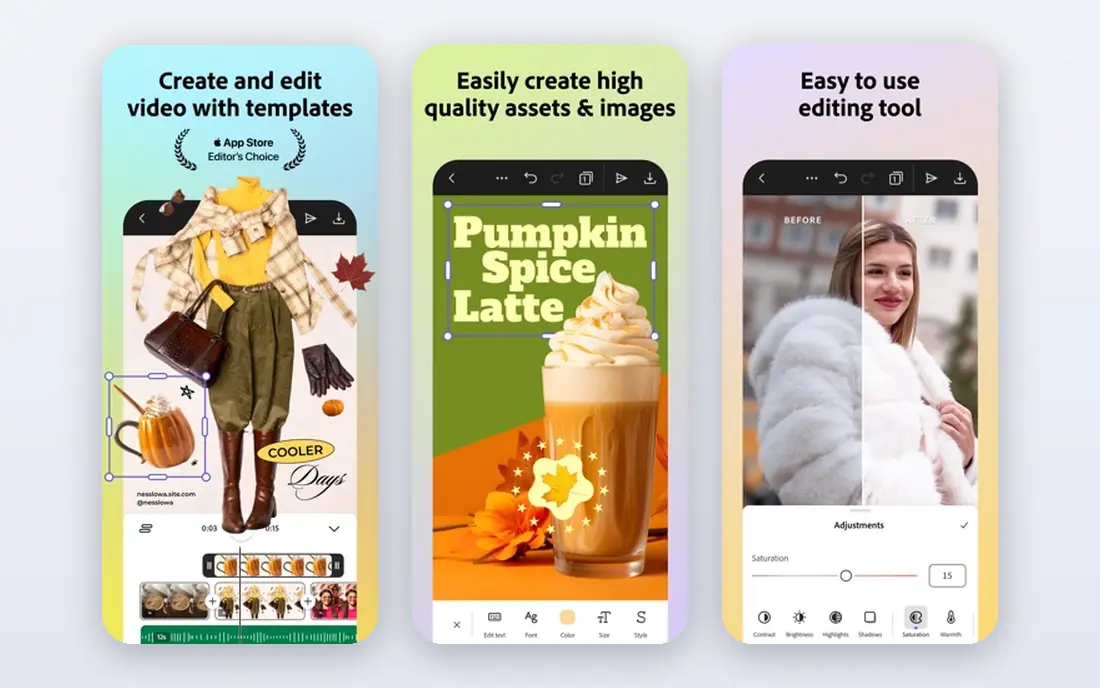
Adobe Stock fits naturally into Photoshop, Illustrator, Premiere Pro, and other Adobe apps, with watermarked previews you can license inside the project. That workflow saves time for designers and video editors who already live in Creative Cloud. The library covers standard photos, editorial images, video, vectors, and audio, with templates and 3D assets on some plans. Adobe Stock is less attractive as a standalone purchase if you use other editing tools. Prices also depend on the plan and whether you need video, so check the current plan page before budgeting. For Adobe-based teams, the integration alone often justifies the subscription.
- Deep integration with Adobe apps
- Photos, video, vectors, and audio
- Credit rollover on some plans
- Higher cost if you do not use Adobe tools
- Video credits are separate on some plans
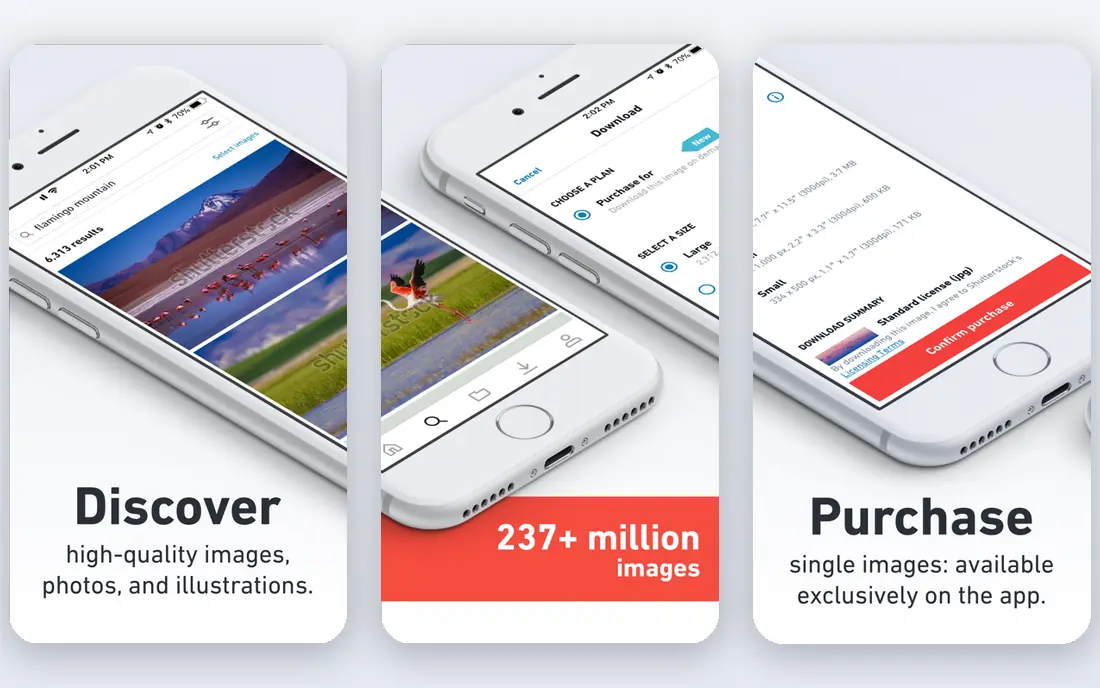
Shutterstock is a volume play, with a huge library of photos, illustrations, video, and music, plus AI tools and editor integrations. Search filters for orientation, color, and content type help a busy creator find usable assets fast. For teams that publish daily, a subscription with a generous download allowance can bring the per-asset cost down sharply. Occasional buyers should be careful. A small subscription may not fit a month with only two or three downloads, and on-demand packs cost more per image. Shutterstock suits regular publishers, agencies, and content teams more than a one-off blog post.
- Very large library
- Strong search and collections
- Images, video, and music
- Subscription terms and download limits need careful reading
- Single images are costly without a plan
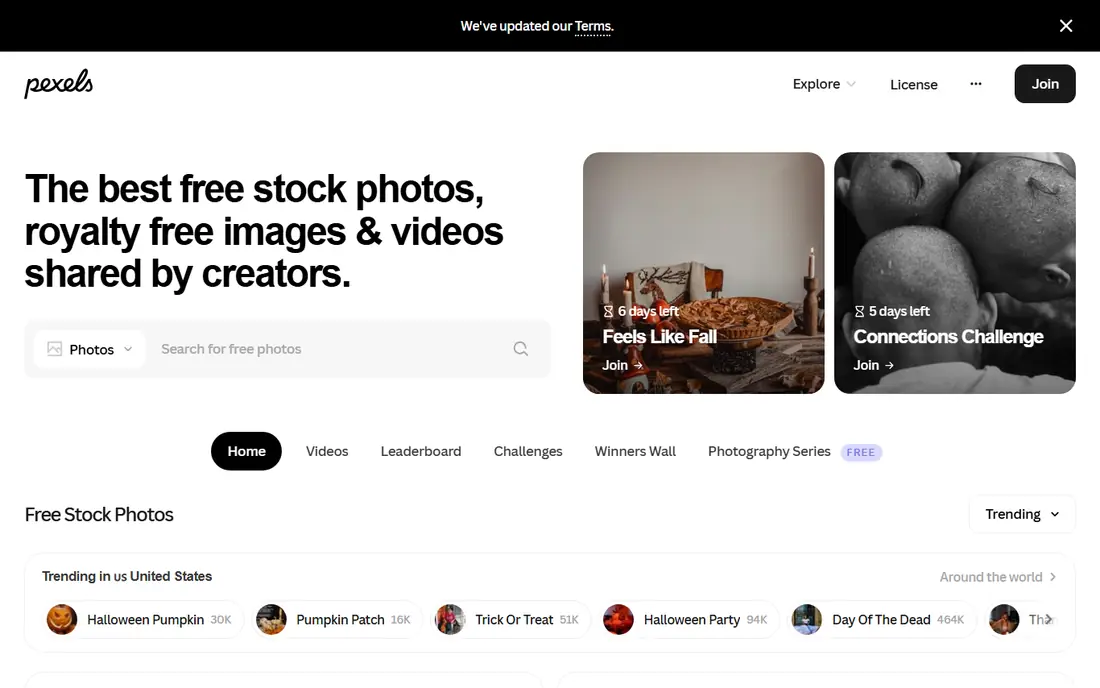
Pexels is the first stop for many small businesses and creators because its photos and videos are free to use, with a license that covers most commercial projects. Search is simple, quality is generally high for lifestyle and everyday subjects, and you can download without a long signup process. For social posts, blog headers, and small business sites, Pexels often covers the need at no cost. The limits are originality and depth. The most popular Pexels images turn up on many sites, and niche topics such as medical procedures or industrial work have thinner coverage. Check the license for sensitive uses, such as endorsements or trademarked products, and consider a paid library when originality matters.
- Free photos and video for commercial use under its license
- Simple search
- No account needed for many downloads
- Popular images appear everywhere
- Selection is thinner for niche business topics
Pixabay goes wider than Pexels, with photos, video, illustrations, vectors, icons, music, and sound effects in one place. That breadth helps a solo creator who needs a photo, a short clip, and a background track for one video without opening five sites. Most content is free for commercial use under the Pixabay license, with some limits on resale and trademark use. Quality varies more than on a curated paid library, so search results need a quick review. Music and sound effects also deserve a license check before use in paid ads. For everyday content, Pixabay is a strong free companion to Pexels, especially when you need more than photos.
- Mixed media in one search
- Free for most commercial uses
- Illustrations, vectors, and audio included
- Quality varies across contributors
- Music licensing needs a careful read
Unsplash is known for polished, editorial-style photography from a large contributor community. Its images suit websites, blogs, presentations, and social posts where visual quality matters more than a literal product shot. The free license covers most commercial use, and the site is easy to browse by topic and collection. Unsplash is mainly a photo library, so video editors and music buyers need another source. It also shares the free-library issue of popular images appearing widely. Use Unsplash when you want a strong hero image or a clean lifestyle shot, and pair it with a video or music library for richer projects.
- Strong photography quality
- Free downloads
- Good for lifestyle, travel, and design topics
- Limited video and audio
- Paid Unsplash Plus adds features some users may not need
Envato Elements stands out because it bundles stock assets with templates for video, web, print, and presentations. A creator can download a video template, a photo, a font pairing, and a music track under one subscription, which suits agencies and freelancers who produce varied work. Unlimited downloads remove the worry of counting credits during a busy week. The license needs attention. Envato Elements assets work for client projects in most cases, but products for resale and some large-scale uses need a separate license or a different source. Stock photo depth is also smaller than Shutterstock or Adobe Stock. For template-heavy work, Envato Elements is hard to beat on value.
- Unlimited downloads on subscription
- Templates, graphics, video, and audio together
- Useful for agencies
- License has limits for resale products
- Stock depth is smaller than the largest photo libraries
iStock, part of Getty Images, offers a more curated library than the largest volume sites, with strong business, lifestyle, and editorial imagery. That curation helps when a client project needs polished, professional photos without sorting through weaker submissions. Subscription and credit options let buyers choose between regular downloads and occasional purchases. The main catch is collection scope. A standard subscription covers the Essentials collection, while Signature images and video often need credits or a higher plan. Check whether the images you want sit in Essentials before subscribing. For premium client work, iStock is a solid middle ground between free libraries and full Getty pricing.
- Curated Getty-backed library
- Strong editorial and business imagery
- Credit and subscription options
- Subscription covers mainly the Essentials collection
- Signature content costs more
Storyblocks focuses on the needs of video creators, with stock footage, motion backgrounds, music, sound effects, and templates in subscription plans. That focus helps YouTube creators, social teams, and small agencies that need fresh clips each week. The library is organized for production work, not just browsing, which speeds up editing. Storyblocks is less strong as a general photo library, so photo-led projects may still need Pexels, Unsplash, or a paid photo plan. Pricing also varies by plan, so compare video, audio, and all-access options against how much you actually download. For regular video output, it is a practical specialist.
- Stock video, audio, and templates for creators
- Subscription built for regular publishing
- Clear creator-focused plans
- Photo library is thinner than photo-first sites
- Pricing varies by plan and use
Freepik is a go-to source for vectors, illustrations, icons, mockups, and presentation templates, with photos and design tools added over time. Designers who need editable graphics, rather than only finished photos, will find more usable files here than on photo-first libraries. The free tier lets you test the library, often with attribution required. Attribution and license terms are the key check. Free downloads often need credit, and commercial client work usually fits better on a Premium plan. Freepik suits designers, marketers, and small businesses that need editable graphics and templates alongside stock photos.
- Large vector and template library
- Free tier with attribution in many cases
- Photos and AI tools included
- Free use often requires attribution
- Premium content and license terms need checking
How we picked these
We compared official pricing and license pages, library scope, and public reviews, with a focus on tools that still offer a working app or web library in October 2026. We favored libraries with clear commercial licenses, a usable search, and a realistic path for both free and paid users. We noted where a plan covers only part of a library, since that detail changes the real cost.
Choosing the right stock source for your work
Match the library to your output. A blogger who needs one header image a week can live on free sources. A social team posting daily needs a subscription with enough downloads and a license that covers ads. A video creator needs footage and music first, while a designer needs vectors and templates first. Volume, media type, and license strictness decide the winner more than library size alone.
License checks that save trouble later
Read the license for ads, merchandise, and client resale before you download, not after a project ships. Note whether attribution is required, whether editorial images can be used commercially, and whether a model or trademark appears in the asset. Keep a simple log with the asset name, source, license type, and project, so a client question months later has a clear answer.
Getting more value from free libraries
Use specific search terms, filter by orientation and color, and save collections for repeat topics. Pair a free photo source with a free music source, rather than forcing one library to cover everything. When a free image looks too familiar, crop it, pair it with your own text and branding, or switch to a paid option for hero placements.
FAQ
Are free stock photos really free for business use?
Many are, under the license of the source, but limits apply. Check rules on endorsements, trademarks, resale, and editorial content before using a free image in an ad or on a product.
Do I need attribution for Pexels, Pixabay, or Unsplash?
Attribution is usually appreciated but not required under their standard licenses, with some exceptions. Freepik free downloads often do require attribution, so always check the asset page.
Is an unlimited plan always cheaper?
Only if you download enough each month. Count your recent downloads for three months, then compare a subscription, a credit pack, and free sources. Occasional users often spend less with credits or free libraries.
Can I use stock assets in client work?
In most cases yes, under a standard license, but resale products and large print runs may need an extended license. Keep license records for client projects, and flag any asset that will go on merchandise.
What is the difference between royalty-free and free?
Royalty-free means you pay once, or subscribe, and can reuse the asset under the license without paying per use. Free means no payment, but license limits still apply, and free does not mean you own the copyright.
Should I buy video and music from the same library?
It can simplify licensing and billing, but specialist libraries sometimes offer better depth. If you publish video often, compare a video-first plan with a photo-first plan before committing to one bundle.
Sources
- https://stock.adobe.com/plans
- https://www.shutterstock.com/pricing
- https://www.pexels.com/license/
- https://pixabay.com/service/license/
- https://unsplash.com/license
- https://elements.envato.com/pricing
- https://www.istockphoto.com/plans-and-pricing
- https://www.storyblocks.com
- https://www.freepik.com/pricing