Best Adobe Stock Alternatives in 2026: 8 Stock Libraries Compared
Adobe Stock alternatives compared: 8 licensed stock photo and video libraries with pricing, license terms and library depth to help you buy with confidence.
- Editor's choice
 Shutterstock
Everyday commercial photos and video
Starts at$29 per monthVisit shutterstock.comFull review - Great alternative
 Getty Images
Premium, editorial and exclusive imagery
Starts atSee websiteVisit gettyimages.comFull review - Also consider
 iStock
Curated photos at a mid price point
Starts at$29 per monthVisit istockphoto.comFull review
TL;DR:
- Shutterstock and iStock are the best everyday replacements, with large libraries and clear monthly plans.
- Getty Images suits high value campaigns where exclusivity and editorial depth justify a higher per image price.
- Dreamstime, Depositphotos and Alamy offer lower cost routes to licensed photos, vectors and video.
- Pond5 is the video first pick, with a deep footage and music catalog for editors.
- Envato Elements suits teams that need photos, video, templates and audio under one subscription.
Quick comparison
| Tool | Best for | Starts at | Free plan? | |
|---|---|---|---|---|
| Shutterstock | Everyday commercial photos and video | $29 per month | No | Visit |
| Getty Images | Premium, editorial and exclusive imagery | See website | No | Visit |
| iStock | Curated photos at a mid price point | $29 per month | No | Visit |
 Dreamstime | Budget photos, vectors and video | See website | Yes | Visit |
 Depositphotos | Low cost business and lifestyle images | See website | No | Visit |
 Alamy | Editorial, news and specialist photography | See website | No | Visit |
 Pond5 | Stock video, footage and music | See website | No | Visit |
 Envato Elements | Photos, video, templates and audio in one plan | See website | No | Visit |
The best Adobe Stock alternatives
Adobe Stock is popular because it sits inside Creative Cloud, but many teams leave for a larger library, a lower price, or a license that fits a specific campaign. Every library below is a licensed stock photo or video service, so you get a clear commercial license rather than a free image with unclear terms. We compared official pricing pages, library sizes, license terms and search tools for services live in October 2026.
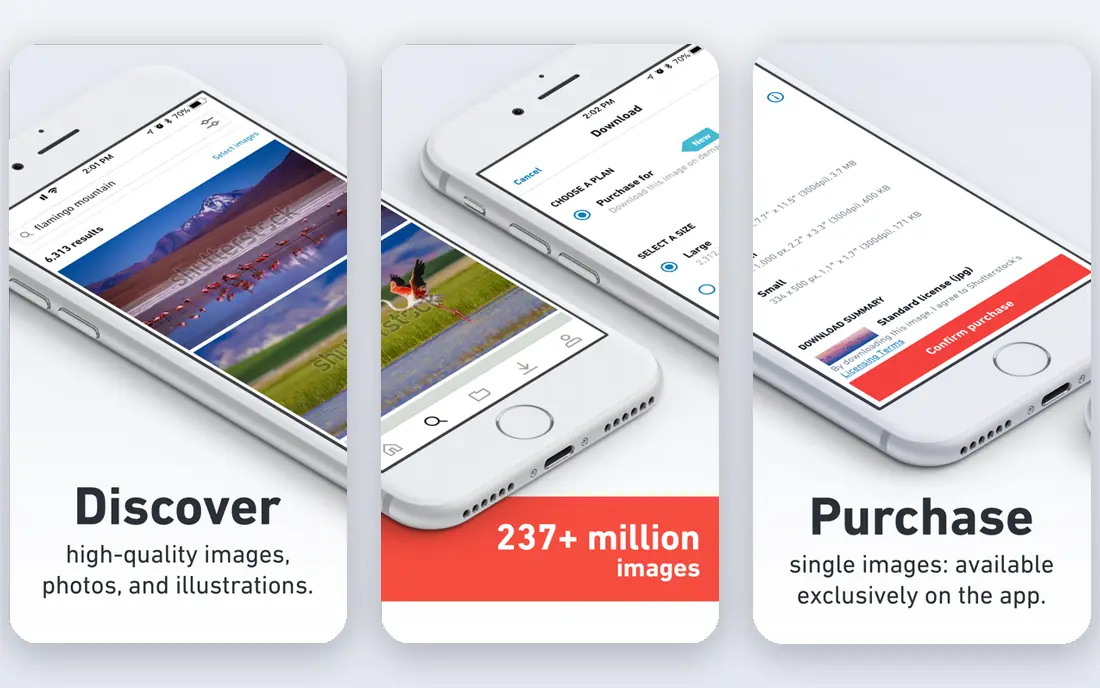
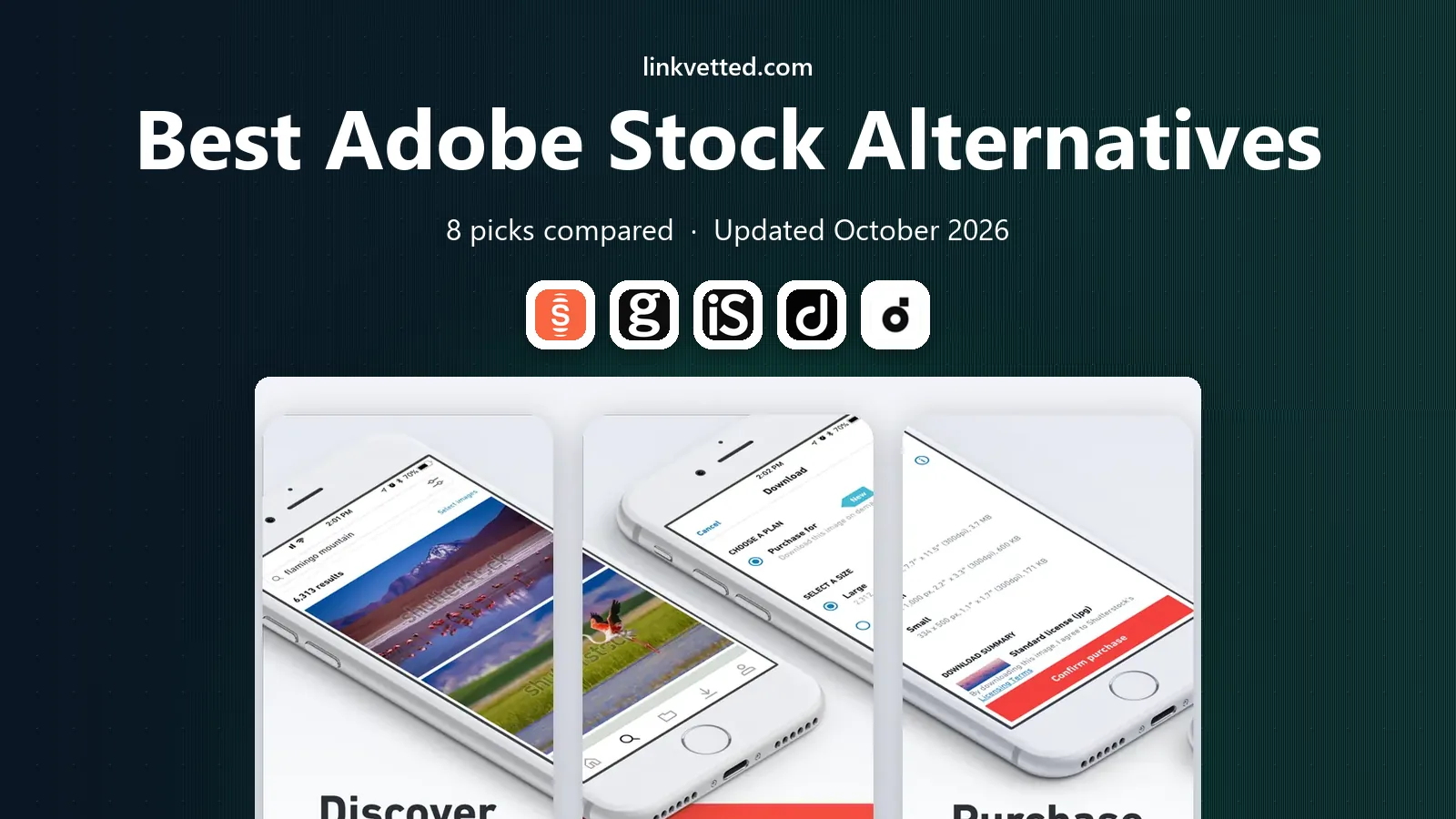
Shutterstock is the safest everyday replacement for Adobe Stock. The library runs to hundreds of millions of images plus tens of millions of video clips, and the annual plan starts at $29 per month for 10 image downloads. That scale means a designer can usually find a usable image for a blog post, a social campaign or a landing page without settling for a weak second choice.
The main limits are license details. Standard licenses cover most commercial use up to 500,000 impressions, while merchandise, resale and large print runs need an enhanced license. Unused downloads do not roll over on most plans, unlike Adobe Stock, so teams with uneven monthly needs should check pack options that last a full year.
- Very large library of photos, video and audio
- Clear subscription plans
- Good search and editing tools
- Unused downloads expire on most plans
- Enhanced licenses cost extra for merchandise use
Getty Images is the premium pick, not the budget pick. Its strength is editorial content, news, sport and celebrity photography, plus exclusive productions that smaller libraries cannot match. For a high profile campaign, a magazine feature or a broadcast project, Getty images carry a level of polish and legal certainty that justifies the price.
That price is the barrier. Single images can start around $175 and rise fast for larger sizes or exclusive rights, and licensing terms vary by use. Small teams with routine content needs will find Shutterstock or iStock far more practical. Choose Getty when the image itself is central to the campaign and the budget allows for premium rights.
- Strong editorial and celebrity coverage
- High quality exclusive content
- Strong legal backing
- High per image prices
- Licensing can be complex
- No simple monthly subscription for most users
iStock, owned by Getty, sits between Getty premium prices and budget libraries. Collections are curated, so search results tend to feel more consistent than a huge open marketplace. Subscriptions start at $29 per month for 10 downloads, with credit packs for teams that buy in bursts rather than every month.
The library is smaller than Shutterstock, and some buyers find credit values confusing, since different image types cost different credit amounts. Still, for a small business that wants Getty quality control without Getty prices, iStock is a strong middle ground. Check whether your most used image types fall in the cheaper Signature or the pricier Essentials collections before you commit.
- Curated collections from Getty
- Subscription and credit pack options
- Good search filters
- Smaller library than Shutterstock
- Credit pricing can confuse first time buyers
Dreamstime is a good budget route to licensed content, with a large library of photos, vectors, illustrations and video at prices below the premium rivals. Free images are available each week, which helps small teams test the library before paying. The range of illustration and vector work is a plus for teams that need graphics, not just photos.
Search quality is less consistent than Shutterstock, so you may need more filters and time to find a strong image. License terms also vary by plan and image type, so read the extended license rules if you plan merchandise or large print use. For routine blog and social content on a tight budget, Dreamstime offers good value.
- Large budget friendly library
- Free images each week
- Vectors and illustrations included
- Search quality varies
- Licensing tiers need careful reading
Depositphotos appeals to small businesses and agencies that need a steady flow of business, lifestyle and technology images without a premium bill. Subscription plans and on demand packs keep costs predictable, and the search tools cover the common commercial subjects well. Teams that publish often will appreciate the volume options.
Editorial and news coverage is thinner than Getty, and video buyers will find Pond5 or Shutterstock deeper. Depositphotos also suits teams that want a simple commercial license for web and social use, rather than complex rights managed deals. Compare the monthly download count you actually use, since a larger plan only saves money if you use the full allowance.
- Competitive subscription prices
- Strong business and lifestyle coverage
- Flexible packs
- Editorial depth is thinner than Getty
- Video library is smaller than Pond5
Alamy is the specialist pick for editorial and archive work. Its library covers news, history, science, travel and niche subjects that mainstream commercial libraries handle less well. For publishers, researchers and documentary makers, Alamy often has the exact historical or specialist image that a general library lacks.
Pricing is less simple than a flat subscription, since costs depend on image size, use and rights. That flexibility helps for a one off editorial license, but it makes budgeting harder for a team that downloads daily. Choose Alamy when subject depth matters more than a simple monthly plan, and pair it with Shutterstock for everyday commercial images.
- Huge editorial and archive depth
- Strong for news, history and specialist subjects
- Clear rights options
- Prices vary widely by image
- Interface feels less modern than newer rivals
Pond5 is the video first library on this list, and it shows in the depth of its footage catalog. Editors can find aerial shots, lifestyle footage, animation and stock music in one place, with licenses that cover web, broadcast and commercial projects. The marketplace model also brings in specialist contributors whose footage does not appear on larger general libraries.
For still photos, Pond5 is thinner than Shutterstock or Adobe Stock, so photo heavy teams should not use it as a sole library. Clip prices vary by resolution, duration and license, so a 4K broadcast clip costs far more than a short web clip. For video projects, though, Pond5 remains a top choice for range and quality.
- Deep video and footage catalog
- Music and sound effects included
- Marketplace for contributors
- Photo library is smaller than rivals
- Pricing varies by clip and license
Envato Elements takes a different approach: one subscription gives unlimited downloads across photos, video, templates, fonts, audio and graphics, within the plan terms. That breadth suits content teams, agencies and YouTubers who need a thumbnail image, a video template, a font and a music track for the same project. The value rises fast when you use several asset types each month.
The license is the catch to read carefully. For many uses, the license covers projects created while subscribed, but you should confirm the terms for long running campaigns before you cancel. Photo depth alone does not match Shutterstock. Choose Envato Elements when breadth across asset types matters more than the largest single photo library.
- One subscription covers many asset types
- Templates, fonts and audio included
- Unlimited downloads on plan
- License ends if you cancel for some uses
- Photo depth is less than Shutterstock
How we picked these
We compared official pricing pages, library descriptions, license terms and search features for licensed stock libraries live in October 2026. We favored services with a clear commercial license, a working homepage, and a real catalog of photos or video, not free image sites with unclear rights. We left out AI image generators, since they do not offer the same licensed photography, and we left out services with no public pricing or license page. Prices are published entry points where available, and other vendors are marked as See website.
How to buy stock without license trouble
A stock license is a legal permission, not just a download, so a few checks before you publish can save a costly dispute later.
Match the license to the use
Standard licenses usually cover web, social and print up to a set impression or print limit. Merchandise, resale items, app templates and large campaigns often need an enhanced or extended license. If you are unsure, buy the higher license or ask the library support team in writing before you publish.
Keep proof for every image
Save the license, the download receipt, the image ID and the project where you used it. Teams that reuse images across campaigns need this record when a client or a platform asks for proof. A shared folder with one record per image is enough for most small teams.
Check model and property releases
Commercial use of photos with recognizable people or private property usually needs a model or property release, which the library should confirm. Editorial images often lack those releases and cannot be used for advertising. Filter search results by commercial use when the image will appear in an ad.
Plan for print, broadcast and resale separately
Web use, print use, broadcast use and resale use can each need a different license tier. A photo licensed for a blog post may not cover a billboard, a TV spot or a product for sale. Confirm those uses at purchase time, not after the campaign launches.
FAQ
What is the best Adobe Stock alternative for most people?
Shutterstock is the best everyday pick, with a very large library and a $29 per month starting plan for 10 images. iStock is a close second for teams that prefer curated collections. Both offer clear commercial licenses for web, social and print use.
Can I use these stock photos for commercial projects?
Yes, if you buy the correct license for the use. Standard licenses cover most web, social and print marketing, while merchandise, resale and very large campaigns need an enhanced license. Always check the license terms for the specific image and project before you publish.
Are free stock sites a safe alternative to Adobe Stock?
Free sites can be useful, but license terms, model releases and attribution rules vary, and some free images carry hidden risks. Licensed libraries give clearer commercial rights and legal backing, which matters for client work and paid campaigns. Use free images only when the license is clear and you keep proof.
Which alternative is best for video?
Pond5 is the strongest video first pick, with a deep footage and music catalog. Shutterstock and Envato Elements also offer large video libraries, with Shutterstock stronger on footage alone and Envato Elements stronger when you also need templates and audio.
Do unused downloads roll over?
It depends on the library. Adobe Stock allows rollover on many plans, while Shutterstock unused downloads usually expire at month end. Credit packs from iStock, Dreamstime and Depositphotos often last longer, so check rollover and expiry rules before you pick a plan size.