Best AI Accounting Software in 2026: 8 Tools Compared
Best AI accounting software for 2026 compared in detail: automated categorization, reconciliation and reporting for freelancers and small firms with our picks.
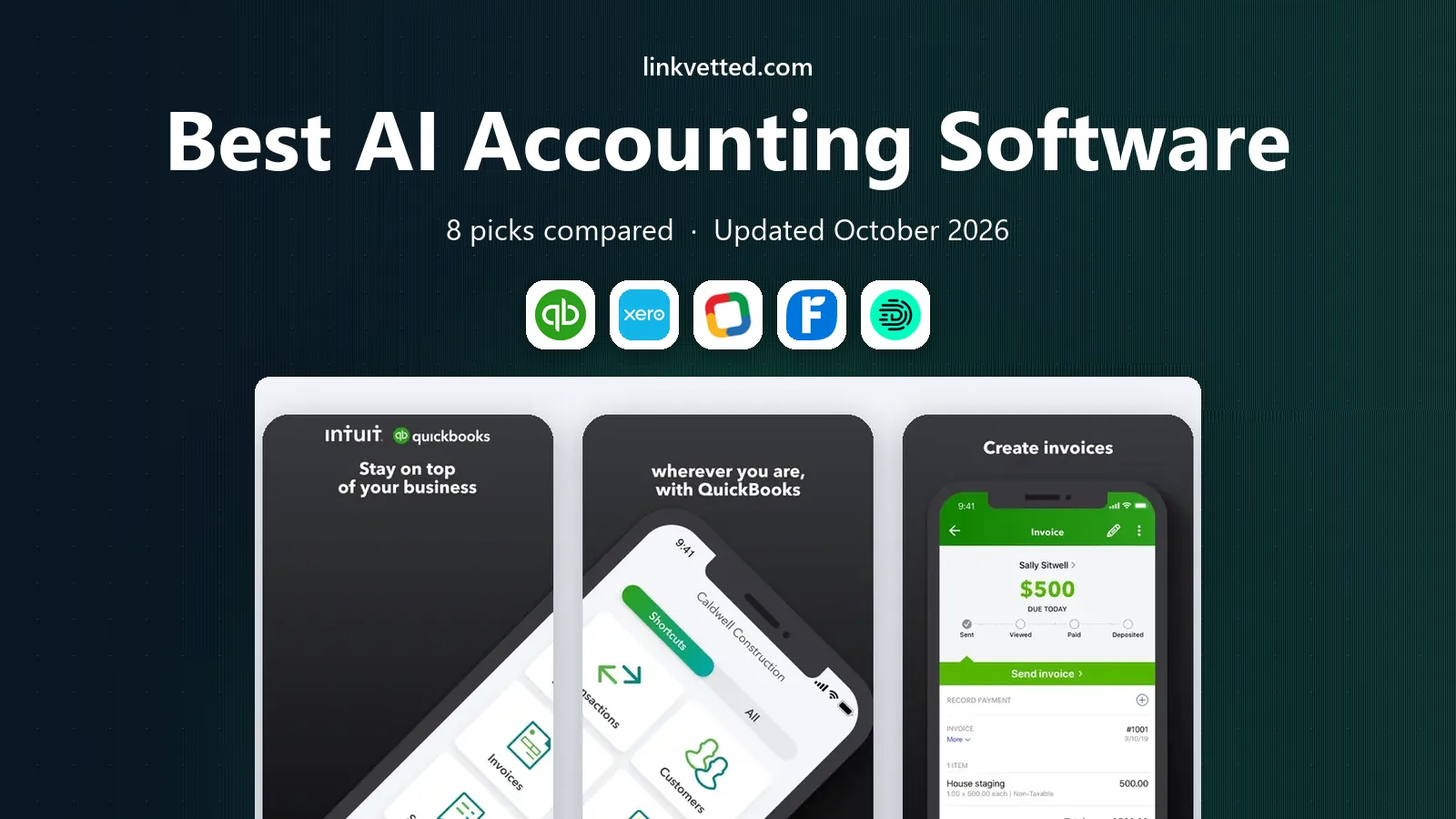
- Editor's choice
 QuickBooks Online
Small businesses with wide support
Starts at$38 per monthVisit quickbooks.intuit.comFull review - Great alternative
 Xero
Clean cloud bookkeeping
Starts atSee websiteVisit xero.comFull review - Also consider
 Zoho Books
Budget accounting with a free plan
Starts atFreeVisit zoho.comFull review
TL;DR:
- QuickBooks Online and Xero offer the widest accountant and app support, with AI categorization and reconciliation built into familiar ledgers.
- Zoho Books and Wave are the lowest cost starting points, with Zoho Books offering a free plan and Wave offering free core bookkeeping.
- Digits, Docyt and Vic.ai focus on deeper automation, from an AI led ledger to multi location close and invoice processing.
- FreshBooks suits freelancers and service firms that bill time and need simple invoicing beside AI categorization.
- AI reduces data entry, but it does not replace an accountant for tax, audits or complex decisions. This is not financial advice.
Quick comparison
| Tool | Best for | Starts at | Free plan? | |
|---|---|---|---|---|
| QuickBooks Online | Small businesses with wide support | $38 per month | Free trial | Visit |
| Xero | Clean cloud bookkeeping | See website | Free trial | Visit |
| Zoho Books | Budget accounting with a free plan | Free | Yes | Visit |
 FreshBooks | Freelancers and service firms | $23 per month | Free trial | Visit |
 Digits | AI led real time ledger | $65 per month | Free trial | Visit |
 Docyt | Multi location accounting | $299 per month | No | Visit |
 Vic.ai | Invoice processing at volume | See website | No | Visit |
 Wave | Free simple books for solopreneurs | Free | Yes | Visit |
The best AI accounting software
The best AI accounting software cuts manual entry by categorizing bank transactions, matching receipts and flagging odd items, then leaves a human in charge of review. Our list mixes familiar ledgers with AI added, and newer tools built around automation from the start, so you can match automation depth to business size.

QuickBooks Online is the safe default for a US small business that wants AI help without leaving the ledger most accountants already know. Intuit Assist can suggest categories, surface insights and help with invoicing and reconciliation, while bank connections pull transactions in automatically. The app marketplace and accountant network make it easy to add payroll, payments or inventory as the business grows.
The main cost is tier creep. Entry plans cover core bookkeeping, but advanced AI, reporting and user seats sit on higher plans, and payroll is an extra charge. A freelancer may find the entry price high for simple books, while a growing firm will value the breadth. If your accountant already uses QuickBooks, that familiarity alone can save time at year end.
- Intuit Assist AI for categorization and insights
- Huge app and accountant network
- Invoicing, payroll and reporting in one place
- Price rises fast on higher tiers
- AI features vary by plan, so check the tier you buy

Xero suits businesses that want a clean, cloud first ledger with strong reconciliation. Bank feeds match transactions to invoices and bills, and the JAX AI assistant can answer questions about the books and help with routine tasks. Unlimited users on many plans help a team where an owner, a bookkeeper and an accountant all need access without extra seat fees.
The limits depend on where you operate, because payroll, tax and app availability vary by country. Entry plans also cap invoices and bills, so a high volume business should price a higher tier from the start. For a service business or a growing firm that values a tidy ledger and broad bank support, Xero is a strong rival to QuickBooks.
- Strong bank reconciliation and matching
- JAX AI assistant for questions and tasks
- Unlimited users on many plans
- Payroll and some features vary by region
- Pricing varies by plan and location, so confirm the local price
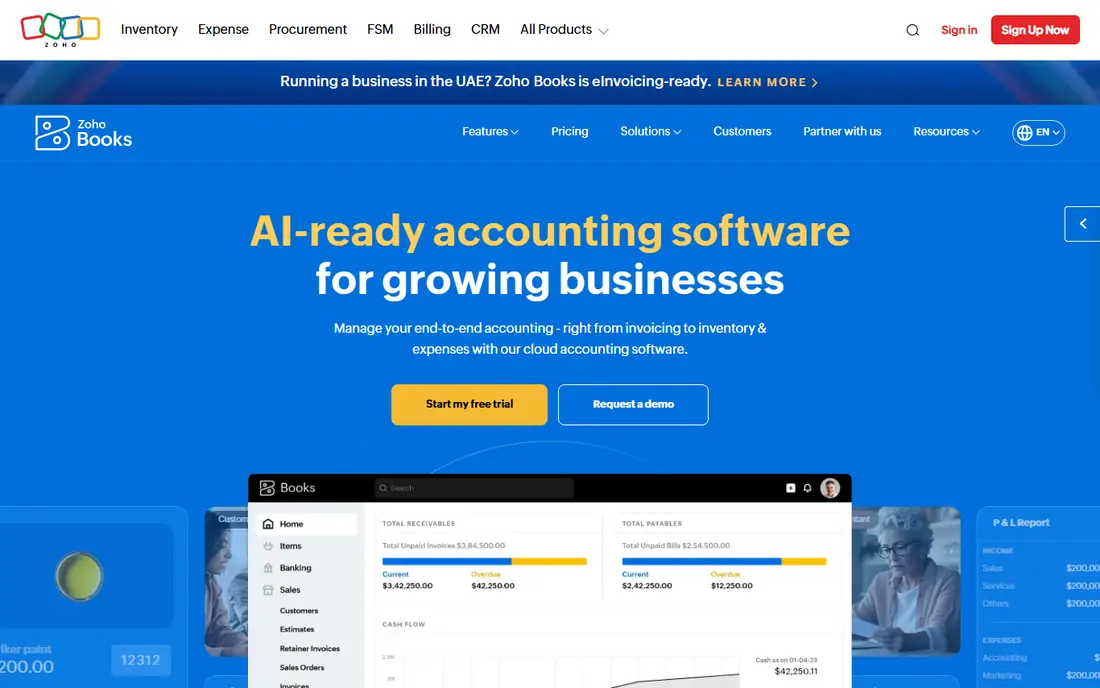
Zoho Books is the best budget pick for a small business that wants real accounting, not just invoicing, at low cost. The free plan covers core bookkeeping for businesses under set limits, and paid plans add AI features, workflow automation and more users at prices below the main rivals. Integration with Zoho CRM, Inventory and other Zoho apps helps a business that already uses that family.
The trade-off is ecosystem reach in the US, where fewer accountants work in Zoho Books daily than in QuickBooks or Xero. Free plan limits also mean a growing business will need to upgrade sooner than the headline free label suggests. If cost matters most and you already use Zoho, the value is clear.
- Free plan for small businesses under revenue limits
- AI assisted categorization and anomaly checks
- Works well with other Zoho apps
- Free plan has revenue and user limits
- Accountant network is smaller than QuickBooks or Xero in the US
FreshBooks fits freelancers, consultants and small service firms that bill by project or by hour. Invoicing is fast, time tracking sits beside each project, and clients can pay from a link, which shortens the gap between work and payment. AI categorization helps with expenses and bank imports, so month end work takes less manual sorting.
The limit is scope. FreshBooks is not built for complex inventory, manufacturing or multi entity consolidation, and client limits rise with plan price. A service business with straightforward books will find it pleasant to use, while a product business with stock and many entities should look at QuickBooks, Xero or Sage style tools instead.
- Simple invoicing and time tracking for service work
- AI categorization for expenses and bank transactions
- Easy client payment links
- Less suited to inventory or complex multi entity books
- Higher plans needed for more clients and team seats
Digits takes a different approach, by building the ledger around AI agents rather than adding AI to an older ledger. Transactions are categorized, reconciled and checked continuously, so financial views update in real time rather than only at month end. Live views for cash flow, burn and runway help founders see runway without building reports by hand.
The catch is maturity. Your accountant is more likely to know QuickBooks or Xero cold, and Digits has a smaller firm network, though it lists accounting partners. Pricing is also tied to plan and volume, so confirm the total for your transaction count. For a tech forward startup that wants maximum automation, Digits is a compelling pick.
- Agentic ledger that categorizes and reconciles continuously
- Live cash flow, burn and runway views
- AI bill pay built in
- Newer platform with a smaller accountant network
- Pricing and features change as the product grows
Docyt suits businesses with several locations, properties or entities that need books kept current across all of them. AI workflows pull bank, point of sale and expense data together, automate categorization and keep the close moving continuously, rather than in a month end rush. Real time reporting helps an owner compare locations without waiting for a bookkeeper to consolidate spreadsheets.
The price puts Docyt out of reach for a solo freelancer or a tiny shop, and the value shows only when volume and location count justify it. A single location business will get similar core bookkeeping for far less elsewhere. For a multi location operator, the time saved on consolidation can justify the higher monthly cost.
- AI workflow automation for multi location books
- Continuous close and real time reporting
- Spend and revenue workflows in one system
- High starting price that suits larger operations
- Smaller single location firms may find it more than they need
Vic.ai is not a general ledger for a freelancer, but it is a strong AI tool for a finance team drowning in invoices. The system reads invoices, codes them to the general ledger, matches purchase orders and routes approvals, which cuts manual entry and approval delays. Integration with major ERPs and accounting systems means it sits on top of the ledger you already use.
The limits are price and scope. Pricing is quote based and tied to volume, so a small business cannot simply sign up for a low monthly plan. A firm that processes a high invoice volume each month will see the clearest return, while a low volume business should use the AI categorization inside QuickBooks, Xero or Zoho Books instead.
- Autonomous invoice processing with GL coding and matching
- Approval routing for finance teams
- Works with major ERPs and ledgers
- Quote based pricing, so budgeting needs a sales conversation
- Built for invoice volume, not as a standalone small business ledger
Wave is the simplest free starting point for a solopreneur who needs clean books without a monthly fee. Invoicing, accounting and receipt scanning cover the core needs of a freelancer or a tiny service business, and you only pay if you add payroll or payment processing. Setup is fast, and the interface stays focused on income, expenses and invoices.
The trade-off is automation depth. Wave does not match Digits or Docyt for continuous close, and it lacks the inventory and multi entity features of larger ledgers. That is a fair limit for a free tool, and for many freelancers the free core is enough. If your books grow complex, move to a paid ledger before manual work piles up.
- Free invoicing, accounting and receipt scanning for small businesses
- Simple setup for freelancers
- Paid payroll and payments are optional
- AI automation is lighter than premium rivals
- Limited support for complex books, inventory or multi entity work
How we picked these
We compared official feature pages, pricing pages, app store listings and public reviews for accounting tools with AI categorization, reconciliation or invoice automation that are available in October 2026. We weighed ledger completeness, AI depth, bank support, invoicing, payroll links, accountant access and price. We did not claim hands-on testing, and we used See website where pricing is quote based or varies by region and plan.
Our shortlist favors tools that automate a real accounting task, not tools that only add a chatbot to a ledger. A tool that could not categorize, match or reconcile transactions with AI help did not make the list, even if it marketed itself as AI software.
How to choose AI accounting software without overpaying
AI accounting tools range from free to hundreds of dollars a month, and the right price depends on volume, locations and who reviews the books. These checks keep the choice grounded.
Match the tool to transaction volume
A freelancer with a few dozen transactions a month needs categorization and invoicing, not a continuous close engine. A multi location firm with thousands of transactions needs automation and consolidation. Price the tool for your monthly transaction count, not for features you may use one day.
Keep a human review step
AI categorization improves with history, but it still makes errors, especially for unusual suppliers, refunds or mixed personal and business spending. Set a weekly review time to check uncategorized items, flagged anomalies and bank matches. This is not financial advice, and tax or audit decisions still need a qualified accountant.
Check bank, payroll and accountant support
Confirm that your bank and card accounts connect cleanly, and that payroll, payments or inventory links you need are available in your country. Ask your accountant which tools they support before you buy, because a tool your accountant cannot open will cost more in year end fees than it saves in monthly automation.
Test the close, not just the demo
During a trial, import a real month of bank data, categorize it, reconcile one account and produce a profit and loss report. That test reveals matching errors, missing categories and report limits far better than a sales demo. If the trial cannot handle your real data, the tool is not ready for your business.
FAQ
Which AI tool is best for accounting?
QuickBooks Online is our pick for most small businesses, because it pairs AI categorization with the widest accountant and app support. Xero is a close rival for cloud bookkeeping, while Zoho Books leads on budget and Digits leads on AI led automation. The best accounting AI tool for you depends on volume, locations and whether your accountant already uses the platform.
Can AI accounting software replace my accountant?
No, AI handles data entry, categorization and routine reconciliation well, but tax strategy, audits and complex decisions still need a qualified human accountant. Use AI to cut manual work and to keep books current, then let your accountant review the close, advise on tax and check compliance. This is not financial advice, and you should confirm tax treatment with a professional.
What is the best AI accounting tool for a tiny business?
Zoho Books and Wave are the strongest low cost picks, with Zoho Books offering a free plan for small businesses and Wave offering free core bookkeeping. FreshBooks suits freelancers who bill clients and need simple invoicing beside AI categorization. Start free where you can, and upgrade only when transaction volume or client count forces it.
Do AI accounting tools work with my bank?
Most tools in this list connect to thousands of US banks and card accounts through secure data providers, with bank level encryption and read-only connections in many cases. Check that your specific bank is supported before you commit, and enable two factor authentication on your accounting account. If a bank connection fails often, manual imports will erase much of the AI time saving.
Is my financial data safe with AI accounting tools?
Reputable vendors use encryption, access controls and audit trails, but you should still review what data permissions you grant and who on your team can export reports. Use strong passwords, turn on two factor authentication and limit admin access to people who need it. Read the vendor privacy policy for how transaction data is used to train models, and ask the vendor if that point matters to you.
What is the difference between AI added and AI native accounting?
AI added tools, such as QuickBooks, Xero and Zoho Books, add categorization and assistants to a traditional ledger that accountants already know. AI native tools, such as Digits, build automation into the ledger itself, with continuous categorization and close. AI added tools offer familiarity and support, while AI native tools offer deeper automation with a smaller accountant network.