Best AI Bookkeeping Software in 2026: 8 Tools Compared
Best AI bookkeeping software compared for automation, human review, and price, from AI ledgers for startups to firm tools that handle many clients at scale.
- Editor's choice
 Zeni
Startups wanting AI plus humans
Starts at$549 per monthVisit zeni.aiFull review - Great alternative
 Vic.ai
Enterprise invoice processing
Starts atSee websiteVisit vic.aiFull review - Also consider
 Puzzle
AI-native startup accounting
Starts atFreeVisit puzzle.ioFull review
TL;DR:
- Zeni suits funded startups that want AI plus a human finance team, while Puzzle suits early-stage startups that want an AI-native ledger.
- Vic.ai and Numeric suit larger finance teams that need invoice processing and faster month-end close, not just basic categorization.
- Booke AI and Digits suit firms and businesses that want AI inside QuickBooks, Xero, or a dedicated ledger.
- AI bookkeeping still needs human review, especially for unusual transactions, tax items, and month-end close.
- Compare whether a tool is a ledger, an automation layer, or a managed service, since prices and responsibilities differ sharply.
Quick comparison
| Tool | Best for | Starts at | Free plan? | |
|---|---|---|---|---|
| Zeni | Startups wanting AI plus humans | $549 per month | No | Visit |
| Vic.ai | Enterprise invoice processing | See website | No | Visit |
| Puzzle | AI-native startup accounting | Free | Yes | Visit |
 Digits | AI ledger for firms and startups | See website | No | Visit |
 Booke AI | AI inside QuickBooks and Xero | See website | No | Visit |
 Docyt | AI bookkeeping for small businesses | See website | No | Visit |
 Numeric | Faster month-end close | $30 per user per month | No | Visit |
 BILL | AP and AR automation with AI | $45 per user per month | No | Visit |
The best AI bookkeeping software
We compared AI bookkeeping tools on automation depth, human review, ledger versus service model, integrations, and price. The best AI bookkeeping tools differ from basic accounting software because they categorize, reconcile, and flag exceptions automatically, rather than waiting for manual entry. This is general information, not financial or tax advice, and you should confirm tax treatment with a qualified professional.
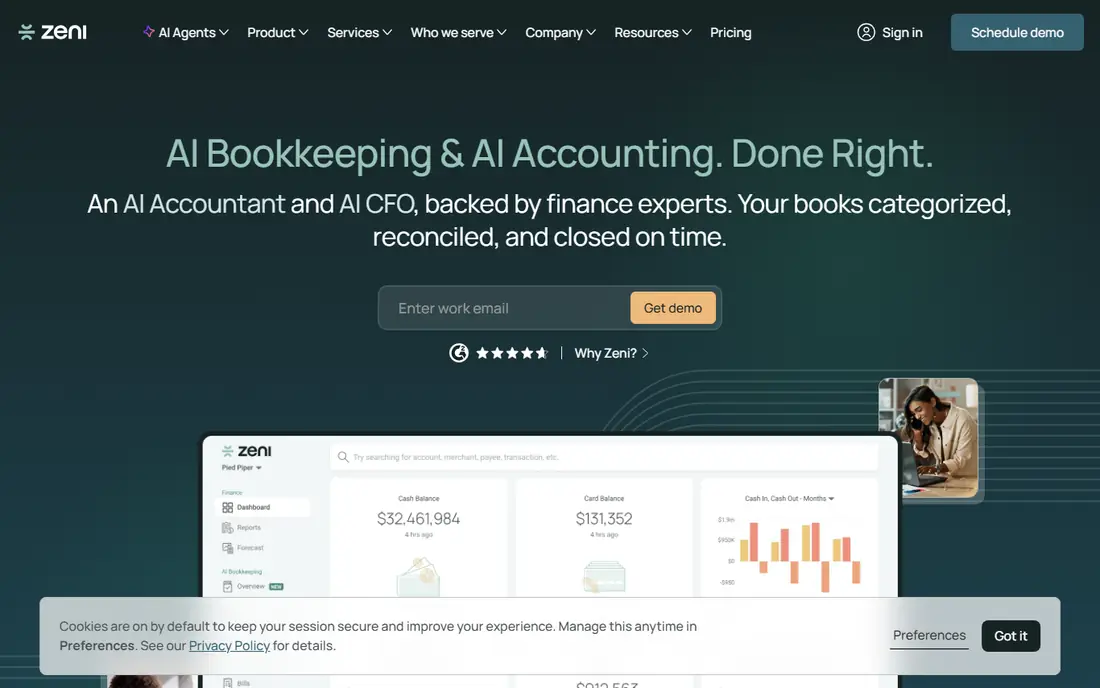
Zeni pairs AI bookkeeping with a dedicated human finance team, including a controller, bookkeeping manager, and analyst on managed plans. The AI handles daily categorization, bank reconciliation, and ledger maintenance, while humans handle month-end close, tax preparation support, payroll, and CFO advisory. A real-time dashboard shows burn rate, runway, revenue, and expenses without waiting for month-end reports.
Pricing starts at 549 dollars per month for Starter in published comparisons, rising with complexity, which reflects the managed service model rather than software alone. Zeni works only with QuickBooks Online and only for US companies, so international or Xero-based businesses should look elsewhere. For venture-backed startups that want hands-off books plus investor-ready reporting, Zeni is the most complete option on this list.
- AI bookkeeping plus dedicated human team
- Real-time dashboard
- Startup-focused reporting
- High price
- US companies only
- Requires QuickBooks Online
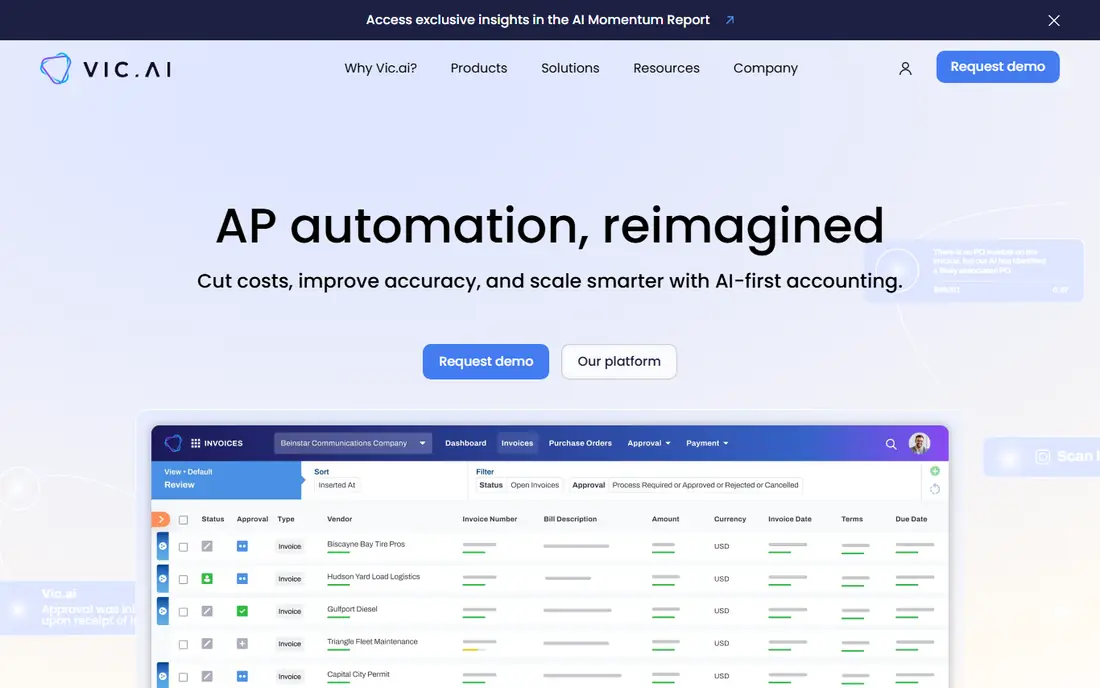
Vic.ai automates accounts payable, using AI to capture invoice data, code transactions, route approvals, and flag duplicates and errors. It suits finance teams that process hundreds or thousands of invoices a month and need accuracy at scale. Integrations with major ERP and accounting systems let approved invoices flow into the ledger without manual re-entry.
Pricing is quote-based and scales with volume and complexity, so small businesses should expect enterprise-level costs. Vic.ai is not a general ledger or a bookkeeping service for freelancers, and it works best as part of a larger finance stack. For AP-heavy teams that want AI to cut invoice processing time and errors, Vic.ai is a leading choice.
- High-volume invoice automation
- AI approval routing
- Strong ERP integrations
- Quote-based pricing
- Overkill for solo businesses
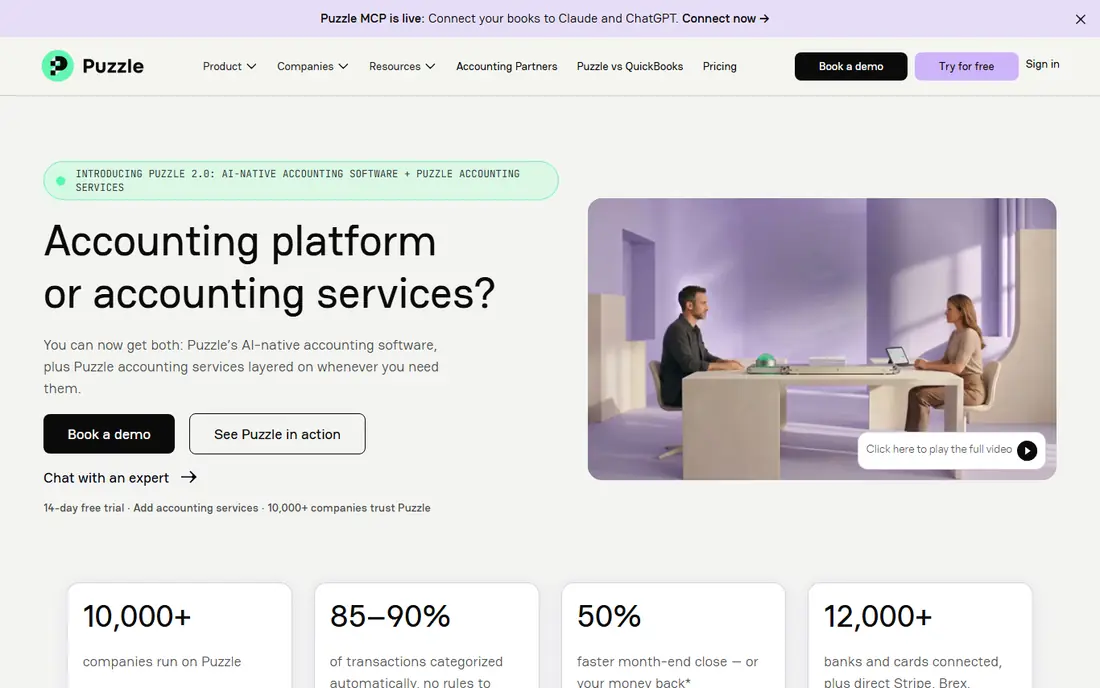
Puzzle is an AI-native accounting platform built for early-stage startups, with automatic categorization, reconciliation, and real-time financial metrics. The free tier lets founders start without a subscription, while paid plans start at 42.50 dollars per month in published comparisons. Startup-focused reports cover runway, burn, revenue, and expenses, which helps founders answer investor questions without building spreadsheets.
Puzzle is newer than QuickBooks or Xero, so its integration catalog is smaller and some accountants may be less familiar with it. That matters if you rely on an external accountant who prefers a mainstream ledger. For early-stage startups that want modern AI accounting from day one, Puzzle is an attractive and low-cost starting point.
- AI-native ledger
- Free tier
- Startup metrics like runway and burn
- Newer platform
- Fewer integrations than QuickBooks
- Paid plans from 42.50 dollars per month
Digits offers an AI-powered ledger for startups and accounting firms, with firm plans that price per client and include unlimited team seats. Its AI models learn from a firm's client history, which can improve categorization accuracy over time. The platform also offers free books for the firm itself on firm plans, which helps practices test the system before rolling it out.
Pricing varies by plan and client volume, so solo businesses should check the current pricing page for a single-company plan. Digits suits firms that want to scale client work without adding headcount, and startups that want a modern ledger with AI support. For firms managing many small-business clients, Digits is one of the strongest AI bookkeeping platforms.
- AI ledger with firm plans
- Unlimited team seats on firm plans
- Models trained on client history
- Pricing varies by plan and client count
- Firm focus suits accountants more than solo owners
Booke AI, often written as Booke, adds AI bookkeeping inside QuickBooks Online, Xero, or Zoho Books, rather than replacing those ledgers. It reviews bank feeds daily, categorizes transactions, matches documents, prepares reconciliations, and routes exceptions for human review. It also chases clients for missing documents, which saves firms time on follow-ups.
The trade-off is scope, since Booke is an automation layer, not a ledger, so you still pay for QuickBooks or Xero on top of Booke. That makes it best for firms and businesses that already run their books in a mainstream ledger and want AI without migrating. For consistent AI automation across many QuickBooks or Xero clients, Booke AI is a practical choice.
- Works inside existing ledgers
- Daily categorization and reconciliation
- Client document chasing
- Not a standalone ledger
- Underlying QuickBooks or Xero cost remains
Docyt uses AI to capture receipts, invoices, and bank transactions, categorize them, and sync results to QuickBooks. It suits small businesses with many documents, such as restaurants, retail shops, and multi-location firms, where manual entry eats hours each week. Expense, revenue, and bill workflows run in one platform, with human review for exceptions.
Pricing is not published as clearly as some rivals, so you should request a quote for your transaction volume before budgeting. Clean bank feeds and consistent document uploads matter, since messy inputs reduce AI accuracy. For document-heavy small businesses that want AI bookkeeping without a full managed service, Docyt is worth a demo.
- AI document capture and categorization
- Expense and revenue workflows
- QuickBooks sync
- Pricing not published clearly
- Setup needs clean bank and document feeds
Numeric helps finance teams close the books faster, with task management, AI-powered checks, variance analysis, and collaboration tools for controllers and accountants. It integrates with major accounting systems, so it layers on top of your ledger rather than replacing it. The Essentials plan starts at 30 dollars per user per month in published comparisons.
Numeric is not a general bookkeeping tool for a freelancer, since its focus is month-end close for growth-stage and larger teams. Teams that spend days on close checklists, reconciliations, and flux analysis will benefit most. For controllers who want a faster, more reliable close, Numeric is a strong specialist pick.
- Close management and AI checks
- Variance analysis
- Strong accounting integrations
- Focused on close, not full bookkeeping
- Price adds per user
BILL automates accounts payable and receivable with AI invoice capture, data entry, approvals, and payment scheduling, syncing to QuickBooks, Xero, and other ledgers. The Essentials plan starts at 45 dollars per user per month in published comparisons. That automation cuts manual entry for businesses that process many vendor bills and customer invoices each month.
BILL is not a standalone AI ledger, so you still need an accounting system for the general ledger and reporting. It also costs more than simple invoicing tools, which reflects its business focus. For small and mid-size businesses that want AI to handle AP and AR while keeping their existing ledger, BILL is a reliable choice.
- AI invoice capture
- AP and AR automation
- Approval workflows
- Higher entry price
- Not a full AI ledger on its own
How we picked these
We compared official vendor sites, product models, pricing, integrations, and public comparisons for AI bookkeeping tools in 2026. We favored tools that are actively sold, clearly explain their AI role, and cover different buyer types, from startups to firms to enterprise AP teams. We avoided tools whose original company shut down in 2026, since continuity matters for financial records, and we noted where a tool is a service, a ledger, or an automation layer.
Using AI bookkeeping safely
Treat AI as a fast assistant, not as a replacement for review. Set up bank feeds, document uploads, and approval rules carefully, since AI accuracy depends on clean inputs. Review flagged exceptions, unusual vendors, large amounts, and tax-sensitive items yourself, and keep a human in the loop for month-end close.
Choose the right model for your business
A solo freelancer needs different AI help than a firm with fifty clients. Freelancers and startups can start with an AI ledger like Puzzle or a managed service like Zeni if they want hands-off books. Firms should look at Digits or Booke AI, which scale across clients. Larger finance teams should look at Vic.ai for invoices and Numeric for close, rather than a general bookkeeping app.
Keep records and backups
Export reports, keep grading of AI decisions where available, and retain source documents for tax and audit purposes. AI categorization can change as models update, so a monthly review and a clear audit trail protect you if a transaction is questioned later. Confirm with your accountant how AI-posted entries should be reviewed before filing taxes.
FAQ
What is the best AI bookkeeping software for small businesses?
Puzzle suits early-stage startups that want an AI-native ledger at low cost, while Docyt suits document-heavy small businesses. Zeni suits funded startups that want a managed service with humans included. For businesses already on QuickBooks or Xero, Booke AI adds AI without migrating ledgers.
What are the best AI bookkeeping tools for accounting firms?
Digits and Booke AI suit firms, since they price at the practice level, handle many clients, and work inside mainstream ledgers or a dedicated AI ledger. Firm plans with unlimited team seats and client-history models help practices scale without adding headcount for every new client. Trial both on a few real clients before rolling out firm-wide.
Is AI bookkeeping accurate enough to trust?
AI categorization and reconciliation are accurate for routine transactions, especially when bank feeds and documents are clean, but unusual, large, or tax-sensitive items still need human review. Most tools on this list route exceptions to a human, which is the right model. Review AI-posted entries monthly and before tax filing.
How much does AI bookkeeping software cost?
Prices range from free tiers for early-stage startups to 549 dollars per month for a managed service like Zeni, with firm and enterprise tools priced by client or volume. Automation layers like Booke AI add cost on top of your existing ledger subscription. Compare total cost, including ledger, AI tool, and any human review, before choosing.
Does AI bookkeeping replace an accountant?
No, AI bookkeeping automates data entry, categorization, and reconciliation, but accountants still handle tax planning, compliance, complex transactions, and advice. Many firms use AI to handle routine work so accountants can focus on advisory services. If you need tax filing or audit support, confirm that your tool or provider includes it.
What is the difference between AI bookkeeping and traditional bookkeeping software?
Traditional software records transactions you enter or import, while AI software categorizes, matches, and flags exceptions automatically, learning from past patterns. AI tools still need a ledger, bank feeds, and human review, but they cut manual entry time sharply. The best tools explain their AI decisions and let you correct mistakes easily.