Top 5 API Documentation Management Software for Remote Teams for 2026 (Prices and Free Plans)
Best API documentation management software for remote teams: 5 tools compared on price, free plans and fit. Prices and drawbacks included. Pick by budget.
- Editor's choice
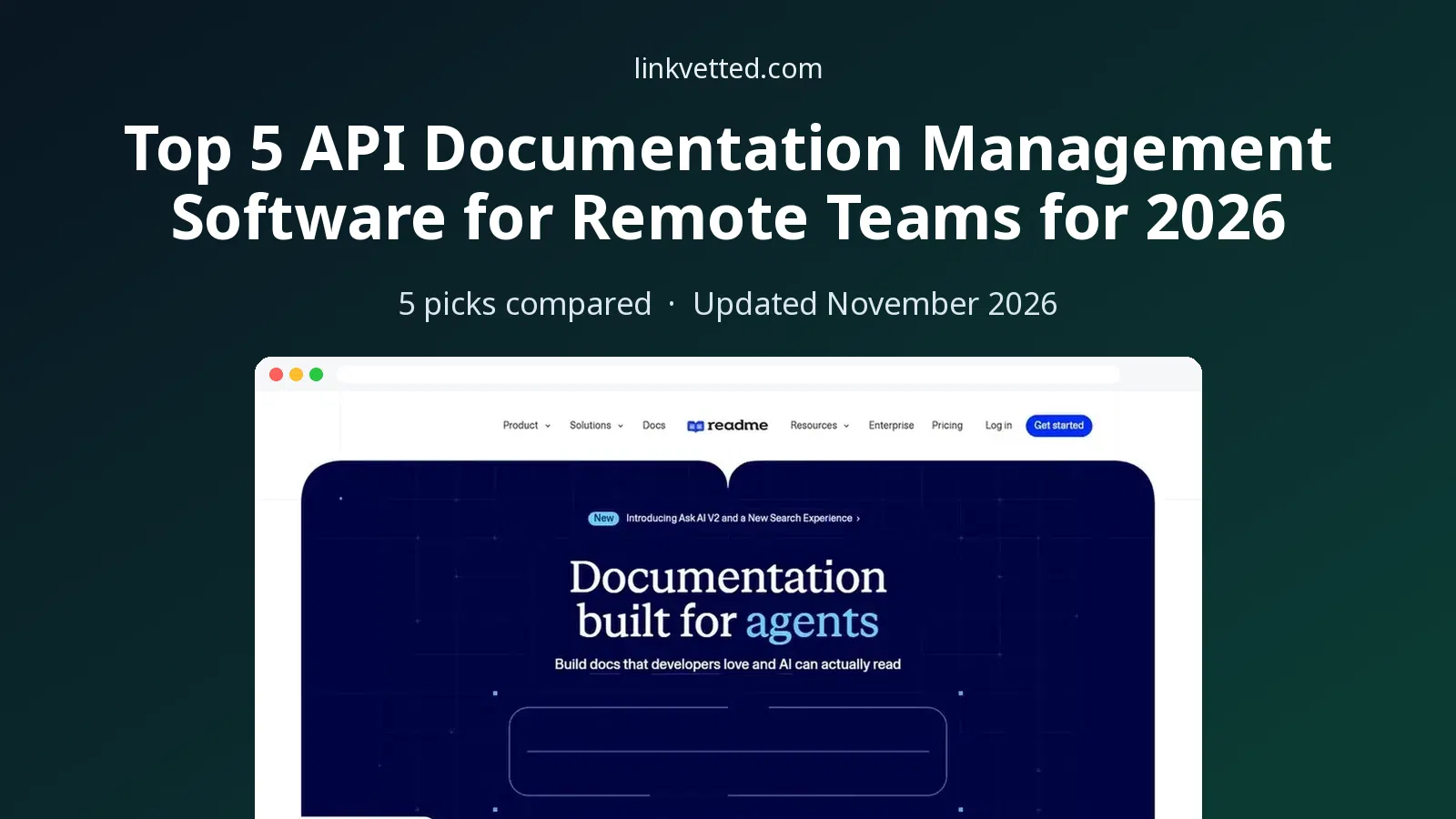
 ReadMe
Interactive developer-facing API documentation
Starts atSee websiteVisit readme.comFull review - Great alternative
 Redocly
Reference docs kept current from OpenAPI
Starts at$249 a monthVisit redocly.comFull review - Also consider
 Postman
All-in-one API development and docs
Starts at$9 per monthVisit postman.comFull review
Direct answer
ReadMe is the first pick on this list for interactive developer-facing API documentation. Listed starting prices: Redocly from $249 a month, Postman from $9 per month and GitBook from $65 per site per month. Alternatives: Redocly for reference docs kept current from OpenAPI, and Postman for all-in-one API development and docs. All 5 tools are compared below on price, free plan and limits.
TL;DR:
- ReadMe takes the first slot, best suited to interactive developer-facing API documentation.
- Postman, GitBook: these are the 2 tools out of 5 that offer a free plan.
- Confluence suits team knowledge and collaboration hub.
- Check the limits for Redocly before you commit: needs well-maintained OpenAPI descriptions.
- The lowest published monthly entry price here is $9 per month, from Postman.
Last checked November 2026. Prices and plan details were read from the vendors' own pages in November 2026; vendors change plans often, so confirm the current price on the vendor site before you buy.
Quick comparison
| Tool | Best for | Starts at | Free plan? | |
|---|---|---|---|---|
| ReadMe | Interactive developer-facing API documentation | See website | Not stated | Visit |
| Redocly | Reference docs kept current from OpenAPI | $249 a month | Free trial | Visit |
| Postman | All-in-one API development and docs | $9 per month | Yes | Visit |
 GitBook | Documentation system with built-in AI | $65 per site per month | Yes | Visit |
 Confluence | Team knowledge and collaboration hub | See website | Not stated | Visit |
Our 5 API documentation management software for remote teams
Choosing API documentation management software for remote teams usually comes down to price, fit and limits. This LinkVetted guide sets 5 tools side by side on those three points, with the facts kept short and checkable.
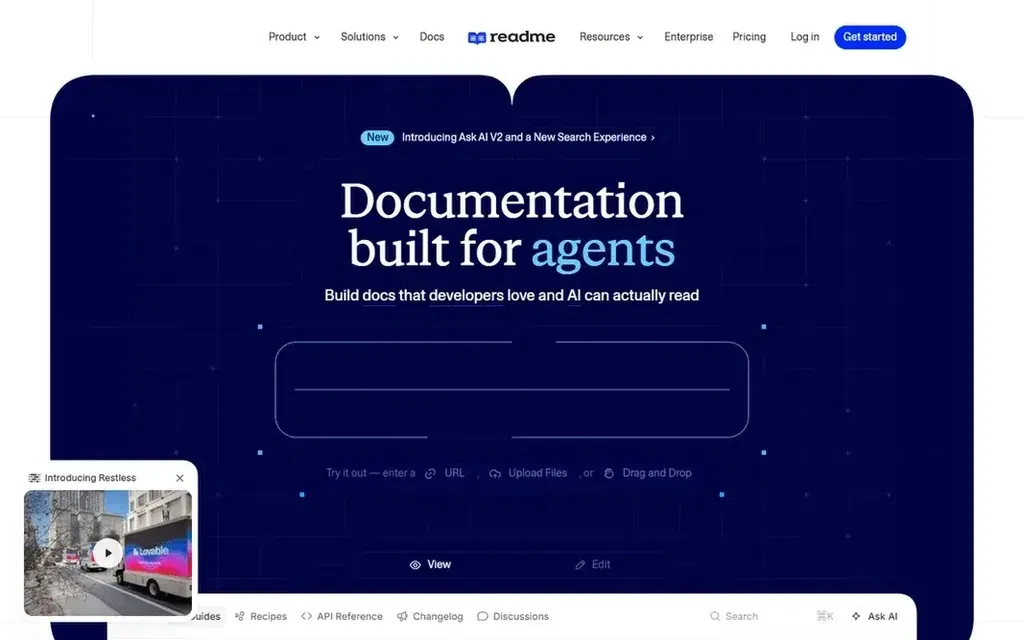
ReadMe targets interactive developer-facing API documentation. ReadMe helps teams build beautiful, interactive API documentation that developers enjoy using.
Also, internal knowledge management is not its core strength either. From a buyer's view, the system is oriented around the reader experience, so remote teams can publish references and guides that external developers can explore straight. Check the vendor site for ReadMe pricing; none is listed in this comparison. As for free access: Not stated.
Drawbacks to consider: Less handy for internal knowledge bases.
- Suited to public-facing API references
- Clean
- Narrower than full API development systems
Choose Redocly for reference docs kept current from OpenAPI. Redocly, from the makers of Redoc, turns an OpenAPI description into reference documentation, a MCP server, SDKs and tests, kept current on every pull request.
That automation helps remote teams avoid documentation drift since updates flow from the spec instead of from manual edits. Redocly relies on a well-maintained OpenAPI description, so inconsistent specs will produce inconsistent docs. Redocly starts at: $249 per month. As for free access: Free trial.
Reasons to shortlist it: Reference docs generated from OpenAPI. Downsides: Centred on reference docs over narrative guides.
- Tests and a MCP server
- Docs stay current on every pull request
- Needs well-maintained OpenAPI descriptions
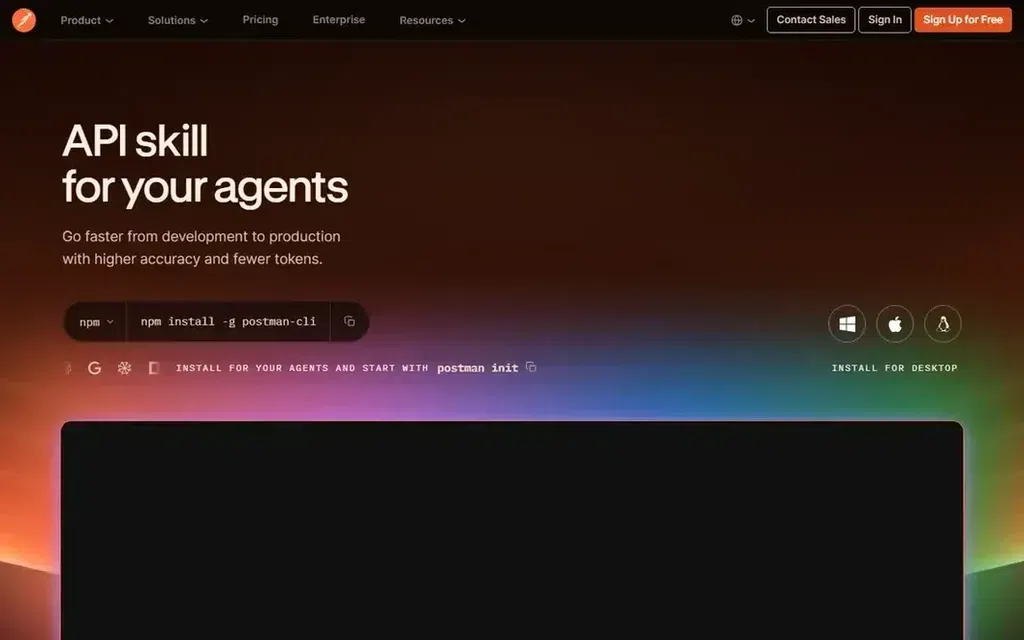
Postman works best for all-in-one API development and docs. Postman is an API engineering system that helps teams move from development to production with higher accuracy.
Points against: Needs setup discipline across the team.
Its shared workspaces provide remote teams a typical place to build, test and document APIs together. What you pay to start with Postman: $9 per month. A free plan is available with Postman.
- Shared workspaces for distributed teams
- Supports the path from development to production
- Wide scope can feel heavy for docs-only needs
GitBook is a good fit for documentation system with built-in AI. GitBook is a documentation product aimed at humans and AI, with built-in MCP that links your docs to AI agents and a GitBook Agent that helps keep them accurate. If your priority is automatic reference documentation from OpenAPI, a spec-driven tool may be the more solid choice.
Where it shines: Built-in MCP links docs to AI agents.
Drawbacks to consider: Best results need content governance. GitBook is not primarily an OpenAPI reference generator, so teams that want docs generated straight from a spec may have to pair it with another tool. For remote teams, that means a shared space where guides, references and internal notes can live together and stay current. Beyond that, keeping content accurate still relies on team discipline. GitBook cost at the entry level: $65 per site per month. GitBook includes a free tier.
- GitBook Agent helps keep content accurate
- Built for humans and AI readers
- Less specialized for OpenAPI reference generation
Confluence targets team knowledge and collaboration hub. It suits organizations that want documentation to sit alongside general project knowledge, notably teams already coordinating work across a shared workspace.
What to check first: Can become cluttered without structure.
If you need generated API references with try-it features, a specialized tool will serve you better. Check the vendor site for Confluence pricing; none is listed in this comparison. As for free access: Not stated.
- Summarize and find answers
- Familiar for plenty of remote teams
- Not purpose-built for API reference docs
How the list was put together
For each of the 5 tools we noted price, free plan or trial, fit for API documentation management software for remote teams and the main limit, using vendor pages and documentation. Where a price is missing, the vendor does not list one publicly or ties it to a quote. Always confirm before budgeting. The order reflects how well each tool fits the most common buying scenario for API documentation management software for remote teams, then price clarity, then free plan access. It is a starting point, not a verdict.
A buyer's checklist
- Confirm the entry price on the vendor page. For ReadMe and Confluence that means a quote rather than a fixed price.
- Look at free plan limits closely: Postman and GitBook have one, and the caps decide whether it is usable for real work.
- Run a trial of Redocly with real work before paying for a year; your own workflow is the best test.
- Before choosing ReadMe, weigh its main limit: narrower than full API development products.
- Find out what support Redocly includes on your plan, and whether onboarding help costs extra.
- Check whether ReadMe bills monthly or annually, and what cancelling early costs.
FAQ
Do these tools publish their prices?
Not all of them. ReadMe and Confluence publish no starting price, so expect a quote request for those. The rest, Redocly included, show a starting price, though seats and billing terms still change the final cost.
Which tool is a good match for a remote team new to API documentation?
For most readers this guide would start with ReadMe, built for interactive developer-facing API documentation. Redocly is the alternative for reference docs kept current from OpenAPI, and Postman for all-in-one API development and docs. The right answer depends on budget and workflow.
How are the tools for API documentation management software for remote teams ordered?
ReadMe sits first and Confluence last because the order follows typical fit for API documentation management software for remote teams, then price clarity and free access. It is a judgement call, so read each profile for fit and limits.
What is the cheapest option for API documentation management software for remote teams in this list?
On published monthly entry prices, Postman is the lowest here at $9 per month. Entry price is only part of the cost, because seats, add-ons and billing terms can change the total. Prices, free plan details and limits for all 5 tools in this API documentation management software for remote teams roundup sit on the individual cards above.
Can I try these tools before paying?
Often, yes. Postman and GitBook have a free plan and Redocly offers a free trial. Use your own data and a real task during the test, and check what the free tier or trial limits before you rely on it. Each of the 5 options in this API documentation management software for remote teams guide has its own card above with the price, free plan and limits.
Sources
- https://readme.com
- https://redocly.com
- https://www.postman.com
- https://www.gitbook.com
- https://www.atlassian.com/software/confluence