Anchor Text Analysis Tools in 2026: The 6 Best Options Side by Side
A practical comparison of the best anchor text analysis tools in 2026, covering backlink data, anchor reports and workflow fit for SEO and outreach work.
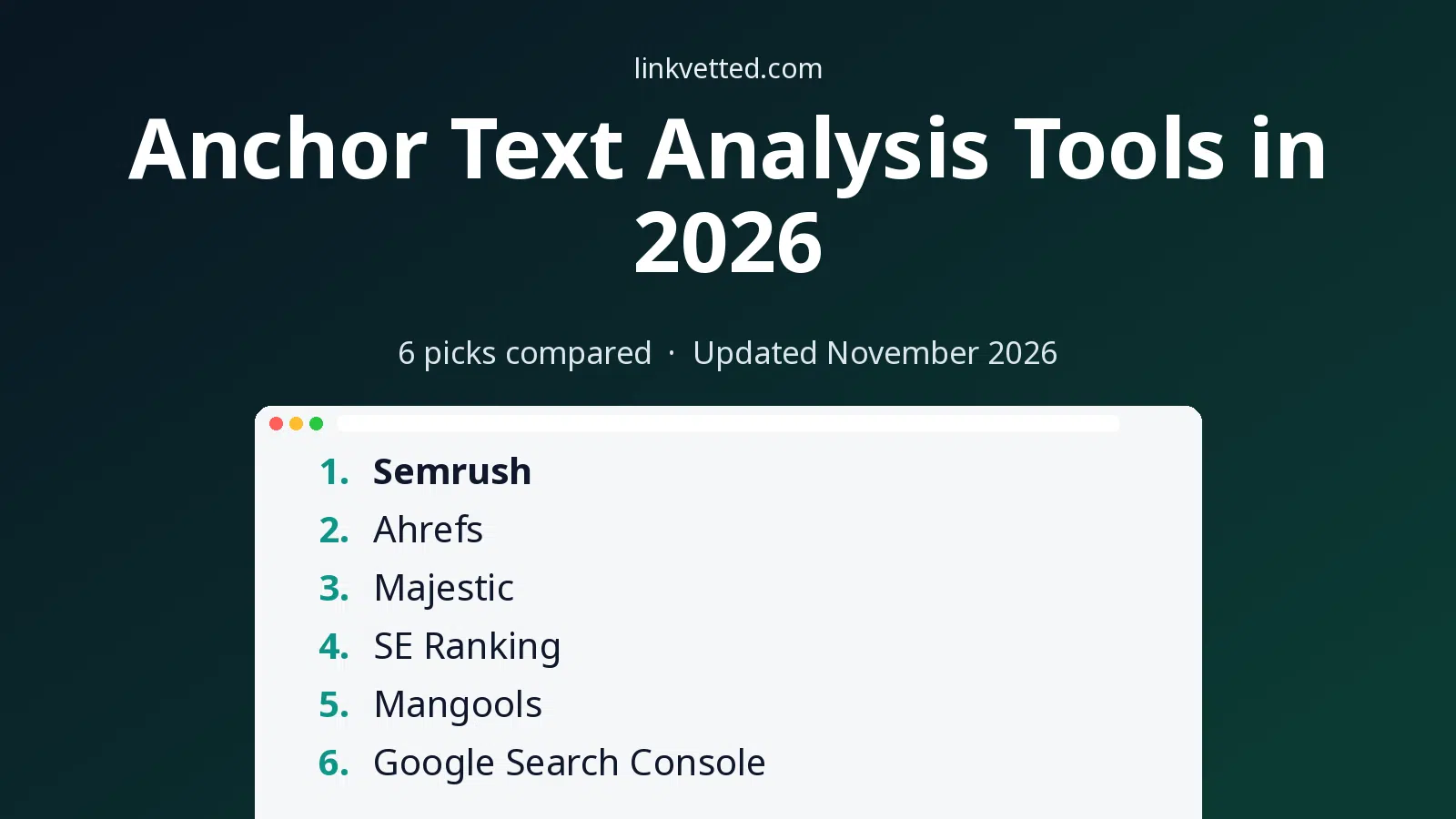
- Editor's choice
 Semrush
All-in-one SEO and backlink analysis
Starts atSee websiteVisit semrush.comFull review - Great alternative
 Ahrefs
Deep backlink and anchor data
Starts atSee websiteVisit ahrefs.comFull review - Also consider
 Majestic
Link history and trust signals
Starts atSee websiteVisit majestic.comFull review
Direct answer
My top pick is Semrush, because its backlink reports group anchor text clearly and sit inside a wider SEO toolkit. Ahrefs is the strongest choice if anchor data quality is your main concern, and Majestic suits people who care most about link history and trust signals. I compared these tools from vendor documentation and public sources, not from hands-on testing.
TL;DR:
- Anchor text analysis matters because the words in a link tell you how other sites describe your page, and patterns can reveal over-optimisation or missed relevance.
- Semrush works well when you want anchor reports alongside keyword, content and competitor data in one place.
- Ahrefs is often chosen for the depth and freshness of its backlink index, which feeds directly into anchor text reporting.
- Majestic is built around link intelligence, so its anchor and trust-related views are central rather than an add-on.
- No tool fixes anchor text for you; you still need to read the reports, judge intent and decide what outreach or internal linking to do next.
Last checked November 2026. Plan prices are not quoted in this guide because they change often; see each vendor's own pricing page for current figures before you buy.
Quick comparison
| Tool | Best for | Starts at | Free plan? | |
|---|---|---|---|---|
| Semrush | All-in-one SEO and backlink analysis | See website | Free plan | Visit |
| Ahrefs | Deep backlink and anchor data | See website | Free plan | Visit |
| Majestic | Link history and trust signals | See website | No free plan | Visit |
 SE Ranking | Affordable all-in-one SEO with backlinks | See website | Free trial | Visit |
 Mangools | Simple backlink checks for small sites | See website | Free plan | Visit |
 Google Search Console | First-party link data for your own site | See website | Free plan | Visit |
The best anchor text analysis tools compared
I put this list together from vendor documentation, public product pages and help-centre articles. I did not run hands-on tests, so treat the notes below as a guide to fit and workflow rather than a lab result. Each tool below is a real, currently operating product with its official homepage listed.
Semrush is a broad SEO platform, and its backlink section is where anchor text work happens. You enter a domain or URL, open the backlink report and filter or group by anchor text. That makes it a sensible fit for agencies that already use Semrush for keyword research, content planning and rank tracking and do not want a second login for link checks.
For anchor text analysis specifically, the value is context. You can look at anchor distribution, compare a target page against competitors and cross-check which pages attract branded versus descriptive links. The workflow is report-driven: export the anchor list, sort it, and decide which patterns need attention through outreach or internal linking changes.
The limit is depth on lower plans. If anchor-level backlink detail is your whole job, a dedicated link tool may give you more room. Skip Semrush if you only need a quick anchor check and already have a link database elsewhere.
- Anchor reports sit beside keyword and competitor data
- clear backlink overview screens
- strong documentation and help content
- Backlink detail is limited on entry plans
- interface can feel busy for new users
Ahrefs is widely used for backlink research, and its Site Explorer includes anchor text reporting for any domain or URL you enter. People choose it when link data quality is the priority, because the anchor view is tied to a large, frequently updated index. It suits SEOs who spend most of their day on links rather than on content or keyword tools.
In practice, you open the backlinks report, switch to the anchors view and review how links describe the page. You can filter by link type, follow status and other attributes, then export the list for a closer look. For outreach planning, that export becomes a working sheet of which sites use which phrasing.
The drawback is cost control. Lower tiers come with usage limits, and heavy backlink pulls can use them up. If you need occasional anchor checks only, a lighter tool may be enough. Ahrefs fits teams where link work is continuous.
- Large backlink index
- anchor text views inside Site Explorer
- useful filtering and export options
- Plan credits can run out quickly
- learning curve for new users
Majestic is a link intelligence service rather than a full SEO suite. Its reports centre on backlinks, referring domains and anchor text, which makes it a natural fit for anchor review. If your question is "how has this page been linked over time and by whom", Majestic is built to answer it.
The anchor text report lets you see the distribution of phrases pointing at a URL or domain, and you can pair that with the service's trust-related metrics to judge link quality. For digital PR and outreach teams, that combination helps you spot links from sites worth building a relationship with, and links that look thin.
The trade-off is scope. Majestic does links well but does not replace a keyword or content platform. Skip it if you want one subscription for everything, or if you find its interface hard to read.
- Long-running link index
- anchor text reports as a core feature
- trust and citation style metrics alongside links
- Less useful outside link analysis
- interface feels dated to some users
SE Ranking is an SEO platform with rank tracking, keyword research and a backlink module. The backlink area includes anchor text views, so you can review how links describe a page without buying a separate link tool. It appeals to small agencies and in-house teams that want a single dashboard at a lower entry point.
For anchor work, you add a domain, open the backlinks section and look at the anchors tab. You can filter and export the list, then compare the phrasing against your target keywords. It is a practical second opinion when you already track rankings in the same tool.
The honest limit is index size. SE Ranking does not match the largest link databases, so very obscure or new links may be missing. It fits teams that value price and convenience over maximum coverage.
- Backlink and anchor reporting included
- competitive pricing tiers
- clean dashboard
- Smaller backlink index than the biggest names
- some features vary by plan
Mangools is a set of lightweight SEO tools, and its backlink checker includes anchor text information. It is aimed at people who find the big platforms overwhelming and want a straightforward view of who links to a page and with what words. Small business owners and newer SEOs are the natural audience.
The workflow is simple: enter a domain, open the backlink checker, and review the anchor list. You can export results and use them to plan a small outreach push or to check whether a new page is attracting descriptive links. It is quick enough for a monthly review.
Depth is the catch. Mangools is not built for large link audits or heavy filtering, so agencies with big client portfolios will outgrow it. It suits small sites and occasional checks.
- Easy to learn
- backlink checker includes anchor data
- good for quick checks
- Less depth than specialist tools
- limited advanced filtering
Google Search Console is the free starting point for anchor text analysis on your own site. Its links report lists top linking sites and top linking text, which is Google's own view of how your pages are linked. For a first-party check, there is nothing more direct.
The workflow is basic but useful: open the links report, review the top anchor phrases, and compare them with the pages you want to rank. If a key page only attracts branded links, that is a signal to plan outreach for more descriptive mentions. You can also spot sudden anchor patterns after a campaign.
The limits are clear. You only see your own verified properties, the data is sampled, and there is no competitor view. Use it as a free baseline, then bring in a paid tool for competitor and historical analysis.
- Free
- shows links Google has recorded for your site
- includes top linking sites and anchor text
- Only your own properties
- sampled data
- no competitor view
How I chose
I built this list from vendor documentation, public product pages and help-centre articles, plus general knowledge of how these tools are positioned. I did not run hands-on tests, so I am not claiming benchmark results or measured accuracy. Instead, I looked at whether each tool actually exposes anchor text data, how that data is presented, and what kind of user the workflow suits.
The second filter was fit and limits. A tool can be excellent and still wrong for you: a full SEO suite is overkill for a single site owner, and a free first-party report cannot answer competitor questions. I noted the main drawback for each option so you can match the tool to your situation rather than to a feature list. Where a vendor does not publish clear plan details, I have pointed you to the website.
What to check before you buy
- Confirm the tool actually has an anchor text report, not just a backlink list, and check whether you can group or filter by anchor phrase.
- Check how far back the link history goes if you need to review old campaigns or sudden anchor changes.
- Look at export options, because most anchor analysis ends in a spreadsheet you sort and annotate.
- Decide whether you need competitor anchor data or only your own site; that single question rules out several options.
- Read the plan limits on backlink rows or credits, since heavy anchor pulls can hit caps quickly.
- Check whether the tool covers the search engines and markets you care about, not just the largest index.
FAQ
What is anchor text analysis?
Anchor text analysis is the process of reviewing the clickable words other sites use when linking to a page. You look at the mix of branded, descriptive and generic phrases, then judge whether that mix supports the page's topic or looks unnatural. Tools automate the collection and grouping; the judgement is still yours.
Do I need a paid tool for anchor text analysis?
Not always. Google Search Console shows top linking text for your own site at no cost, which is enough for a basic check. A paid tool becomes useful when you need competitor anchor data, longer history, exports or filtering across large link sets.
Can anchor text analysis tell me if links are spammy?
It can give you clues, not a verdict. A sudden spike of exact-match phrases from unrelated sites is worth reviewing, but you should look at the linking sites, context and timing before drawing conclusions. No single anchor report proves intent.
How often should I review anchor text?
For most sites, a monthly or quarterly review is enough, plus an extra check after a campaign or a sudden traffic change. High-volume publishers and agencies with many clients may review more often. The goal is to catch patterns early, not to react to every new link.
Is exact-match anchor text still useful?
Exact-match anchors still help clarify what a page is about, but relying on them heavily looks unnatural. A natural profile usually mixes brand names, partial matches, page titles and plain URLs. Use anchor reports to spot imbalance, then plan outreach and internal links accordingly.
Sources
- https://www.semrush.com
- https://ahrefs.com
- https://majestic.com
- https://seranking.com
- https://mangools.com
- https://search.google.com/search-console