App Push Notifications Best Practices in 2026: 8 Tools Compared
Good app push notifications best practices mean clear permission, smart timing, frequency caps and testing. Compare 8 tools that put those practices to work.

- Editor's choice
 OneSignal
small teams that want a free tier and fast setup
Starts atFreeVisit onesignal.comFull review - Great alternative
 Braze
enterprise teams that want journey orchestration
Starts atSee websiteVisit braze.comFull review - Also consider
 Airship
high-volume mobile-first apps
Starts atSee websiteVisit airship.comFull review
TL;DR:
- OneSignal is our first pick for most readers, because it balances features, price and ease of use better than the narrower options below.
- Braze and Airship are the best alternatives when the first pick does not fit your phone, budget or style.
- Free plans vary a lot: some give a genuinely usable daily tool, while others are only a short trial, so check the free plan column before you install.
- Prices change often, so confirm the current price on the official site or in the app store listing before you subscribe, and use a trial where one is offered.
Quick comparison
| Tool | Best for | Starts at | Free plan? | |
|---|---|---|---|---|
| OneSignal | small teams that want a free tier and fast setup | Free | Yes | Visit |
| Braze | enterprise teams that want journey orchestration | See website | No | Visit |
| Airship | high-volume mobile-first apps | See website | No | Visit |
 Firebase Cloud Messaging | developer-led teams that want free delivery | Free | Yes | Visit |
 CleverTap | retention teams that want analytics and journeys | See website | Free trial | Visit |
 Pushwoosh | teams that want quick mobile setup | See website | Free trial | Visit |
 MoEngage | behavioural segmentation at scale | See website | Free trial | Visit |
 Iterable | cross-channel teams with email and push together | See website | No | Visit |
The best app push notification tools
We compared official feature pages, pricing pages, app store listings and public reviews to build this list. Good push practice is not about sending more messages: it is about permission, relevance, timing and an easy way to opt out. Prices below are in United States dollars where a vendor publishes them, and we use See website where a price is not published plainly on the official site.
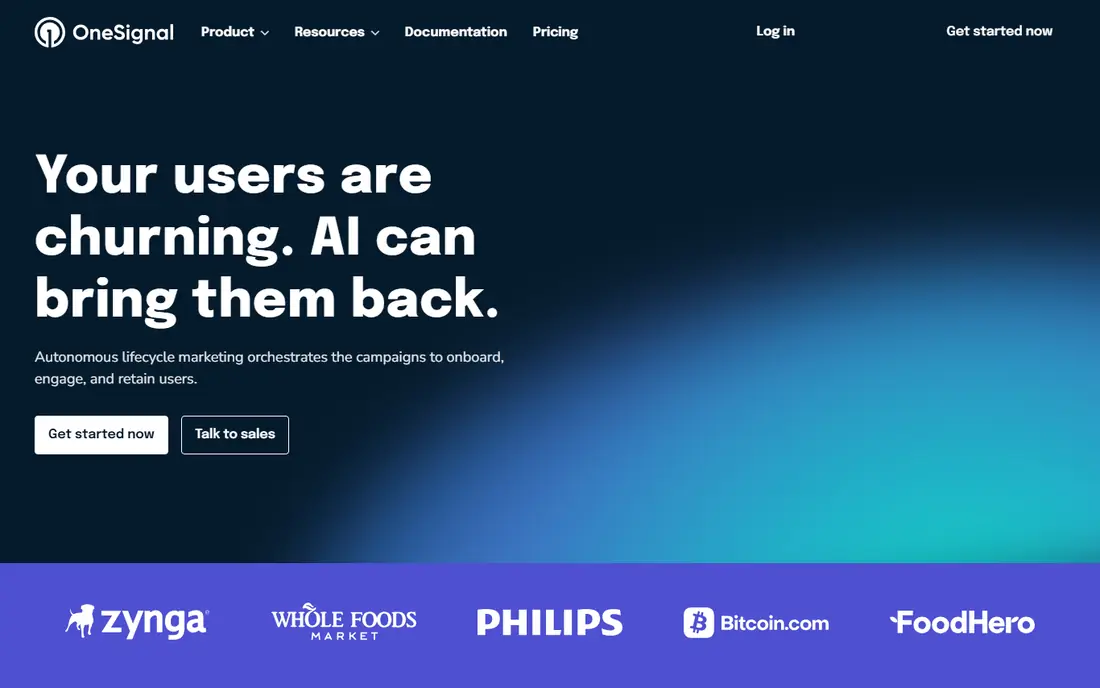
A strong option for OneSignal is a fit for small teams that want a free tier and fast setup. OneSignal suits small teams because it puts permission prompts, segmentation, frequency controls and testing in a setup that a lean team can actually run. Its free tier lets you prove value before paying. In daily use, that strength shows up in small moments: a quicker log, a clearer reminder, or a result you can actually act on, rather than a feature list you never open. Paid tiers rise sharply as audience grows, and advanced journey depth is thinner than Braze or Airship. It is the right start for most small apps, not the final enterprise stack. Before you pay, check the plan that includes the features you will use, and test the free tier or trial for at least a week. A tool that fits your routine in week one is far more useful than a richer tool you stop opening in week three.
- Free tier
- Segmentation
- Push, email and SMS in one place
- Advanced journeys need paid plans
- Delivery depends on Apple and Google gateways
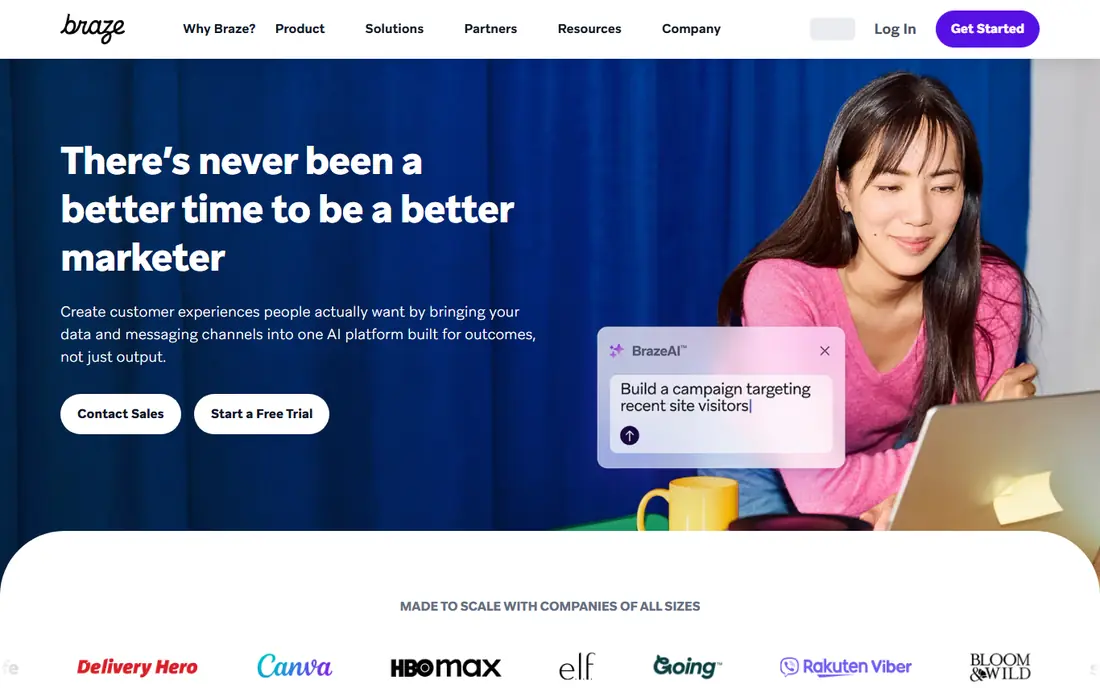
For readers who want Braze is a fit for enterprise teams that want journey orchestration. Braze suits enterprise teams that run push beside email, SMS and in-app messages as one journey, with intelligent timing and per-channel frequency controls. Its testing tools support the best-practice habit of proving a change before scaling it. In daily use, that strength shows up in small moments: a quicker log, a clearer reminder, or a result you can actually act on, rather than a feature list you never open. Pricing is enterprise-level and not published plainly, and setup needs technical and marketing time. Small teams will find it heavy and costly for simple push needs. Before you pay, check the plan that includes the features you will use, and test the free tier or trial for at least a week. A tool that fits your routine in week one is far more useful than a richer tool you stop opening in week three.
- Journey orchestration
- Intelligent timing
- A/B and multivariate testing
- Enterprise pricing
- Setup needs a dedicated team
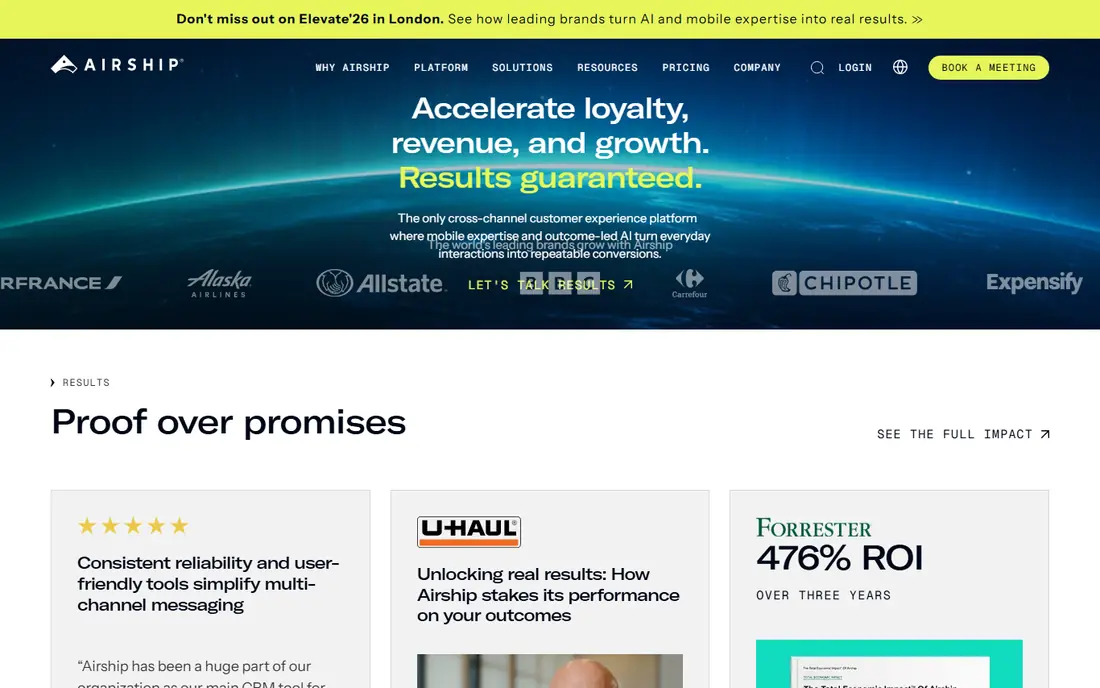
Our pick for most people is Airship is a fit for high-volume mobile-first apps. Airship suits high-volume mobile apps that need automation, personalisation and reliable delivery across large audiences. Its mobile-first design keeps push, in-app and wallet messages in one workflow. In daily use, that strength shows up in small moments: a quicker log, a clearer reminder, or a result you can actually act on, rather than a feature list you never open. Pricing is enterprise-level and setup is complex for a small team. It earns its place when volume, automation and mobile depth matter more than a simple free tier. Before you pay, check the plan that includes the features you will use, and test the free tier or trial for at least a week. A tool that fits your routine in week one is far more useful than a richer tool you stop opening in week three.
- Mobile-first journeys
- Deep personalisation
- Automation at scale
- Enterprise pricing
- Complexity for small teams
Firebase Cloud Messaging
Best for: developer-led teams that want free delivery
A strong option for Firebase Cloud Messaging is a fit for developer-led teams that want free delivery. Firebase Cloud Messaging suits developer-led teams that want free, reliable delivery and plan to build their own campaign logic on top. It is the plumbing that many other tools also use, via Apple and Google gateways. In daily use, that strength shows up in small moments: a quicker log, a clearer reminder, or a result you can actually act on, rather than a feature list you never open. It has no built-in campaign manager, segmentation interface or rich analytics, so marketing teams need another layer for best-practice workflows. Use it for delivery, not for campaign management alone. Before you pay, check the plan that includes the features you will use, and test the free tier or trial for at least a week. A tool that fits your routine in week one is far more useful than a richer tool you stop opening in week three.
- Free delivery plumbing
- Reliable Google infrastructure
- Works with Apple Push Notification service
- No built-in campaign management or rich analytics
For readers who want CleverTap is a fit for retention teams that want analytics and journeys. CleverTap suits retention teams that want to link push to behaviour, with segmentation, lifecycle journeys and analytics in one place. Trigger-based journeys help teams send fewer, more relevant messages. In daily use, that strength shows up in small moments: a quicker log, a clearer reminder, or a result you can actually act on, rather than a feature list you never open. Pricing sits at mid-market to enterprise levels, and the platform is heavier than OneSignal or Firebase for a simple push need. It fits teams that will use the analytics, not just the send button. Before you pay, check the plan that includes the features you will use, and test the free tier or trial for at least a week. A tool that fits your routine in week one is far more useful than a richer tool you stop opening in week three.
- Behavioural segmentation
- Lifecycle journeys
- Analytics and testing
- Mid-market to enterprise pricing
- Heavier than a simple push tool
Our pick for most people is Pushwoosh is a fit for teams that want quick mobile setup. Pushwoosh suits teams that want a mobile-first push tool without enterprise setup, with quick campaign creation and segmentation for common use cases. Its per-audience pricing maps well to app growth. In daily use, that strength shows up in small moments: a quicker log, a clearer reminder, or a result you can actually act on, rather than a feature list you never open. Analytics depth is thinner than Braze or CleverTap, so teams that need deep journey analysis may outgrow it. Test reporting on a real campaign before committing to a larger audience. Before you pay, check the plan that includes the features you will use, and test the free tier or trial for at least a week. A tool that fits your routine in week one is far more useful than a richer tool you stop opening in week three.
- Quick mobile setup
- Segmentation
- Push and in-app messages
- Analytics depth is thinner than premium suites
- Pricing varies by audience
A strong option for MoEngage is a fit for behavioural segmentation at scale. MoEngage suits teams that want behavioural segmentation at scale, so messages follow real actions rather than full-base broadcasts. That relevance is a core best practice, and it shows up in lower fatigue when journeys are built well. In daily use, that strength shows up in small moments: a quicker log, a clearer reminder, or a result you can actually act on, rather than a feature list you never open. Pricing is not published plainly, and good segmentation needs clean event data from your app. Teams without that data foundation will get less value until tracking improves. Before you pay, check the plan that includes the features you will use, and test the free tier or trial for at least a week. A tool that fits your routine in week one is far more useful than a richer tool you stop opening in week three.
- Behavioural segmentation
- Cross-channel journeys
- AI timing help
- Pricing is not published plainly
- Setup needs product and data input
For readers who want Iterable is a fit for cross-channel teams with email and push together. Iterable suits teams that run push beside email as one customer journey, with segmentation, testing and personalisation across channels. That joined view helps avoid the common mistake of sending the same message on every channel at once. In daily use, that strength shows up in small moments: a quicker log, a clearer reminder, or a result you can actually act on, rather than a feature list you never open. Pricing leans enterprise, and it is not the cheapest choice for push alone. Choose it when cross-channel orchestration is the goal, not when you only need simple app push. Before you pay, check the plan that includes the features you will use, and test the free tier or trial for at least a week. A tool that fits your routine in week one is far more useful than a richer tool you stop opening in week three.
- Cross-channel journeys
- Segmentation
- Testing and personalisation
- Enterprise-leaning pricing
- Push alone is not its cheapest use
How we picked these
We started with products that exist and work in October 2026, and that truly fit the topic, not just products with a similar name. For each one, we checked the official homepage, the pricing page or app store listing, and the free plan terms, and we noted where a price was not published plainly. We favoured products with clear privacy terms, honest limits and a usable free tier or trial, and we kept a mix of well-known leaders and strong smaller options. We did not claim hands-on testing that did not happen. Instead, we compared what vendors publish, what app store listings show, and what public reviews report about everyday use. Where a product had a known weakness, such as a high price, a limited free tier or missing export, we say so in its write-up, because that weakness often decides the choice.
What to check before you choose
Start with the job, not the feature list
Write down the one job you need done every week, then check that job first in a trial. A long feature list is easy to admire and hard to use, while a tool that does your main job well will still be useful when you are busy or tired. If the main job needs a paid plan, price that plan, not the free tier, before you commit.
Check the real monthly cost
Monthly prices, annual prices and per-user fees can tell very different stories, and some tools add processing, marketplace or add-on charges. Add the plan you need, the users or locations you need, and any extra fees, then compare that total across two or three finalists. A trial that asks for a card should come with a calendar reminder to review it before renewal.
Test on your own phone and data
A tool that looks good in screenshots can feel different with your photos, your accounts and your daily routine. Use your own data in the trial, test the main flow twice, and check export, sharing and cancellation before you build a long history inside one app. If export is missing, keep a simple backup of key records elsewhere.
FAQ
What are mobile app push notifications best practices?
Ask permission with a clear reason, send messages people asked for, cap frequency, personalise by behaviour, test timing and copy, and respect quiet hours and opt-outs. Measure opt-outs and uninstalls beside opens, not opens alone.
What are app push notification best practices for timing?
Send at times linked to the user's behaviour and time zone, not at a single global hour. Use quiet hours, cap daily messages, and test morning, afternoon and evening windows for each audience before fixing a schedule.
How many push notifications should an app send?
Fewer than most teams think. One useful, timely message beats three generic ones, and frequency caps with per-user controls prevent fatigue. If opt-outs rise after a campaign, cut volume before you rewrite copy.
Should push notifications be personalised?
Yes, by behaviour and preference, not by guesswork. A reminder linked to an abandoned cart, a saved item or a chosen topic performs better than a broadcast to the whole base, and it is less likely to trigger an opt-out.
What is the best push notification tool for a small app?
OneSignal suits small teams with its free tier and simple setup, while Firebase Cloud Messaging suits developer-led teams that want free delivery plumbing. Larger teams with journey needs should compare Braze, Airship and CleverTap.