Best AI Trading App That Trades for You in 2026: 8 Apps Compared
Compare the best ai trading app that trades for you with 8 detailed automated tools, prices, risks, fees, and controls to know before you invest in 2026.
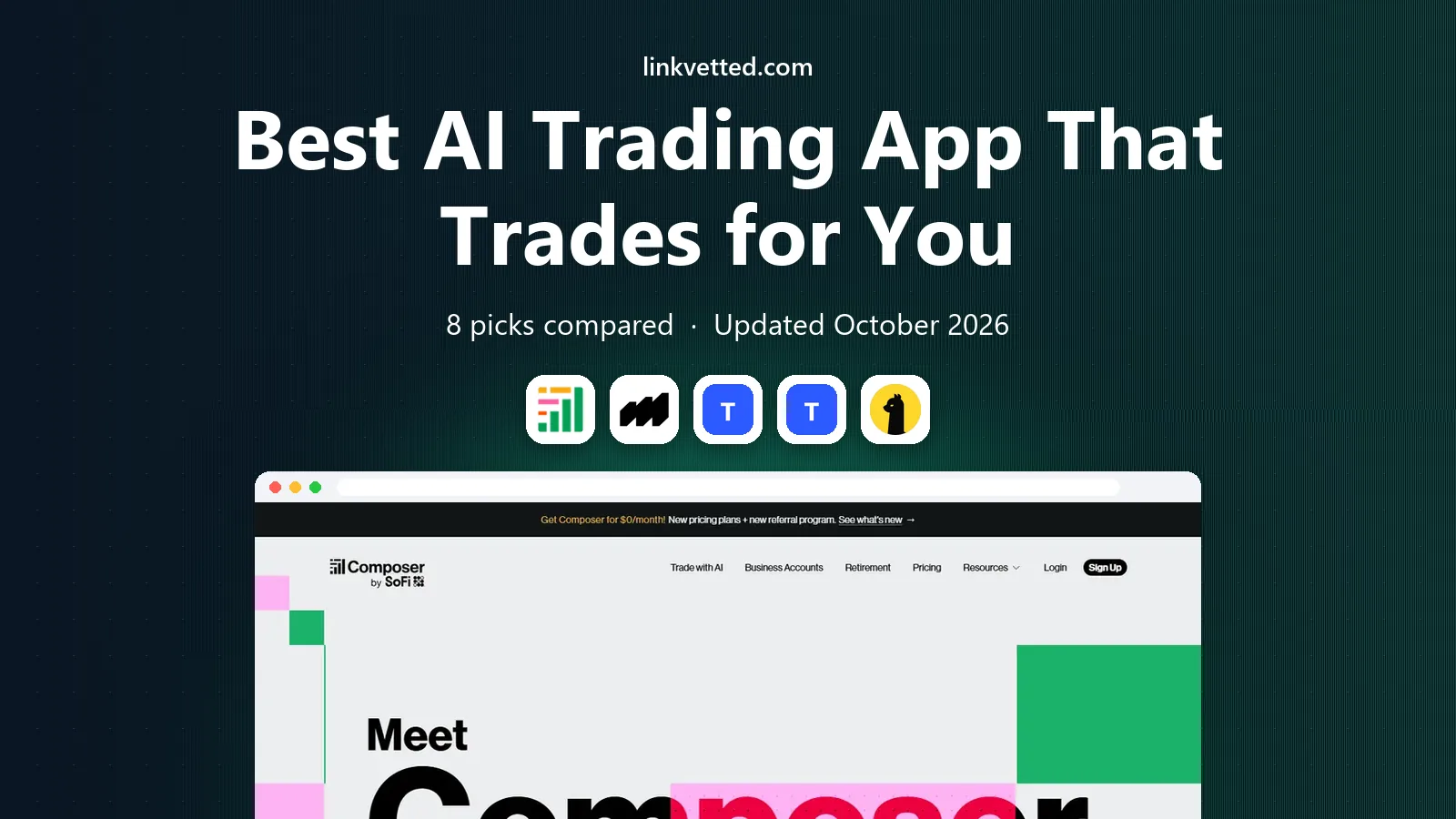
- Editor's choice
 Composer
No-code automated strategies
Starts atFreeVisit composer.tradeFull review - Great alternative
 Magnifi
AI research and brokerage links
Starts atFreeVisit magnifi.comFull review - Also consider
 Trade Ideas
AI-assisted stock trading
Starts at$89 per monthVisit trade-ideas.comFull review
TL;DR:
- This is not financial advice. Trading carries risk, and no app can guarantee returns, even when it trades on its own.
- Composer is the clearest no-code automated trading tool, while robo-advisors suit hands-off long-term investing.
- Check what an app actually automates: full trade execution, rebalancing, or only ideas and alerts.
- Start small, set loss limits where available, and read fees, account terms, and disclosures before funding an account.
Quick comparison
| Tool | Best for | Starts at | Free plan? | |
|---|---|---|---|---|
| Composer | No-code automated strategies | Free | Yes | Visit |
| Magnifi | AI research and brokerage links | Free | Yes | Visit |
| Trade Ideas | AI-assisted stock trading | $89 per month | Free trial | Visit |
 Tickeron | AI pattern and signal tools | See website | Free trial | Visit |
 Alpaca | Building your own automated trading | Free | Yes | Visit |
 Wealthfront | Hands-off automated investing | See website | Free trial | Visit |
 Acorns | Small automated investing | $4 per month | Free trial | Visit |
 eToro | Copying other traders | Free | Yes | Visit |
The best AI trading apps that trade for you
Automated trading sounds simple, but the tools below differ a lot. Some execute a full strategy, some rebalance a portfolio, and some only suggest trades that you still approve. Read each description for what is actually automated.
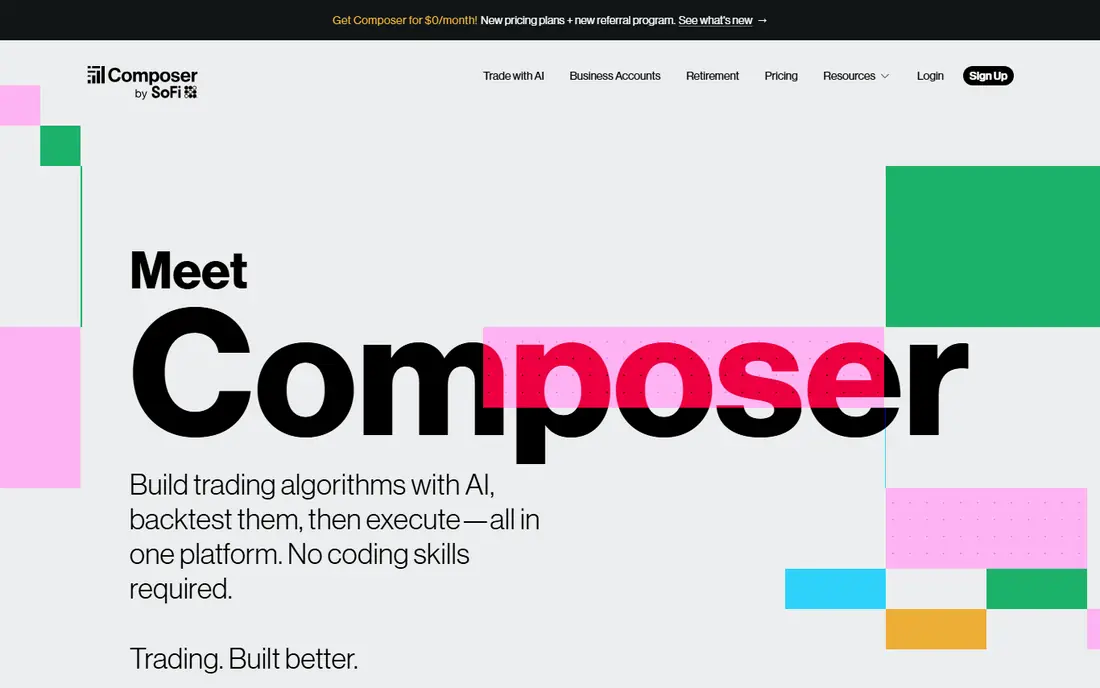
Composer lets you build a trading strategy from rules, test it against past data, and then run it automatically. You do not need to write code, and you can adjust rules, rebalance settings, and risk controls. Building and backtesting are free, while automated trading needs a Trading Pass.
The catch is that a good backtest does not predict future results. Market conditions change, and a strategy that worked in the past can lose money later. Use a small amount first, check how often it trades, and review its rules before letting it run without supervision.
- Visual strategy builder
- Backtesting
- Automated execution with a Trading Pass
- Trading Pass costs $40 per month or $384 per year
- US-focused
- Strategies still carry market risk
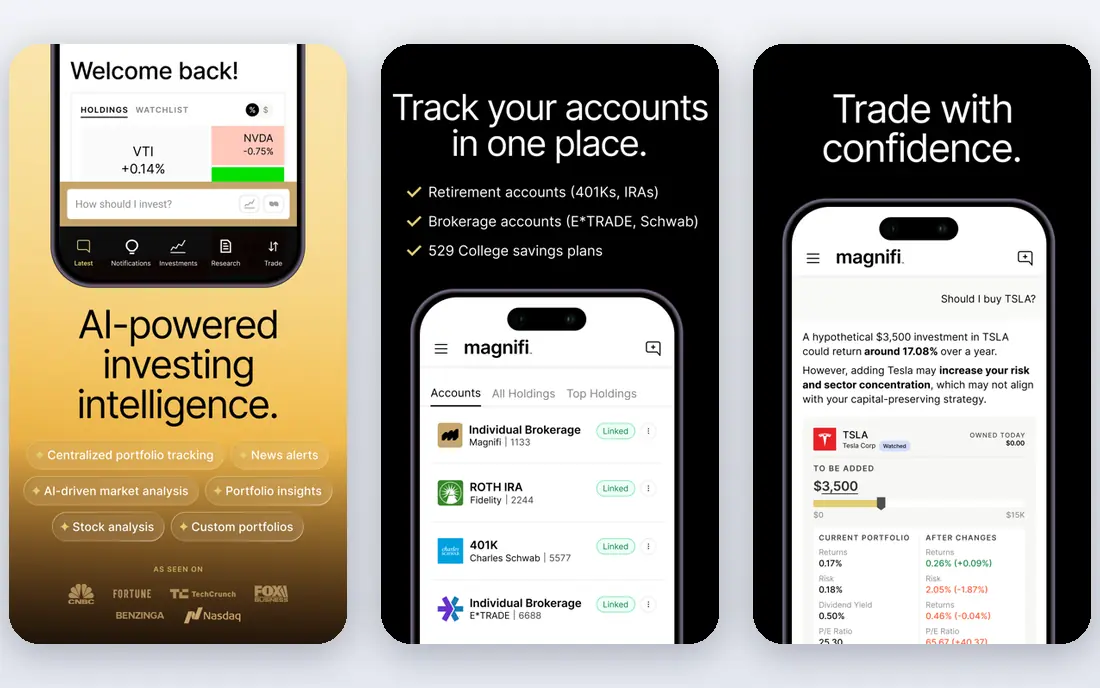
Magnifi uses a conversational assistant to answer questions about holdings, diversification, and investment ideas. It can link to brokerage accounts to analyze a real portfolio, and Premium adds scenario testing and forecasting. That research layer is useful for investors who want help choosing, rather than a fully hands-off system.
Magnifi is not the same as a tool that executes a custom strategy on a schedule. It helps with decisions and, through linked brokerage features, with trading, but check exactly which trades it can place for your account. Its free tier is a good place to test the assistant before paying for Premium.
- Conversational AI research
- Portfolio analysis
- Connects to major brokerages
- Premium is $99 per year
- Automation is more limited than Composer

Trade Ideas is built for active stock traders who want AI-generated ideas and fast scanners. Its Holly assistant surfaces trade ideas based on market data, and Brokerage Plus can automate execution for supported brokers. That combination suits traders who already understand stocks and want speed.
The price is high, and the tool is not a set-and-forget investment app. Active trading can lead to frequent trades, fees, and losses, especially for beginners. Try the trial, paper trade first if possible, and only use automation with money you can afford to lose.
- Holly AI assistant
- Real-time scanners
- Brokerage Plus automation for some brokers
- High monthly price
- Best for active traders, not beginners
Tickeron uses AI to spot chart patterns, trends, and signals across stocks, ETFs, and crypto. Traders use those signals to build rules or to check an idea before trading. The platform also offers backtesting and screening tools, which help users compare signals rather than act on one alert alone.
Signals can be wrong, and past patterns do not repeat on schedule. Treat Tickeron as a research aid, not as a promise of profit. Check which features are included in the plan you choose, since pricing varies by toolset and market coverage.
- AI pattern recognition
- Trend and signal tools
- Coverage of stocks, ETFs, and crypto
- Signals are not guarantees
- Pricing varies by toolset
Alpaca is a brokerage and API platform that developers use to build automated trading systems. It offers commission-free trading for US stocks and ETFs, plus paper trading for testing a system without real money. That makes it a strong base for a custom automated approach.
Alpaca itself does not give you a ready-made AI strategy that trades for you. You need to write code or connect a third-party tool, and you need to manage risk controls yourself. For a non-coder, Composer or a robo-advisor is a simpler starting point.
- Commission-free stock and ETF trading in the US
- API for automation
- Paper trading available
- Needs coding or a third-party tool for full automation
- Not a ready-made AI strategy
Wealthfront is a robo-advisor that builds a diversified portfolio, invests deposits, rebalances, and handles tax-loss harvesting where eligible. Once you set a risk level and goals, it manages the portfolio without daily input. That is the closest many long-term investors need to a tool that invests for them.
It is not designed for AI stock picking or frequent trading. Returns still depend on markets, and the advisory fee applies even in down years. Wealthfront suits investors with a long horizon who want automation for a broad portfolio, not a trading system.
- Automated diversified portfolios
- Rebalancing
- Tax-loss harvesting on eligible accounts
- Annual advisory fee of 0.25 percent
- Not for short-term active trading
Acorns automates investing in small steps. Round-Ups invest spare change from card purchases into a diversified portfolio, and recurring deposits add to it over time. That habit-building approach suits beginners who want to start with small amounts and learn as they go.
The monthly fee matters on a small balance, since $4 per month is a larger share of $100 than of $10,000. Acorns also gives limited control over individual holdings, which is fine for a beginner but frustrating for an experienced investor. Check the plan tiers, since features like retirement accounts and checking vary by tier.
- Round-Ups invest spare change
- Automated portfolios
- Simple app for beginners
- Monthly fee can outweigh small balances
- Limited control over holdings
eToro lets users copy the trades of other traders through CopyTrader, which is a form of automation once you choose whom to follow. You can also trade stocks, ETFs, and crypto yourself, and see what other users are discussing. For US users, stocks and ETFs carry no commission, though other fees can apply.
Copying does not make a strategy safe. The trader you copy can lose money, change strategy, or trade in markets you do not understand. Check a trader's history, risk score, and drawdowns, and never copy with money you cannot afford to lose.
- CopyTrader follows chosen traders
- Stocks and ETFs with no US commission
- Social features
- Copying a trader does not remove risk
- Crypto and other fees apply
How we picked these
We compared official pricing pages, product pages, and disclosures for automated trading and investing tools active in October 2026. We favored tools that actually automate execution, rebalancing, or copying, not apps that only show news or charts. We included no-code tools, API platforms, robo-advisors, and copy trading so different levels of control are covered. We did not test live trading, and we did not rely on return claims from vendors.
How to choose an automated trading app
Start with your goal and time horizon. Long-term investors usually fit a robo-advisor or Acorns, while traders who want custom rules fit Composer or Trade Ideas. If you want to build your own system, Alpaca gives the API and paper trading to test it safely.
Next, check risk controls and costs. Look for position limits, stop rules, rebalancing settings, and a clear fee schedule, including subscription fees, advisory fees, and trading fees. A tool that trades often can rack up costs and tax events, even if each trade looks small.
Finally, test before you fund heavily. Use paper trading or a small amount, watch how the system behaves in a down market, and read the account agreement. Set a review schedule, such as monthly, and pause automation if you do not understand why it made a trade. No app should run with money you need soon or cannot afford to lose.
FAQ
Can an AI trading app really trade for you?
Yes, some apps can execute trades automatically once you set rules, choose a strategy, or pick a trader to copy. Others only suggest trades or rebalance a portfolio. Check the product page for execution, not just for AI ideas or alerts, before you assume it trades on its own.
Is automated trading safe?
No automated system is safe from loss. Markets move, strategies fail, and software can misbehave. Use small amounts at first, set limits where available, and keep an emergency fund separate from trading money. This is not financial advice, and past results do not guarantee future results.
How much money do I need to start?
It depends on the app. Acorns and robo-advisors can start with small deposits, while active trading tools may need more to cover fees and market moves. Check minimums on the vendor site, and start with an amount you can afford to lose.
Do AI trading apps charge a subscription?
Some do, such as Composer with its Trading Pass and Trade Ideas with a monthly plan. Others charge an advisory fee, like Wealthfront, or earn from payment for order flow and other fees. Read the full fee schedule, not only the headline price.
Can I stop automated trading at any time?
Most apps let you pause or stop automation, sell holdings, or withdraw funds, though settlement times and market hours apply. Test the pause and withdrawal steps with a small amount before you commit a larger sum, so you know the process works when you need it.