Best AI Prototype Generator Tools (2026): 6 Picks Checked on Vendor Pages
6 best AI prototype generator tools, with entry costs, free tiers and the buyer each one serves. Strengths and weak spots are spelled out. Pick by budget.
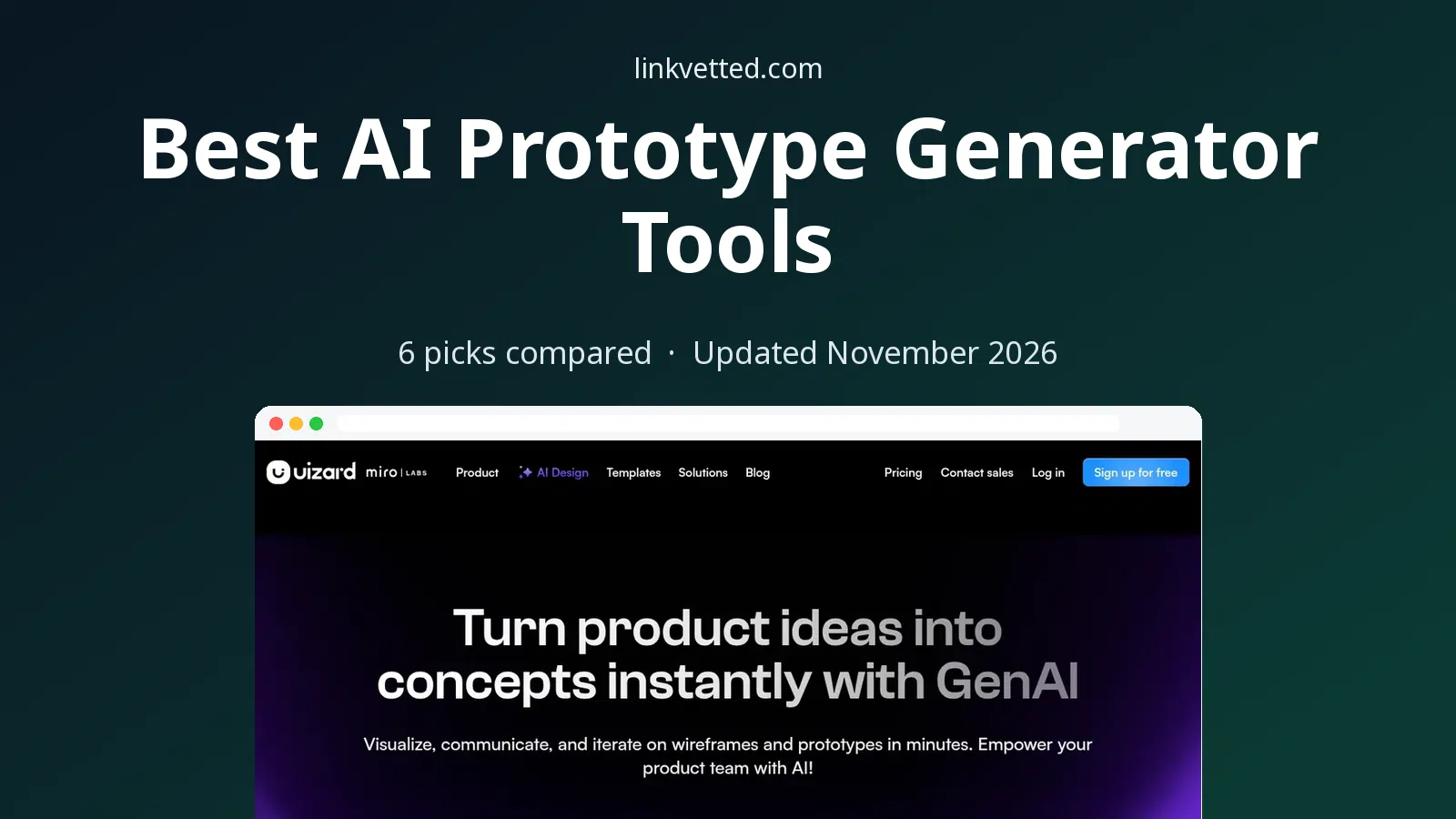
- Editor's choice
 Visily
Teams turning ideas into wireframes
Starts atSee websiteVisit visily.aiFull review - Great alternative
 v0
Code-first web app prototypes
Starts at$30 per user a monthVisit v0.devFull review - Also consider
 Relume
Small companies building a site with AI
Starts atSee websiteVisit relume.ioFull review
Direct answer
Visily comes first here, mainly for teams turning ideas into wireframes. v0 fits code-first web app prototypes; Relume fits small companies building a site with AI. Listed starting prices: v0 from $30 per user a month, Uizard from $12 a month and Framer from $10 a month. The full list of 6 tools follows, with prices and free plan facts.
TL;DR:
- Top of the list is Visily, which targets teams turning ideas into wireframes.
- For teams already working in Figma, Figma Make is worth a look.
- Figma Make has the lowest monthly starting price in this list: $3 per month.
- Free plans exist at 3 of 6 tools (v0, Uizard, Framer).
- Before buying Uizard, weigh this: less depth for advanced design systems.
Last checked November 2026. Prices and plan details were read from the vendors' own pages in November 2026; vendors change plans often, so confirm the current price on the vendor site before you buy.
Quick comparison
| Tool | Best for | Starts at | Free plan? | |
|---|---|---|---|---|
| Visily | Teams turning ideas into wireframes | See website | Not stated | Visit |
| v0 | Code-first web app prototypes | $30 per user a month | Yes | Visit |
| Relume | Small companies building a site with AI | See website | Not stated | Visit |
 Uizard | Quick UI mockups for non-designers | $12 a month | Yes | Visit |
 Framer | Designers launching sites with AI help | $10 a month | Yes | Visit |
 Figma Make | Teams already working in Figma | $3 per month | Not stated | Visit |
AI Prototype Generator Tools, one by one
This LinkVetted guide covers 6 AI prototype generator tools. Each profile lists a starting price, free plan details, strengths and drawbacks, so you can drop poor fits quickly.
Visily is a good fit for teams turning ideas into wireframes. Confirm current capabilities on the vendor site before standardizing on it.
Where it is weaker: Less known for production-ready output.
In daily use, teams needing advanced prototyping, design-system enforcement, or code output will likely pair it with another tool. Beyond that, Visily is an AI-assisted design tool concentrated on helping teams turn ideas into interface wireframes and mockups. Visily shows no starting price here, so confirm the cost on the vendor site. Free plan details: Not stated.
- AI-assisted interface generation
- Handy for early product concepts
- Best treated as an early-stage tool
v0 is a good fit for code-first web app prototypes. Teams that primarily need clickable mockups for stakeholder review may prefer a design-first generator.
Watch-outs: Needs comfort with code concepts.
More specifically, visual exploration is secondary to application logic. As for the details, v0 assumes some familiarity with web development concepts, so non-technical designers may find it less approachable than a canvas tool. Starting cost for v0: $30 per user per month. A free plan is available with v0.
- Produces full-stack web application scaffolding
- Aimed at scaling web apps
- Less centred on visual design exploration
Relume is built with small firms building a site with AI in mind. Its agent builds a professional site with hosting, your own domain, and SSL included, and no coding is required. Worth adding: teams that require interactive product prototypes or full-stack apps should consider a design-canvas or code-focused generator.
Highlights: No coding needed.
On top of that, AI-generated sites still benefit from careful review of content, structure, and branding. Worth adding: Relume is built around business websites, so it is not intended for prototyping application interfaces. Check the vendor site for Relume pricing; none is listed in this comparison. Trial and free access: Not stated.
Points against: Generated sites still need content review.
- AI builds a business website from a description
- Hosting, domain
- Website focus instead of app prototyping
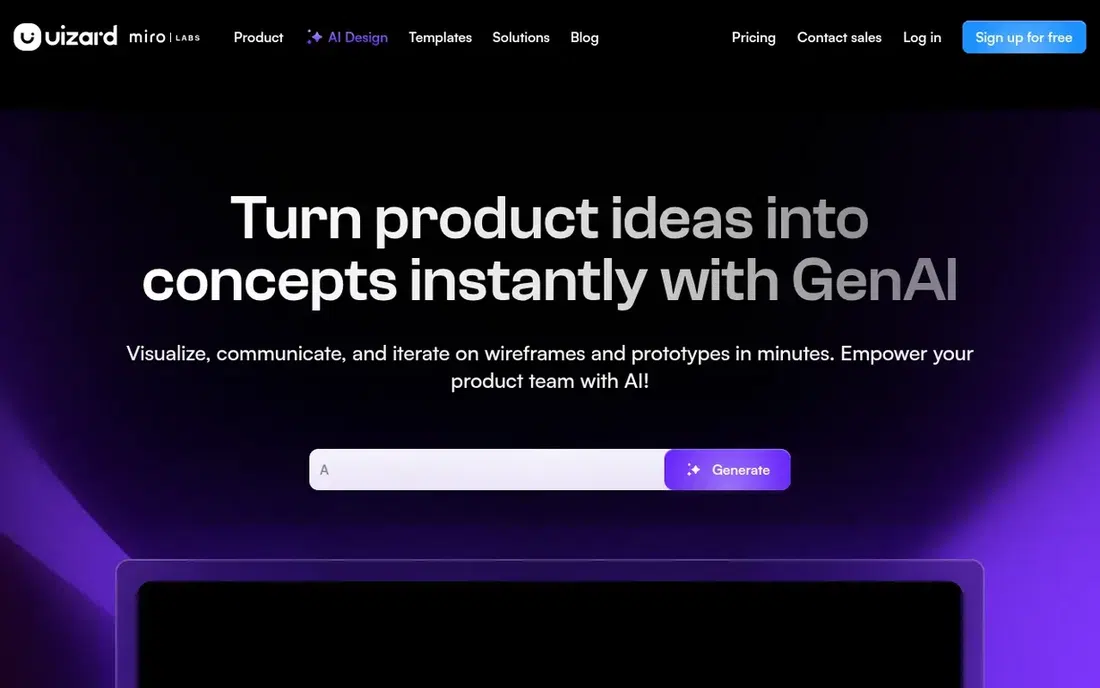
Uizard is designed for fast UI mockups for non-designers. Uizard is an AI-assisted UI design tool for apps, websites, and desktop software. Its pitch is that anyone comfortable with Google Slides or PowerPoint can use it, which makes it a practical entry point for founders, product managers, and others who require interface drafts without deep design training.
Where it is weaker: Generated layouts need manual refinement.
What Uizard does well: Fast path from idea to interface draft.
The simplified editing model can feel limiting for teams with mature design systems or complicated interaction requirements. Outputs are drafts that typically need refinement before development. Starting cost for Uizard: $12 per month. Free access exists with Uizard.
- Slide-like editing lowers the ramp-up time
- Desktop software
- Less depth for advanced design systems
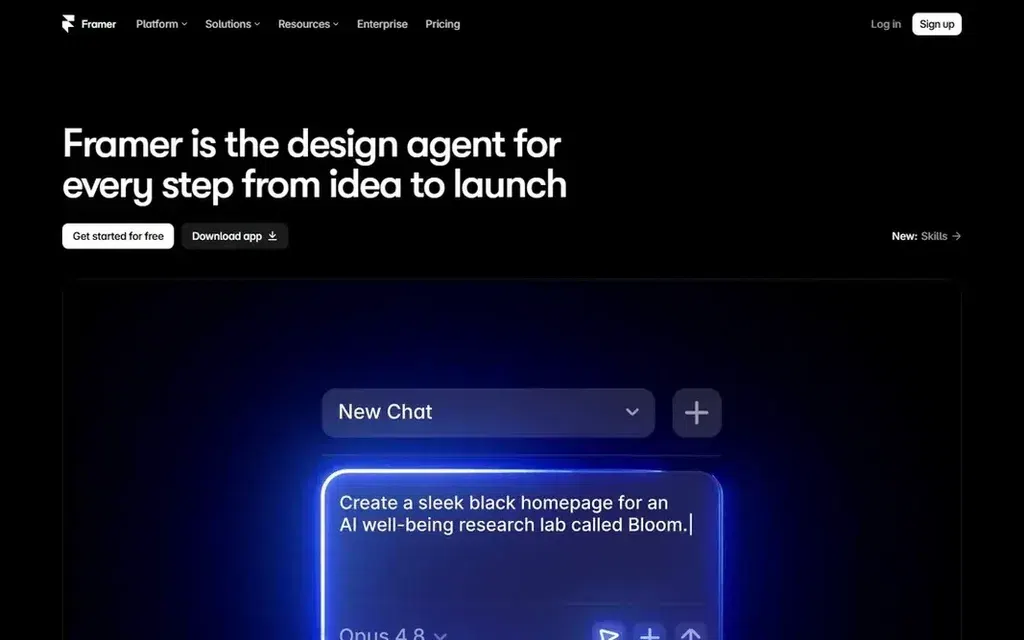
Framer is built with designers launching sites with AI help in mind. Framer is a website builder with an AI design agent that moves from idea to launch whereas keeping changes editable.
Downsides: Generated designs still need design judgment.
More specifically, since generated layouts remain editable, expect to spend time adjusting structure, content, and styling. Framer centers on websites, so it is not the natural choice for prototyping complicated application flows. Price to start with Framer: $10 per month. Framer offers a free plan.
- Hosting, CMS, analytics
- Changes stay editable after generation
- Centred on websites instead of app prototypes
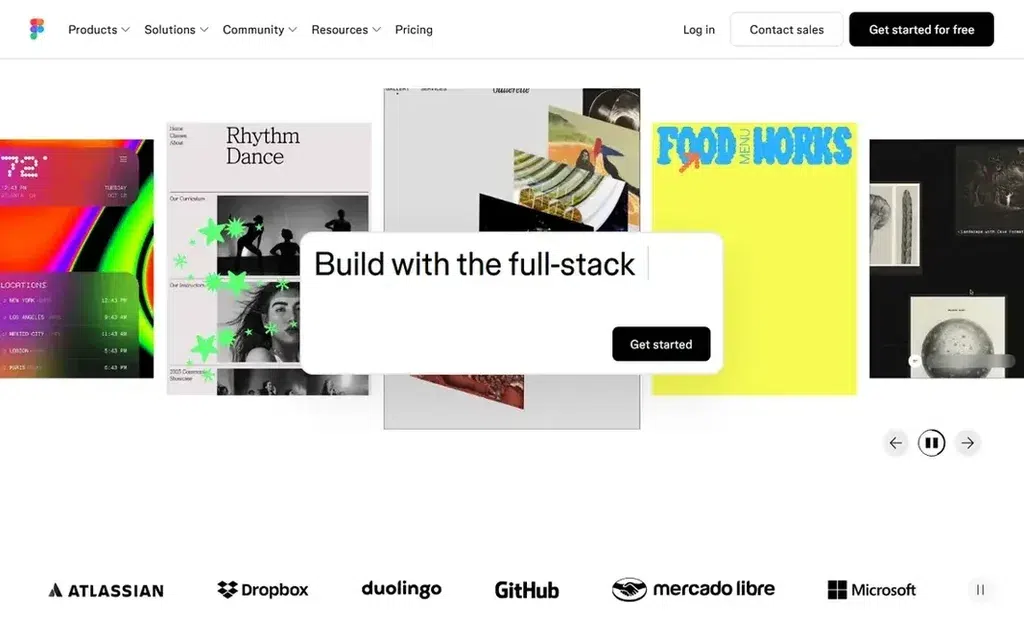
Figma Make was built for teams already working in Figma. The tool is most valuable inside the Figma ecosystem, so teams using other design software may find the fit weaker. It is a design-first environment instead of a dedicated code generator, so groups that primarily want to prompt out a full application may prefer a code-focused choice instead.
Limits to weigh: Less suited to code-first prototyping.
Also, Figma Make is an AI-assisted layer on Figma's collaborative design canvas, where design, code, and AI come together. Designers, developers, and stakeholders can work in one place, which suits organizations that already standardize on Figma for interface design. Figma Make starts at: $3 per month. On free options: Not stated.
- AI features built into a familiar design environment
- Tight integration with Figma's collaborative canvas
- Most handy if your team already uses Figma
How we built this list
Selection started from tools commonly considered for AI prototype generator tools, then narrowed to 6 that have clear pricing information or a clear quote process. Prices and plan limits come from vendor pages and can change, so confirm them on the vendor site before you buy. The sequence is a judgement call: typical use case first, then pricing transparency, then free access. Use the profiles to check fit.
Pre-purchase checklist
- Confirm the entry price on the vendor page. For Visily and Relume that means a quote rather than a fixed price.
- Read the fine print on the free plans from v0, Uizard and Framer; seat, project and feature caps differ.
- Before choosing Visily, weigh its main limit: less known for production-ready output.
- Verify that exporting from Figma Make is possible on your plan and covers all your records.
- List the apps you already depend on and check that Framer supports each one on the plan you would buy.
FAQ
Is Visily the right pick for everyone comparing AI prototype generator tools?
No single tool suits every team. Visily comes first because it fits teams turning ideas into wireframes, while v0 suits code-first web app prototypes and Relume suits small businesses building a site with AI. Match the tool to your own size, budget and workflow before deciding.
Can I try these options before paying?
Often, yes. v0, Uizard and Framer have a free plan. Use your own data and a real task during the test, and check what the free tier or trial limits before you rely on it.
Do these tools publish their prices?
Not all of them. Visily and Relume publish no starting price, so expect a quote request for those. The rest, v0 included, show a starting price, though seats and billing terms still change the final cost.
Which options for AI prototype generator tools have a free plan?
On this list, v0, Uizard and Framer include a free plan. Caps on seats, usage or features are common, so test the free plan against your real workload.
What is an AI prototype generator?
An AI prototype generator uses prompts or descriptions to produce interface mockups, wireframes, or working app scaffolding. Some tools focus on visual design, whereas others create functional code.
Sources
- https://www.visily.ai
- https://v0.dev
- https://www.relume.io
- https://uizard.io
- https://www.framer.com
- https://www.figma.com