Best AI Prototyping Tools in 2026: 8 Tools Compared
Compare the best ai prototyping tools for turning prompts and sketches into clickable prototypes, with prices, code export, team features, and 2026 picks.
- Editor's choice
 Figma
Product teams and design systems
Starts atSee websiteVisit figma.comFull review - Great alternative
 Uizard
Non-designers and fast ideas
Starts atSee websiteVisit uizard.ioFull review - Also consider
 Framer
Prototypes that become live sites
Starts atSee websiteVisit framer.comFull review
TL;DR:
- Figma is our pick for most product teams because AI features sit inside the design tool teams already use.
- Uizard suits non-designers who want a working prototype from a sketch, a screenshot, or a short prompt.
- v0, Bolt, and Lovable suit teams that want a working web app prototype with real code, not just screens.
- Framer is a strong pick when the prototype also needs to become a live marketing site.
- Code export and handoff matter: a pretty prototype that developers cannot use will slow a project down.
Quick comparison
| Tool | Best for | Starts at | Free plan? | |
|---|---|---|---|---|
| Figma | Product teams and design systems | See website | Yes | Visit |
| Uizard | Non-designers and fast ideas | See website | Yes | Visit |
| Framer | Prototypes that become live sites | See website | Yes | Visit |
 Galileo AI | Text-to-interface designs | See website | No | Visit |
 Visily | Quick wireframes and flows | See website | Yes | Visit |
 v0 | Code-based web prototypes | See website | Yes | Visit |
 Bolt | Full-stack app prototypes | See website | Yes | Visit |
 Lovable | Prompt-to-app prototypes | See website | Yes | Visit |
The best ai prototyping tools
AI prototyping tools split into two types: design tools that generate screens and flows, and coding tools that generate a working app from a prompt. Both are useful, but for different stages. Design tools help you test an idea fast, while coding tools help you test real interactions, data, and logic. The eight below cover both.
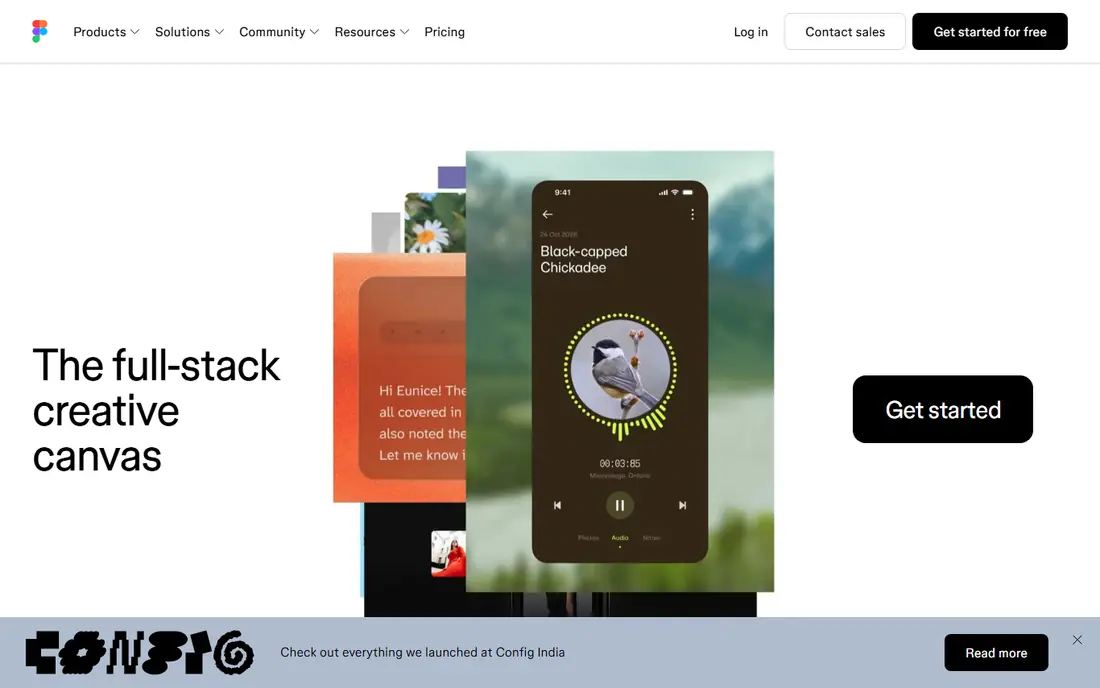
Figma remains the standard for product design, and its AI features now help with first drafts, renaming layers, generating UI text, and creating variations from a prompt. That matters because teams do not need to learn a new tool to get AI help: the prototype lives where designers, product managers, and engineers already comment and review. Design systems, components, and developer handoff stay in one place.
The catch is that Figma prototypes are still design prototypes, not production code, and some AI features require paid seats. Teams that want a working app with a database will need a coding tool alongside Figma. For most product teams testing flows, layouts, and user journeys, Figma with AI is the safest and most collaborative choice.
- Industry-standard design tool
- AI features inside familiar workflows
- Strong collaboration
- AI features sit on paid plans
- Coding prototypes need another tool
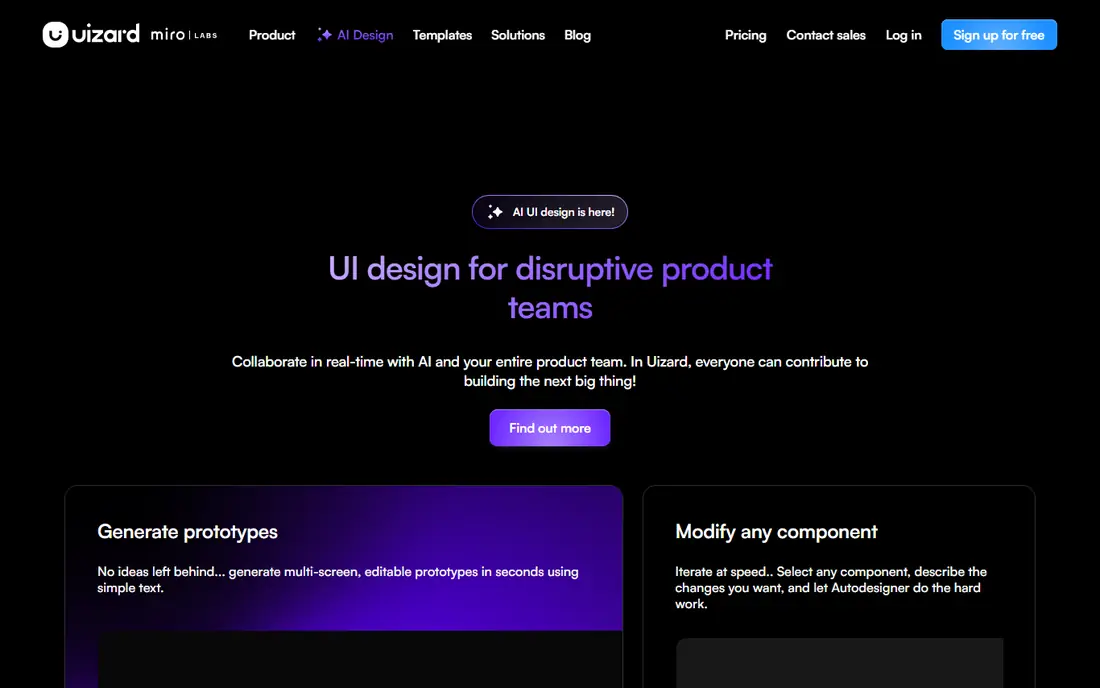
Uizard is built for people who are not designers: product managers, founders, and students who need a clickable prototype without learning a full design tool. You can upload a hand-drawn sketch, a screenshot, or a short description, and Uizard turns it into editable screens with a flow you can click through. That speed helps in early workshops and pitch meetings, where a rough working flow beats a polished slide deck.
Experienced designers may find Uizard shallow for complex systems, tokens, and developer handoff. It is best used for early validation, then rebuilt in Figma or code once the idea is proven. If your goal is to test an idea this week with real users, Uizard gets you there with the least friction.
- Turns sketches and screenshots into screens
- Easy to learn
- Quick clickable flows
- Less depth for complex design systems
- Export options are limited
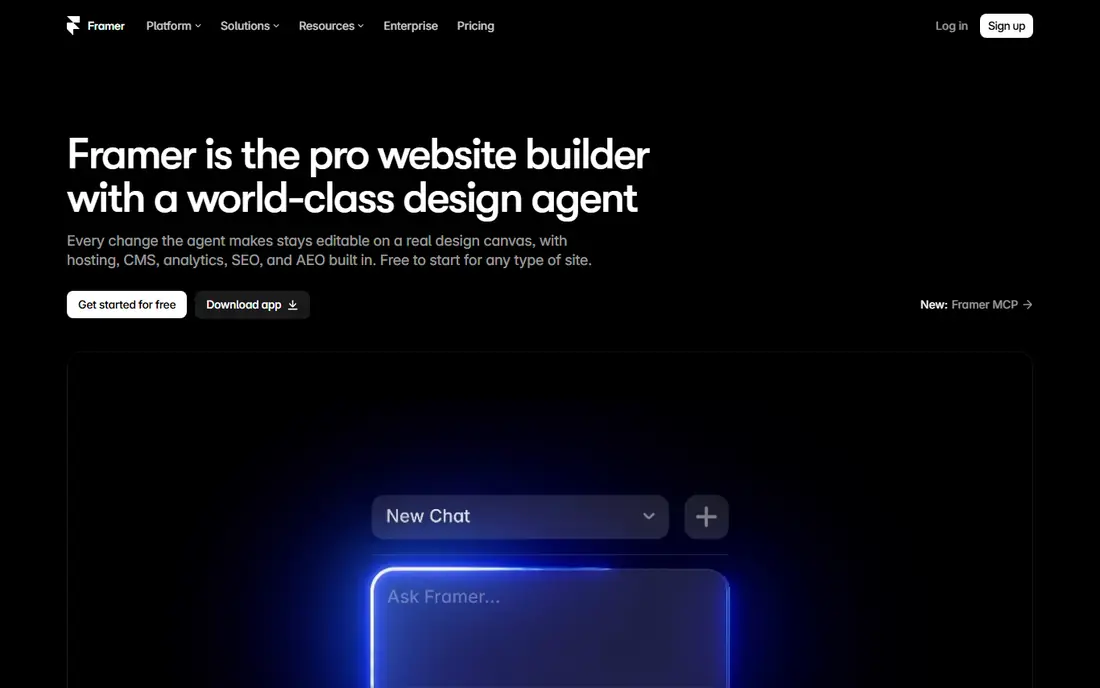
Framer started as a prototyping tool and grew into a website builder, which makes it useful when a prototype needs to become a real landing page or marketing site. AI generation can draft a site from a prompt, and you can then refine layout, interactions, and content in a visual editor and publish it live. That path suits startups that need a credible site fast, not just a demo for internal review.
Framer is less suited to complex app prototypes with databases and user accounts, where a coding tool fits better. Paid plans also gate some publishing and team features, so check limits before you plan a launch around Framer. For marketing sites and interactive prototypes, Framer is a strong, practical pick.
- AI site generation
- Strong interaction design
- Publish to a live site
- More site-focused than app-focused
- Advanced features need paid plans
Galileo AI turns a short text description into a high-fidelity interface design, with layouts, components, and copy that you can edit in Figma. That makes it useful for the blank-page moment, when a team knows what an app should do but has no screens yet. A prompt can produce a dashboard, a signup flow, or a mobile screen in minutes, giving designers a starting point to refine rather than a finished product.
The output still needs human review for spacing, hierarchy, and real content, and teams should not ship a Galileo draft without checking it against their brand and accessibility needs. Access and pricing have also shifted as the product has evolved, so check the current site before you plan around it. Used as a drafting tool, Galileo saves real time in early design.
- Generates UI from text prompts
- Editable in Figma
- Fast first drafts
- Output needs design review
- Pricing and access have changed over time
Visily focuses on the early, low-fidelity stage: wireframes, flows, and clickable prototypes that test structure before visual polish. You can generate a wireframe from a prompt or a screenshot, arrange screens into a flow, and share a clickable prototype for feedback. That focus keeps the tool fast and easy for product managers and founders who want to validate a journey, not a color palette.
Final visual design is not Visily's strength, so teams will usually move to Figma or code for the polished version. Code export is also limited compared with v0, Bolt, or Lovable. If you need to answer “does this flow make sense” rather than “does this look final,” Visily is a good, low-cost choice.
- AI wireframes from prompts and screenshots
- Simple editor
- Team collaboration
- Less polished for final visual design
- Limited code export
v0, from Vercel, turns a prompt into a working web interface with real React and Next.js code, which you can edit, iterate on by chat, and deploy. That makes it different from a design-only prototype: buttons can work, forms can submit, and the result can become part of a real project. Developers like that the output is code they can read and change, not a picture of an app.
v0 is strongest for front-end web interfaces. A full app with accounts, a database, and payments needs extra setup beyond a v0 prototype, though Vercel integrations help. Credits also limit how many generations you get on lower plans, so plan prompts carefully. For testing a real web flow with developers in the loop, v0 is an excellent choice.
- Generates working React and Next.js code
- Easy iteration by prompt
- Deployable output
- Best for web interfaces
- Backend and data need extra setup
Bolt builds full-stack web apps from a prompt in the browser, including front end, back end, and database setup for many common cases. That lets a founder or a small team test an idea with real signups, data, and pages, not just mock screens. You can edit code in the browser, add features by prompt, and deploy the result, which shortens the path from idea to a testable product.
Complex or production-grade apps still need developer review for security, data design, and performance, and token limits affect how much you can build on lower plans. Bolt is best used for prototypes, internal tools, and MVPs that you plan to harden before a public launch. For speed to a working app, few tools match it.
- Builds full-stack apps from prompts
- In-browser coding
- Deployable projects
- Complex apps need developer review
- Token limits shape heavy use
Lovable turns a prompt into a full web app with pages, data, and integrations, often using Supabase for accounts and storage. The workflow is friendly for non-developers: describe the app, review the result, and refine it by chat. Sharing a live link for feedback is simple, which helps founders test an idea with real users early.
As with Bolt, output quality depends heavily on prompt clarity, and a Lovable app is a prototype until a developer reviews security, data rules, and edge cases. Credit limits also apply on lower plans. If you want the fastest path from an idea to a shareable app, Lovable is a strong pick, especially for simple tools, directories, and dashboards.
- Fast prompt-to-app workflow
- Supabase integration
- Easy sharing and publishing
- Quality varies with prompt clarity
- Production apps need review
How we picked these
We compared official feature pages, pricing pages, and developer and designer reviews for tools that generate prototypes from prompts, sketches, or screenshots and that are live in 2026. We kept design tools and coding tools in the same list but flagged the difference, so readers do not expect Figma output to run as code or Bolt output to match a design system. We did not claim hands-on testing, and we used vendor pages for pricing, since many tools price by credits or seats.
How to choose an AI prototyping tool
Match the prototype to the question
If the question is “does this flow make sense,” a design tool like Figma, Uizard, or Visily is enough. If the question is “does this app work with real data,” a coding tool like v0, Bolt, or Lovable is better. Using the wrong type wastes time and creates a prototype that cannot answer the question you asked.
Plan handoff early
Ask how the prototype moves to production. Figma gives designers and developers a shared handoff, while coding tools give developers real code to build on. A prototype that cannot be handed off cleanly often gets rebuilt from scratch, which erases the time saved.
Test with real users, not just the team
Share the prototype with people outside the project and watch where they hesitate. AI generation makes it easy to produce many screens, but only user testing shows which flow actually works. Keep prototypes rough early, and polish only after the flow is proven.
FAQ
Which ai prototyping tools are the best for beginners?
Uizard and Visily are the easiest for beginners, because they turn sketches, screenshots, or short prompts into clickable flows without design training. Lovable and Bolt are also beginner-friendly for app ideas, though they produce code that needs review before launch. Start with a design tool if you only need to test a flow.
Can AI prototyping tools replace designers and developers?
No. They speed up first drafts and routine screens, but they do not replace judgment about user needs, brand, accessibility, and system design. Designers still need to refine layouts and flows, and developers still need to review code, security, and data. Treat AI output as a draft, not a finished product.
Do AI prototypes export to code?
Some do, and some do not. v0, Bolt, and Lovable export working code, while Figma, Uizard, and Visily focus on design files and clickable flows. If code export matters, pick a coding tool from the start rather than trying to convert a design prototype later.
How much do AI prototyping tools cost?
Many offer a free tier with limited generations or credits, while paid plans vary by seats, credits, or publishing features. Check the current vendor pricing page, since credit systems change often. Budget for a paid plan if you will prototype regularly or share prototypes with clients.
What is the best AI prototyping tool for a startup MVP?
Bolt or Lovable suit a startup MVP that needs real data and user accounts, while Figma suits a startup that needs to validate flows with investors or users before building. Many startups use both: Figma for early flow tests, then Bolt or Lovable for a working MVP. Choose based on whether you need screens or a working app first.