Best AI Headshot Generator App in 2026: 9 Apps Compared
Compare the best AI headshot generator app options, with one-time prices, turnaround times, photo counts, and the right pick for jobs and teams in 2026.

- Editor's choice
 Aragon AI
Most realistic individual headshots
Starts at$35 one-timeVisit aragon.aiFull review - Great alternative
 HeadshotPro
Consistent team headshots
Starts at$29 one-timeVisit headshotpro.comFull review - Also consider
 BetterPic
4K output with human editing
Starts at$35 one-timeVisit betterpic.ioFull review
TL;DR:
- Aragon at $35 and HeadshotPro at $29 are the strongest starting points for individuals and teams respectively.
- BetterPic is the only entry here with 4K output on every tier and a human editing option.
- Secta Labs offers the largest batch, with 200 or more headshots for $49, but you will spend time choosing favorites.
- Almost no tool offers a free plan, so expect to pay before seeing results, with refund guarantees instead.
- Upload varied, well-lit selfies and read the refund terms before paying, because likeness quality depends heavily on input photos.
Quick comparison
| Tool | Best for | Starts at | Free plan? | |
|---|---|---|---|---|
| Aragon AI | Most realistic individual headshots | $35 one-time | No | Visit |
| HeadshotPro | Consistent team headshots | $29 one-time | No | Visit |
| BetterPic | 4K output with human editing | $35 one-time | No | Visit |
 Secta Labs | Largest batch per shoot | $49 one-time | No | Visit |
 Dreamwave | Single-selfie workflow | $35 one-time | No | Visit |
 Try It On AI | Cheapest one-selfie headshots | $17 one-time | Free preview | Visit |
 ProPhotos AI | Classic corporate styling | $25 one-time | No | Visit |
 The Multiverse AI | High volume at a flat price | $29.99 one-time | No | Visit |
 PortraitPal | Fast LinkedIn-ready headshots | $35 one-time | No | Visit |
The best AI headshot generator apps
These tools turn your selfies into professional headshots, usually in under two hours. All are available in October 2026, and prices shown are one-time shoot prices, not monthly subscriptions, unless noted.
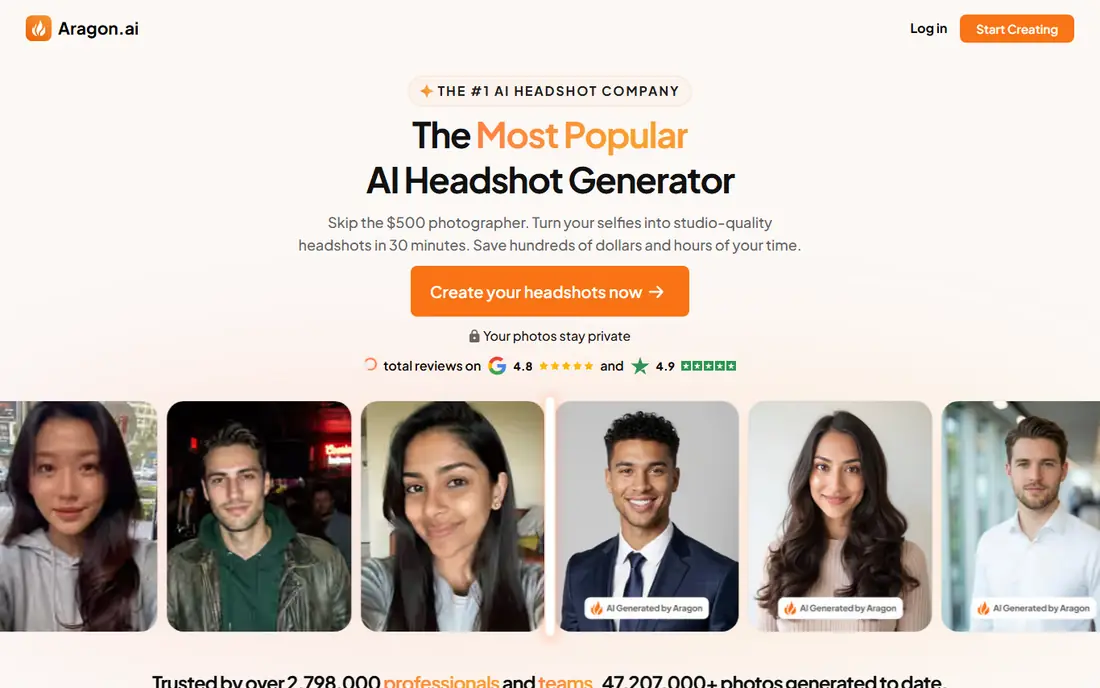
Aragon AI is the realism pick for a single person updating a LinkedIn photo or resume. Upload six to twelve varied selfies, pick a style, and receive 40 headshots on the Basic plan at $35, with higher tiers offering 60 or 100 shots. Delivery is fast, with the top tier promising around 15 minutes in recent listings.
Resolution is the catch. The highest-resolution files sit on the Executive tier at $75, so check pixel size at checkout if you need print quality. Refund terms also tighten after download, so review the guarantee before paying. For most profile photos, Aragon's realism justifies the price.
- Strong realism for individuals
- Fast delivery on higher tiers
- Simple upload flow
- Highest resolution only on the top tier
- Refund terms are strict after download
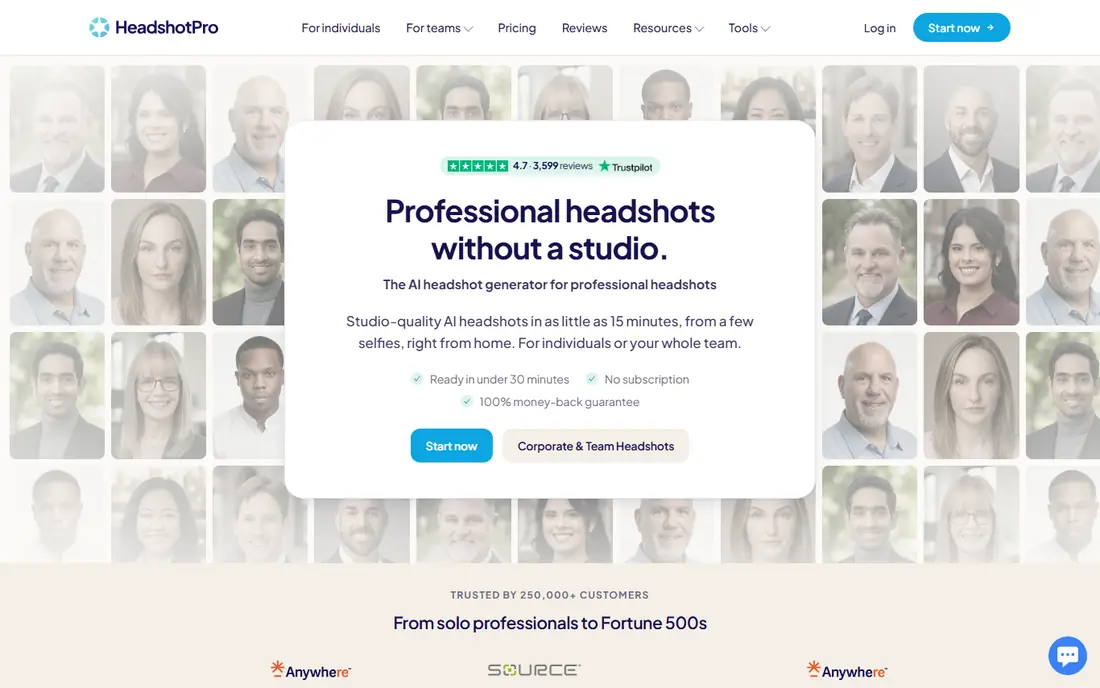
HeadshotPro is the teams pick. An admin picks styles, invites employees, and downloads all headshots in one place, so a staff page looks consistent rather than patched together. Individual plans start at $29, with Professional at $39 offering 50 headshots and a free redo within 14 days in recent listings.
Turnaround is slower than Aragon for individuals, at around two to four hours depending on tier. The refund guarantee is stronger, with money back if no headshot looks like you, which lowers risk for a first-time buyer. For a company rollout, HeadshotPro is the safest choice here.
- Style locking for teams
- Strong refund guarantee
- Good value at scale
- Individual turnaround is slower than Aragon
- Highest resolution needs the top tier
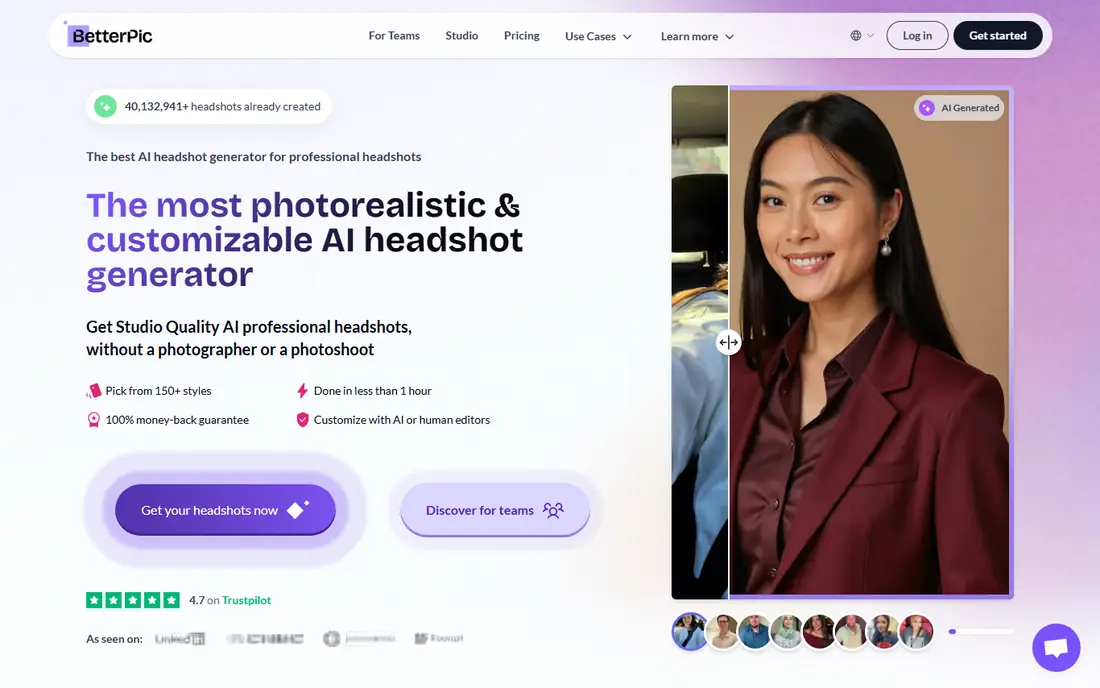
BetterPic stands out on resolution and editing. Every individual package offers 4K output, starting at $35 for 20 headshots, with Pro at $39 for 60 headshots in recent listings. The Expert tier adds human retouching, which is unique in this list and useful when an AI result needs a careful fix.
The entry tier covers only one style, so buyers who want variety should start at Pro. Extra human edits cost $8 each and a full redo beyond the free one costs $10 in recent listings, so price those in if you expect changes. For print or a high-resolution profile photo, BetterPic is the value pick.
- 4K output on every tier
- Human editing option
- Clear prices for extra edits
- Entry tier covers only one style
- Refund ends after download
Secta Labs offers the largest batch in this list, with 200 or more headshots for $49 in recent listings. A remix mode lets you restyle a photo you like without starting a new shoot, which helps when one pose works but the background or outfit does not. Delivery is usually under two hours, and under one hour on faster options.
Volume is also the drawback. Sorting 200 headshots takes real time, and many will be near-duplicates. For a buyer who wants many looks to test across LinkedIn, a resume, and a company page, Secta gives the most choice per dollar.
- 200 or more headshots per shoot
- Remix mode restyles a favorite
- Fast delivery
- Choosing favorites takes time
- Resolution is high definition, not marketed as 4K
Dreamwave is the easiest tool to start, because it needs only one selfie. That low input bar suits users with few good photos, or teams that want a quick start without collecting a dozen selfies per person. Portraits look natural in most listings, with delivery in about an hour.
One photo also means less data for the model to learn your face, so likeness can vary more than with Aragon or HeadshotPro. Some listings note final sale terms with no refunds, so read the policy before paying. If you have only one usable photo, Dreamwave is still the most practical option here.
- Needs only one photo to start
- Natural-looking portraits
- Team options available
- Final sale with no refunds in some listings
- Likeness can vary with one input photo
Try It On AI is the budget pick, starting at $17 for a one-selfie shoot in recent listings. A free preview lets you see a sample before committing to a full pack, which is rare in this category. That combination makes it a low-risk way to test whether AI headshots work for you at all.
Turnaround is slower, at 12 to 24 hours, and likeness is less consistent than tools that train on many photos. For a quick, cheap LinkedIn update where perfect likeness is not critical, Try It On AI is a sensible first test. For a high-stakes job search, a trained-model tool may be worth the extra cost.
- Lowest entry price
- One selfie to start
- Free preview before full payment in some listings
- Turnaround runs 12 to 24 hours
- Likeness is less consistent than trained-model tools
ProPhotos AI suits corporate roles where a classic, formal headshot is the goal. Entry listings show $25 for 40 headshots, with higher tiers offering 200 shots for $59 and many outfit and background pairs. Turnaround is around 90 minutes in recent listings, which fits a same-day need.
Styling can feel formal for creative or startup roles, where a more relaxed look may fit better. Refund terms are also harder to find than on HeadshotPro or BetterPic, so read the policy at checkout. For a traditional corporate profile, ProPhotos offers strong value.
- Low entry price
- Classic corporate looks
- 40 or more headshots on entry listings
- Refund terms are harder to find
- Styling can feel formal for creative roles
The Multiverse AI offers 100 or more headshots for $29.99, plus 20 custom shots in recent listings, with delivery in 10 to 15 minutes. That speed and volume make it attractive for a buyer who wants many options quickly and cheaply. The flat price also avoids tier confusion.
Some listings note that results are non-refundable once generated, so the low price still carries risk if likeness misses. Quality across a large batch will vary, and you should expect to discard many shots. For volume on a budget, The Multiverse AI is a strong contender.
- 100 or more headshots plus custom shots
- Fast delivery
- Flat low price
- Non-refundable once generated in some listings
- Quality varies across a large batch
PortraitPal focuses on a fast LinkedIn update. For $35, you get a same-day shoot with a simple workflow, and the output is sized for a profile photo. That focus suits a job seeker who needs a better LinkedIn photo this week, not a full brand shoot.
Resolution in some listings is 1024 by 1024, which is enough for LinkedIn but not for print. Team features are also lighter than HeadshotPro. For a single profile photo, PortraitPal is fast and simple, but check resolution if you also need a larger file.
- Same-day delivery
- Simple LinkedIn-focused workflow
- Clear pricing
- Output resolution is 1024 by 1024 in some listings
- Fewer team features than HeadshotPro
How we picked these
We compared official pricing pages and recent pricing summaries for AI headshot tools available in October 2026. Each tool had to generate professional headshots from user photos, offer a clear one-time price, and deliver results without a studio shoot. We favored a mix of realism, team tools, volume, and budget options, so individuals and companies can both find a fit. Prices and photo counts change with promotions, so check the vendor page before paying.
How to get a headshot that actually looks like you
Input photos matter more than the tool you pick. A good set of selfies, plus a clear style choice, will beat a premium tier fed with poor photos.
Upload varied, well-lit selfies
Use six to fifteen photos, depending on the tool, with different angles, expressions, and backgrounds. Choose well-lit, front-facing shots without sunglasses, heavy filters, or other people in frame. Avoid old photos that no longer look like you, because the model will learn that older face.
Pick a style that matches the job
A corporate role calls for a suit, a neutral background, and a straight-on pose. A creative role allows a more relaxed outfit and a warmer background. Check the tool's style gallery before paying, and pick one style on the entry tier rather than expecting variety from a single-style pack.
Read refund terms before paying
Refund rules vary widely here. Some tools refund only if no headshot looks like you, others end refunds after download, and some list final sale terms. Save the policy page, note the deadline, and review results promptly. If likeness is uncertain, start with the cheapest tier that still offers a refund.
FAQ
What is the best AI headshot generator app?
Aragon is the best pick for realistic individual headshots, HeadshotPro is best for teams, and BetterPic is best for 4K output with human editing. Try It On AI is the cheapest test, while Secta Labs offers the most headshots per shoot. The right pick depends on whether you need realism, team consistency, or volume.
How many selfies do I need for an AI headshot?
Most trained-model tools need six to fifteen selfies, with varied angles and lighting. Dreamwave and Try It On AI need only one selfie, which is easier but can give less consistent likeness. Use recent, well-lit, front-facing photos without sunglasses or filters for the best result.
Are AI headshots good enough for LinkedIn?
Yes, for most LinkedIn profiles, a good AI headshot from Aragon, HeadshotPro, or BetterPic looks professional at profile size. Recruiters may notice AI artifacts on close inspection, especially in hands, ears, or backgrounds. Pick a natural style, avoid over-retouching, and use a real photo if the role requires strict identity checks.
How much does an AI headshot cost?
One-time shoots here cost $17 to $49 for entry tiers, with higher tiers at $59 to $79 for more shots or higher resolution. That compares with $300 to $800 for many studio sessions in recent summaries. Read what each tier includes, because photo count, resolution, and editing credits differ.
Can I use AI headshots for a company team page?
Yes, and HeadshotPro, BetterPic, and Dreamwave all offer team options. Use one tool and one style set for the whole team, so the page looks consistent. Check commercial license terms, especially on entry tiers, and keep a record of which tool and tier each team member used.