Best AI Headshot App Free in 2026: 8 Apps Compared
Compare the best free AI headshot apps and low-cost packs, with free previews, photo quality, privacy terms and what truly free really means. See details.
- Editor's choice
 Try It On AI
Free preview and low-cost packs
Starts at$17 one-timeVisit tryitonai.comFull review - Great alternative
 Pixelbin
Free monthly headshots
Starts atFreeVisit pixelbin.ioFull review - Also consider
 ProfileLoom
One free portrait
Starts atFreeVisit profileloom.comFull review
TL;DR:
- Truly free AI headshots are limited, so expect free previews, a few free photos or a general AI tool, not a full free pack.
- Try It On AI, Pixelbin and ProfileLoom give the closest free starting points, while Gemini can make a single portrait free.
- Aragon, HeadshotPro, BetterPic and Secta charge per pack, but they give more consistent, professional results for LinkedIn.
- Judge a headshot by likeness, not style: eyes, smile, hairline and face shape should match a recent photo of you.
- Read privacy terms before uploading, because face photos are biometric data and retention periods vary widely.
Quick comparison
| Tool | Best for | Starts at | Free plan? | |
|---|---|---|---|---|
| Try It On AI | Free preview and low-cost packs | $17 one-time | Free preview | Visit |
| Pixelbin | Free monthly headshots | Free | Yes | Visit |
| ProfileLoom | One free portrait | Free | Yes | Visit |
 Gemini | Free single portraits | Free | Yes | Visit |
 Aragon AI | Most realistic paid headshots | $35 one-time | No | Visit |
 HeadshotPro | Consistent team headshots | $29 one-time | No | Visit |
 BetterPic | 4K output with human editing | $35 one-time | No | Visit |
 Secta AI | Large batches and variety | $49 one-time | No | Visit |
The best ai headshot apps free
Free AI headshot apps fall into three groups: tools with a free preview or a few free photos, general AI tools that can make a portrait free, and paid pack services that are worth knowing because free results often disappoint. This list starts with the free options, then covers the paid benchmarks so you can judge whether a free result is good enough.
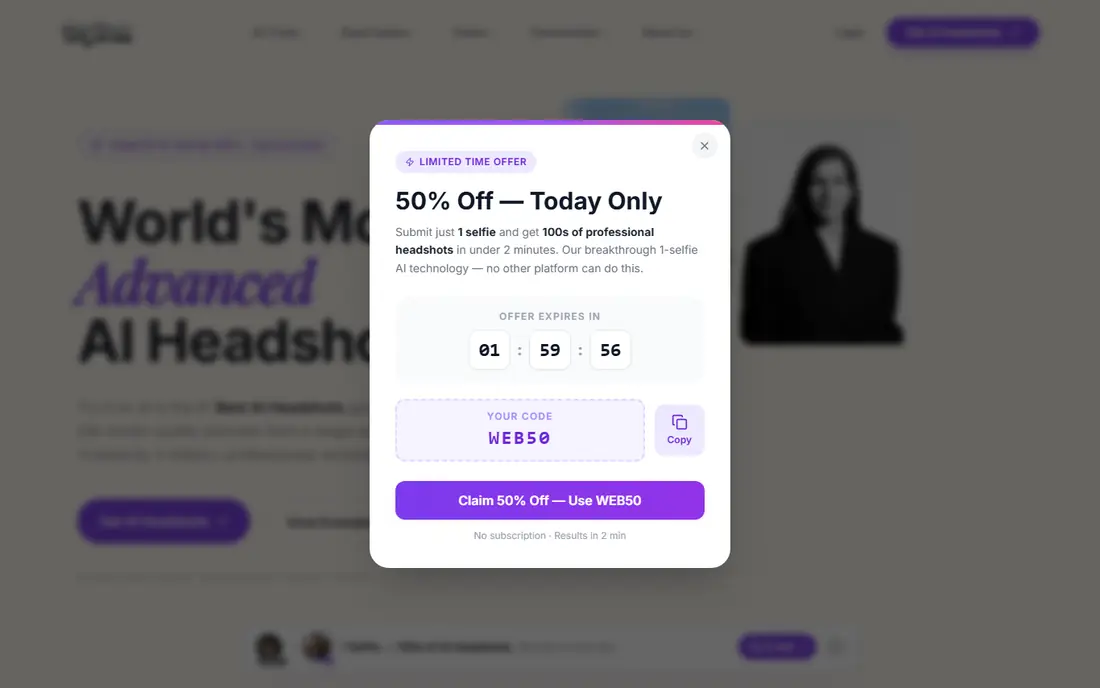
Try It On AI is the best low-risk starting point if you want to test AI headshots without spending much. A free preview lets you see the style before you buy, and paid packs start from around 17 dollars in published listings, which is the lowest entry point among dedicated headshot tools here. The single-selfie flow also suits users who do not want to upload a dozen photos.
The free preview is not a full professional pack, so do not judge the whole category by one preview image. Upload a clear, recent, well-lit selfie without sunglasses or heavy filters, and check eyes, smile and hairline against a recent photo. If the preview looks close, a paid pack is a reasonable next step.
- Free preview before you pay
- Needs only one selfie in some flows
- Packs from around 17 dollars in published listings
- Free preview is limited, not a full pack
- Likeness varies with selfie quality
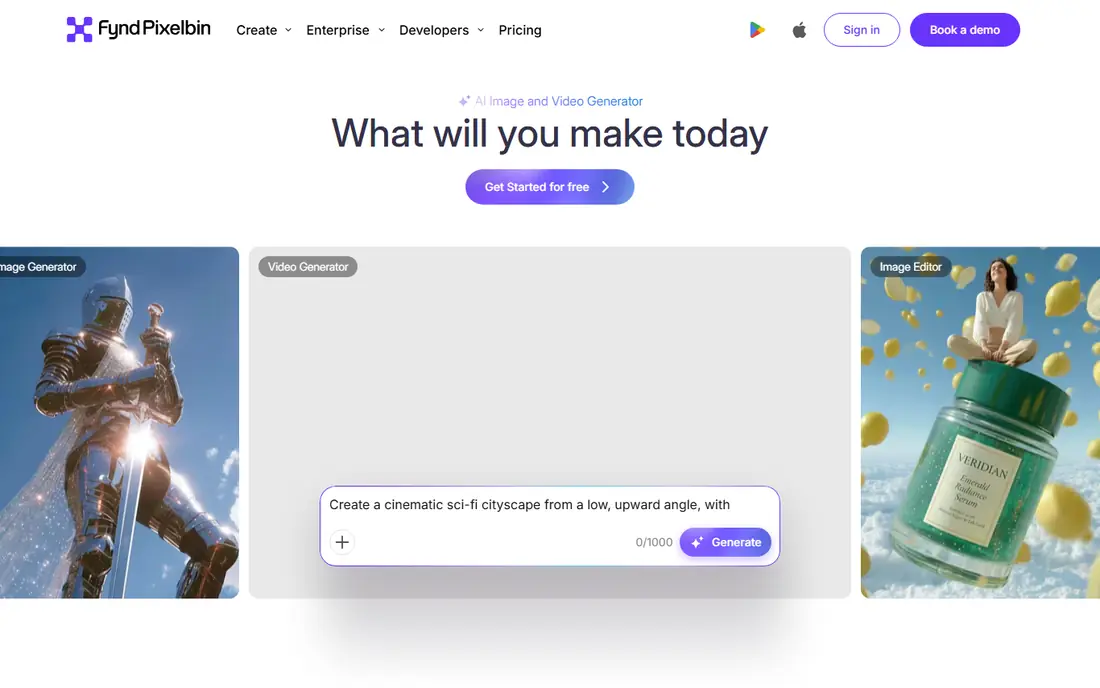
Pixelbin is cited in published comparisons as offering three HD headshots each month free, which makes it one of the few tools with a recurring free allowance rather than a one-time preview. That monthly limit suits a user who needs one LinkedIn photo and can wait for a good result, rather than a team that needs many matching headshots.
Free results will not match a paid Aragon or BetterPic pack for realism and resolution in every case, so compare the output with a recent photo and try a different month if the first set misses. For a truly free test, Pixelbin is the most practical starting point on this list.
- Free headshots each month in published listings
- No full pack purchase needed to start
- Quick generation
- Free monthly limit is small
- Styles and resolution are more limited than paid pack tools
ProfileLoom offers one free portrait without sign-up in published listings, which makes it useful for testing a look before you spend anything. If that portrait works, paid packs from around 9.99 dollars give more options at a low price. The flow suits job seekers who need one good photo fast, not a large set to choose from.
A single free portrait is a narrow test, so do not expect the variety of a 40-photo pack. Check likeness carefully, try a different outfit or background if the first result feels off, and only pay for a pack once the free portrait proves the tool handles your face well.
- One free portrait with no sign-up in published listings
- Low-cost packs from around 9.99 dollars
- Quick way to test a look
- Free offer is a single portrait, not a batch
- Paid packs are smaller than Aragon or Secta batches
Gemini, Google AI app, can create a single portrait free, with published listings noting around two Pro images per day on free access. That makes it a useful free test if you already use Google services and want one image quickly. You can describe the style, outfit and background in plain language and iterate in conversation.
Gemini is not a dedicated headshot service, so it lacks batch generation, team management and headshot-specific privacy terms. Results can also vary more than a trained headshot model, because it does not train on a set of your photos in the same way. Use Gemini to test a look free, then move to a dedicated tool if you need a consistent, professional set.
- Free access in the Gemini app
- Fast single portraits from a prompt or photo
- No headshot pack purchase needed
- General model, not a dedicated headshot service
- No batch, team or headshot-specific privacy terms
Aragon AI is the paid benchmark many reviewers point to for realistic individual headshots. You upload around a dozen photos, and Aragon trains a model that returns portraits with natural skin tones, believable lighting and backgrounds that hold up on LinkedIn. Published listings put Basic at 35 dollars for 40 headshots, with higher tiers at 45 and 75 dollars for more photos and faster turnaround.
There is no free plan, so Aragon is included here as the quality standard to compare free tools against, not as a free tool itself. If a free preview looks artificial, Aragon shows what a paid pack can improve. For a single important profile photo, it is often worth the one-time cost.
- Most natural-looking results in many comparisons
- Fast turnaround
- Commercial use rights on generated photos
- No free plan
- Per-session pricing adds up if you refresh often
HeadshotPro is the best paid option for teams that need matching headshots. One administrator sets the style, invites team members and downloads a consistent set, which avoids the patchwork look of individual free tools. Published listings put plans at 29, 39 and 59 dollars, with 30, 50 and 70 photos respectively, and team pricing around 39 dollars per person in some listings.
Individual users can still use HeadshotPro, but team features add cost and complexity you may not need. There is no free plan, so use a free preview tool first to test whether AI headshots suit you, then choose HeadshotPro if you need consistency across many people.
- Consistent styling across a team
- Admin dashboard and team credits
- 4K output on top tier
- No free plan
- Individual users may not need team features
BetterPic stands out for print-ready output and human editing. Published listings put plans at 35, 39 and 79 dollars, with 20, 60 and 120 headshots, and 4K resolution on every tier. Human retouching helps fix small issues that AI alone leaves behind, such as skin texture or background edges, which matters for a photo that will appear in print or on a company site.
BetterPic has no free plan, so it is a paid benchmark here, not a free tool. If you need a headshot for print, a speaker bio or a company directory, the 4K output and human editing justify the price over a free single portrait.
- 4K output on every tier in published listings
- Human photo editors available
- Commercial license included
- No free plan
- Higher tiers cost more for larger batches
Secta AI offers one of the largest batches on this list, with published listings noting around 49 dollars for a large set, and other listings noting higher tiers for even more photos. That volume suits users who have not settled on a look and want to pick from many outfits, backgrounds and styles. Instant edits in some flows help refine a favorite without starting over.
Secta has no free plan, and the higher price is hard to justify if you only need one photo. Use a free tool first to confirm AI headshots work for your face, then choose Secta if variety and choice matter more than the lowest price.
- Large batches with many styles and outfits
- Instant edits in some flows
- Good for users who want variety
- No free plan
- Higher price than Try It On AI or HeadshotPro entry packs
How we picked these
We compared official pricing pages, published October 2026 headshot comparisons and vendor privacy pages. We kept tools with a real free preview, free tier or low-cost entry, plus paid benchmarks that help readers judge free results fairly. We excluded tools that claim to be free but require payment before showing any result without a clear preview, and we note where a free offer is limited. Prices are one-time per pack unless noted, and promotions change, so check the vendor site before you pay.
How to get a free AI headshot that actually looks like you
Start with your input photos. Use recent, clear, well-lit photos with different angles, smiles and neutral expressions, and avoid sunglasses, hats, filters and old photos. A free tool trained on one poor selfie will give a poor result, no matter how good the model is. If a tool asks for many photos, give it the full set it requests, because variety helps likeness.
Next, judge the result like a stranger would. Show it to someone who knows you and ask whether it looks like you on a good day, without telling them it is AI. Check eyes, smile, hairline, face shape and skin tone first, and ignore background and outfit until likeness passes. Finally, read the privacy policy: check how long training photos are kept, whether they are used to train general models, and how to delete them. Delete your training photos after download if the tool allows it, and do not upload photos of other people without their permission.
FAQ
What is the best free AI headshot app?
Try It On AI for a free preview, Pixelbin for free monthly headshots and ProfileLoom for one free portrait are the closest free starting points. Gemini can also make a single portrait free, though it is not a dedicated headshot service.
Are free AI headshots really free?
Most free offers are limited to a preview, one portrait or a few photos per month. Full packs with many styles, high resolution and human editing usually cost from 17 to 79 dollars, so read the free offer terms before you expect a complete set.
How many photos do I need for an AI headshot?
Dedicated tools often ask for 10 to 20 photos, with varied angles, expressions and outfits. Single-selfie tools need only one photo, but results can be less consistent, especially for likeness and hair.
Can I use a free AI headshot on LinkedIn?
Yes, if the tool grants you use rights for the generated image and the photo truly looks like you. Check the terms for commercial use, and avoid using a photo that misrepresents your age, appearance or identity in a professional context.
Is it safe to upload my photos to an AI headshot app?
Reputable tools state retention periods and say whether face data trains general models, but terms vary widely, from 30 days to much longer. Read the privacy policy, use a tool with clear deletion options, and delete training photos after you download your headshots.
What if my free AI headshot does not look like me?
Try a different input photo set, a different style or a different tool, because likeness varies by model and selfie quality. If several free tools miss, a paid pack from Aragon, HeadshotPro or BetterPic, with more training photos, often gives a closer result.