Best AI Prospecting Tools in 2026: 9 Tools Compared
Best ai prospecting tools ranked for 2026: verified AI prospecting software, pricing, free plans, and the right fit for small teams and large sales teams.
- Editor's choice
 Apollo.io
All-in-one prospecting and sequencing
Starts at$49 per user per monthVisit apollo.ioFull review - Great alternative
 Clay
Waterfall enrichment and list building
Starts atSee websiteVisit clay.comFull review - Also consider
 ZoomInfo
Enterprise data depth and intent signals
Starts atSee websiteVisit zoominfo.comFull review
TL;DR:
- Apollo is our pick for most small teams because it combines contact data, sequences, and a dialer in one seat.
- Clay is the best ai prospecting tool for enrichment workflows, but it works best on top of a sending tool, not instead of one.
- ZoomInfo and Cognism suit larger teams that need depth and compliance controls, while their pricing is quote based.
- Credit math decides the real cost, since phone numbers usually cost far more credits than email addresses.
Quick comparison
| Tool | Best for | Starts at | Free plan? | |
|---|---|---|---|---|
| Apollo.io | All-in-one prospecting and sequencing | $49 per user per month | Yes | Visit |
| Clay | Waterfall enrichment and list building | See website | Yes | Visit |
| ZoomInfo | Enterprise data depth and intent signals | See website | Yes | Visit |
 Cognism | Compliant prospecting in Europe and beyond | See website | No | Visit |
 Lusha | Quick contact reveals on LinkedIn | See website | Yes | Visit |
 Seamless.AI | Real-time contact search | See website | Yes | Visit |
 UpLead | Verified emails with quality guarantees | $74 per month | Free trial | Visit |
 Snov.io | Budget finder plus outreach | $39 per month | Yes | Visit |
 LinkedIn Sales Navigator | Finding the right people by title and account | $119.99 per month | Free trial | Visit |
The best ai prospecting tools
The best ai prospecting tools help sales teams find the right people, check contact details, and write a first message that sounds human. This guide compares ai prospecting software top platforms ranked by fit, not by hype, and it covers the best ai tools for prospecting for solo reps and larger teams.
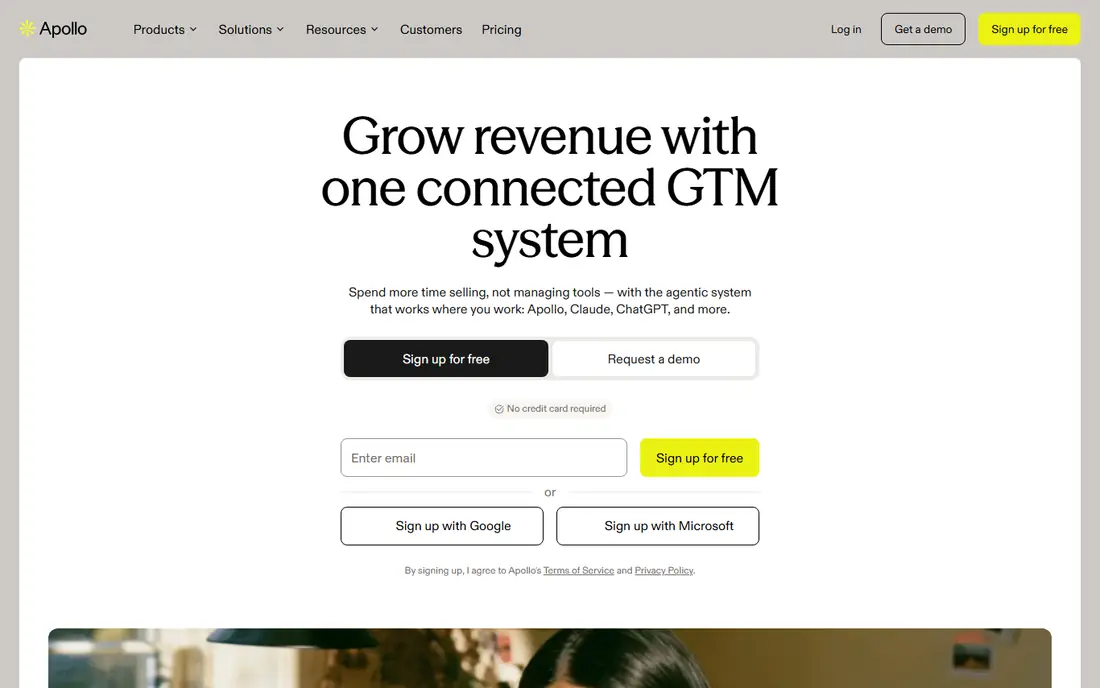
Apollo fits small teams that want data and outreach in one seat, without stitching three tools together. In practice, large contact database and sequences and dialer included give it a clear role for the buyer described above. That combination is why it earns a place on this list, even though no tool in this guide is right for every buyer. Watch credit use in the first month, and set a rule for when a phone number is worth eight credits. The honest catch is that phone numbers cost more credits than emails, and data depth varies by market. Check those limits during a trial or free plan, and confirm the price on the official pricing page before you commit to a paid plan.
- Large contact database
- Sequences and dialer included
- CRM sync with Salesforce and HubSpot
- Phone numbers cost more credits than emails
- Data depth varies by market
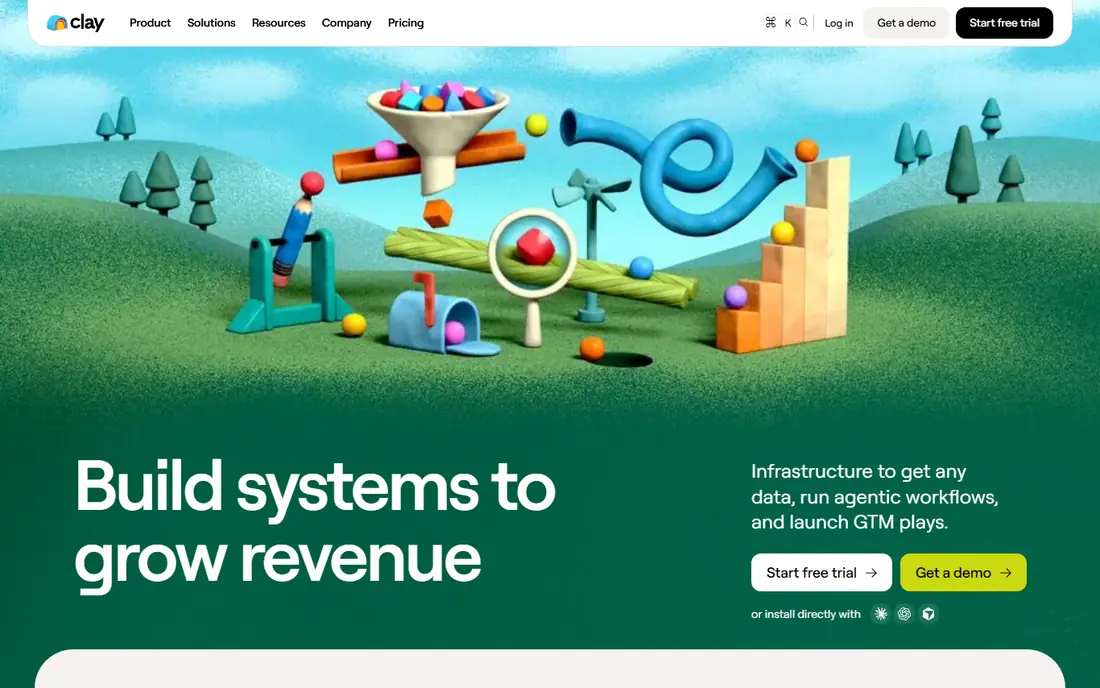
Clay fits teams that want control over how each field is sourced and scored. In practice, waterfall enrichment from many providers and flexible workflows and AI research give it a clear role for the buyer described above. That combination is why it earns a place on this list, even though no tool in this guide is right for every buyer. Start with one workflow, such as title plus verified email, before building a complex multi-step table. The honest catch is that learning curve is steep, and total cost rises with data providers and credits. Check those limits during a trial or free plan, and confirm the price on the official pricing page before you commit to a paid plan.
- Waterfall enrichment from many providers
- Flexible workflows and AI research
- Strong list building
- Learning curve is steep
- Total cost rises with data providers and credits
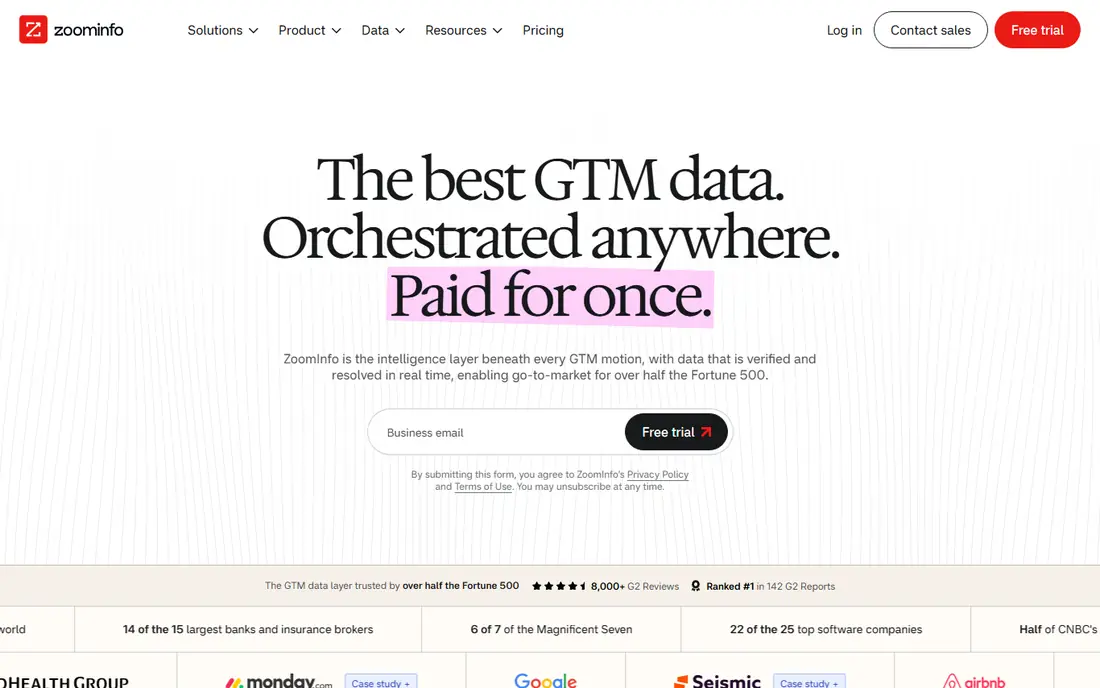
ZoomInfo fits larger teams that need depth, intent data, and consistent coverage across accounts. In practice, deep US contact and company data and intent signals and org charts give it a clear role for the buyer described above. That combination is why it earns a place on this list, even though no tool in this guide is right for every buyer. Ask for a trial on your own target accounts, and compare match rates against a cheaper tool before signing. The honest catch is that quote based pricing is costly for small teams, and setup and training take time. Check those limits during a trial or free plan, and confirm the price on the official pricing page before you commit to a paid plan.
- Deep US contact and company data
- Intent signals and org charts
- Broad CRM integrations
- Quote based pricing is costly for small teams
- Setup and training take time
Cognism fits teams selling into Europe that need verified mobiles and clear compliance controls. In practice, phone verified data with a compliance focus and strong European coverage give it a clear role for the buyer described above. That combination is why it earns a place on this list, even though no tool in this guide is right for every buyer. Confirm coverage for your exact countries and job titles during a demo, not from a general claim. The honest catch is that quote based pricing, and smaller US depth than some rivals in some sectors. Check those limits during a trial or free plan, and confirm the price on the official pricing page before you commit to a paid plan.
- Phone verified data with a compliance focus
- Strong European coverage
- Intent and sales triggers
- Quote based pricing
- Smaller US depth than some rivals in some sectors
Lusha fits reps who work account by account on LinkedIn and need a contact quickly. In practice, fast LinkedIn contact reveals and simple browser extension give it a clear role for the buyer described above. That combination is why it earns a place on this list, even though no tool in this guide is right for every buyer. Use it for warm, researched outreach, and keep a log of credits used per closed meeting. The honest catch is that bulk list building is limited, and credit packs need careful planning. Check those limits during a trial or free plan, and confirm the price on the official pricing page before you commit to a paid plan.
- Fast LinkedIn contact reveals
- Simple browser extension
- Easy team onboarding
- Bulk list building is limited
- Credit packs need careful planning
Seamless.AI fits reps who need fresh contacts that older databases may miss. In practice, real-time search engine for contacts and verification at search time give it a clear role for the buyer described above. That combination is why it earns a place on this list, even though no tool in this guide is right for every buyer. Test search accuracy on your niche titles, and compare the free credit allowance with your weekly volume. The honest catch is that paid pricing is quote based, and coverage varies outside LinkedIn heavy markets. Check those limits during a trial or free plan, and confirm the price on the official pricing page before you commit to a paid plan.
- Real-time search engine for contacts
- Verification at search time
- CRM integrations
- Paid pricing is quote based
- Coverage varies outside LinkedIn heavy markets
UpLead fits teams that value email deliverability over phone coverage. In practice, emails verified at export and technographic filters give it a clear role for the buyer described above. That combination is why it earns a place on this list, even though no tool in this guide is right for every buyer. Export a test batch and check bounce rates before buying a larger credit pack. The honest catch is that phone data is more limited than email data, and credit costs add up on large lists. Check those limits during a trial or free plan, and confirm the price on the official pricing page before you commit to a paid plan.
- Emails verified at export
- Technographic filters
- Simple interface for small teams
- Phone data is more limited than email data
- Credit costs add up on large lists
Snov.io fits budget conscious teams that want finding and sending in one place. In practice, finder, verifier, and email sequences in one tool and lower entry price give it a clear role for the buyer described above. That combination is why it earns a place on this list, even though no tool in this guide is right for every buyer. Set up a separate sending domain and warm it slowly, and keep list quality high to protect deliverability. The honest catch is that phone data is limited, and deliverability needs careful warmup and domain setup. Check those limits during a trial or free plan, and confirm the price on the official pricing page before you commit to a paid plan.
- Finder, verifier, and email sequences in one tool
- Lower entry price
- Useful for small teams
- Phone data is limited
- Deliverability needs careful warmup and domain setup
LinkedIn Sales Navigator fits teams that start prospecting from people and accounts, not from bought lists. In practice, accurate self reported job titles and tenure and saved leads and account alerts give it a clear role for the buyer described above. That combination is why it earns a place on this list, even though no tool in this guide is right for every buyer. Pair it with one enrichment tool, and build saved searches around a narrow ideal customer profile. The honest catch is that no exportable work email or direct dial, and must pair with an enrichment tool. Check those limits during a trial or free plan, and confirm the price on the official pricing page before you commit to a paid plan.
- Accurate self reported job titles and tenure
- Saved leads and account alerts
- Strong search filters
- No exportable work email or direct dial
- Must pair with an enrichment tool
How we picked these
We compared official pricing pages, feature pages, and public documentation, and we checked availability in October 2026. We favored tools with verified contact data, AI research or drafting help, CRM sync, and a free plan or trial that lets a team test match rates. We avoided tools that lacked a working homepage or that sold scraped personal data without clear sourcing and compliance controls.
How to choose an AI prospecting tool
Start with your list problem. If you lack contacts, a database such as Apollo or ZoomInfo matters most. If you already have accounts, Clay or a similar enrichment layer may add more value than another database. If you lack replies, a sending and sequencing tool may matter more than extra data. Check match rates on your own market. Run the same 100 target accounts through two tools and count verified emails and direct dials. A tool that looks cheap per seat can be costly per usable contact, and a tool with strong US coverage may be weak in Europe, or the reverse. Keep outreach lawful and human. Use business contact data for business purposes, honor opt outs, and review AI drafts before sending. Personalization should come from public business facts, not from private details, and every sequence should have a clear way to stop.
FAQ
What is the best ai prospecting tool for a small team?
Apollo is a strong default for a small team because it combines data, sequences, and calling in one subscription. Clay is better when the team already has a list and needs enrichment from many sources.
Is Clay a replacement for a contact database?
No. Clay is a workflow layer that pulls data from other providers, so you still need data sources and, in most cases, a sending tool. Budget Clay on top of those costs, not instead of them.
How much should a prospecting tool cost per rep?
Entry seats range from free plans to about $49 per user per month for all-in-one tools, while enterprise data platforms are quote based and far higher. Divide the monthly bill by usable contacts to find the true cost.
Does AI prospecting replace manual research?
No. AI can surface signals and draft first messages, but a rep should still check the account, the role, and the relevance before sending. That review step protects reply rates and your sender reputation.