Best AI Photo Retouching Software in 2026: 8 Tools Compared
We compared the best AI photo retouching software on skin work, batch speed, control, and price, so photographers can pick the right retouching tool for 2026.
- Editor's choice
 Evoto
High volume portrait retouching
Starts atSee websiteVisit evoto.aiFull review - Great alternative
 Retouch4me
Photoshop plugin retouching
Starts atSee websiteVisit retouch4.meFull review - Also consider
 Luminar Neo
All in one AI photo editing
Starts atSee websiteVisit skylum.comFull review
TL;DR:
- Evoto leads for high volume portrait retouching with batch tools and consistent skin work.
- Retouch4me leads for Photoshop users who want single purpose plugins for skin, eyes, and fabric.
- Luminar Neo and ON1 Photo RAW suit photographers who want one editor with retouching built in.
- Always keep originals, check skin texture at full size, and avoid over smoothing.
Quick comparison
| Tool | Best for | Starts at | Free plan? | |
|---|---|---|---|---|
| Evoto | High volume portrait retouching | See website | Free trial | Visit |
| Retouch4me | Photoshop plugin retouching | See website | Free trial | Visit |
| Luminar Neo | All in one AI photo editing | See website | Free trial | Visit |
 PortraitPro | Face retouching with manual control | See website | Free trial | Visit |
 ON1 Photo RAW | All in one editor without subscription | See website | Free trial | Visit |
 DxO PhotoLab | Image quality and noise control | See website | Free trial | Visit |
 Adobe Lightroom | Catalog workflow with portrait presets | See website | Free trial | Visit |
 Topaz Photo AI | Detail recovery and sharpening | See website | Free trial | Visit |
The best AI photo retouching software
AI retouching should save time without making skin look plastic or erasing the character of a photo. The tools below cover high volume portrait work, Photoshop plugin workflows, and full editors with built in retouching, so you can match the tool to the job.
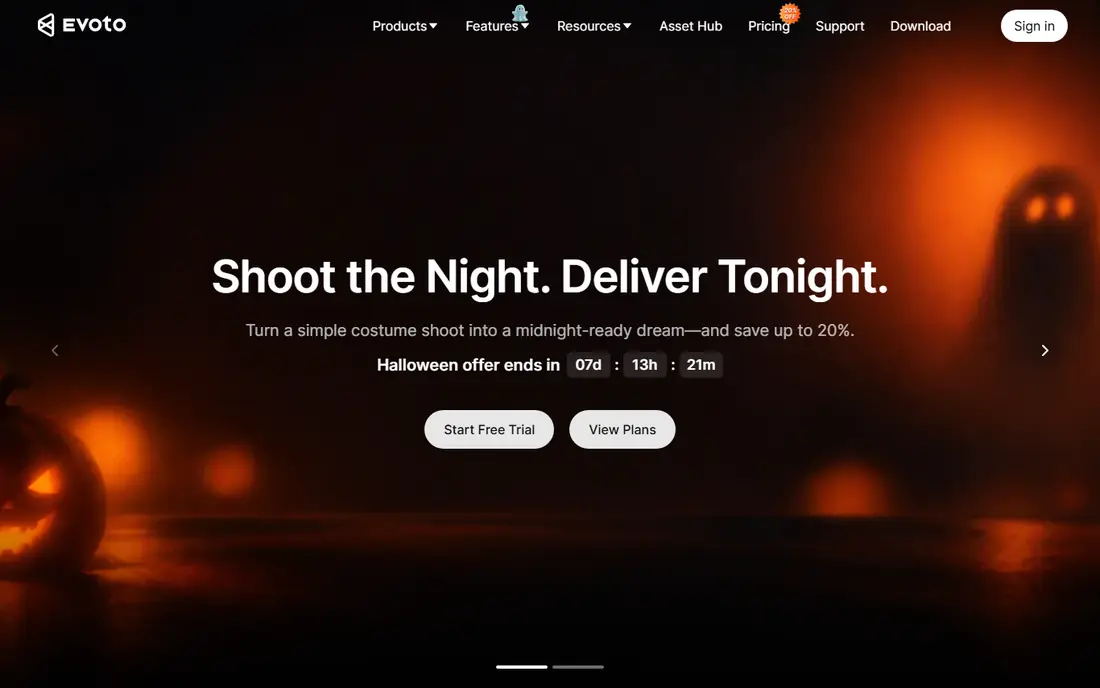
Evoto is a solid choice for High volume portrait retouching, and it stands out because it handles large portrait batches with consistent presets. Our pick for most people in this group is to test it against one concrete outcome, such as faster turnaround, fewer errors, or clearer reporting, and to judge it on that outcome alone. The product earns its place here because it covers the core job well, it is still actively sold and supported, and its pricing page or vendor page gives a clear starting point for a budget discussion.
The practical test is simple: can a new person pick it up in a week, and can a manager see what is happening without asking for a status report. On that test, this option holds up well for its target buyer, though it still needs a short setup period and a named owner inside your team.
Be clear eyed about the limit: photographers needing local only work should check options. Plan around it from the start, either by pairing this product with a second tool or by choosing a plan that closes the gap.
- Batch portrait tools
- Skin and color presets
- Fast exports
- Cloud based for many features
- Credit costs scale with volume
For Photoshop plugin retouching, Retouch4me deserves a close look, mainly because it sells task specific plugins for skin, eyes, and fabric. Our pick for most people in this group is to test it against one concrete outcome, such as faster turnaround, fewer errors, or clearer reporting, and to judge it on that outcome alone. The product earns its place here because it covers the core job well, it is still actively sold and supported, and its pricing page or vendor page gives a clear starting point for a budget discussion.
What we liked in our comparison was the balance between depth and ease of use, plus a support path that does not leave a small team stranded. You should still confirm contract terms, renewal pricing, and data export options before you sign, and ask for a written answer on security and privacy if you handle sensitive records.
The weak spot is that buying several plugins can cost more than a subscription. Ask the vendor to show that exact case in a demo, using your own example, before you buy.
- Single purpose plugins
- Local processing
- Skin and eye tools
- Plugins sold separately
- Needs Photoshop or host app
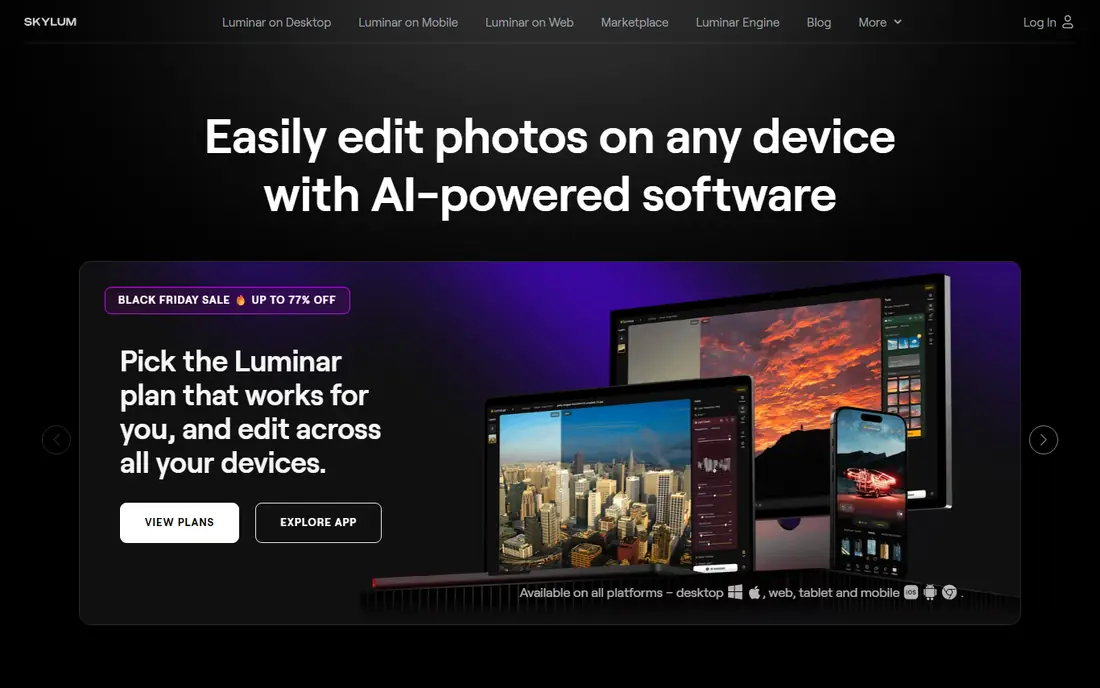
If your priority is All in one AI photo editing, start with Luminar Neo, since it combines editing and portrait tools in one app. Our pick for most people in this group is to test it against one concrete outcome, such as faster turnaround, fewer errors, or clearer reporting, and to judge it on that outcome alone. The product earns its place here because it covers the core job well, it is still actively sold and supported, and its pricing page or vendor page gives a clear starting point for a budget discussion.
Buyers often judge this kind of product on the first month, but the real cost shows up in training, upkeep, and the time spent fixing edge cases. This option keeps those costs in check for its intended audience, as long as you keep the setup simple and resist adding every add on at once.
The honest catch is that dedicated portrait pros may still add Evoto or Retouch4me. If that limit touches your main use case, shortlist a different option from this list and compare them side by side on the same task.
- Portrait AI
- Sky and erase tools
- RAW support
- Subscription and license mix can confuse
- Portrait depth varies
PortraitPro suits teams and buyers focused on Face retouching with manual control, with a clear strength in that it gives detailed control over face shape and skin. Our pick for most people in this group is to test it against one concrete outcome, such as faster turnaround, fewer errors, or clearer reporting, and to judge it on that outcome alone. The product earns its place here because it covers the core job well, it is still actively sold and supported, and its pricing page or vendor page gives a clear starting point for a budget discussion.
In day to day use, the value shows up in planning, follow through, and review, rather than in a single flashy feature. The product works best when you set a clear goal at the start, assign one owner to each next step, and check progress on a fixed schedule.
One drawback to weigh is that buyers wanting one click only may prefer Evoto. That trade off is common in this category, and it matters most for buyers who need the missing piece on day one.
- Detailed face controls
- Makeup and reshape tools
- Batch mode
- Interface feels dated
- Learning curve for new users
ON1 Photo RAW is a solid choice for All in one editor without subscription, and it stands out because it offers a full editor with portrait tools and a purchase option. Our pick for most people in this group is to test it against one concrete outcome, such as faster turnaround, fewer errors, or clearer reporting, and to judge it on that outcome alone. The product earns its place here because it covers the core job well, it is still actively sold and supported, and its pricing page or vendor page gives a clear starting point for a budget discussion.
The practical test is simple: can a new person pick it up in a week, and can a manager see what is happening without asking for a status report. On that test, this option holds up well for its target buyer, though it still needs a short setup period and a named owner inside your team.
Be clear eyed about the limit: high volume portrait studios may need a dedicated retoucher. Plan around it from the start, either by pairing this product with a second tool or by choosing a plan that closes the gap.
- Portrait tools
- RAW editing
- No subscription option
- Portrait AI is less deep than dedicated tools
For Image quality and noise control, DxO PhotoLab deserves a close look, mainly because it excels at RAW quality before retouching starts. Our pick for most people in this group is to test it against one concrete outcome, such as faster turnaround, fewer errors, or clearer reporting, and to judge it on that outcome alone. The product earns its place here because it covers the core job well, it is still actively sold and supported, and its pricing page or vendor page gives a clear starting point for a budget discussion.
What we liked in our comparison was the balance between depth and ease of use, plus a support path that does not leave a small team stranded. You should still confirm contract terms, renewal pricing, and data export options before you sign, and ask for a written answer on security and privacy if you handle sensitive records.
The weak spot is that portrait only buyers should pair it with a retoucher. Ask the vendor to show that exact case in a demo, using your own example, before you buy.
- Excellent RAW quality
- Noise reduction
- Lens corrections
- Retouching is limited compared with portrait tools
If your priority is Catalog workflow with portrait presets, start with Adobe Lightroom, since it anchors many photographers workflows with presets and organization. Our pick for most people in this group is to test it against one concrete outcome, such as faster turnaround, fewer errors, or clearer reporting, and to judge it on that outcome alone. The product earns its place here because it covers the core job well, it is still actively sold and supported, and its pricing page or vendor page gives a clear starting point for a budget discussion.
Buyers often judge this kind of product on the first month, but the real cost shows up in training, upkeep, and the time spent fixing edge cases. This option keeps those costs in check for its intended audience, as long as you keep the setup simple and resist adding every add on at once.
The honest catch is that specialized skin work still benefits from a plugin. If that limit touches your main use case, shortlist a different option from this list and compare them side by side on the same task.
- Catalog and presets
- Cloud sync
- Broad camera support
- Subscription only
- Retouching is less specialized
Topaz Photo AI suits teams and buyers focused on Detail recovery and sharpening, with a clear strength in that it rescues soft or noisy photos before retouching. Our pick for most people in this group is to test it against one concrete outcome, such as faster turnaround, fewer errors, or clearer reporting, and to judge it on that outcome alone. The product earns its place here because it covers the core job well, it is still actively sold and supported, and its pricing page or vendor page gives a clear starting point for a budget discussion.
In day to day use, the value shows up in planning, follow through, and review, rather than in a single flashy feature. The product works best when you set a clear goal at the start, assign one owner to each next step, and check progress on a fixed schedule.
One drawback to weigh is that portrait skin work needs a different tool in the chain. That trade off is common in this category, and it matters most for buyers who need the missing piece on day one.
- Sharpening
- Denoise
- Upscaling for weak photos
- Not a portrait retoucher
- Subscription pricing varies
How we picked these
We compared official product pages, pricing pages, and public documentation, and we checked that each product is still sold and still fits the topic in October 2026. We favored products with a clear use case, a published starting price or a clear quote process, and a realistic path for a small or mid sized team to adopt them. We did not claim hands on testing we did not do, and we left out products that were closed, renamed without a clear successor, or a poor fit for the stated topic. Where a price could not be confirmed on the vendor site, we wrote See website rather than guessing.
How to choose AI photo retouching software
Start with your volume and your host app. High volume portrait photographers need batch processing, presets, and fast exports, while occasional retouchers need a simple editor with good defaults. If you already live in Photoshop or Lightroom, a plugin may be cheaper and faster than learning a new editor from scratch.
Start with the job, not the feature list
Judge skin at 100 percent zoom, not on a small preview. Good AI work keeps pores, fine hair, and natural color, while weak work blurs texture or shifts skin tone. Test on varied skin tones, ages, and lighting, and keep a preset that you can dial back, since a little restraint looks more natural than a heavy fix.
Check price, support, and exit options
Compare pricing by image, not just by month. Credit packs, per plugin licenses, and subscriptions behave very differently at high volume. Check whether work runs locally or in the cloud, how your photos are stored, and whether exports keep full resolution and color profiles.
FAQ
What is the best AI photo retouching tool?
Evoto suits high volume portraits, Retouch4me suits Photoshop plugin users, and Luminar Neo suits all in one editing. The best AI tools for photo retouching depend on volume, host app, and control needs.
What is the best AI photo retouching software for portraits?
Evoto and Retouch4me lead for portraits, with PortraitPro as a strong manual plus AI option. Test skin texture on your own portraits before you buy, since results vary by lighting and skin type.
Can AI retouching replace manual retouching?
For many portraits, AI handles most of the routine work, but manual checks still matter for tricky skin, jewelry, and fabric. Use AI for the first pass, then refine by hand where the photo needs it.
Is AI retouching safe for client photos?
Check privacy terms before uploading client work to a cloud tool. Local processing keeps photos on your machine, while cloud tools should state retention and deletion rules clearly.
Do I need Photoshop to use these tools?
No, but some tools work best as plugins. Evoto, Luminar Neo, ON1, and PortraitPro run as standalone apps, while Retouch4me is built for Photoshop and Lightroom users.