Best AI Photo Culling Software in 2026: 8 Tools Compared
Compare the best AI photo culling software in 2026, with prices, local and cloud processing, Lightroom links, exports, and picks for wedding photographers.
- Editor's choice
 Aftershoot
High-volume wedding culling
Starts at$10 per monthVisit aftershoot.comFull review - Great alternative
 Narrative Select
Assisted culling with full control
Starts at$10 per monthVisit narrative.soFull review - Also consider
 FilterPixel
Cloud culling with genre modes
Starts at$14.99 per monthVisit filterpixel.comFull review
TL;DR:
- Aftershoot and Narrative Select lead for local, offline culling, while Imagen and FilterPixel lean on cloud processing and added editing tools.
- Flat monthly pricing suits high-volume shooters better than per-photo pricing, which can climb fast in a busy wedding season.
- Check how picks move to Lightroom Classic or Capture One before you buy, because a clean export saves hours later.
- Photo Mechanic remains the fastest manual option for press and sports deadlines, even without AI selection.
Quick comparison
| Tool | Best for | Starts at | Free plan? | |
|---|---|---|---|---|
| Aftershoot | High-volume wedding culling | $10 per month | Free trial | Visit |
| Narrative Select | Assisted culling with full control | $10 per month | Free trial | Visit |
| FilterPixel | Cloud culling with genre modes | $14.99 per month | Yes | Visit |
 Imagen AI | Culling plus AI editing | $12 per month | Free trial | Visit |
 Optyc | Affordable AI culling | $6.99 per month | Yes | Visit |
 Excire Foto 2027 | Local AI search without subscription | $249 one-time | Free trial | Visit |
 Photo Mechanic | Fast manual culling for press | See website | Free trial | Visit |
 Lightroom Classic | Adobe users with lighter volume | $14.99 per month | Free trial | Visit |
The best AI photo culling software
Photo culling is the step where thousands of frames become a shortlist worth editing. We compared AI selection, processing location, export options, and pricing for tools photographers use today.
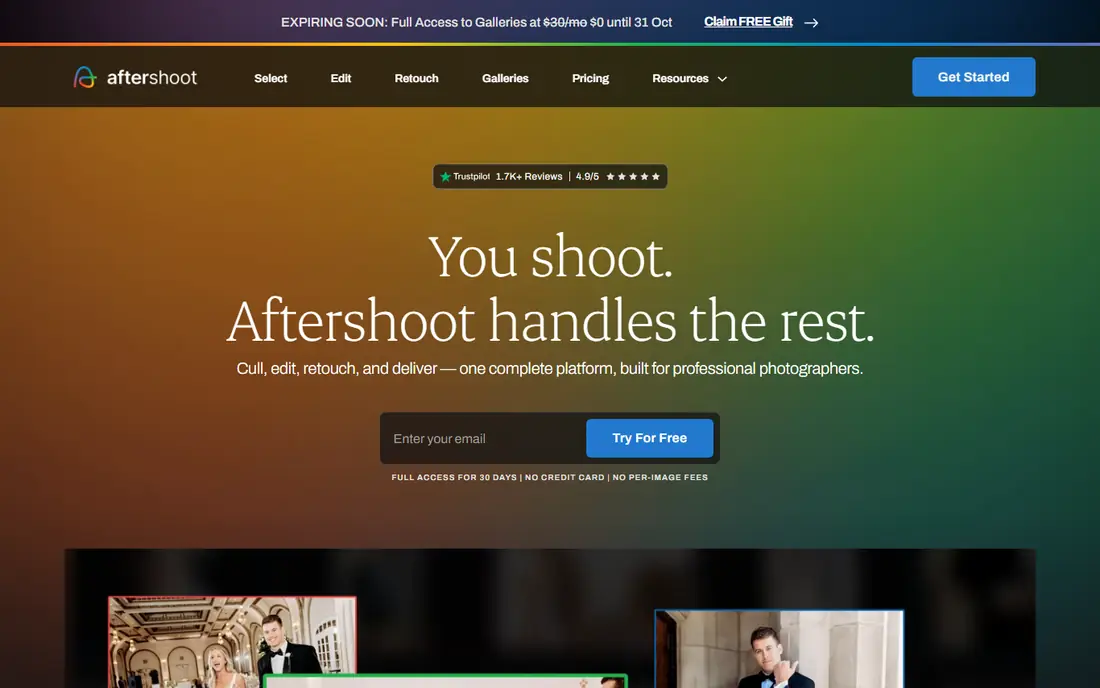
Aftershoot is our pick for wedding and portrait photographers who shoot thousands of frames per job. Its Select module makes an automated first pass, flags duplicates, closed eyes, and blur, and groups similar frames so you review fewer images. Because processing runs on your computer, you can cull on location without fast internet.
The honest catch is that culling and editing are separate modules, so the full suite costs more than the culling price alone. If you only need culling, the Select plan is good value. If you also want AI editing, compare the bundle price against Imagen before you commit.
- Local processing that works offline
- Unlimited photos on culling plans
- Exports to Lightroom and Capture One
- Editing is a separate module
- Interface takes time to learn for new users
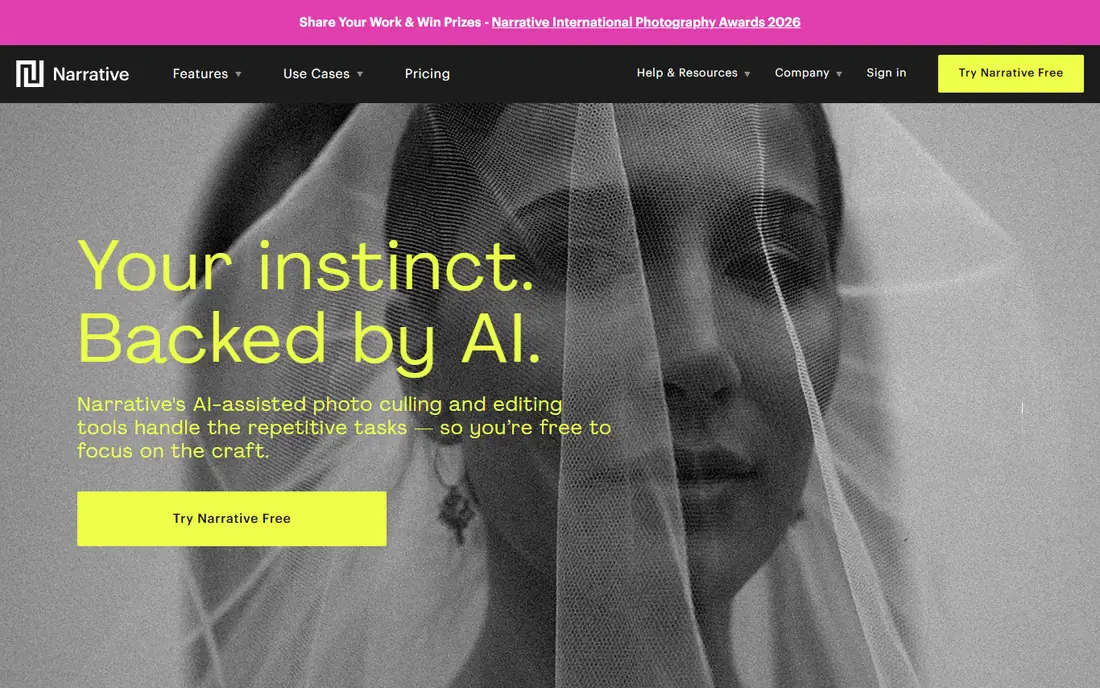
Narrative Select suits photographers who like AI help but do not want an app to delete frames for them. It scores images, groups similar shots, and offers close-up views to check focus, while you keep final control. That balance builds trust, especially for photographers moving from manual culling for the first time.
Pricing starts at a fair level, but the more useful views sit on higher tiers. If you shoot portraits or weddings and want a calm, visual review process, Narrative Select is a strong choice. If you want full automation, Aftershoot may fit better.
- AI scores and groups, but you make the final pick
- Clean review views
- Lightroom and Capture One links
- No permanent free plan
- Higher tiers add cost for scene views and close-ups
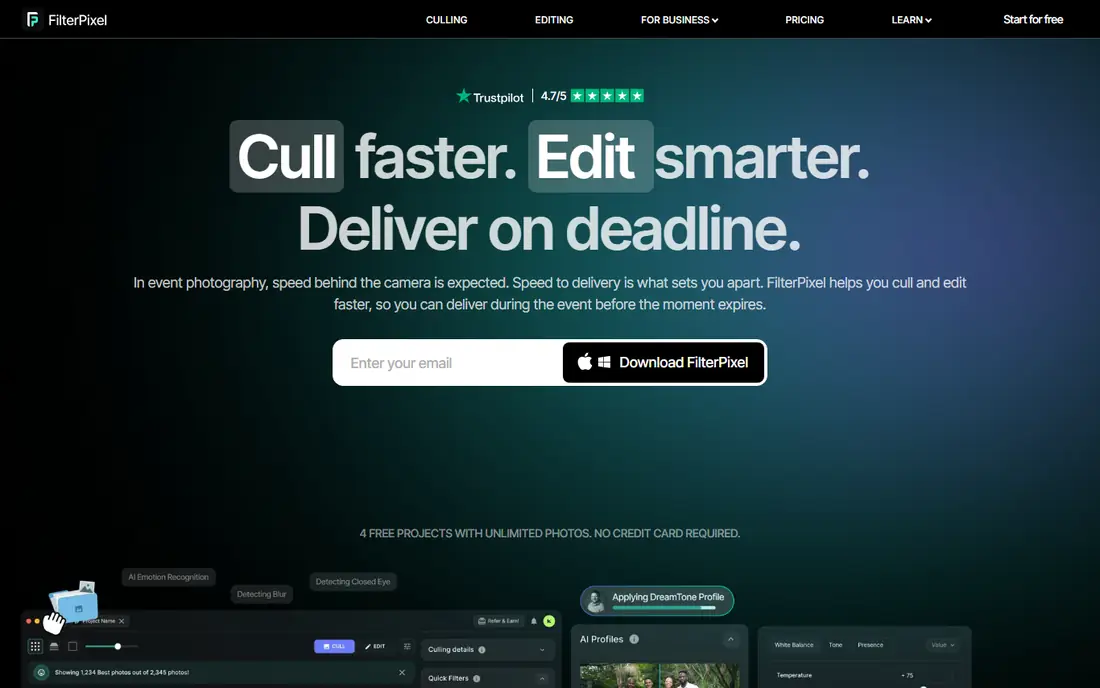
FilterPixel stands out for deadline work in sports, concerts, and conferences, where genre-specific culling matters. DeepCull modes are trained for those settings, and each frame gets a score and a reason, which helps you trust the shortlist under time pressure. A free tier lets you test the workflow before paying.
Cloud processing is the trade-off. Uploads take time and need a stable connection, which matters on location. If you shoot weddings in areas with slow internet, a local tool may be smoother. For studio and event shooters with good connections, FilterPixel is a practical pick.
- Free tier for testing
- Genre-specific DeepCull modes
- Score and reason for each frame
- Cloud processing needs uploads
- Higher tiers cost more for frequent DeepCull use
Imagen AI is best for photographers who want culling and editing in one workflow. Its AI profiles learn from your past edits, and culling can target an exact number of delivered images, which helps wedding shooters who promise a set gallery size. That link between selection and editing saves separate export steps.
Pricing needs care. Pay-as-you-go editing charges per photo, so a busy season can cost more than a flat plan. The flat-rate Limitless plan removes caps but is expensive. If you already edit with Imagen, adding culling makes sense. If you only need culling, a flat-rate culling tool is cheaper.
- AI learns your editing style
- Culling to an exact image count
- Works inside the editing workflow
- Editing is billed per photo on pay-as-you-go plans
- Full flat-rate plan is pricey
Optyc, also styled as Optyx in some listings, suits photographers who want AI culling without a large monthly bill. It covers the core job of sorting keepers from rejects at a price well below the main rivals. For part-time shooters, students, or hobbyists, that entry point is welcome.
The feature set is narrower, and integrations are fewer than Aftershoot or Narrative Select. Check export options and file support before you buy, especially if you use Capture One. For simple, affordable culling, Optyc is a fair starting point.
- Low entry price
- Simple AI culling workflow
- Useful for hobbyists and part-time shooters
- Smaller feature set than leading tools
- Fewer integrations and editing links
Excire Foto suits photographers who dislike subscriptions and want local control. It uses AI to group, tag, and search images, which speeds up finding keepers across large catalogs. A one-time purchase can cost less over several years than a monthly plan, if you keep using the same version.
The upfront price is the barrier, and its culling is less automated than Aftershoot. If you shoot at high volume every week, a subscription tool may still save more time. If you value ownership, privacy, and local processing, Excire Foto is a solid alternative.
- One-time purchase, no subscription
- Local AI grouping and search
- Works with Lightroom Classic
- High upfront cost
- Culling is more assisted than fully automated
Photo Mechanic has long been the standard for photographers who must move fast. Ingest, preview, tagging, and captioning are quick, and metadata carries into editors through standard formats. Sports and news photographers use it because speed matters more than automation when a deadline is minutes away.
It does not offer AI culling, so selection is manual. That is fine for experienced press shooters who trust their eye, but less helpful for wedding photographers facing ten thousand frames. Pair it with an AI tool if you want both speed and automation, or use it alone if manual control is your priority.
- Very fast ingest and review
- Trusted by press and sports photographers
- Strong metadata tools
- No AI selection
- Price is high for casual users
Lightroom Classic is the default choice for photographers already inside Adobe. AI-assisted culling flags help with initial sorting, and picks stay in the same catalog you edit from, with no export step. For lighter shoots, that simplicity beats adding another app.
For very large weddings or events, dedicated culling tools are faster and offer stronger grouping. Lightroom Classic also requires a subscription, so it is not a free culling option. If you already pay for Adobe and shoot moderate volumes, start here before adding a specialist tool.
- Culling and editing in one catalog
- AI-assisted culling flags
- Familiar Adobe workflow
- Slower on very large shoots than dedicated tools
- Subscription required
How we picked these
We compared official pricing pages, product documentation, export options, and public photographer reviews. We favored tools that handle RAW files, work with Lightroom Classic or Capture One, and explain how selections are made. We included both AI and manual tools, because press and sports shooters have different needs from wedding photographers.
We left out general photo editors that only sort by date or rating, and tools without a current, supported product. Every tool here is available today and fits photo culling work.
How to choose an AI photo culling tool
Start with volume and location. High-volume wedding shooters need speed and grouping, while press shooters need ingest speed and metadata. If you cull on location with weak internet, local processing matters. If you work in a studio with fast internet, cloud tools are fine.
Next, test the export. Run a small shoot through the trial, send picks to your editor, and check that ratings, flags, and groups arrive as expected. Also test how the tool handles duplicates, bursts, and similar frames, because those cases create most of the manual work. Check whether the AI learns from your corrections, or simply applies a fixed model.
Finally, compare total cost, not just the entry price. Flat plans suit steady volume, while per-photo plans suit occasional shoots but can spike in busy months. Add editing costs if you plan to use the same vendor for editing, and confirm how many devices the plan covers.
Local versus cloud culling
Local tools process on your computer, work offline, and keep files private, but they need a capable machine. Cloud tools work on modest hardware and often add editing, but uploads take time and need a connection. Pick based on where you shoot, not just on price.
What to test in a trial
Test a full shoot, not a handful of images. Check closed-eye detection, focus checks, burst grouping, and export accuracy. Note how long a large import takes, and whether you trust the shortlist enough to skip a second manual pass.
FAQ
What is the best AI photo culling software for weddings?
Aftershoot is a strong pick for high-volume weddings because of local processing, unlimited culling, and Lightroom links. Narrative Select suits photographers who want assisted culling with final control, while Imagen suits those who also want AI editing. Test all three on a real wedding gallery before you commit.
Can AI photo culling replace manual selection?
AI culling can cut the first pass sharply, but most photographers still review the shortlist, especially for key moments. Tools that show scores and reasons make that review faster and more trustworthy. Treat AI as a first-pass assistant at first, then increase automation as you learn its strengths.
Does AI photo culling work with Lightroom Classic?
Yes, most tools here export picks, ratings, or flags to Lightroom Classic, and several also support Capture One. Check the exact export method in the trial, because some tools use star ratings while others use flags or collections. A clean export matters more than a small price difference.
Is cloud or local culling better?
Local culling is better for offline work and privacy, while cloud culling is better for modest hardware and combined editing workflows. If you shoot on location with weak internet, choose local. If you edit in a studio and want AI editing in the same service, cloud may suit you better.
How much does AI photo culling software cost?
Entry prices in this list range from about $6.99 per month to $14.99 per month for subscription tools, plus a $249 one-time option for Excire Foto. Per-photo editing plans can add cost on top of culling, so compare the total for your yearly volume, not just the monthly headline price.