Best AI Culling Software in 2026: 7 Tools Compared
Compare the best AI culling software for wedding, portrait and event photographers, with local and cloud options, pricing and Lightroom workflows in 2026.
- Editor's choice
 Aftershoot
High-volume wedding and portrait culling
Starts at$10 per monthVisit aftershoot.comFull review - Great alternative
 Narrative Select
AI-assisted picks you control
Starts at$10 per monthVisit narrative.soFull review - Also consider
 FilterPixel
Cloud culling for deadline work
Starts at$14.99 per monthVisit filterpixel.comFull review
TL;DR:
- Aftershoot is our pick for most high-volume photographers, because it culls locally, works offline and writes ratings back to Lightroom and Capture One.
- Narrative Select suits photographers who want AI help but still want to make every final pick themselves, with scoring, grouping and close-up views.
- FilterPixel is the best cloud option for deadline work, with genre-specific DeepCull for sports, concerts and conferences.
- Imagen suits photographers already using Imagen for editing, since culling can sit inside the same workflow and learn personal taste over time.
- Optyx and Excire Foto offer cheaper or one-time routes into AI-assisted selection, while Lightroom Classic covers lighter volumes inside Adobe.
Quick comparison
| Tool | Best for | Starts at | Free plan? | |
|---|---|---|---|---|
| Aftershoot | High-volume wedding and portrait culling | $10 per month | Free trial | Visit |
| Narrative Select | AI-assisted picks you control | $10 per month | Free trial | Visit |
| FilterPixel | Cloud culling for deadline work | $14.99 per month | Yes | Visit |
 Imagen | Culling plus AI editing | $12 per month | Free trial | Visit |
 Optyx | Low-cost simple AI culling | $6.99 per month | Yes | Visit |
 Excire Foto 2027 | Local AI search without subscription | $249 one-time | Free trial | Visit |
 Adobe Lightroom Classic | Adobe users with lighter volume | See website | Free trial | Visit |
The best AI culling software
Culling means choosing keepers from thousands of frames after a shoot. AI culling software scores images for sharpness, eyes, expression, duplicates and composition, then groups similar frames so you review faster. We compared processing location, control over final picks, editor integration and price.
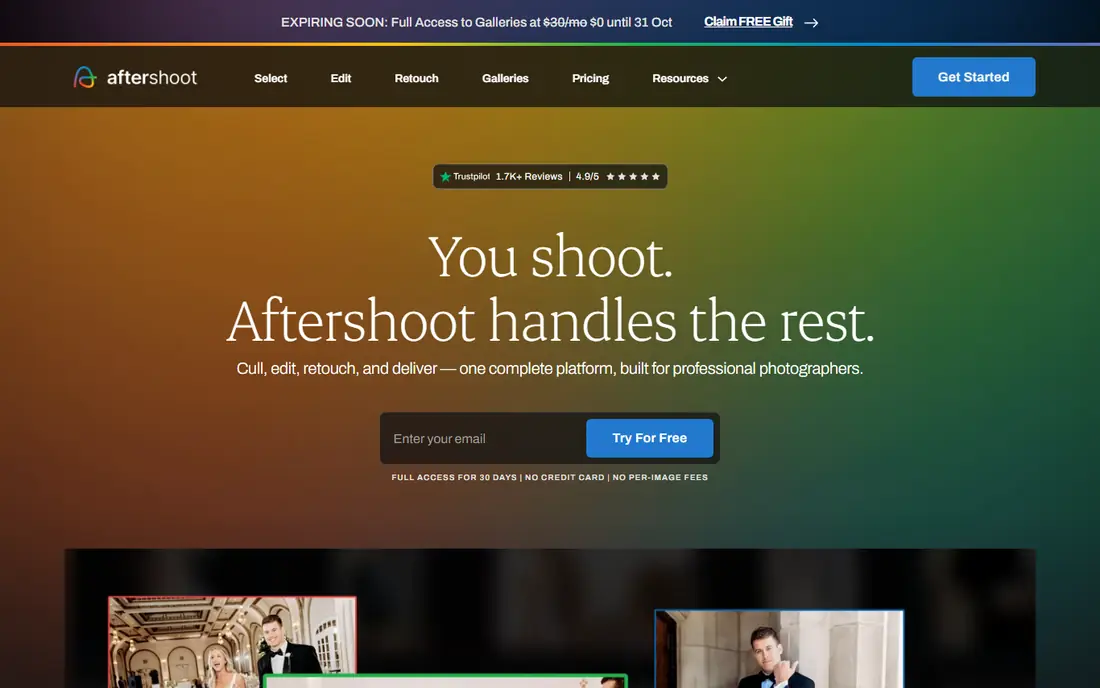
Aftershoot is the tool we suggest first for wedding, event and portrait photographers who return with thousands of frames. Its Select culling plan starts at $10 per month billed annually, with a 30-day trial, and processing happens on your own computer, so you are not waiting on uploads and your files stay local. You can choose automated culling, where the software makes a first pass, or assisted culling, where it groups and scores frames and you make the final calls. Ratings write back to Lightroom Classic, Lightroom, Capture One and other editors through metadata, so the picks flow into your normal editing workflow.
The honest catch is that AI culling is a first pass, not a final edit decision. Aftershoot is strong on technical quality, such as closed eyes and blur, but it cannot know which imperfect frame tells the story best, so a quick human review of keepers and near-misses is still wise. Higher plans add AI editing and retouching, which raises the price, so culling-only users should stay on the Select plan unless they also want editing. For sheer volume and local speed, Aftershoot remains the value leader in this category.
- Local processing that works offline
- Automated or assisted culling modes
- Unlimited images on culling plans in listings
- Subscription cost adds up over years
- Editing features need higher plans
- Results still need a human review pass
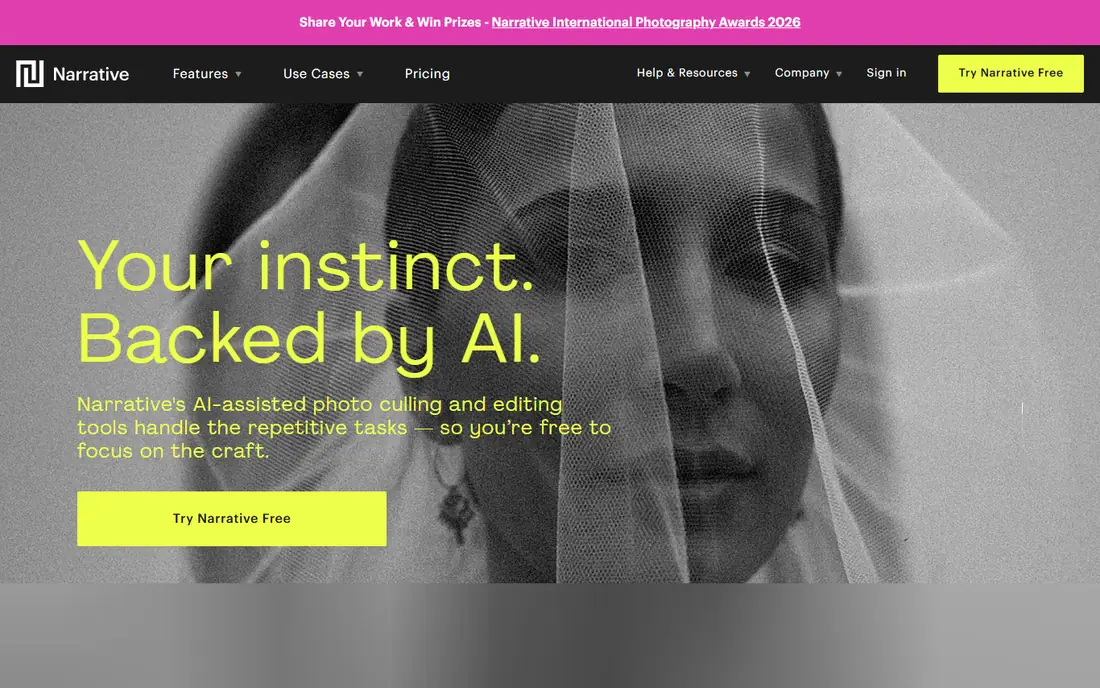
Narrative Select takes a different philosophy from Aftershoot: the AI assists, but you decide. It scores images, groups similar frames and shows close-ups of eyes and faces so you can compare near-identical shots quickly. Scenes view and other comparison tools help when a wedding or portrait session produces long runs of similar frames. The Lite plan starts at $10 per month billed annually, with higher tiers adding scenes, close-ups and personal presets, up to an Ultra tier for heavy users.
That control is both the strength and the limit. Photographers who distrust full automation will like keeping the final choice, but those who want the software to deliver a finished shortlist with no review will find Narrative slower by design. There is a trial of the higher tier, but no permanent free plan, so budget for at least the Lite plan if you adopt it. Narrative also fits photographers who already use Narrative for gallery publishing, since selection and delivery can sit closer together.
- AI scores and groups frames while you pick
- Close-up and scenes views help comparison
- Ships picks to Lightroom and Capture One
- No fully automated culling mode for hands-off users
- Higher tiers cost much more
- No permanent free tier
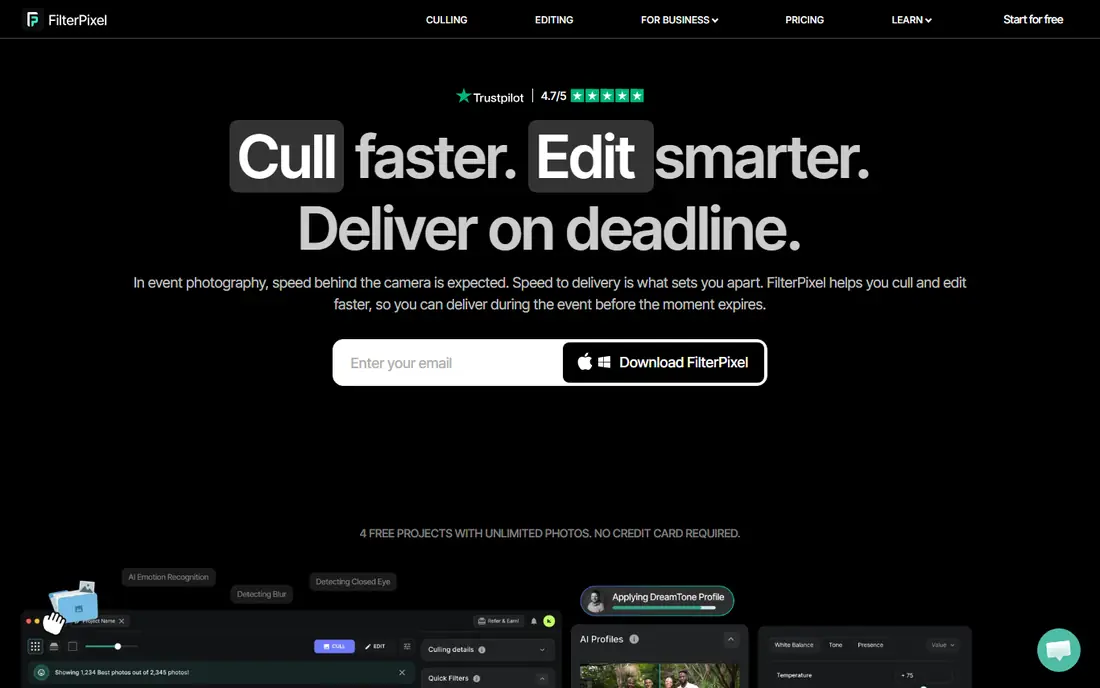
FilterPixel processes in the cloud, which changes the workflow in a useful way for deadline photographers. A base-model laptop returns results at a similar pace to a workstation, because the heavy work happens on servers, and genre-specific DeepCull modes for sports, concerts, conferences and deadline weddings score frames with a written reason for each decision. That transparency helps at 2 a.m. with a morning deadline, when you need to trust a shortlist quickly. The Standard plan starts at $14.99 per month billed annually, and a free tier lets you test basic culling before paying.
Cloud culling has costs beyond the subscription. Uploading thousands of raw files takes time and bandwidth, and you need to be comfortable with files leaving your machine, so check privacy and retention terms for client work. DeepCull projects are also priced separately in some listings, so confirm what is included in your plan. For sports, concert and conference shooters working under deadline pressure, FilterPixel's speed and genre focus make it a strong choice despite the higher entry price.
- Cloud processing independent of your computer
- Genre-specific DeepCull with scores and reasons
- Free tier for testing
- Cloud uploads take time and need a good connection
- Standard plan costs more than Aftershoot entry
- Editing features are more limited
Imagen is best understood as an editing platform with culling built in, rather than a culling-only tool. Its AI learns from your past edits and selections, so over time its picks should reflect your taste more closely than a generic model. Culling can be added to a pay-as-you-go plan or included in the flat Limitless plan, and it can deliver a shortlist to an exact image count, which helps when a client contract specifies a set number of delivered photos. For photographers already editing with Imagen, keeping culling in the same system avoids exporting picks between tools.
The pricing structure needs care. Entry culling figures in listings sit around $12 per month on an annual basis, but editing is billed per photo on pay-as-you-go plans, and the Limitless flat plan is far more expensive. Cloud processing also means uploads before culling starts. If you only need culling and edit elsewhere, Aftershoot or Narrative will be cheaper and simpler. If you already pay for Imagen editing, adding its culling is a natural step.
- Culling learns personal taste over time
- Strong pairing with AI editing profiles
- Can cull to an exact number of images
- Cloud based, so uploads are required
- Editing is billed separately on some plans
- Flat Limitless plan is expensive
Optyx is the budget entry point in AI culling. Listings place its starting price at $6.99 per month billed annually, with a free plan for testing, which makes it the cheapest way to try AI-assisted selection without committing to a $10 to $15 monthly plan. For hobbyists, part-time photographers and students, that price gap matters, especially when culling volume is modest and a full professional workflow is not yet needed. The workflow is kept simple, focusing on scoring and selection rather than a large editing suite.
Simplicity has limits. Optyx does not match the depth of Aftershoot's local processing, FilterPixel's genre modes or Narrative's comparison views, and its tutorial and community resources are smaller. Before adopting it for paid client work, test it on a full real shoot and confirm that picks export cleanly to your editor. For low-volume photographers who want AI help at the lowest cost, Optyx is a sensible place to start, with a clear upgrade path if volume grows.
- Lowest entry price among subscription cullers in listings
- Simple workflow for hobbyists and part-time photographers
- Free plan for testing
- Fewer advanced features than Aftershoot or FilterPixel
- Smaller community and tutorial base
- Check editor integration for your workflow
Excire Foto 2027 appeals to photographers who dislike subscriptions. For a $249 one-time payment in listings, you get local AI grouping, sorting and search, with custom profiles to organize images by content, people and characteristics. Picks and metadata flow to Lightroom Classic, Capture One and other editors, so it can sit alongside your existing catalog rather than replacing it. Over several years, a one-time purchase can cost less than a monthly plan, even at the higher up-front price.
Excire is not a like-for-like replacement for Aftershoot's automated culling. Its strength is AI-assisted organization and selection, with more manual review than a fully automated first pass. Photographers who want the software to deliver a finished keeper list with minimal input may find it slower. For photographers who value local processing, no monthly bill and strong search across a large archive, Excire offers a different and valid route into AI-assisted culling.
- One-time purchase with no subscription
- Local AI grouping and sorting
- Works with Lightroom Classic and Capture One via metadata
- One-time price is high up front
- Culling is more grouping and search than full automation
- Upgrades may cost extra over time
Lightroom Classic now includes AI Assisted Culling, which flags images in people photography and helps with a first pass inside the Library module. For photographers already paying for Adobe, that built-in help may be enough, especially for smaller shoots where the time saved by a dedicated culler would not justify another subscription. Because picks never leave Lightroom, there is no export step, no extra app and no new file handling to learn.
Volume is the limit. Lightroom's culling tools are lighter than Aftershoot, Narrative or FilterPixel, and high-volume wedding photographers will still save more time with a dedicated tool. Pricing is also tied to an Adobe plan rather than a culling-only price, so compare the total Adobe cost, not just a culling figure. If you shoot modest volumes and live in Lightroom, start here and add a dedicated culler only when selection time becomes a real bottleneck.
- Already in the Adobe workflow for many photographers
- AI Assisted Culling flags for people photography
- No extra app to learn
- Culling depth trails dedicated tools
- Best for lighter volumes
- Subscription cost is for the whole Adobe plan, not culling alone
How we picked these
We compared official pricing pages, product documentation and public photographer reviews, focusing on how each tool culls, whether processing is local or cloud based, how picks reach your editor, and what the entry price buys. We favored tools with clear culling features and current pricing, and we excluded manual-only browsers that offer no AI help, because this list is about AI culling specifically. Prices were taken from vendor and vendor-linked listings in October 2026, and we used See website where Adobe plan pricing varies by region and bundle.
How to choose AI culling software
Start with volume and deadline pressure. If you regularly return with several thousand frames and a tight delivery date, Aftershoot for local speed or FilterPixel for cloud and genre work will save the most time. If you prefer to keep every final decision, Narrative Select fits that working style better than a fully automated tool. Hobbyists and part-time photographers should weigh Optyx or Excire, depending on whether a low monthly price or a one-time purchase suits their budget.
Next, test on a real shoot, not a demo set. Run the same wedding, event or sports session through your top two choices and compare keeper quality, duplicate handling, closed-eye detection and export to your editor. Check how the tool handles the frames you care about most, such as group shots, low light and fast action, because generic scores can hide weaknesses in those cases. Finally, keep a human review pass in your workflow, especially for client work, since AI culling is a time-saving first step rather than a replacement for judgment about story and emotion.
FAQ
What is the best AI culling software?
Aftershoot is our pick for most high-volume photographers, because it culls locally, works offline and integrates with Lightroom and Capture One at a $10 per month starting price. Narrative Select suits photographers who want to keep final control, while FilterPixel suits deadline work in the cloud.
How does AI culling software work?
AI culling software scores photos for sharpness, eye openness, expression, duplicates and composition, then groups similar frames so you can compare them quickly. Some tools deliver an automated shortlist, while others assist by scoring and grouping and leave final picks to you. Picks are usually written back as ratings or flags in your editor.
Is AI culling better than manual culling?
AI culling is faster for large shoots, often cutting selection time sharply, but it is not better in every case. It excels at technical checks such as blur and closed eyes, while human judgment still matters for storytelling, emotion and unusual frames. Most professionals use AI for the first pass and review the shortlist before editing.
Does AI culling work with Lightroom Classic?
Yes, Aftershoot, Narrative Select, FilterPixel, Excire Foto and Imagen all work with Lightroom Classic through ratings, flags or catalog integration. Lightroom Classic also has its own AI Assisted Culling for lighter volumes. Check the exact export method for your chosen tool, because star ratings, color labels and collections can differ.
How much does AI culling software cost?
Entry prices in listings range from $6.99 per month for Optyx to $14.99 per month for FilterPixel Standard, with Aftershoot and Narrative Select starting at $10 per month. Excire Foto 2027 costs $249 as a one-time purchase. Higher tiers, editing features and cloud processing can raise the total, so compare the plan that covers your actual volume.
Can AI culling replace a photographer?
No, AI culling replaces the repetitive first pass of selection, not the photographer's judgment. It cannot know client preferences, story context or which imperfect frame carries the most feeling. Use it to reach the shortlist faster, then apply your own eye before editing and delivery.