Best AI Customer Service Platforms in 2026: 9 Platforms Compared
Compare the best AI customer service platforms in 2026, from Zendesk AI and Intercom Fin to Freshdesk, Salesforce, and Ada, with pricing and limits explained.
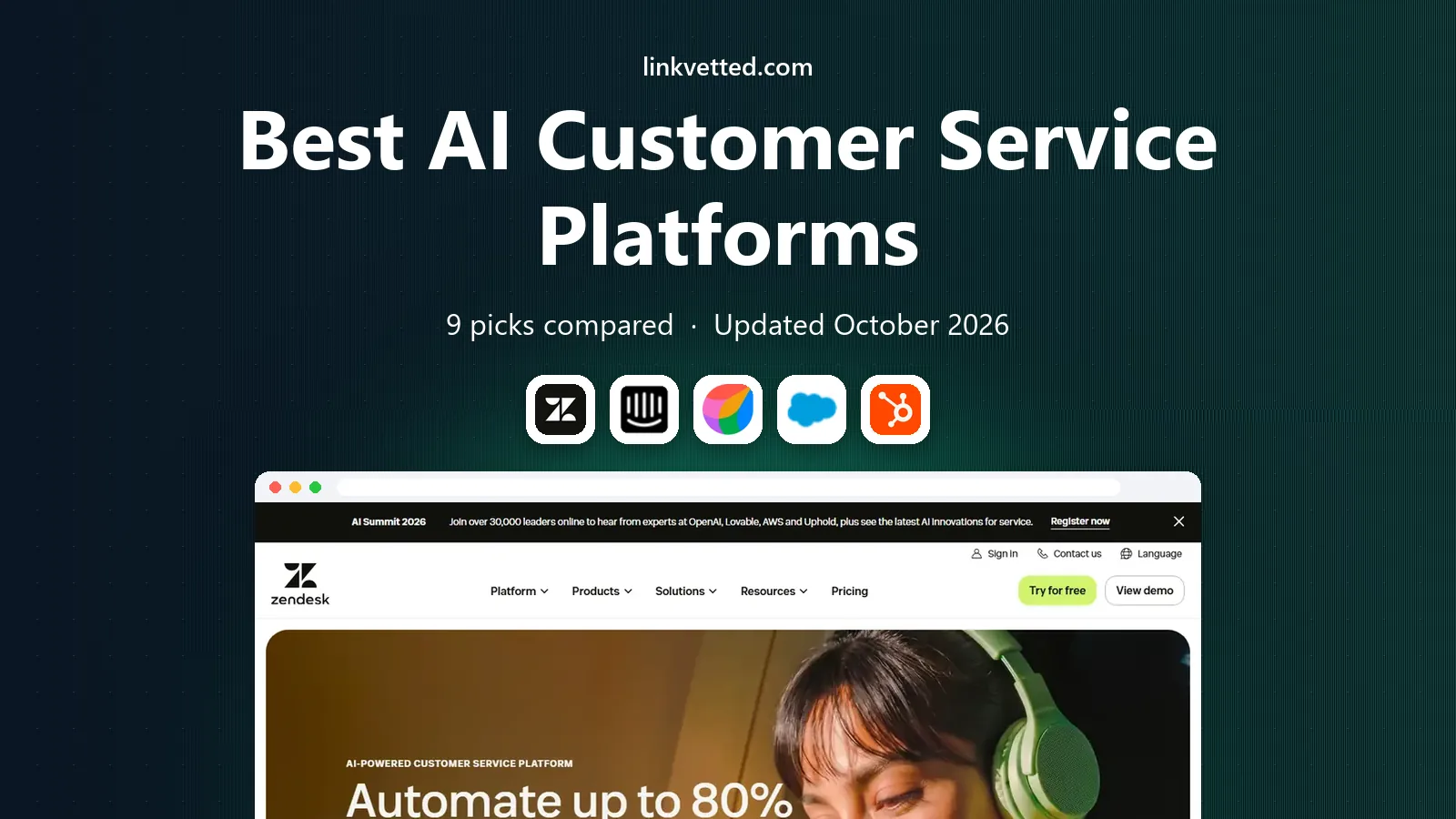
- Editor's choice
 Zendesk AI
Zendesk helpdesk teams
Starts atSee websiteVisit zendesk.comFull review - Great alternative
 Intercom Fin
Outcome-based AI agent
Starts atSee websiteVisit intercom.comFull review - Also consider
 Freshdesk Freddy AI
Budget helpdesk AI
Starts atSee websiteVisit freshdesk.comFull review
TL;DR:
- Zendesk AI, Intercom Fin, and Freshdesk Freddy suit teams that already use those helpdesks, while Ada and Decagon suit teams buying an AI agent first.
- The best AI software for customer service is priced in different ways, so compare seat cost plus per-resolution, per-session, or credit charges, not just the base plan.
- AI agents work best when they can read your help center, order data, and account data, and hand off cleanly to a human when they cannot help.
- Start with a pilot on common questions, measure resolution and customer satisfaction, and expand only when the AI answers stay accurate.
Quick comparison
| Tool | Best for | Starts at | Free plan? | |
|---|---|---|---|---|
| Zendesk AI | Zendesk helpdesk teams | See website | Free trial | Visit |
| Intercom Fin | Outcome-based AI agent | See website | Free trial | Visit |
| Freshdesk Freddy AI | Budget helpdesk AI | See website | Free trial | Visit |
 Salesforce Agentforce | Salesforce service teams | See website | Free trial | Visit |
 HubSpot Service Hub | HubSpot CRM service teams | See website | Yes | Visit |
 Ada | Standalone AI agent | See website | No | Visit |
 Decagon | Enterprise AI agents | See website | No | Visit |
 Help Scout AI | Small team AI help | See website | Free trial | Visit |
 Tidio Lyro | Small business AI chat | See website | Yes | Visit |
The best AI customer service platforms
AI customer service platforms do more than answer a chat. They read help content, check order or account status, draft replies for agents, and resolve routine questions without a human touch. The best choice depends on your helpdesk, your volume, and how you want to pay for AI resolutions.

Zendesk AI suits teams that already run support on Zendesk and want AI inside the same queue. AI agents can answer from help center content, route tickets, and complete simple tasks, while Copilot helps human agents draft replies and summarize cases. That shared data means the AI sees the same ticket history and customer context as your team.
The cost picture needs care. Base seats, Copilot, and AI resolutions are priced separately, so a low seat price can grow fast at scale. For existing Zendesk customers with steady volume, though, keeping AI in the same system avoids a second queue and a messy integration.
- Deep integration with Zendesk Suite
- AI agents, copilot, and routing in one system
- Broad channel support
- AI add-ons and per-resolution charges add up
- Pricing can be hard to compare
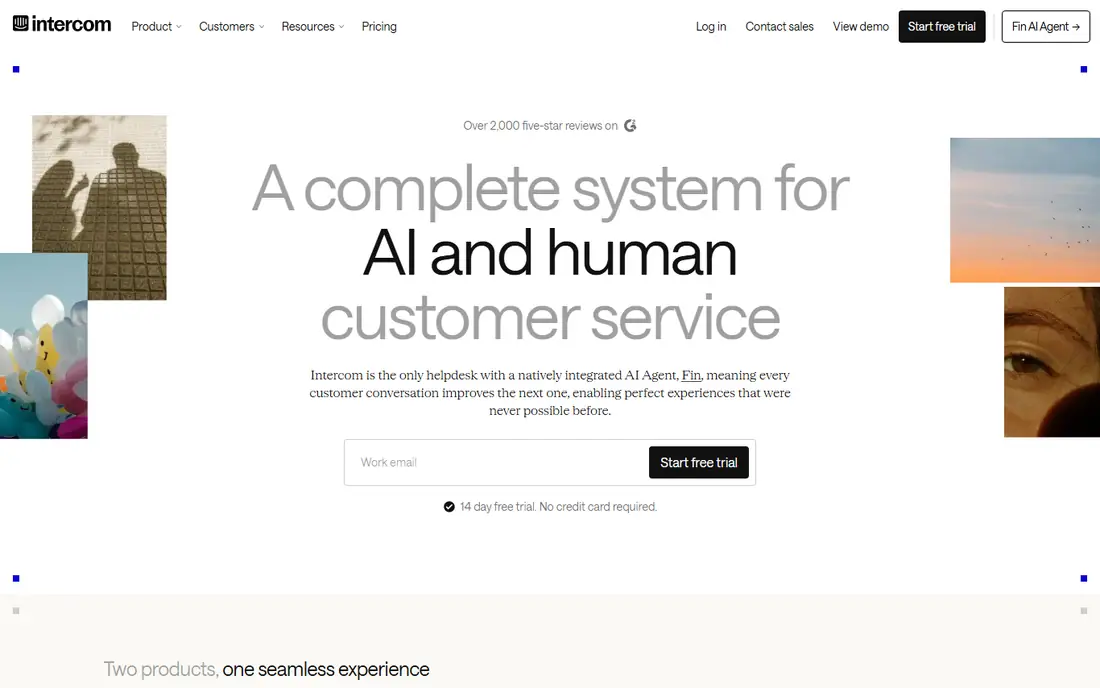
Fin is Intercom's AI agent, and its headline appeal is outcome-based pricing. You pay when Fin resolves a conversation, not for every chat it touches. That model suits teams that want to tie AI cost to results, and Fin can also work alongside other helpdesks, not only Intercom's own inbox.
Fin needs good help center content to work well, since it answers from the material you give it. Teams with thin or outdated help articles will see weaker results until they fix that content. For chat-led SaaS teams, Fin is one of the most practical AI agents to pilot.
- Charges only for resolved conversations
- Works with several helpdesks
- Strong chat and messaging focus
- Seat plan needed for the full Intercom setup
- Outcome pricing still needs volume forecasting
Freshdesk Freddy AI suits smaller teams that want helpdesk AI without enterprise pricing. Freddy can answer from knowledge base articles, help agents with summaries and drafts through Copilot, and automate routine ticket work. The base helpdesk is familiar and easy to set up, which helps small teams move fast.
Watch the metered side. AI sessions and Copilot can carry separate charges depending on the plan, so model your monthly volume before you buy. For budget-minded teams that already like Freshworks products, Freddy offers a balanced route into AI support.
- Lower base pricing than larger suites
- Freddy AI agent and Copilot options
- Familiar ticketing setup
- AI sessions are metered on some plans
- Advanced features sit on higher tiers
Agentforce is Salesforce's AI agent platform for service, built to work inside Service Cloud and the wider Salesforce system. Agents can read case and account data, follow service workflows, and complete tasks such as status updates or case handling, rather than only answering questions. That CRM access is a real advantage when support needs account context.
Pricing uses credits and conversations, which takes careful forecasting. It also makes most sense for teams already invested in Salesforce, since the value comes from that shared data. For Salesforce shops, Agentforce can turn support data into action. For others, a standalone agent may be simpler.
- Deep CRM data access
- Agents can act across service workflows
- Strong enterprise controls
- Credit-based pricing can be complex
- Best value only for teams already on Salesforce
HubSpot Service Hub suits teams that already use HubSpot for marketing or sales and want service in the same CRM. Tickets, customer records, and chat live together, so an AI agent or human agent can see past purchases and conversations without switching systems. A free plan helps very small teams start with basic ticketing.
AI features are credit-based on higher plans, and Professional adds onboarding cost, so check the total before you scale. For HubSpot users, the shared CRM view is the main draw. For teams outside HubSpot, the same AI value may come cheaper elsewhere.
- Free starter tools for small teams
- Customer agent and AI drafting
- Shared CRM and ticket data
- AI features use credits
- Professional features and onboarding add cost
Ada is built as an AI agent first, rather than as an add-on to a traditional helpdesk. It can answer customers, complete routine actions, and hand off to humans with context when a case needs a person. That design suits companies that want AI to handle a large share of first contact, across chat and other channels.
Ada pricing is quoted, so it fits mid-size and larger teams more than tiny startups. As with any AI agent, results depend on clean help content and working integrations to order or account systems. If you want an AI-led front door for support, Ada is a serious contender.
- AI-first agent design
- Works across chat, voice, and email
- Strong automation for routine tasks
- Pricing is quoted
- Setup needs good knowledge content and integrations
Decagon builds AI agents for large companies that need support across chat, voice, and email at scale. Its focus is on agents that can complete tasks, follow business rules, and report clearly on resolution and quality. Enterprise controls, security reviews, and analytics suit regulated or high-volume operations.
The trade is access and cost. Decagon is quoted and built for larger deployments, so small teams will find self-serve tools faster to start. For enterprises that need a governed AI agent across many channels, Decagon belongs on the shortlist.
- Enterprise-grade AI agents for chat, voice, and email
- Strong controls and analytics
- Deep integrations
- Quoted pricing
- Enterprise onboarding suits larger teams
Help Scout suits small teams that want a calm inbox with AI help, not a large enterprise suite. AI drafts help agents reply faster, summaries save reading time, and AI Answers can resolve common questions from help content. The interface is simple, which helps teams that do not have a dedicated support operations role.
AI Answers pricing is separate from seats on some plans, so check the per-resolution cost for your volume. For a small team that values a clean inbox and human tone, Help Scout AI is an appealing middle path between a basic inbox and a large platform.
- Clean shared inbox
- AI drafts, summaries, and answers
- Friendly setup for small teams
- AI answers carry a per-resolution charge on some plans
- Less enterprise depth than Zendesk or Salesforce
Tidio Lyro suits small businesses and online stores that need AI chat on their website without a full helpdesk project. Lyro learns from your site and help pages, answers common questions, and hands off to a human when needed. Setup is fast, and the free plan covers basic live chat for very small teams.
Tidio is less suited to large, complex ticket queues or deep CRM workflows. AI conversation allowances also matter, so check how many Lyro conversations your plan includes. For a small store or service site, Tidio offers a quick and affordable AI start.
- Easy chat setup for small sites
- Lyro AI agent learns from site content
- Free plan for basic chat
- Less depth for large ticket queues
- AI conversation limits shape the cost
How we picked these
We compared official feature and pricing pages for platforms that offer a real AI agent or AI-assisted support, not just a rule-based chatbot. We favored tools that can read help content, integrate with ticket or CRM data, and hand off to humans with context. We left out single-channel chatbot builders with no support workflow, since this list is about customer service platforms.
How to choose an AI customer service platform
Start with your helpdesk, not with a demo. If your team already lives in Zendesk, Freshdesk, HubSpot, or Salesforce, the AI tool built for that system will usually integrate faster and cost less in staff time. If you have no helpdesk or want AI first, a standalone agent such as Ada, Decagon, or Fin can lead the setup.
Model the full cost
Add seat cost, AI agent charges, and any copilot or credit costs for your real monthly volume. A platform that looks cheap per seat can become costly at 5,000 AI resolutions a month, while an outcome-based tool can look costly at low volume. Run a pilot, count resolutions that truly needed no human help, and use that figure for the quote.
Pilot on real questions
Pick your 20 most common questions, feed the AI your current help articles, and test answers for accuracy, tone, and handoff quality. Check how it handles angry customers, refunds, account changes, and edge cases. Set clear rules for when the AI must stop and pass to a human, and review failed conversations weekly at first.
FAQ
What is the best AI customer service platform?
Zendesk AI suits Zendesk teams, Intercom Fin suits chat-led SaaS teams, and Freshdesk Freddy suits budget teams. The best AI tools for customer service depend on your helpdesk, volume, and pricing model. Pilot two options on the same questions before you choose, so the comparison uses your data, not a sales demo.
What is the best AI software for customer service for small businesses?
Help Scout AI and Tidio Lyro suit small businesses, since both offer simpler setup and lower starting costs than enterprise platforms. HubSpot Service Hub also helps small teams that already use HubSpot. Start with the free or trial plan, and upgrade only when AI resolutions prove their value.
How much does AI customer service software cost?
Costs vary by seat price plus AI charges, which may be per resolution, per session, or credit-based. Some tools include AI in the plan, while others charge separately for agents and copilot features. Always model your monthly ticket volume and AI resolution count before you sign a yearly deal.
Can AI replace human support agents?
AI can resolve routine questions and draft replies, but it should not replace humans for complex, sensitive, or high-value cases. The best rated AI customer service software still needs human oversight, clear handoff rules, and regular review of failed answers. Use AI to cut wait times and repetitive work, not to remove human judgment.
What is the best AI tool for customer service in software companies?
Intercom Fin and Ada suit software companies with chat-led support and large help centers, while Zendesk AI suits companies already on Zendesk. The best AI customer service platform for a software team is the one that reads product docs, integrates with account data, and hands off cleanly when a bug or billing issue needs a person.