8 Best AI Image to Video Tools March Picks in 2026
The best ai image to video tools march picks compared, including Runway, Kling, Veo, Sora, Pika, and Luma, for turning still photos into motion in 2026.

- Editor's choice
 Runway
Control and editing
Starts at$12 per monthVisit runwayml.comFull review - Great alternative
 Kling
Value and motion quality
Starts at$7 per monthVisit klingai.comFull review - Also consider
 Google Veo 3
Realism with sound
Starts at$20 per monthVisit deepmind.googleFull review
TL;DR:
- Kling and Hailuo offer the best value for turning a still image into a moving clip on a small budget.
- Veo and Sora lead on realism and sound, but credits burn fast and costs rise with longer clips.
- Runway and Luma suit creators who want camera control and editing around the generated clip.
- Free tiers are useful for testing, yet most free clips carry watermarks or limits on length and resolution.
Quick comparison
| Tool | Best for | Starts at | Free plan? | |
|---|---|---|---|---|
| Runway | Control and editing | $12 per month | Yes | Visit |
| Kling | Value and motion quality | $7 per month | Yes | Visit |
| Google Veo 3 | Realism with sound | $20 per month | Yes | Visit |
 Sora | Story-led clips | $20 per month | No | Visit |
 Pika | Social clips and effects | $8 per month | Yes | Visit |
 Luma Dream Machine | Camera movement | $30 per month | Yes | Visit |
 Hailuo | Low-cost motion | $10 per month | Yes | Visit |
 Kaiber | Stylized music visuals | $10 per month | Yes | Visit |
The best ai image to video tools march picks
The best image to video ai tools march readers search for are really the same tools creators use all year, judged on how well they animate a still photo. A good tool keeps the subject recognizable, moves the camera or subject in a believable way, and does not burn a month of credits on one clip.
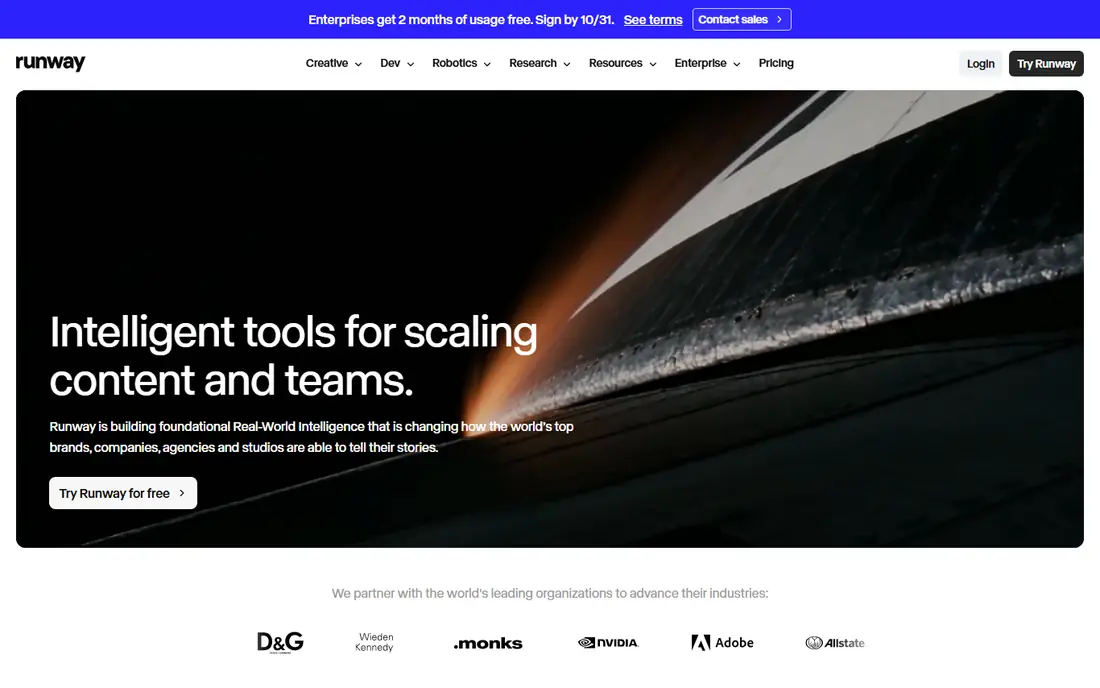
Runway is our pick for creators who want control, not just a random moving image. Its image-to-video tools pair with camera controls and editing features, so a still can become a shot that fits a larger sequence. For filmmakers and professional creators, that control matters more than raw clip count.
The catch is credit cost. Longer or higher-resolution generations use credits quickly, and the free starter credits run out fast. Runway suits creators who plan shots carefully and value editing, not users who want dozens of casual clips per day.
- Strong camera and editing controls
- Image-to-video plus editing tools
- Good for filmmakers and pros
- Credits burn fast on longer clips
- Paid plan needed for full resolution
- Audio is limited on some models
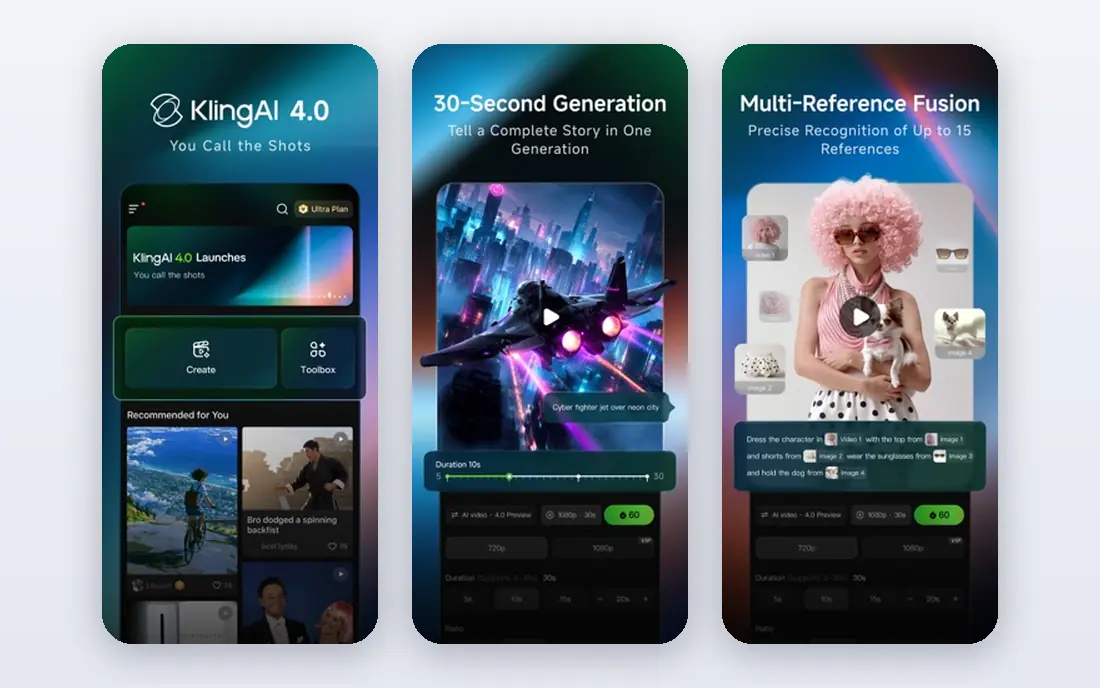
Kling is the value leader for image-to-video work. It handles human motion and physical movement well, keeps subjects consistent across a clip, and starts near 7 dollars per month with free daily credits for testing. Longer clips are a real advantage when a short loop is not enough.
The interface packs in many models and options, which can confuse a first-time user. Top quality and faster generation sit on higher tiers. For creators who want strong motion at a low price, Kling is hard to beat.
- Strong human motion and physics
- Low entry price
- Longer clips than many rivals
- Interface can feel busy
- Best quality needs higher tiers
- Generation times vary
Google Veo 3 leads on realism and sound, generating dialogue, effects, and ambience alongside the picture. Image-to-video keeps a reference subject consistent, and the Gemini app plus Flow tool give creators camera and editing controls. For a polished short clip, Veo is the benchmark many others are judged against.
Cost is the limit. Access runs through Google AI Pro near 20 dollars per month, with higher limits on Ultra, and API pricing adds up fast for longer work. Every clip also carries an invisible SynthID watermark. Use Veo when quality matters most and the clip count stays modest.
- High realism with native audio
- Image-to-video with reference consistency
- 1080p and 4K options
- Credits burn fast
- Cost per second is high at scale
- Clips carry an invisible watermark
Sora suits creators who start from a story, not just a single image. It handles multiple subjects and longer descriptions with coherence that many rivals struggle to match, and newer versions add native audio. An image prompt can seed a scene that then follows a clear narrative beat.
There is no free tier, and access comes through ChatGPT Plus near 20 dollars per month. Clip length is limited, so Sora is not the tool for long takes. Storytellers who already pay for ChatGPT will get the most value.
- Strong narrative and multi-subject scenes
- Good physics and coherence
- Native audio on newer models
- No free tier
- Access runs through ChatGPT plans
- Clip length is limited
Pika is the quickest way to turn a photo into a fun social clip. Effects, transformations, and short motion styles are easy to apply, and the free tier lets a creator test many ideas before paying. For social posts, ads, and playful content, speed beats cinematic depth.
Realism is not the strength. Faces and complex motion can look stylized, and free clips carry a watermark. Creators who want a believable cinematic shot should look at Kling or Veo, while social creators will enjoy Pika.
- Fast and simple for social clips
- Playful effects and transformations
- Free tier with watermark
- Less realism than Veo or Kling
- Free clips are watermarked
- Longer cinematic work is limited
Luma Dream Machine stands out for camera work. Image-to-video clips show natural movement, depth, and framing that feel closer to a real camera than a slideshow effect. Keyframe and modify tools help a creator shape a shot rather than accept the first result.
The starting price near 30 dollars per month is higher than Kling or Pika, and free clips are limited in resolution. Creators who care most about camera feel will accept that price. Casual users should test the free tier first to see if the look justifies the cost.
- Natural camera movement and depth
- High dynamic range looks
- Keyframe and modify tools
- Higher starting price
- Free tier limits resolution
- Generation can be slow at peak times
Hailuo, from MiniMax, is one of the cheapest strong options for image-to-video. Daily free credits let a creator test ideas without paying, and paid plans start near 10 dollars per month. Facial expressions and emotional motion are particular strengths, which helps portrait and character clips.
Audio is partial compared with Veo, and longer clips use more credits. Style can also shift with prompt wording, so expect some retries. For low-cost, expressive motion, Hailuo is a smart pick, and it is a good free image to video ai tool for testing.
- Low entry price with daily free credits
- Strong facial expression and motion
- Simple interface
- Audio support is partial
- Longer clips cost more credits
- Style can vary by prompt
Kaiber fits artists and musicians who want a stylized video from an image, not a photoreal clip. It offers several models under one bill, with tools for music visuals, storyboards, and artistic transformations. A still photo can become a dreamlike sequence that suits a song or an art project.
Photorealism is not the goal here, so creators who want a believable live-action shot should choose Kling or Veo. Free credits are limited, and the best looks need experimentation. For stylized work, Kaiber has a distinct voice in this list.
- Strong stylized and music-driven looks
- Multiple models in one place
- Good for artists and musicians
- Less photorealism than rivals
- Free tier is limited
- Best results need style experimentation
How we picked these
We compared official pricing pages, model documentation, and public user reviews for tools that accept an image as input and return a moving clip in 2026. We required a current image-to-video mode, a working free tier or trial for most picks, and a product with a real user base. We weighed motion quality, subject consistency, clip length, audio, and cost per clip, and we noted watermark and resolution limits.
How to get a good clip from a still photo
Start with a clean, well-lit image with a clear subject. Busy backgrounds and tiny faces make motion harder for every model, so crop tight and pick one main subject. Write a short motion prompt that names the movement, the camera, and the mood, such as a slow push-in while the subject turns. Keep the first test short, then extend only when the motion looks right.
Budget by clip, not by month
Credit systems differ, so compare cost at the same length, resolution, and audio setting. A cheap monthly plan can still be costly if each 10-second clip uses many credits. Generate at low resolution for tests, then pay for a high-resolution final only when the motion works.
FAQ
What are the best free ai image to video tools march creators can test?
Kling, Hailuo, Pika, Luma, Runway, and Kaiber all offer free tiers or starter credits for testing image-to-video. Free clips often carry watermarks or resolution limits. Test the same photo in two or three tools before paying, since motion quality varies by image.
Which tool keeps a face consistent from photo to video?
Kling, Veo, and Hailuo are strong on subject consistency, with Veo leading on reference-image handling. Use a clear front-facing photo and keep the motion prompt simple for the first test. Complex camera moves and occlusions still cause drift in every tool.
Can I use AI video clips commercially?
It depends on the plan and the tool. Paid plans usually allow commercial use, while free tiers may limit use or require credit. Check the license on the vendor site before publishing client work, and confirm the rules for the source photo as well.
How long can an image-to-video clip be?
Most tools produce clips from about 5 to 10 seconds, with Kling and some others supporting longer takes on higher tiers. Longer clips cost more credits and risk more drift. For a longer video, stitch several short clips together in an editor.
Do I own the video I generate?
Ownership rules vary by vendor and plan, so read the terms on the product site before commercial use. Most paid plans grant broad use rights for generated clips, while free tiers may be more limited. Keep a record of the plan and generation date for client work.