8 Best AI Estimating Software Tools for Contractors in 2026
We compared the best ai estimating software for contractors on takeoff speed, cost data, and ease of use, so you can choose a tool for bids in 2026. now

- Editor's choice
 Togal.AI
Commercial general contractors and specialty subcontractors
Starts atSee websiteVisit togal.aiFull review - Great alternative
 Buildxact
Residential builders and remodelers
Starts atSee websiteVisit buildxact.comFull review - Also consider
 ProEst
Large commercial general contractors
Starts atSee websiteVisit construction.autodesk.comFull review
TL;DR:
- Togal.AI and STACK suit teams that need fast plan takeoff, while Buildxact and Handoff AI suit residential builders who want estimating plus job tracking.
- ProEst and Sage Estimating fit larger commercial teams that need cost libraries, templates, and multi-user control.
- PlanSwift remains a strong desktop choice for estimators who prefer local files and deep Excel exports.
- Always review AI takeoff on scanned plans, odd symbols, and custom details before you price a bid.
- Free plans and trials help, but the real test is one of your own past jobs, priced side by side with your old estimate.
Quick comparison
| Tool | Best for | Starts at | Free plan? | |
|---|---|---|---|---|
| Togal.AI | Commercial general contractors and specialty subcontractors | See website | No | Visit |
| Buildxact | Residential builders and remodelers | See website | No | Visit |
| ProEst | Large commercial general contractors | See website | No | Visit |
 STACK | Subcontractors and teams that collaborate on takeoffs | See website | Yes | Visit |
 PlanSwift | Estimators who prefer desktop software | See website | No | Visit |
 Handoff AI | Residential remodelers and small contractors | See website | No | Visit |
 Clear Estimates | Small remodelers who need quick client quotes | See website | No | Visit |
 Sage Estimating | Mid-size and large commercial firms | See website | No | Visit |
The best AI estimating software for contractors
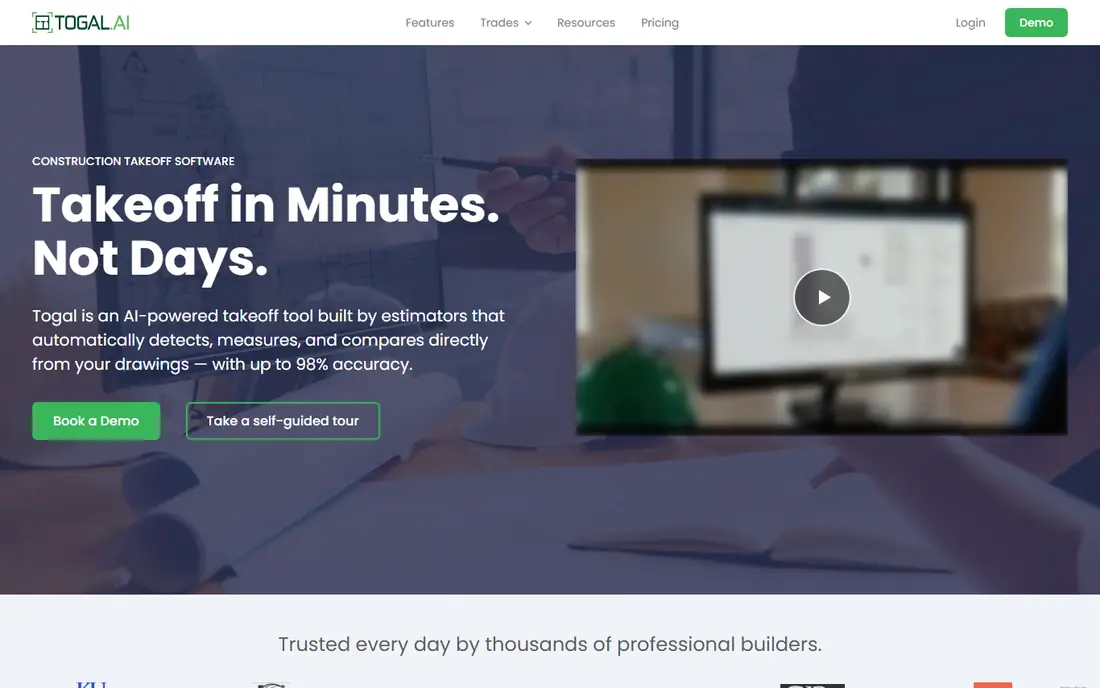
Togal.AI centers on speed. Upload plans, let the tool measure and count, then review the takeoff before you add pricing. For firms that bid often, that first pass can save a full day on a large set. The chat feature also helps when you need to find a detail buried in sheets.
The trade-off is focus. Togal.AI is a takeoff and estimating aid, not a full job management system. You will still need accounting and scheduling tools for the rest of the job. If your team bids less often, test it on a real project first to see if the monthly cost pays back.
- Fast AI takeoff from plans, chat questions about drawings, change detection between plan sets
- Price per user can add up for large teams, best value comes with steady bid volume

Buildxact was built around the way small residential firms actually work. You measure from plans, build the estimate with your own rates or supplier prices, then send a clear quote to the client. That single flow cuts copy work between spreadsheets, documents, and invoices.
Its AI helper, called Blu, can draft estimates and flag possible errors, which helps newer estimators. The weakness shows on complex commercial jobs, where deeper cost libraries and BIM links matter more. For custom homes and remodels, though, the balance of price and simplicity is hard to beat.
- On-screen takeoff, live supplier pricing links, estimate to quote to invoice flow
- Less suited to large commercial BIM work, some advanced features sit on higher tiers

ProEst, from Autodesk, fits preconstruction teams that handle many bids at once. Shared templates keep pricing consistent across estimators, and cost data helps teams avoid starting from blank rates each time. Cloud access also lets reviewers check an estimate without passing files around.
Setup takes work. Your team needs to set up assemblies, rates, and permissions before the tool feels fast. Small firms may find that overhead hard to justify. For larger firms, that upfront work pays off in cleaner bids and easier audits later.
- Cost libraries, templates, cloud collaboration, Autodesk workflow links
- Higher cost and setup time, more tool than a small firm needs
STACK starts with plans in the cloud. Team members can measure, mark up, and comment on the same set, which reduces version confusion. The free tier lets a small firm test basic takeoff before paying, a useful step if you are moving off paper or spreadsheets.
Estimating beyond takeoff requires a paid tier, and some firms will still export to Excel or accounting tools for final pricing. That said, the collaboration angle is real. If two or three people touch every bid, STACK keeps that work in one place.
- Cloud takeoff, team markup sharing, free basic tier to test the workflow
- Full estimate features cost more, reporting depth varies by plan
PlanSwift has been a staple for estimators who want control on their own machine. You trace plans on screen, build assemblies, and push quantities to Excel for final pricing. That Excel link matters for firms with custom bid sheets they do not want to rebuild.
The desktop focus is also its limit. Remote teams need a plan for sharing files and keeping versions straight. If your estimators work in one office and value speed over cloud features, PlanSwift still earns its place.
- Strong on-screen takeoff, Excel links, regional cost data options
- Desktop-first design, less cloud collaboration than newer tools
Handoff AI tries to cover more of the sales cycle than a takeoff tool alone. It can create an estimate from a plan upload or a written scope, then turn that estimate into a proposal and an invoice. For remodelers who answer many small leads, that speed matters.
Accuracy still needs a human check, especially on custom work where site conditions change the price. The CRM side also means you are adopting a wider system, not just a calculator. If you already use a separate CRM you like, weigh that overlap before switching.
- AI estimates from plans or descriptions, built-in CRM, proposals and invoicing
- Residential focus, commercial estimators may find trade coverage thin
Clear Estimates keeps the job simple. Pick a template for a kitchen, bath, or similar project, adjust quantities and rates, and send a clean quote. That simplicity helps owners who do their own estimating and do not want a long setup.
It is not a fit for multi-trade commercial bids or heavy BIM work. The template approach can also feel narrow if your jobs vary a lot. For repeatable remodel scopes, though, it is fast, clear, and easy to learn.
- Simple quote builder, template library for common remodel jobs, client-friendly output
- Limited depth for commercial work, fewer integrations than larger platforms
Sage Estimating suits firms that already think in assemblies and cost codes. You can build detailed estimates with standard cost data, then keep that structure consistent across jobs. Links to Sage accounting tools help when a won bid moves into job costing.
New users should expect training time. The interface rewards estimators who know their cost structure, and it can feel heavy for a one-person shop. For commercial teams that need audit-ready detail, that depth is the point.
- Deep cost databases, assembly pricing, links to Sage accounting products
- Quote-based pricing, learning curve for new estimators
How we picked these
We compared official feature pages, pricing pages, app store listings, privacy policies, and public reviews. We kept tools that are sold and supported today, that handle real plan takeoff or estimate building, and that fit US contractors. We favored tools with clear takeoff, pricing, and export paths, and we left out tools that only offer generic chat or spreadsheet templates. We did not claim hands-on testing. Our picks reflect documented features and common use cases from vendor and review sources.
What to check before you buy
Start with your bid type
Commercial, residential, and specialty work need different cost data. A tool built for homes may lack the assemblies a commercial estimator relies on, and a commercial tool may feel slow for a bath remodel. List your last ten bids, then match the tool to that mix.
Test takeoff on your own plans
Run one messy plan set through any trial. Scanned sheets, hand markups, and mixed symbols show weak spots fast. Check counts for doors, fixtures, and linear items by hand. A tool that looks fast on a clean demo can still need heavy correction on real work.
Check pricing, exports, and ownership
Confirm per-user pricing, what happens to your data if you cancel, and how estimates export to Excel, PDF, or accounting tools. Ask about support hours and training, since estimating deadlines do not wait for a ticket reply. The lowest monthly price is not the best deal if exports create extra work each week.
FAQ
What is the best ai estimating app for a small contractor?
For many small residential firms, Buildxact or Handoff AI fits well because estimating, quoting, and invoicing sit in one flow. STACK is also worth a trial if you want free basic takeoff first. Pick based on your job type, then test with a past bid.
Can AI estimating replace an estimator?
No. AI speeds up measuring and drafting, but site conditions, scope gaps, and local labor rates still need human judgment. Use AI output as a first draft, review quantities and rates, and keep a final check before you send a bid.
How much does AI estimating software cost?
Prices vary by user count, features, and billing term, so vendors often list plans on their own pricing pages. Some tools offer a free tier or trial, while enterprise tools use quotes. Compare total cost for your team size, not just the headline monthly rate.
Does AI takeoff work on scanned plans?
It works best on clean, machine-made PDFs. Scanned or low-resolution plans need more review, and custom symbols can be missed. Always spot-check counts and dimensions on older or hand-marked sets.
What should I look for in cost data?
Look for regional material and labor data you can adjust, plus your own rate library. A tool that locks you to national averages will misprice local work. The best setup lets you save your own assemblies and update supplier prices.
Sources
https://togal.ai https://buildxact.com https://construction.autodesk.com/products/proest https://stackct.com https://planswift.com https://handoff.ai https://clearestimates.com https://www.sage.com