8 Best AI Knowledge Base Software for Teams and Support
Compare the best ai knowledge base software for support teams and internal wikis, with ai search, verification, pricing, and honest trade-offs for each tool.
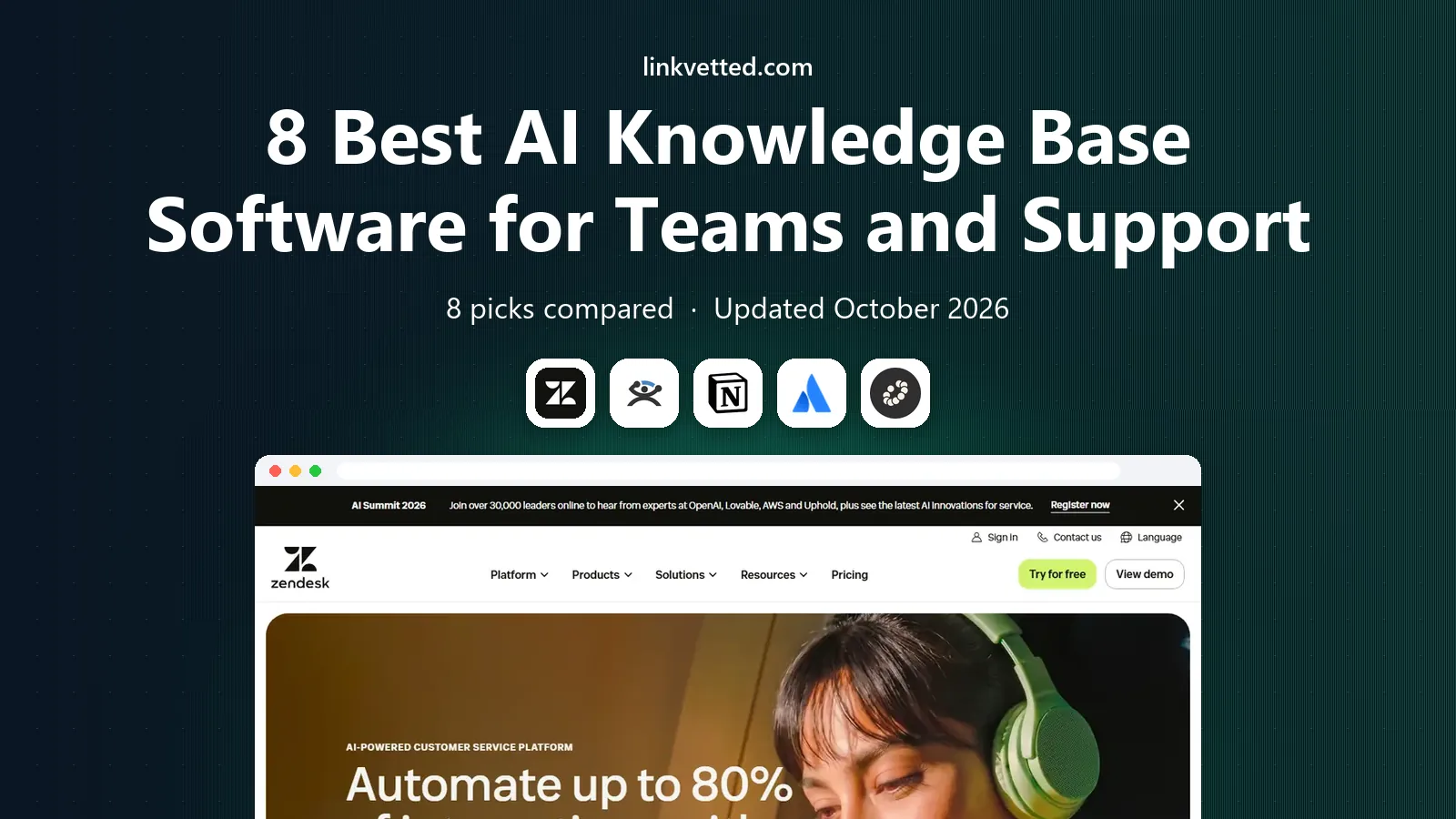
- Editor's choice
 Zendesk
Support teams that want AI answers inside Zendesk Suite tickets and help centers
Starts at$55 per agent per monthVisit zendesk.comFull review - Great alternative
 Guru
Support and sales teams that need verified answers in Slack, Zendesk, and browsers
Starts atSee websiteVisit guru.comFull review - Also consider
 Notion
Internal teams that want a wiki, docs, and planning in one workspace
Starts at$10 per member per monthVisit notion.soFull review
TL;DR:
- Zendesk and Intercom suit support teams that want AI answers tied to tickets and help centers.
- Guru suits support and sales teams that need verified answers delivered where agents already work.
- Notion and Confluence suit internal teams that document and plan in the same tool.
- Slite suits small internal teams that want AI search across tools with citations.
- Document360 and GitBook suit product and developer documentation teams that need a dedicated docs site.
Quick comparison
| Tool | Best for | Starts at | Free plan? | |
|---|---|---|---|---|
| Zendesk | Support teams that want AI answers inside Zendesk Suite tickets and help centers | $55 per agent per month | No | Visit |
| Guru | Support and sales teams that need verified answers in Slack, Zendesk, and browsers | See website | No | Visit |
| Notion | Internal teams that want a wiki, docs, and planning in one workspace | $10 per member per month | Yes | Visit |
 Confluence | Engineering and product teams already using Jira | See website | Yes, for up to 10 users | Visit |
 Slite | Small internal teams that want clean docs and AI search with citations | $10 per user per month | Yes | Visit |
 Document360 | Product and support teams that need a dedicated knowledge base site | See website | No | Visit |
 GitBook | Developer and product teams that need docs synced with code and Git | See website | Yes | Visit |
 Help Scout Docs | Email-first support teams that want a help center alongside a shared inbox | $25 per user per month | Yes, for up to 5 users on the free plan | Visit |
The best AI knowledge base software
Zendesk
Best for: Support teams that want AI answers inside Zendesk Suite tickets and help centers

Zendesk pairs a customer help center with AI that can answer from your articles and deflect tickets. Agents see suggested answers in tickets, and customers can get AI answers in the help center before contacting support. That link between knowledge base and ticketing is the main reason to choose Zendesk over a standalone wiki.
The cost model needs care. Suite starts at $55 per agent per month on annual billing, and AI resolutions beyond the included allowance are billed per resolution. For a team already on Zendesk, that integration is worth it. For a team without Zendesk, compare Guru or Help Scout first.
- Help center plus AI agents in one suite
- AI resolutions included in small amounts per agent, then billed per resolution
- Strong ticket integration
- Suite pricing is high for small teams
- AI costs rise with automated resolution volume
Guru
Best for: Support and sales teams that need verified answers in Slack, Zendesk, and browsers
Guru focuses on trusted answers, not just stored docs. Knowledge owners verify cards on a schedule, and AI search surfaces verified answers with sources, so agents are less likely to share outdated steps. Integrations with Slack, Zendesk, and browsers mean answers appear where work happens, rather than forcing agents to open another tab.
Pricing is quoted, which makes comparison harder for small teams. Guru also needs a clear owner for verification, or cards go stale like any wiki. For support and sales teams where a wrong answer costs a customer, Guru verification model is a real advantage.
- Verification workflow keeps answers current
- AI search with citations
- Delivers answers where agents work
- Quote-based pricing
- Setup needs ownership to keep verification cycles running
Notion
Best for: Internal teams that want a wiki, docs, and planning in one workspace
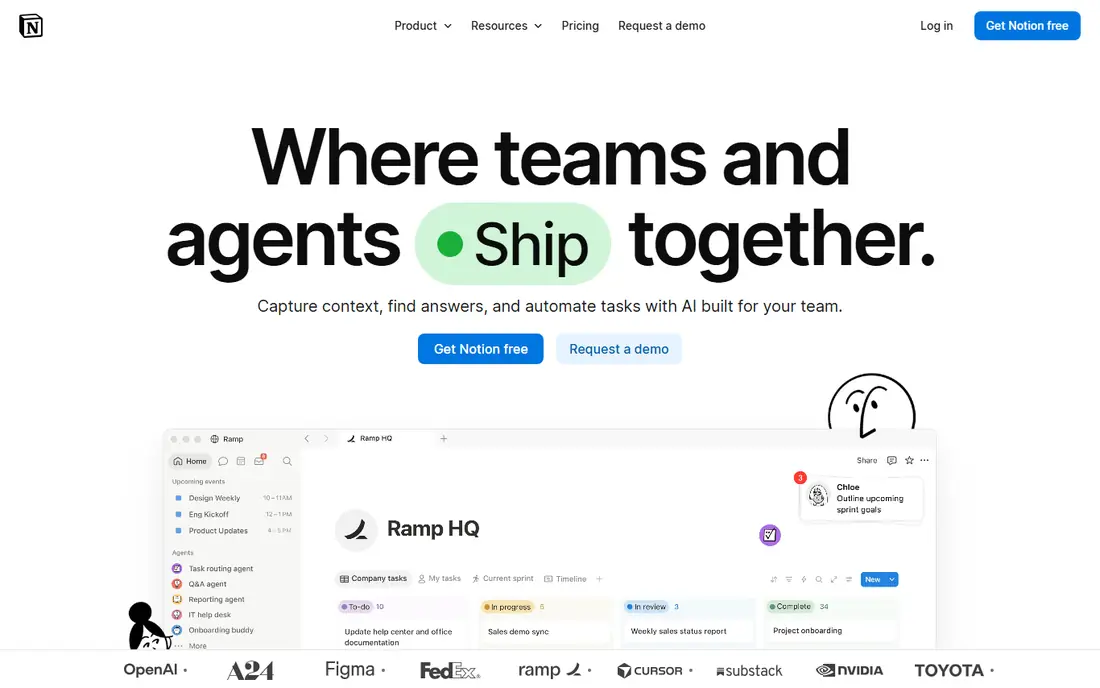
Notion is the most flexible internal wiki on this list. Teams build wikis, project docs, meeting notes, and databases in one workspace, with templates that speed up setup. AI can draft, summarize, and search across pages, which helps new hires find answers without asking a colleague.
AI is an add-on cost, so budget for seat price plus AI if you need it for everyone. Notion also works better as an internal wiki than as a public help center. For internal knowledge, though, its flexibility is hard to beat.
- Flexible pages, databases, and wikis
- Free plan for small teams
- AI writing and search as add-ons
- AI features cost extra on top of seat price
- Less suited to a public customer help center than Zendesk or Document360
Confluence is the natural wiki for teams already on Jira. Product specs, runbooks, and decision logs link directly to Jira issues, so documentation stays close to work. Rovo AI adds search and summaries across Confluence and connected Atlassian tools, which helps larger teams find answers in a growing wiki.
Non-technical teams may find Confluence heavier than Notion or Slite. For engineering teams, though, Jira integration and a free tier for up to 10 users make Confluence an easy default.
- Free tier for small teams
- Strong Jira integration
- Rovo AI search and summaries for Atlassian users
- Interface can feel heavy for non-technical teams
- AI value is strongest inside the Atlassian system
Slite
Best for: Small internal teams that want clean docs and AI search with citations
Slite keeps internal documentation simple and readable, with AI Ask that answers from your docs and shows citations. That citation habit matters, since it lets a reader check the source article rather than trusting an AI summary alone. Cross-tool search on higher plans extends answers to connected apps, which helps teams whose knowledge lives in several places.
Slite is not a full customer help center platform. For internal teams that want a tidy wiki with honest AI search, it is a strong and affordable choice.
- Clean editor and structure
- AI Ask included on paid plans with citations
- Cross-tool search on higher plans
- Smaller ecosystem than Notion or Confluence
- Fewer public help center features than Zendesk
Document360
Best for: Product and support teams that need a dedicated knowledge base site
Document360 is built for documentation as a product, not as a side feature of a wiki. Teams publish branded help centers, API docs, and internal wikis with version control, categories, and analytics that show which articles deflect tickets. AI search, article summaries, and writing assistance help docs teams keep content current at scale.
Pricing is quoted, so small teams should request a price before assuming it fits. For SaaS firms where documentation is part of the product, Document360 offers depth that Notion and Slite do not.
- Dedicated public and private knowledge base sites
- AI search and writing tools
- Versioning and analytics
- Quote-based pricing
- More than a small internal wiki team needs
GitBook
Best for: Developer and product teams that need docs synced with code and Git
GitBook suits teams that write docs alongside code. Content can sync with Git, so docs updates follow the same review flow as code changes. Public docs sites look polished, with search, versioning, and analytics that help product teams see which pages developers actually use.
General business teams that need HR docs, sales playbooks, and meeting notes may prefer Notion or Slite. For developer documentation, GitBook workflow and presentation are a strong fit.
- Git-synced docs for developers
- Clean public docs sites
- AI assistance for writing and search
- Less suited to general internal wikis than Notion
- Pricing varies by site and user count
Help Scout Docs
Best for: Email-first support teams that want a help center alongside a shared inbox
Help Scout Docs lets a small support team publish a help center without buying a separate docs platform. Articles, categories, and search cover customer self-service, while the shared inbox handles tickets that docs do not resolve. AI Answers can respond from Docs content, with billing per resolution beyond included amounts.
Teams with large API docs or complex versioning should compare Document360 or GitBook. Teams that mainly need a tidy help center next to their inbox will find Help Scout Docs simple and affordable.
- Docs plus shared inbox in one account
- Free plan for small teams
- AI Answers billed per resolution
- Docs depth is thinner than Document360 or GitBook
- AI Answers cost extra beyond included resolutions
How we picked these
We compared AI search, verification, help center quality, and pricing models, and we favored tools with current AI features in 2026. We included support-led, internal wiki, and developer docs tools so readers could match the list to their audience. We left out general chatbots with no knowledge base structure, since they do not help a team maintain trusted docs.
Choosing the right AI knowledge base software
Start with audience. Customer-facing teams should shortlist Zendesk, Document360, Help Scout Docs, and GitBook. Internal teams should shortlist Notion, Confluence, Slite, and Guru. That split matters more than any single AI feature, since public help centers and internal wikis have different privacy and publishing needs.
Next, check AI cost and citations. Ask whether AI search is included, billed per resolution, or charged as a per-user add-on. Ask whether answers show citations to source articles. A tool that answers without citations is harder to trust, especially for support and compliance topics.
Finally, test with stale content. Create an outdated article, ask the AI a question it covers, and see whether verification, warnings, or citations flag the problem. A knowledge base that cannot surface outdated content will create confident wrong answers, which is worse than no answer at all.
FAQ
What is AI knowledge base software?
AI knowledge base software stores articles, guides, and docs, then uses AI search to answer questions from that content. Good tools show citations, flag outdated articles, and suggest verified answers to agents. It differs from a general chatbot because answers are grounded in your own trusted docs.
Which AI knowledge base tool is best for customer support?
Zendesk suits teams already on Zendesk Suite, since AI answers link to tickets and help centers. Guru suits teams that need verified answers in Slack and Zendesk. Help Scout Docs suits small email-first teams that want a help center next to their inbox.
Which AI knowledge base tool is best for internal teams?
Notion suits flexible internal wikis and planning, Confluence suits Jira teams, and Slite suits small teams that want clean docs with cited AI search. Guru suits internal teams where verified answers matter more than wiki flexibility.
How is AI knowledge base pricing charged?
Some vendors include AI search on paid plans, while others charge per automated resolution, per outcome, or as a per-user AI add-on. Zendesk and Help Scout bill AI answers per resolution beyond an allowance, while Notion charges AI as an add-on. Confirm the model for your expected volume before buying.
How do I keep AI answers accurate?
Assign owners to articles, set verification schedules, and review AI answers that cite outdated content. Tools such as Guru make verification explicit, while other tools need a manual review habit. Retire or update articles on a schedule, and check search analytics for questions with no good answer.
Sources
https://www.zendesk.com https://www.guru.com https://www.notion.so https://www.atlassian.com/software/confluence https://www.slite.com https://document360.com https://www.gitbook.com https://www.helpscout.com