Best AI Image to Video Generation Tools in 2026: 9 Tools Compared
Compare the best AI image to video generation tools, from Runway and Kling to Luma, Pika and Veo, on price, clip length and motion quality in October 2026.
- Editor's choice
 Runway
All-round creation and editing
Starts at$12 per monthVisit runwayml.comFull review - Great alternative
 Kling
Best value realistic motion
Starts at$10 per monthVisit klingai.comFull review - Also consider
 Luma Dream Machine
Cinematic image-to-video
Starts at$30 per monthVisit lumalabs.aiFull review
TL;DR:
- Runway is the best all-round choice for creators who want image-to-video plus editing tools in one place.
- Kling offers the best value for realistic motion, with daily credits and a low starting price.
- Luma Dream Machine suits fast, cinematic image-to-video work, but its entry price is higher than rivals.
- Pika is the best pick for short, fun social clips and effects on a small budget.
- Compare cost per clip, not just plan price, because credit systems differ widely between vendors.
Quick comparison
| Tool | Best for | Starts at | Free plan? | |
|---|---|---|---|---|
| Runway | All-round creation and editing | $12 per month | Yes | Visit |
| Kling | Best value realistic motion | $10 per month | Yes | Visit |
| Luma Dream Machine | Cinematic image-to-video | $30 per month | No | Visit |
 Pika | Short social clips and effects | $10 per month | Yes | Visit |
 Google Veo | Realistic clips with audio | $19.99 per month | Free trial | Visit |
 Hailuo | Expressive character motion | See website | Yes | Visit |
 PixVerse | High-volume social output | See website | Yes | Visit |
 Adobe Firefly | Brand-safe commercial work | $9.99 per month | Yes | Visit |
 Dreamina | Reference-driven clips | See website | Yes | Visit |
The best AI image to video generation tools
Image-to-video tools animate a still image into a moving clip, using your prompt to control motion, camera movement and style. The best tools keep the subject consistent, handle faces and hands reasonably well, and let you retry without burning your whole credit balance. Here are nine that do that best.
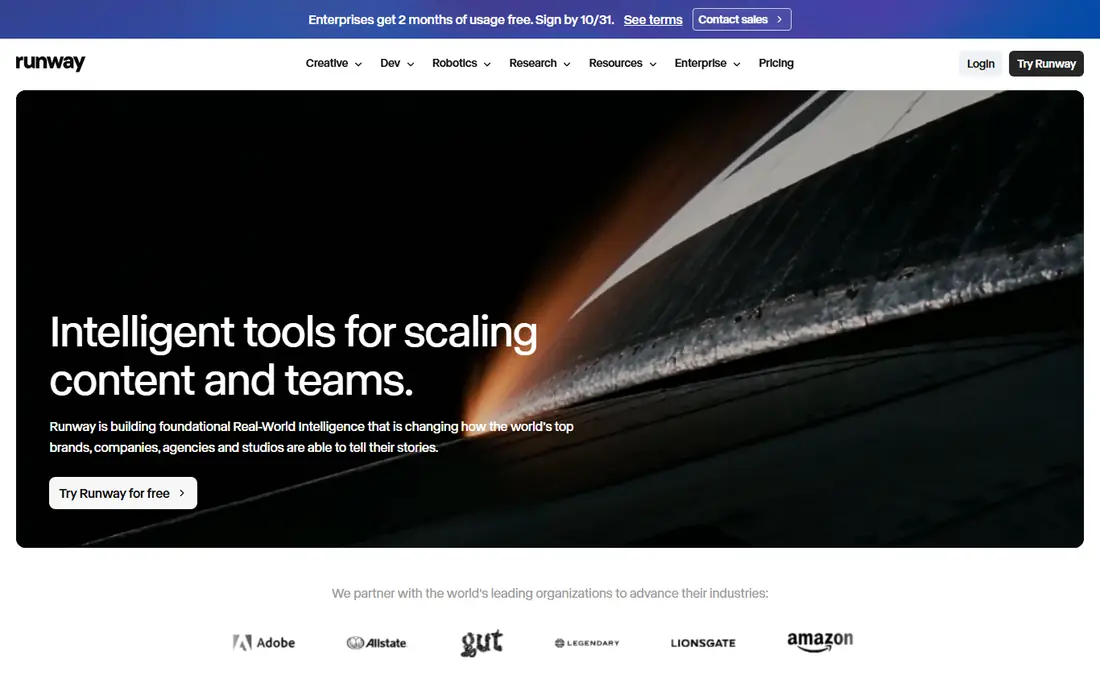
Runway pairs its Gen-4 video model with a broader creative suite, so you can generate a clip from an image, extend it, restyle it or clean it up without leaving the app. That matters for creators who need more than a single clip, because a generated shot usually needs trimming and adjustment before it is usable.
Pricing starts at $12 per month billed annually for the Standard plan, with 125 one-time credits on the free plan. Credit costs per clip vary by model and length, so spend the free credits on a representative image and prompt before you commit to a paid tier.
- Gen-4.5 model with strong control
- Editing, extension and restyling tools
- Good for filmmakers
- Credit math is confusing
- Free credits are one-time only
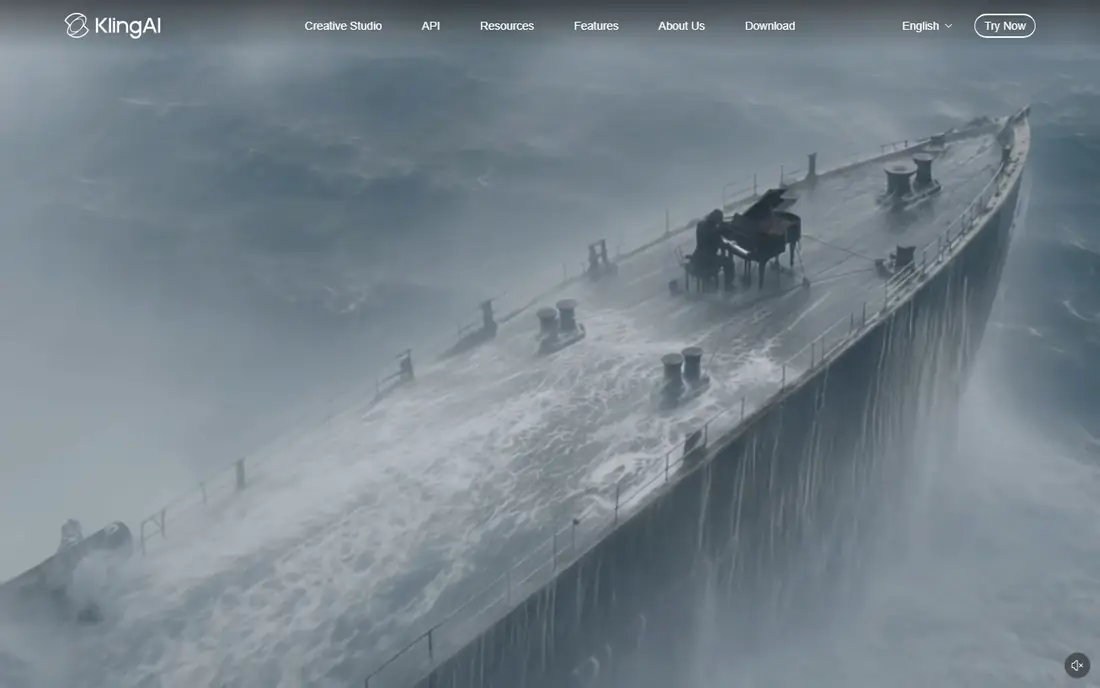
Kling has become a favorite for realistic image-to-video work because its motion looks natural, especially for people walking, turning or performing simple actions. Start and end frame controls help you guide a shot from one image to another, which is useful for product and story work.
The Standard plan starts at $10 per month, with a lower first-month price in some offers, and free users get a daily credit allowance. That makes Kling one of the cheapest ways to produce many test clips, though daily limits mean heavy users will still need a paid plan.
- Realistic human motion
- Good value per clip
- Start and end frame control
- Daily free credits are limited
- Interface can feel busy
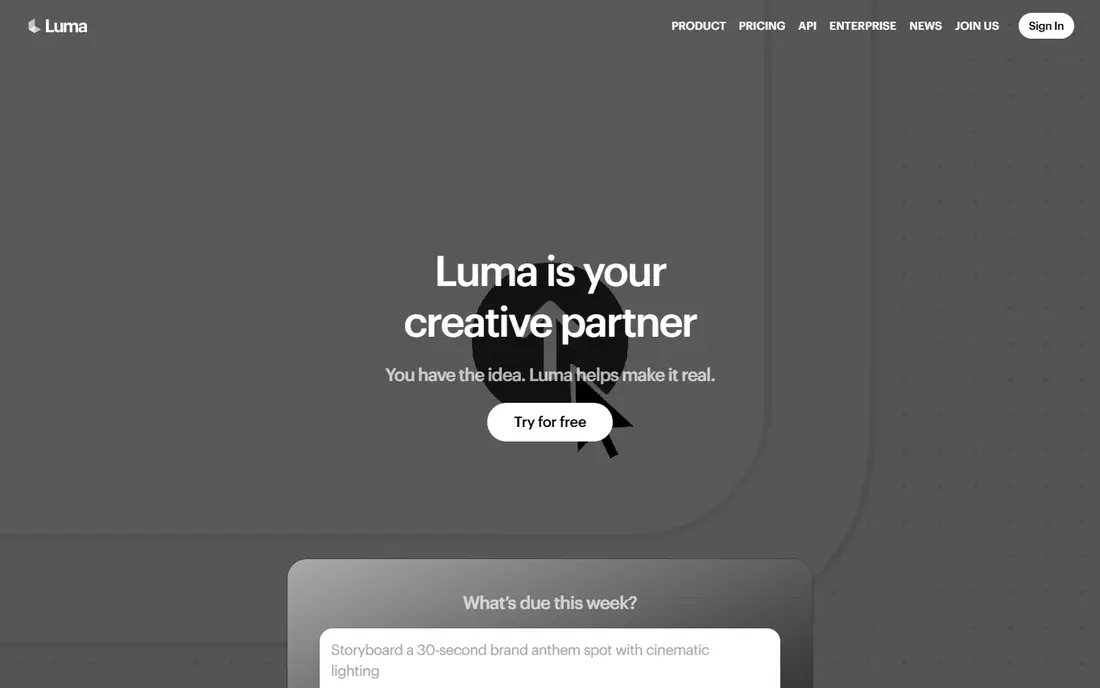
Luma Dream Machine, now built around its Ray models, produces smooth, cinematic motion from images and is popular for fast iteration on short scenes. It offers keyframe controls that go further than many rivals, letting you guide a sequence through multiple points rather than a single start image.
The drawback is price and access. Luma lists no free individual plan for new users, and the Plus plan starts at $30 per month. If you need many clips per month, divide that price by the number of clips you actually get, because Luma clips can cost more credits than Kling or Pika equivalents.
- Fast, cinematic motion
- Keyframe control
- Strong restyling of existing footage
- No free plan for new users
- Higher entry price than rivals
Pika is built for short, shareable video. Its effects, stylized looks and simple prompt flow make it easy to turn a photo into a looping social clip in minutes, and its free plan lets you test the style before paying. For creators who post daily, that speed matters more than cinematic realism.
It is not the best choice for long, realistic scenes, where Kling and Veo do better. Clips are typically around ten seconds, and lower tiers limit how many you can make each month, so check the credit allowance against your posting schedule.
- Fun effects and stylized looks
- Easy social sharing
- Free plan to test
- Shorter, less realistic clips than Veo or Kling
- Credit limits on lower tiers
Google Veo, available through Google Flow and Google AI plans, produces some of the most realistic image-to-video clips available, with audio generated to match the scene. That combination makes it strong for ads, product shots and short cinematic scenes where sound matters.
Access starts with Google AI Pro at $19.99 per month, and each generation is typically eight seconds long, so longer stories need multiple clips stitched together. For realism and audio in a short clip, though, Veo is hard to beat.
- Very realistic footage
- Generated audio synced to video
- Strong prompt understanding
- Clips are short at eight seconds
- Access runs through Google AI plans
Hailuo, from MiniMax, is known for expressive character motion, which makes it popular for animated stories, character-led social content and stylized scenes. Faces and gestures often look livelier here than in more realistic tools, which suits creators working in animation rather than live-action style.
Pricing varies by promotion and region, so check the current plan before you budget a project. Hailuo also offers fewer editing tools than Runway, so plan to finish clips in an editor if you need trimming, captions or sound design.
- Expressive faces and character movement
- Good for animation and storytelling
- Trial credits
- Pricing varies by promotion and region
- Fewer editing tools than Runway
PixVerse suits creators who need a high volume of short clips for social feeds. Its templates and effects speed up production, and generation is fast enough to test several variations of the same image in one session. That workflow fits agencies and social teams better than single-clip filmmakers.
Quality can vary, especially on complex prompts, so expect to generate a few versions and pick the best. Entry pricing should be checked on the vendor site, because PixVerse plans and credit bundles change often.
- Built for many short clips
- Good effects and templates
- Fast generation
- Quality varies by prompt
- Higher tiers are expensive for casual users
Adobe Firefly is the safest choice for brand and commercial work, because Adobe positions its models as trained on licensed content and it supports content credentials that show how media was made. That matters for clients who ask about rights and provenance. Firefly also connects to Photoshop, Premiere and other Adobe tools.
Its video output is solid but not always as realistic as Veo or Kling on the same prompt, and the exact video features depend on your Adobe plan. For teams that already pay for Creative Cloud, Firefly is a practical, lower-risk way to add AI video.
- Commercially safer training approach
- Works with Adobe apps
- Provenance and content credentials
- Less advanced realism than Veo or Kling
- Video features vary by plan
Dreamina, from CapCut, uses the Seedance model and lets reference images guide the style, subject and motion of a clip. That reference-driven approach helps when you need a consistent character or product look across several clips, which is hard with text prompts alone.
Pricing and free allowances vary by region, and free downloads may carry a watermark, so check the plan for your location. For social creators already using CapCut, Dreamina fits naturally into editing and publishing.
- Reference images guide style and subject
- Seedance model for smooth motion
- CapCut integration
- Pricing varies by region
- Free downloads may carry a watermark
How we picked these
We compared official pricing pages, feature pages and recent independent pricing checks for image-to-video tools in October 2026. A tool made the list only if it accepts an image as the starting point, produces a moving video clip, and is available to use in the United States. We weighed motion quality, subject consistency, clip length, audio support, credit value and ease of use.
How to get better clips from an image
Start with a clean, clear image
Use a sharp image with a clear subject and simple background. Busy, blurry or cluttered images give the model more to guess at, and faces and hands suffer first when the input is unclear.
Describe motion, not just the scene
Tell the tool what should move, how fast, and where the camera should go. A prompt such as a slow push-in while the subject turns to camera gives better results than a prompt that only describes the image itself.
Budget by cost per usable clip
Count how many clips you keep, not how many you generate. If you keep one in three, your real cost is three times the per-generation price. Test on a free or low tier first, then choose the plan that matches your keeper rate.
FAQ
What is the best AI image to video generation tool?
Runway is the best all-round choice, Kling is the best value for realistic motion, and Google Veo is the best for realism with audio. Choose based on whether you need editing tools, low cost per clip, or the most realistic short scene.
What are the best AI tools for image to video generation for social media?
Pika, PixVerse and Dreamina suit social media best, because they are fast, template-friendly and built for short clips. Kling also works well for social if you want more realistic motion.
How long can AI image to video clips be?
Most clips run five to ten seconds per generation, with some tools allowing longer chained sequences. For a longer story, generate several clips from related images and stitch them together in an editor.
Can I use AI image to video clips commercially?
It depends on the tool and plan. Adobe Firefly is positioned for commercial use, while some free tiers restrict commercial use or add watermarks. Check the license for your plan before publishing client or ad work.
Why do faces and hands look wrong in AI video?
Faces and hands are hard for video models because they move in complex ways and viewers notice small errors quickly. Clear input images, simple motions and shorter clips reduce errors, but some artifacts are still common in 2026.