The 5 Best AI Email Triage Software in 2026, Ranked
5 tools for the best AI email triage software, compared on pricing, free plans and best-fit use. Fit and flaws are laid out for each entry. Jump to the table.

- Editor's choice
 SaneBox
Sorting mail across any inbox
Starts atSee websiteVisit sanebox.comFull review - Great alternativeSerif
Rule-following agents for email workflows
Starts at$30 a monthVisit serif.aiFull review - Also consider
 Superhuman
AI-assisted mail and docs in one suite
Starts atSee websiteVisit superhuman.comFull review
Direct answer
If you need sorting mail across any inbox, SaneBox is the first tool to look at here. Listed starting prices: Serif from $30 a month, Missive from $14 per user a month and xAI from $8 a month. For a different need, Serif covers rule-following agents for email workflows and Superhuman covers AI-assisted mail and docs in one suite. The other 2 tools in the list cover narrower or pricier cases.
TL;DR:
- Top of the list is SaneBox, which targets sorting mail across any inbox.
- xAI is the one to check for model and API access, not inbox triage.
- What to know about Missive first: team focus may be heavy for solo users.
- xAI stands alone as the one tool in this list with a free plan.
Last checked November 2026. Prices and plan details were read from the vendors' own pages in November 2026; vendors change plans often, so confirm the current price on the vendor site before you buy.
Quick comparison
| Tool | Best for | Starts at | Free plan? | |
|---|---|---|---|---|
| SaneBox | Sorting mail across any inbox | See website | Not stated | Visit |
| Serif | Rule-following agents for email workflows | $30 a month | Free trial | Visit |
| Superhuman | AI-assisted mail and docs in one suite | See website | Not stated | Visit |
 Missive | Team triage in shared inboxes | $14 per user a month | Free trial | Visit |
| xAI | Model and API access, not inbox triage | $8 a month | Yes | Visit |
AI Email Triage Software profiles
Choosing AI email triage software usually comes down to price, fit and limits. This LinkVetted guide sets 5 tools side by side on those three points, with the facts kept short and checkable.
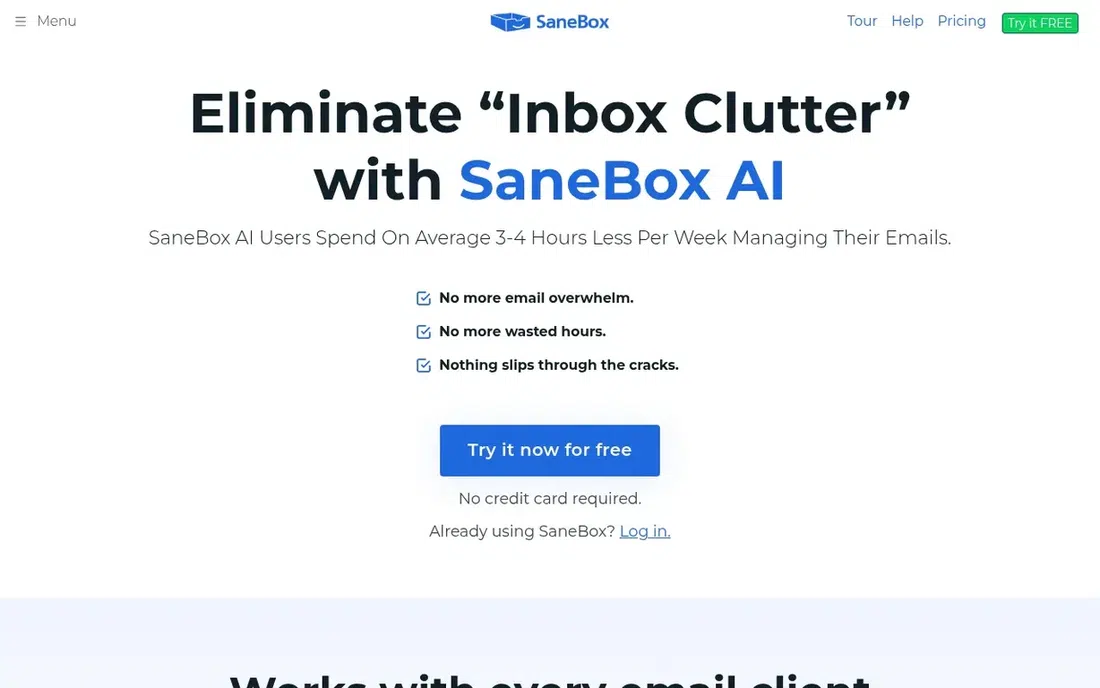
SaneBox is designed for sorting mail across any inbox. As a management layer, it does less than suites that bundle writing, search and document work.
Where it falls short: Sorting logic may need tuning over time.
Confirm how sorting behaves with your provider on the vendor site. SaneBox does not show a starting price in this comparison, so check the vendor site for current pricing. As for free access: Not stated.
- Aimed at reducing inbox clutter
- Works with your existing inbox
- Narrower than full AI suites
Serif
Best for: Rule-following agents for email workflows
Serif serves rule-following agents for email workflows. The emphasis on rules and escalation fits buyers who want automation with a human checkpoint.
Points against: Overkill for straightforward inbox sorting.
Because it targets complicated, rule-based workflows, setup needs defining those rules plainly at the start. Serif starts at: $30 per month. As for free access: Free trial.
- Agents follow your stated rules
- Escalates decisions needing human judgment
- Workflow setup takes planning

Superhuman serves AI-assisted mail and docs in one suite. Buyers who only want background sorting of an existing inbox may prefer a lighter, focused tool.
From a buyer's view, confirm current capabilities on the vendor site before committing. Superhuman shows no starting price here, so confirm the cost on the vendor site. Free options: Not stated.
Limits to weigh: Wide suite may be more than triage alone.
- Docs and AI assistance
- Merges mail
- Setup effort for a full workflow
Where Missive fits: team triage in shared inboxes. For triage, that shared visibility is the core value: assigning and discussing messages as a group.
Where it falls short: Triage depth relies on configuration.
The collaboration model is designed around teams, so a single user may not need its shared features. Price to start with Missive: $14 per user per month. Trial and free access: Free trial.
- See who is handling what
- Made for inbox collaboration
- Team focus may be heavy for solo users
xAI
Best for: Model and API access, not inbox triage
xAI targets model and API access, not inbox triage. Using xAI for email triage means engineering effort to connect models to mail data and define behavior. xAI builds Grok, described as frontier AI models for reasoning, voice, image generation and more, with API access for developers. It is a model provider instead of an email triage application.
From a buyer's view, most inbox-focused buyers will want a finished product instead. Confirm model capabilities and API terms on the vendor site if you plan to build. xAI pricing: $8 per month. You can start on xAI without paying.
Honest limits: Needs development work to apply.
- API access for builders
- Wide capability framing
- Not a ready-made email triage tool
How these tools were picked
What to confirm before you sign up
- Get a written quote from SaneBox and Superhuman; the list shows no starting price for them.
- Look at the free plan from xAI closely: its caps decide whether it is usable for real work.
- Use real work to test the free trial from Serif and Missive, rather than a demo project.
- Before choosing SaneBox, weigh its main limit: narrower than full AI suites.
- Look at which plan of SaneBox unlocks the features you need; entry tiers are often cut down.
- Work out what Missive costs with your real seat count, add-ons and usage, not just the entry price.
FAQ
What is the cheapest option for AI email triage software in this list?
On published monthly entry prices, xAI is the lowest here at $8 per month. Entry price is only part of the cost, because seats, add-ons and billing terms can change the total.
Is SaneBox the right pick for everyone comparing AI email triage software?
No single tool suits every team. SaneBox comes first because it fits sorting mail across any inbox, while Serif suits rule-following agents for email workflows and Superhuman suits AI-assisted mail and docs in one suite. Match the tool to your own size, budget and workflow before deciding.
Which options for AI email triage software have a free plan?
xAI is the only tool in this list with a free plan. Free plans usually cap users, projects or features, so check the limits on the vendor page. Several others offer a trial instead.
What does AI email triage actually do?
It sorts, labels, routes or acts on incoming messages so fewer need manual handling. Some tools also draft replies, search mail or run multi-step workflows.
Should I pick a suite or a focused triage tool?
Focused tools like SaneBox add sorting to the inbox you already use. As for the details, choose based on how much of your daily work happens in email.
How do team triage needs differ from individual ones?
Teams need shared visibility, assignment and behind-the-scenes discussion, which tools like Missive emphasize. Individuals typically care more about quick sorting and drafting. Map your workflow before comparing features.
Sources
- https://www.sanebox.com
- https://www.serif.ai
- https://superhuman.com
- https://missiveapp.com
- https://x.ai