6 Best AI Email Signature Software for 2026, Vetted and Compared
Shortlisting the best AI email signature software? 6 products compared on cost, free access and ideal buyer. Plain-spoken summaries throughout. Easy to scan.
- Editor's choiceHubSpot Email Signature Generator
Fast, free signature creation for individuals
Starts atSee websiteVisit hubspot.comFull review - Great alternativeCrossware Mail Signature
Enterprise signature management for medium and large organizations
Starts atSee websiteVisit crossware.co.nzFull review - Also consider
 Exclaimer
Large-scale enterprise signature deployment
Starts at$0.90 per user a month, billed annuallyVisit exclaimer.comFull review
Direct answer
This list puts HubSpot Email Signature Generator first for fast, free signature creation for individuals. Listed starting prices: Exclaimer from $0.90 per user a month, billed annually, CodeTwo Email Signatures 365 from $1.22 per user per month and WiseStamp from $9 per month. Alternatives: Crossware Mail Signature for enterprise signature management for medium and large organizations, and Exclaimer for large-scale enterprise signature deployment. Prices, free plans and limits for all 6 tools follow.
TL;DR:
- Number one here is HubSpot Email Signature Generator, a fit for fast, free signature creation for individuals.
- Neither HubSpot Email Signature Generator nor Rocketseed, nor any of the other 4 tools, has a permanent free plan; trials and quotes are the norm.
- Rocketseed is the one to check for Signature management with email marketing features.
- A fair warning about Exclaimer: may be complicated for small teams.
Last checked November 2026. Prices and plan details were read from the vendors' own pages in November 2026; vendors change plans often, so confirm the current price on the vendor site before you buy.
Quick comparison
| Tool | Best for | Starts at | Free plan? | |
|---|---|---|---|---|
| HubSpot Email Signature Generator | Fast, free signature creation for individuals | See website | Not stated | Visit |
| Crossware Mail Signature | Enterprise signature management for medium and large organizations | See website | Not stated | Visit |
| Exclaimer | Large-scale enterprise signature deployment | $0.90 per user a month, billed annually | Free trial | Visit |
 CodeTwo Email Signatures 365 | Microsoft 365 signature and disclaimer management | $1.22 per user per month | Free trial | Visit |
 WiseStamp | Centralized signature control for IT and marketing | $9 per month | Free trial | Visit |
| Rocketseed | Signature management with email marketing features | $73 per month | Free trial | Visit |
Our 6 picks for AI email signature software
LinkVetted put together this guide to AI email signature software for readers who want a clear shortlist without reading every vendor page. It compares 6 tools on starting price, free plans, who each one suits and where each one falls short.
HubSpot Email Signature Generator
Best for: Fast, free signature creation for individuals
HubSpot Email Signature Generator targets fast, free signature creation for individuals. The tool is a strong match for freelancers, small teams, or anyone who needs a straightforward, no-cost way to produce a branded signature without centralized management. From a buyer's view, for firms that require centralized signature management, a more solid option is necessary, but for individual use, HubSpot's generator is a convenient choice.
As a free generator, it lacks the advanced management, compliance, and deployment features found in dedicated signature management systems. It is not aimed at organization-wide control or automatic updates across numerous users. HubSpot Email Signature Generator does not show a starting price in this comparison, so check the vendor site for current pricing. On free options: Not stated.
Watch-outs: Restricted management features.
- Straightforward template-based generator
- Quick creation in minutes
- Best for individual use
Crossware Mail Signature
Best for: Enterprise signature management for medium and large organizations
Crossware Mail Signature is aimed squarely at enterprise signature management for medium and large organizations. Given its enterprise focus, Crossware may be more complicated and expensive than what small firms need. The system is designed for IT teams that require a dependable, scalable way to deal with signatures without manual intervention.
Downsides: Enterprise orientation means more setup.
More specifically, Crossware Mail Signature is an email signature management option targeted at medium and large enterprises. It automates the management of signatures, helping organizations maintain consistency and compliance across a large user base. No starting price is listed for Crossware Mail Signature here; confirm pricing on the vendor site. Trial and free access: Not stated.
- Focus on trust and reliability
- Automatic signature management
- May be overkill for small companies

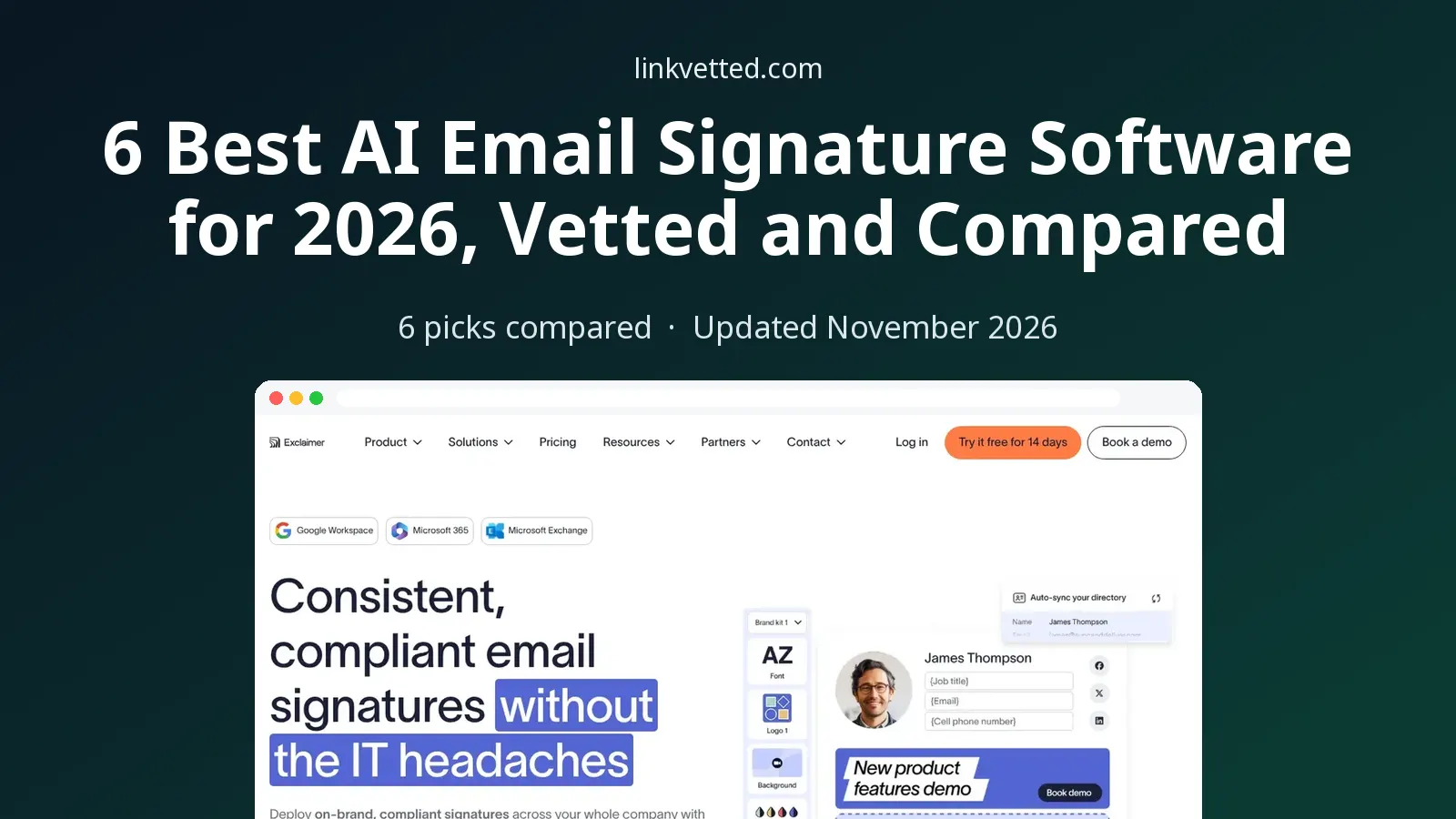
Exclaimer is a good fit for large-scale enterprise signature deployment. Since Exclaimer targets organization-wide deployment, smaller teams may find the scope excessive for their needs. More specifically, Exclaimer offers email signature software pitched at deploying on-brand, compliant signatures across a whole organization.
Points against: Enterprise focus could mean more setup.
It is made for scale and is often used by bigger companies that require consistent branding and legal compliance in every email. Beyond that, teams seeking a light tool for a handful of users might prefer a more straightforward choice, but for large-scale rollouts, Exclaimer is a recognized choice. Price to start with Exclaimer: $0.90 per user per month, billed annually. Free options: Free trial.
Where it shines: Suited to large enterprises.
- Focus on on-brand
- Compliant signatures
- May be complicated for small teams
CodeTwo Email Signatures 365
Best for: Microsoft 365 signature and disclaimer management
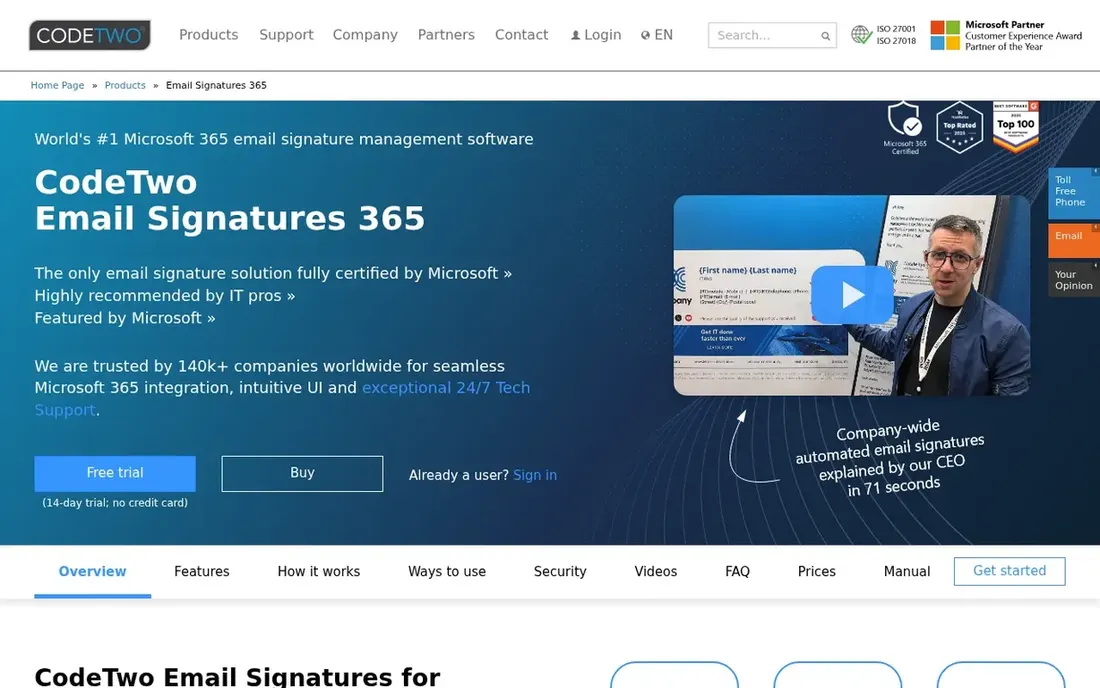
CodeTwo Email Signatures 365 serves Microsoft 365 signature and disclaimer management. The central management approach means initial configuration is usually handled by IT, which may be a hurdle for teams without dedicated admin support. CodeTwo Email Signatures 365 is an option for centrally managing email signatures and legal disclaimers in Office 365 and Microsoft 365.
It is made for organizations that depend on Microsoft's cloud productivity suite and need consistent signature enforcement across users. This product is tightly concentrated on Microsoft 365, so organizations using other email systems would need a different option. Beyond that, for Microsoft-centric companies, that said, it addresses a specific need well. CodeTwo Email Signatures 365 pricing: $1.22 per user per month. On free options: Free trial.
What to check first: Primarily for Microsoft environments.
- Contains legal disclaimers
- Central management for Microsoft 365
- May need admin configuration

WiseStamp makes the most sense for centralized signature control for IT and marketing. WiseStamp is an email signature management product built to provide IT and marketing teams control over employee signatures across the organization.
As for the details, WiseStamp emphasizes centralized control, which may be more than small teams need if they only need entry-level signature templates. WiseStamp cost at the entry level: $9 per month. On free options: Free trial.
Drawbacks to consider: Needs admin setup for full control.
- Central management for IT and marketing
- Company-wide signature consistency
- Focus on management may suit bigger teams
Rocketseed
Best for: Signature management with email marketing features
Rocketseed was built for Signature management with email marketing features. Rocketseed provides business email signature management along with one-to-one email marketing services.
What to check first: Focus on business email signatures.
Rocketseed's inclusion of marketing services means it may be more than a pure signature management tool, which could be unnecessary for organizations seeking only entry-level signature control. The starting price for Rocketseed: $73 per month. Trial and free access: Free trial.
- Consistent branding across emails
- Insightful reports on email activity
- Marketing features may be additional for some
How we compared the tools
LinkVetted used vendor pricing pages and product documentation as the base, then compared plans, free access and documented limits for 6 tools. Seat minimums, billing terms and add-ons can move the real cost, so the starting prices here are a guide and not a quote. The order reflects how well each tool fits the most common buying scenario for AI email signature software, then price clarity, then free plan access. It is a starting point, not a verdict.
A buyer's checklist
- Get a written quote from HubSpot Email Signature Generator and Crossware Mail Signature; the list shows no starting price for them.
- Take the trial from Exclaimer, CodeTwo Email Signatures 365, WiseStamp and Rocketseed and push a live task through it before you pay.
- Before choosing HubSpot Email Signature Generator, weigh its main limit: restricted management features.
- Check whether the features you need in Exclaimer sit on the entry plan or only on higher tiers.
- List the apps you already depend on and check that Crossware Mail Signature supports each one on the plan you would buy.
FAQ
Do these tools publish their prices?
Not all of them. HubSpot Email Signature Generator and Crossware Mail Signature publish no starting price, so expect a quote request for those. The rest, Exclaimer included, show a starting price, though seats and billing terms still change the final cost.
What is the cheapest option for AI email signature software in this list?
On published monthly entry prices, Exclaimer is the lowest here at $0.90 per user per month, billed annually. Entry price is only part of the cost, because seats, add-ons and billing terms can change the total.
What is AI email signature software?
AI email signature software usually refers to tools that use automation to run and deploy email signatures across an organization. These products can enforce branding, add disclaimers, and update signatures centrally, reducing manual work for IT and marketing teams.
Can I try these options before paying?
Often, yes. Exclaimer, CodeTwo Email Signatures 365, WiseStamp and Rocketseed offer a free trial. Use your own data and a real task during the test, and check what the free tier or trial limits before you rely on it.
Is HubSpot Email Signature Generator the right pick for everyone comparing AI email signature software?
No single tool suits every team. HubSpot Email Signature Generator comes first because it fits quick, free signature creation for individuals, while Crossware Mail Signature suits enterprise signature management for medium and large organizations and Exclaimer suits large-scale enterprise signature deployment. Match the tool to your own size, budget and workflow before deciding.
Sources
- https://www.hubspot.com/email-signature-generator
- https://www.crossware.co.nz
- https://www.exclaimer.com
- https://www.codetwo.com/email-signatures
- https://www.wisestamp.com
- https://www.rocketseed.com