Best Email Signature Tools in 2026: 8 Tools Compared
Compare the best email signature tools for consistent branding, directory sync, and campaigns, with pricing for teams and solo users explained here today.

- Editor's choice
 Exclaimer
Central team control
Starts at$0.90 per user per monthVisit exclaimer.comFull review - Great alternative
 WiseStamp
Marketing banners and analytics
Starts at$9 per monthVisit wisestamp.comFull review - Also consider
 CodeTwo
Microsoft 365 only teams
Starts at$1.22 per user per monthVisit codetwo.comFull review
TL;DR:
- Exclaimer is the strongest all-round pick for Microsoft 365 and Google Workspace teams that need central control.
- WiseStamp suits smaller teams that want marketing banners and analytics without enterprise setup.
- CodeTwo is the clearest choice for companies that run only on Microsoft 365.
- Solo users do not need a team platform, and MySignature and Signitic offer free starting points.
- Our pick for most teams is Exclaimer, with WiseStamp as the best marketing focused alternative.
Quick comparison
| Tool | Best for | Starts at | Free plan? | |
|---|---|---|---|---|
| Exclaimer | Central team control | $0.90 per user per month | Free trial | Visit |
| WiseStamp | Marketing banners and analytics | $9 per month | Free trial | Visit |
| CodeTwo | Microsoft 365 only teams | $1.22 per user per month | Free trial | Visit |
 Letsignit | Campaigns and business cards | $2 per user per month | Free trial | Visit |
 Newoldstamp | Small business campaigns | See website | Free trial | Visit |
 MySignature | Solo users and small teams | Free | Yes | Visit |
 Signitic | Free start for teams | Free | Yes | Visit |
 Xink | Flexible monthly billing | See website | Free trial | Visit |
The best email signature tools
The best email signature software does more than make a pretty footer. It keeps every employee signature consistent, pulls names and titles from a directory, and lets marketing add banners without asking each person to edit their own settings. The eight tools below cover solo users, small teams, and large organizations.

Exclaimer is the most complete team platform in this list. IT or marketing can design one signature, sync names, titles, and contact details from Entra ID or Google, and apply it to every mailbox. That central control prevents the common problem of ten versions of a logo, phone format, and job title across one company.
Pricing starts at $0.90 per user per month for a basic plan, with a 14-day trial, and Pro at $1.75 per user per month adds analytics and more features in the listings we reviewed. Small teams should note the 10-user minimum on many plans, which makes Exclaimer less suited to a two person business. For teams of ten or more, it is a strong and well supported choice.
- Central design and control for Microsoft 365 and Google Workspace
- Directory sync
- Campaign banners and analytics on higher plans
- Minimum 10 users on many plans
- Analytics need the Pro plan
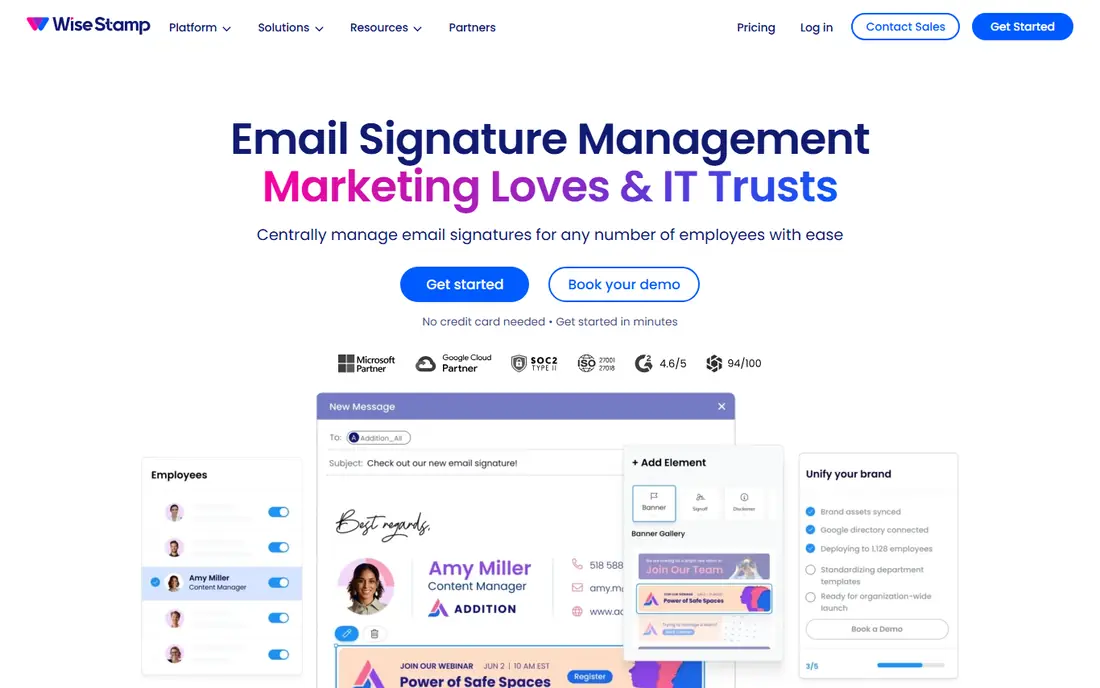
WiseStamp appeals to marketing led teams that want signatures to do more than carry contact details. Its banner campaigns can promote a webinar, product launch, or job opening, with scheduling and click analytics on higher plans. Employees can also update their own details within brand guardrails, which reduces IT tickets.
Entry pricing starts at $9 per month for Pro Plus for small teams, while team plans such as Basic at $29 per month and Grow at $79 per month add seats and features in the listings we reviewed. WiseStamp is less of a pure IT control tool than Exclaimer, and server-side coverage sits on higher plans. For teams that treat email as a marketing channel, that trade-off is worth it.
- Strong banner campaigns and analytics
- Employee self-service within brand rules
- Works with Gmail and Outlook
- Team pricing is per plan plus per seat
- Server-side signatures need higher plans
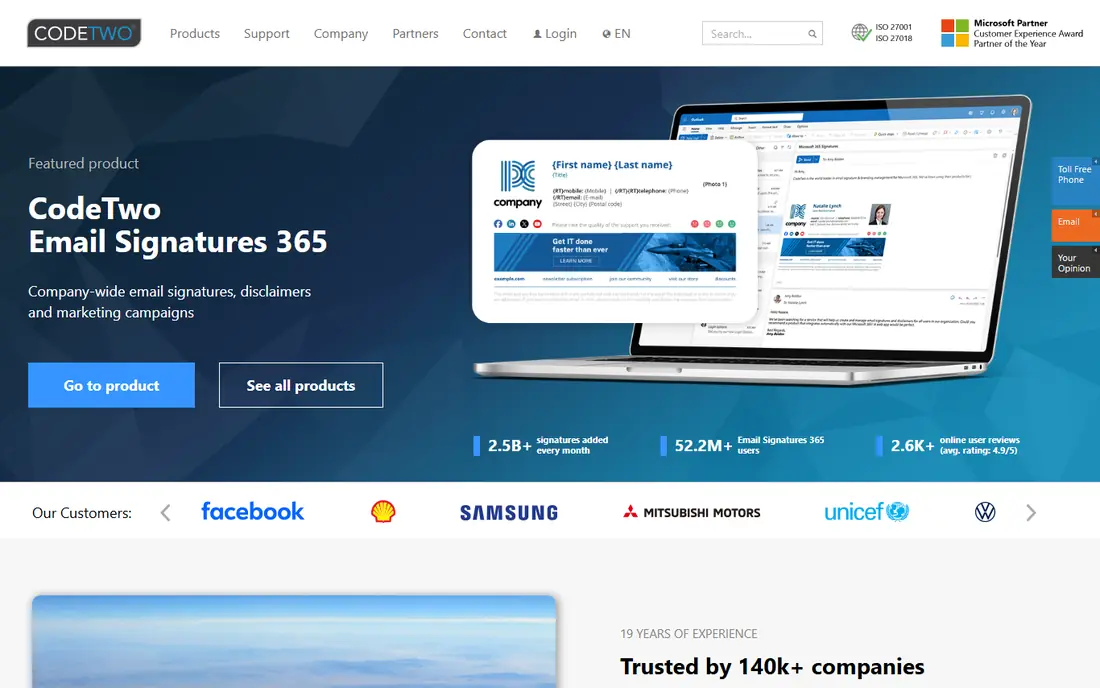
CodeTwo is the specialist pick for companies that run entirely on Microsoft 365. Because it does not split effort across platforms, its setup, rules, and signature delivery for Outlook, Exchange Online, and mobile mail are focused and clear. Server-side signatures mean the correct signature appears even when staff send mail from a phone.
The obvious limit is platform scope. Companies on Google Workspace, or mixed Microsoft and Google estates, need Exclaimer or WiseStamp instead. For a Microsoft only company, CodeTwo pricing from $1.22 per user per month for 10 users on annual billing, with a 14-day trial, is competitive and easy to justify.
- Built only for Microsoft 365, so setup is focused
- Server-side signatures for all devices
- Clear admin controls
- No Google Workspace support
- Not for mixed platform companies
Letsignit combines email signatures with campaigns and digital business cards, which suits marketing teams that want one tool for several brand touchpoints. Admins can design signatures, run banner campaigns, and give staff a shareable digital card, all from one dashboard. It works with both Microsoft 365 and Google Workspace, so mixed estates are covered.
Pricing starts at $2 per user per month in the listings we reviewed, with a free trial available. Letsignit is a smaller vendor than Exclaimer, so large enterprises with strict procurement needs should test support and compliance documentation during the trial. For small and mid-size marketing teams, it is a flexible and reasonably priced option.
- Signature campaigns plus digital business cards
- Works with Microsoft 365 and Google Workspace
- Simple admin view
- Smaller vendor than Exclaimer
- Some advanced controls need higher plans
Newoldstamp suits small businesses that want signatures to drive clicks to a product, booking page, or event. Its editor is simple, its banner campaigns are easy to schedule, and it works with both major mail platforms. Small teams can get a consistent signature live without a long IT project.
Pricing is based on signatures per month in the listings we reviewed, starting around $1.80 per signature per month on annual billing, with a 7-day trial. That model can be good for a small team, but larger teams should compare total cost with per user pricing from Exclaimer or Letsignit. For a small business that wants marketing value from email, Newoldstamp is a practical pick.
- Banner campaigns built for clicks
- Works with Google Workspace and Microsoft 365
- Simple setup for small teams
- Pricing varies by signature count
- Fewer enterprise controls than Exclaimer
MySignature is the best starting point for an individual or freelancer who just needs one clean signature. The free plan covers one signature, and the generator walks users through contact details, social links, and design choices without needing IT help. Team plans add shared templates and management for small groups.
MySignature does not offer the directory sync, server-side control, or audit depth of Exclaimer or CodeTwo. That is fine for solo users, but a larger company should not try to stretch it into an enterprise tool. For a single professional who wants a polished signature in minutes, MySignature is fast, free to start, and easy to keep.
- Free plan for one signature
- Easy generator for individuals
- Team plans for small groups
- Less central control than enterprise tools
- Advanced analytics need paid plans
Signitic stands out because it offers a free plan that teams can actually test, not just a short trial. Teams can create central templates, keep branding consistent, and manage signatures for Microsoft 365 and Google Workspace users. Paid plans, from around 1 euro per user per month for Standard in the listings we reviewed, add more features and controls.
Signitic is less well known than Exclaimer, so enterprises should check support, compliance, and integration depth during a trial. For a small team that wants to start free and upgrade only when campaigns or controls become necessary, Signitic is a low risk way to test central signature management.
- Free plan to start
- Central templates for teams
- Works with Microsoft 365 and Google Workspace
- Paid features needed for full campaigns
- Smaller community than larger rivals
Xink suits organizations that want central signature management with monthly billing flexibility rather than a long annual contract. It covers Microsoft 365 and Google Workspace, offers central templates and campaigns, and lets admins control signatures without touching each mailbox. That flexibility helps teams with seasonal staff or changing headcount.
Pricing starts around 1.10 pounds per user per month for 10 users in the listings we reviewed, so US buyers should confirm the dollar price and billing terms before subscribing. Xink is less prominent in US roundups than Exclaimer or WiseStamp, but for teams that value monthly billing, it is worth a trial.
- Flexible monthly billing
- Central management for both major platforms
- Campaign features for teams
- Pricing in pounds for many plans
- Less visible in US listings than rivals
How we picked these
We compared official pricing pages, feature pages, and public reviews for email signature tools that are still available and support Microsoft 365, Google Workspace, or both. We favored tools with central control, directory sync, or campaign features, and we included free, low cost, and enterprise options. We did not claim hands-on testing, and we note that per user prices and minimums change, so readers should confirm the current plan before subscribing.
How to choose an email signature tool
Start with your mail platform and team size. Microsoft only teams can shortlist CodeTwo, mixed teams should compare Exclaimer, WiseStamp, and Letsignit, and solo users should start with MySignature. Next, decide whether you need server-side signatures, which apply on every device, or client-side signatures, which depend on each mail app.
Also check directory sync, banner campaigns, and what happens when you cancel. A good tool should pull names and titles from your directory, let marketing schedule banners, and keep deployed signatures working or exportable if you leave. Test with a small group first, including mobile mail, since a signature that looks fine in Outlook can break on a phone.
FAQ
What is the best email signature tool?
For most teams, Exclaimer is the strongest all-round choice, because it offers central control for both Microsoft 365 and Google Workspace. WiseStamp is better for marketing led teams, and CodeTwo is best for Microsoft only companies.
Are there free email signature tools?
Yes. MySignature offers a free plan for one signature, and Signitic offers a free plan for teams to start. Free plans suit individuals and small tests, while central control and campaigns usually need a paid plan.
Do email signature tools work with Gmail and Outlook?
Most team tools in this list work with Google Workspace and Microsoft 365, but CodeTwo is Microsoft only and some features vary by platform. Check platform support and server-side versus client-side delivery before buying.
Can I run banner campaigns in email signatures?
Yes, Exclaimer, WiseStamp, Letsignit, Newoldstamp, and Xink all offer banner campaigns, with scheduling and analytics on higher plans. Campaign features are a key reason teams pay for a signature tool instead of using a free generator.
What happens to signatures if I cancel?
It depends on the tool. Some tools keep deployed signatures working after cancellation, while others remove access at the end of the billing period. Check the vendor terms and export your templates before cancelling.