Best Email Signature Software (2026): 8 Options Compared
8 tools for the best email signature software, compared on pricing, free plans and best-fit use. Concise write-ups of every option. Last reviewed November 2026.
- Editor's choice
 MySignature
Free personal signatures
Starts atFreeVisit mysignature.ioFull review - Great alternative
 CodeTwo
Microsoft email signatures
Starts atSee websiteVisit codetwo.comFull review - Also consider
 Exclaimer
Enterprise signature management
Starts atSee websiteVisit exclaimer.comFull review
Direct answer
MySignature comes first here, mainly for free personal signatures. Alternatives: CodeTwo for Microsoft email signatures, and Exclaimer for enterprise signature management. All 8 tools are compared below on price, free plan and limits.
TL;DR:
- Number one here is MySignature, a fit for free personal signatures.
- A free plan is available from 2 of the 8 tools: MySignature, WiseStamp.
- Crossware is the one to check for Microsoft 365 signature simplicity.
- For CodeTwo, Exclaimer, Letsignit and others, you have to request a quote because no starting price is shown.
Quick comparison
| Tool | Best for | Starts at | Free plan? | |
|---|---|---|---|---|
| MySignature | Free personal signatures | Free | Yes | Visit |
| CodeTwo | Microsoft email signatures | See website | Free trial | Visit |
| Exclaimer | Enterprise signature management | See website | Free trial | Visit |
 Letsignit | Signature marketing campaigns | See website | Free trial | Visit |
 WiseStamp | Team branding made simple | See website | Yes | Visit |
 Opensense | Signatures with analytics | See website | No | Visit |
 Symprex | Microsoft 365 signatures | See website | Free trial | Visit |
 Crossware | Microsoft 365 signature simplicity | See website | Free trial | Visit |
The full email signature software list
Choosing email signature software usually comes down to price, fit and limits. This LinkVetted guide sets 8 tools side by side on those three points, with the facts kept short and checkable.
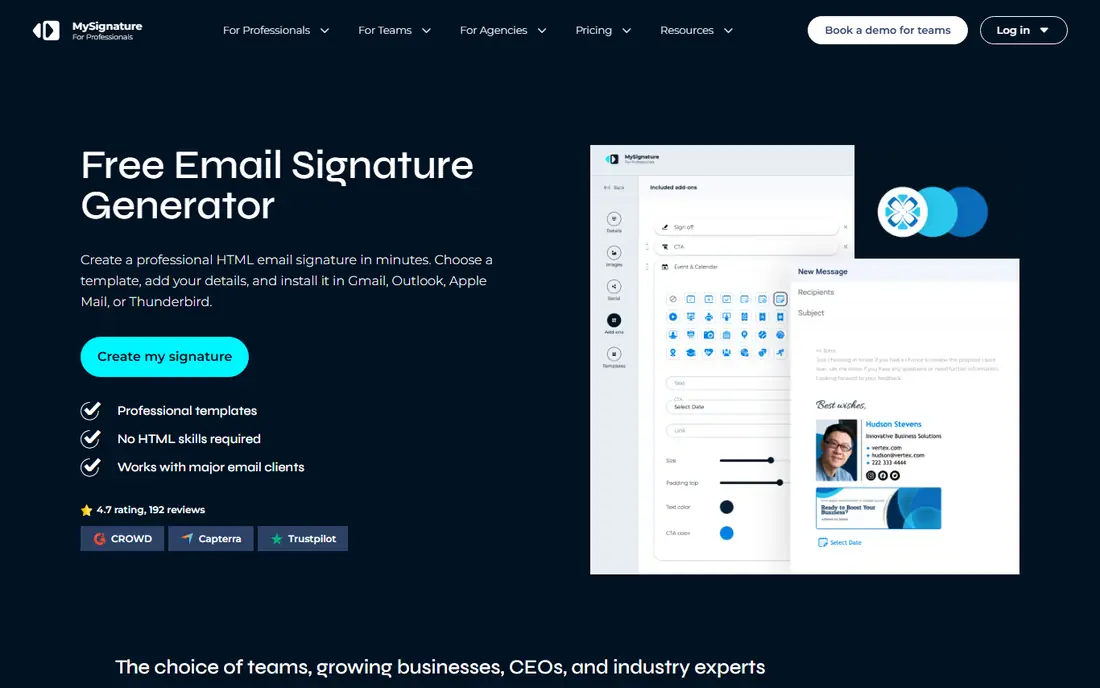
MySignature serves free personal signatures. Individuals who just have to look professional today should start here and consider team tools only when consistency becomes a problem. As for the details, MySignature is the fast free generator: build a professional signature in minutes, paste it into your email client.
Beyond that, the templates look professional without design skills. It is the fastest path from nothing to a decent signature. MySignature's generator spans the essentials quick: name, title, company, social icons and a photo, formatted cleanly. In practice, the API makes it possible for custom integrations. What you pay to start with MySignature: Free. MySignature has a free plan.
Where it is weaker: Entry-level features.
- Decent templates
- Fast and simple
- No team management
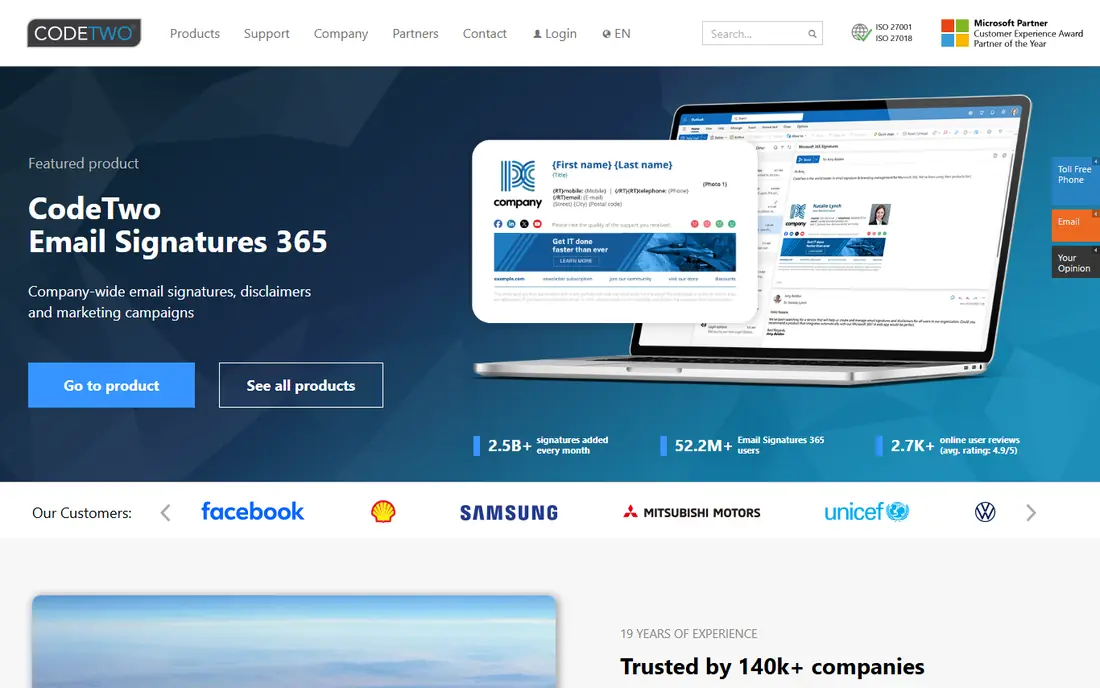
CodeTwo works best for Microsoft email signatures. The Azure and Microsoft 365 integration is deep from decades of focus. For Microsoft-centric IT, the long-term reliability matters.
Beyond that, email flow rules manage disclaimers and branding server-side. More specifically, support for shared mailboxes handles the edge cases. In daily use, CodeTwo has served Microsoft email for decades: server-side signatures applied consistently across Outlook, phones and webmail, with rules targeting departments, regions or campaigns. From a buyer's view, CodeTwo's migration tools carry signatures through Office 365 transitions: the investment survives system changes. Pricing for CodeTwo is not stated here, so ask the vendor for current figures. Free plan details: Free trial.
Honest limits: Microsoft-only focus.
- Deep Microsoft Exchange and 365 expertise
- Server-side signatures for all devices
- Interface is utilitarian

Exclaimer is designed for enterprise signature management. Exclaimer manages email signatures centrally for the world's largest organizations: every employee's signature consistent, compliant and on-brand, controlled from one console across Microsoft 365 and Google Workspace. But for organizations where brand consistency and compliance are non-negotiable, Exclaimer's depth and reliability make it the default enterprise choice.
Limits to weigh: Enterprise pricing.
Exclaimer's signature analytics present which banners and campaigns perform across the organization: marketing finally measures the email channel. In daily use, the directory integration pulls names, titles and departments automatically, so signatures stay correct through reorganizations. In daily use, for enterprises where every email is a brand impression, the centralized control is non-negotiable. It is the enterprise answer, and the pricing reflects it. No starting price is listed for Exclaimer here; confirm pricing on the vendor site. As for free access: Free trial.
- The enterprise standard for centralized signatures
- Deep Microsoft 365 and Google integration
- Overkill for tiny teams
Where Letsignit fits: signature marketing campaigns. European firms form the core base, with solid Microsoft 365 and Google Workspace support. In daily use, the segmentation targets messages by department or location.
The Microsoft 365 and Google Workspace support is solid. Worth adding: for HR and internal comms, the channel is uniquely effective. Letsignit's communication campaigns push internal announcements through signatures: HR messages, event invites and company news reach every recipient. More specifically, for organizations using email as an internal comms channel, the capability is unique. This comparison lists no price for Letsignit; ask the vendor. Free plan details: Free trial.
What to check first: Less known in US.
- Capable campaign and banner features
- Decent Microsoft 365 and Google support
- Smaller global presence
WiseStamp is aimed squarely at team branding made simple. WiseStamp hands expanding teams professional signatures without IT projects: templates, centralized management, and social icons that stay current. The Google Workspace and Microsoft 365 integrations deploy without IT projects.
For everyday use, WiseStamp's team management brings departments and roles to signature templates: each group gets the right information automatically. For everyday use, template management keeps branding consistent as teams grow. Also, the photo and social icons humanize outreach. Pricing for WiseStamp is not stated here, so ask the vendor for current figures. WiseStamp includes a free tier.
Honest limits: Analytics cost additional.
- Simple team signature management
- Free plan for individuals
- Advanced enterprise features are thinner
Where Opensense fits: signatures with analytics. Opensense layers on intelligence: which signature banners get clicks, account-based marketing integration, analytics on the email channel. There is no free level and pricing runs higher.
Upsides: Signature analytics and ABM features.
Downsides: No free tier; Complexity for straightforward needs.
Marketing-driven organizations measure what others guess. As for the details, straightforward branding needs do not need this. But for teams treating email signatures as measurable marketing, Opensense's analytics justify the premium. This comparison lists no price for Opensense; ask the vendor. Opensense does not include a free plan.
- Solid integrations
- Well suited to marketing-driven teams
- Pricing is higher
Symprex makes the most sense for Microsoft 365 signatures. It does not try to be a marketing system; campaign features are thin. From a buyer's view, for Microsoft shops wanting dependable signatures without enterprise overhead, Symprex's focus is a virtue.
Drawbacks to consider: Smaller vendor.
Symprex's Exchange and 365 support spans hybrid environments: the signatures work during migrations. In daily use, for straightforward signature needs, the focus avoids paying for unused features. For mid-sized Microsoft shops, the focus is the value. This comparison lists no price for Symprex; ask the vendor. Free options: Free trial.
- Decent value
- Focused Microsoft 365 signature tool
- Fewer marketing features
Think of Crossware for Microsoft 365 signature simplicity. Crossware 365 keeps Microsoft 365 signatures straightforward: templates, central management, fast deployment. For everyday use, for small to mid-sized Microsoft shops wanting signatures solved without fuss, Crossware gives.
As for the details, Microsoft-only and feature-focused instead of wide. Worth adding: for fast professional results, the ease wins. Crossware's setup takes minutes: link Microsoft 365, design the template, deploy. On top of that, the support team helps with the edge cases. Crossware does not show a starting price in this comparison, so check the vendor site for current pricing. Trial and free access: Free trial.
Downsides: Feature set is focused.
- Decent support reputation
- Straightforward Microsoft 365 signatures
- Microsoft-only
How these tools were picked
The comparison looks at four things: starting price, free access, how well the feature set matches email signature software, and the main limit of each tool. Prices and plan limits come from vendor pages and can change, so confirm them on the vendor site before you buy. The ranking is editorial: typical fit first, then clear pricing, then free access. If your needs are unusual, read the profiles rather than relying on position.
Pre-purchase checklist
- Confirm the entry price on the vendor page. For CodeTwo, Exclaimer, Letsignit and others that means a quote rather than a fixed price.
- Check what the free option really includes: MySignature and WiseStamp offer a free plan, and usage caps differ.
- Take the trial from CodeTwo, Exclaimer, Letsignit and others and push a live task through it before you pay.
- Read the limits listed for MySignature first: no team management.
- Confirm minimum seats and billing terms with MySignature before you commit to an annual plan.
- The entry price of Symprex is only the starting point; model the full cost with seats and extras.
FAQ
Server-side vs client-side signatures?
Server-side applies signatures at the mail server: consistent on every device, no user action. Client-side lives in the email app: adaptable but inconsistent. As for the details, enterprises prefer server-side.
How are the tools for email signature software ordered?
The order follows typical fit for email signature software, with MySignature first and Crossware last, then price clarity and free access. It is editorial judgement, not a score, so another team could rank the tools differently.
Do I need it for a small team?
Under ten people, a generator like MySignature plus a shared template commonly suffices. Past that, central management saves live and brand embarrassment.
Is MySignature the right pick for everyone comparing email signature software?
No single tool suits every team. MySignature comes first because it fits free personal signatures, while CodeTwo suits Microsoft email signatures and Exclaimer suits enterprise signature management. Match the tool to your own size, budget and workflow before deciding.
Do these tools publish their prices?
Not all of them. CodeTwo, Exclaimer, Letsignit and others publish no starting price, so expect a quote request for those. The rest, MySignature included, show a starting price, though seats and billing terms still change the final cost.
What about legal disclaimers?
Enterprise tools apply disclaimers by rule: region, department or message type. This matters for regulated industries and international operations.