The 5 Best AI Email Assistants for Executives in 2026, Ranked
5 best AI email assistants for executives, with entry costs, free tiers and the buyer each one serves. Short verdicts, no fluff. Built for quick decisions.
- Editor's choiceBoomerang for Gmail
Reminders and meeting scheduling in Gmail
Starts at$4.98 a month billed annuallyVisit boomeranggmail.comFull review - Great alternativeGemini for Google Workspace
AI features across Gmail and Docs
Starts atSee websiteVisit workspace.google.comFull review - Also consider
 Shortwave
Agentic AI email automation
Starts at$30 per seat / monthVisit shortwave.comFull review
Direct answer
Our first pick is Boomerang for Gmail, best for reminders and meeting scheduling in Gmail. Listed starting prices: Boomerang for Gmail from $4.98 a month billed annually, Shortwave from $30 per seat / month and Spark Mail from $10 per user per month. Gemini for Google Workspace is better for AI features across Gmail and Docs, and Shortwave is better for agentic AI email automation. All 5 tools are compared below on price, free plan and limits.
TL;DR:
- Boomerang for Gmail sits first on this list: reminders and meeting scheduling in Gmail.
- Superhuman suits quick, AI-assisted executive inbox.
- One limit worth knowing about Spark Mail: AI depth varies by feature.
- Starting prices begin at $4.98 per month billed annually with Boomerang for Gmail.
- 2 of 5 tools offer a free plan: Boomerang for Gmail, Spark Mail.
Last checked November 2026. Prices and plan details were read from the vendors' own pages in November 2026; vendors change plans often, so confirm the current price on the vendor site before you buy.
Quick comparison
| Tool | Best for | Starts at | Free plan? | |
|---|---|---|---|---|
| Boomerang for Gmail | Reminders and meeting scheduling in Gmail | $4.98 a month billed annually | Yes | Visit |
| Gemini for Google Workspace | AI features across Gmail and Docs | See website | Not stated | Visit |
| Shortwave | Agentic AI email automation | $30 per seat / month | Free trial | Visit |
 Spark Mail | Unified inbox across accounts | $10 per user per month | Yes | Visit |
 Superhuman | Quick, AI-assisted executive inbox | See website | Not stated | Visit |
The full AI email assistants for executives list
Short on time? The summary and table above give the quick view of 5 AI email assistants for executives, and the profiles that follow give the detail behind each entry.
Boomerang for Gmail
Best for: Reminders and meeting scheduling in Gmail
Choose Boomerang for Gmail for reminders and meeting scheduling in Gmail. Executives who live in Gmail can use it to keep follow-ups from slipping and to coordinate meetings without leaving the inbox.
Drawbacks to consider: Narrower than full AI suites.
It suits leaders whose organizations already run on Google Workspace and who want practical utilities instead of a new client. Starting cost for Boomerang for Gmail: $4.98 per month billed annually. Boomerang for Gmail has a free plan.
- Integrated meeting scheduling
- Suits Gmail and Workspace accounts
- Tied to the Google ecosystem
Gemini for Google Workspace
Best for: AI features across Gmail and Docs
Where Gemini for Google Workspace fits: AI features across Gmail and Docs. Gemini for Google Workspace brings generative AI features to Gmail, Docs, Sheets, and more. As for the details, choose it when your company already collaborates in Google Workspace and wants AI close to where the work happens.
Honest limits: Needs Google Workspace.
Executives already working in Google Workspace can draft, summarize, and organize without leaving the tools their teams use. It presumes a Google Workspace environment, so Microsoft-based organizations would need a different approach. Gemini for Google Workspace does not show a starting price in this comparison, so check the vendor site for current pricing. Trial and free access: Not stated.
- Spans Sheets and other apps
- Suits existing Google Workspace setups
- Feature availability varies by app
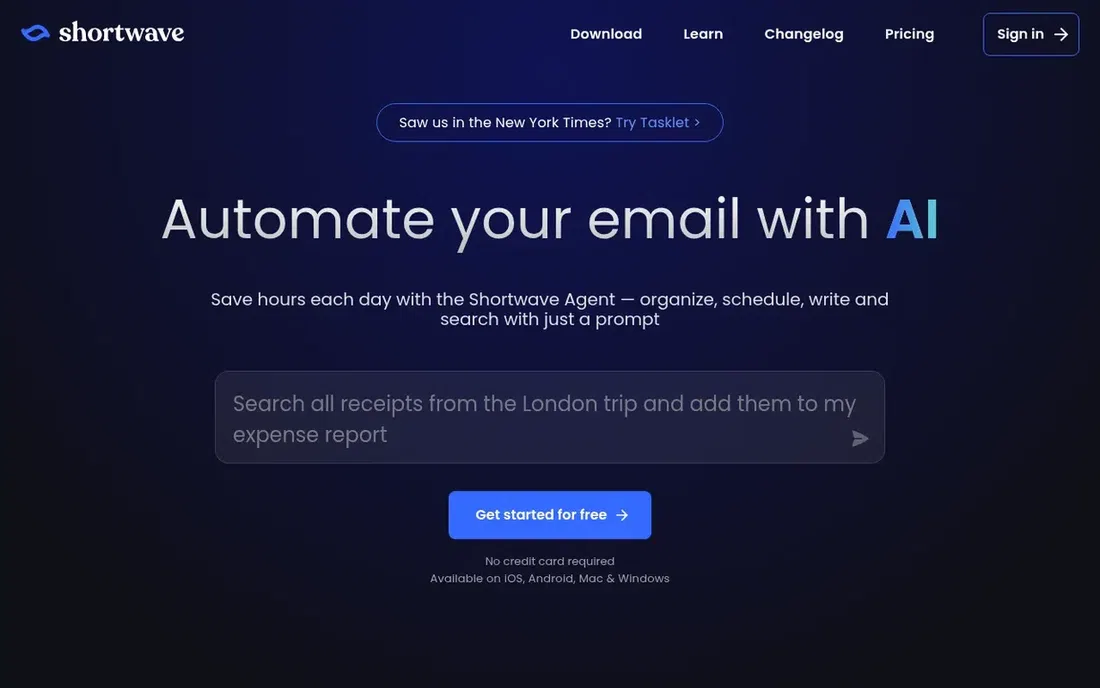
Shortwave works best for agentic AI email automation. Shortwave describes agentic AI that helps you organize, write, search, and schedule with just a prompt. That makes it a solid fit for executives who want to delegate routine inbox chores to an assistant and keep their attention on decisions.
More specifically, agentic tools rely on well-formed prompts and clear rules, so results can vary with how precisely you brief them. Worth adding: consider a more straightforward filtering or reminder tool instead if your primary need is triage instead of delegation. For everyday use, teams that handle a steady flow of scheduling and follow-up correspondence can benefit from prompt-based automation. On cost, Shortwave starts like this: $30 per seat / month. Free access: Free trial.
Points against: Agentic features need clear instructions.
- Deals with writing and scheduling
- Automation focus for busy teams
- Less suited to minimal email use
Spark Mail was built for unified inbox across accounts. Executives juggling several accounts can consolidate them into a single view. On top of that, moving to a new client also needs a short adjustment period.
Where it is weaker: AI depth varies by feature.
The assistant features are part of a broader client. So the depth of AI help may differ from dedicated AI suites based on the feature. Spark Mail starts at: $10 per user per month. Spark Mail has a free plan.
- Meeting notes support
- Brings together Gmail, Outlook, iCloud
- Client switch takes adjustment

Superhuman is a good fit for quick, AI-assisted executive inbox. Superhuman presents itself as an AI productivity suite spanning docs, mail, and AI assistance wherever you work.
Where it is weaker: Best value for heavy email users.
In practice, if your organization is standardized on a single vendor ecosystem and wants native AI inside those apps, a system choice may be more straightforward to administer. Choose Superhuman when inbox speed and a unified productivity layer matter most. Pricing for Superhuman is not stated here, so ask the vendor for current figures. Free plan details: Not stated.
- Made for high-volume professionals
- Works across typical systems
- Needs workflow adjustment
What went into this list
LinkVetted looked at what each vendor publishes: pricing, plan limits, feature coverage for AI email assistants for executives and stated drawbacks. No hands-on testing is claimed. Seat minimums, billing terms and add-ons can move the real cost, so the starting prices here are a guide and not a quote. The order reflects how well each tool fits the most common buying scenario for AI email assistants for executives, then price clarity, then free plan access. It is a starting point, not a verdict.
What to confirm before you sign up
- Confirm the entry price on the vendor page. For Gemini for Google Workspace and Superhuman that means a quote rather than a fixed price.
- Check what the free option really includes: Boomerang for Gmail and Spark Mail offer a free plan, and usage caps differ.
- Take the trial from Shortwave and push a live task through it before you pay.
- Before choosing Boomerang for Gmail, weigh its main limit: tied to the Google ecosystem.
- Before rolling out Boomerang for Gmail, verify the integrations your workflow depends on.
- The entry price of Superhuman is only the starting point; model the full cost with seats and extras.
FAQ
Do these tools publish their prices?
Not all of them. Gemini for Google Workspace and Superhuman publish no starting price, so expect a quote request for those. The rest, Boomerang for Gmail included, show a starting price, though seats and billing terms still change the final cost.
Is Boomerang for Gmail the right pick for everyone comparing AI email assistants for executives?
No single tool suits every team. Boomerang for Gmail comes first because it fits reminders and meeting scheduling in Gmail, while Gemini for Google Workspace suits AI features across Gmail and Docs and Shortwave suits agentic AI email automation. Match the tool to your own size, budget and workflow before deciding.
Can I try these tools before paying?
Often, yes. Boomerang for Gmail and Spark Mail have a free plan and Shortwave offers a free trial. Use your own data and a real task during the test, and check what the free tier or trial limits before you rely on it.
How should a team evaluate an email assistant before adopting it?
Start with a small pilot centred on triage and scheduling, then review whether the assistant reduces time spent on routine mail. Confirm data handling and admin controls with IT before wider rollout.
What is the cheapest option for AI email assistants for executives in this list?
On published monthly entry prices, Boomerang for Gmail is the lowest here at $4.98 per month billed annually. Entry price is only part of the cost, because seats, add-ons and billing terms can change the total.
What should an executive look for in an AI email assistant?
Prioritize triage that surfaces decisions, drafting help that matches your tone, and scheduling that removes back-and-forth. Also check product fit, since tools aimed at Gmail or Microsoft 365 work best inside those ecosystems.
Sources
- https://www.boomeranggmail.com
- https://workspace.google.com/solutions/ai
- https://www.shortwave.com
- https://sparkmailapp.com
- https://superhuman.com