Best Accounting Software for Small Businesses in 2026: 9 Tools Compared
Compare the best accounting software for small businesses, from free invoicing to full double-entry books, with current prices, plan limits and tax guidance.
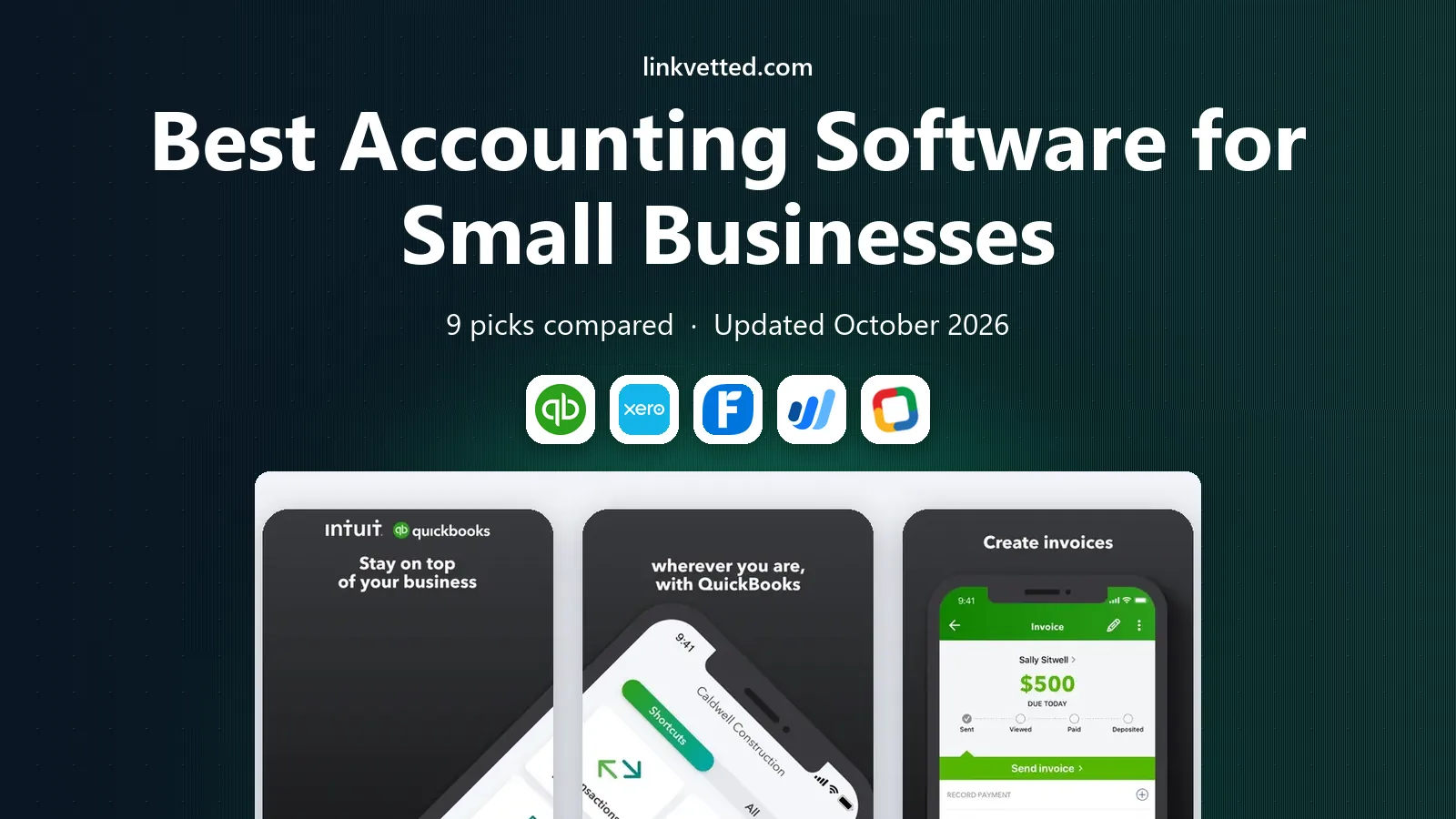
- Editor's choice
 QuickBooks Online
Accountant-friendly full accounting
Starts at$38 per monthVisit quickbooks.intuit.comFull review - Great alternative
 Xero
Multi-user teams and accountants
Starts at$27 per monthVisit xero.comFull review - Also consider
 FreshBooks
Service businesses that bill by time
Starts at$23 per monthVisit freshbooks.comFull review
TL;DR:
- QuickBooks Online remains the safest choice if your accountant already uses it, but it is also one of the priciest options at each tier.
- Xero is a strong all-round alternative, especially for teams that want unlimited users without paying per seat.
- Wave and Zoho Books give very small businesses a genuine free starting point, with paid upgrades when invoicing and bank imports matter more.
- Bench is different from the rest, because it pairs software with a human bookkeeper, which suits owners who do not want to do the books at all.
Quick comparison
| Tool | Best for | Starts at | Free plan? | |
|---|---|---|---|---|
| QuickBooks Online | Accountant-friendly full accounting | $38 per month | Free trial | Visit |
| Xero | Multi-user teams and accountants | $27 per month | Free trial (30 days) | Visit |
| FreshBooks | Service businesses that bill by time | $23 per month | Free trial (30 days) | Visit |
 Wave | Very small businesses on a budget | Free | Yes | Visit |
 Zoho Books | Low-cost full accounting | Free | Yes | Visit |
 Sage Accounting | Simple invoicing and cash flow | See website | Free trial | Visit |
 FreeAgent | Freelancers and small companies | See website | Free trial | Visit |
 Bench | Done-for-you bookkeeping | $199 per month | No | Visit |
 Kashoo | Simple books without complexity | $30 per month | Free trial (14 days) | Visit |
The best accounting software for small businesses
Good accounting software should make invoicing, expense tracking, bank reconciliation and tax reporting easier, not add a second job. We compared official pricing pages, feature lists, app store listings and public reviews, and we focused on tools that are actively sold to US small businesses in 2026. This is general information, not financial or tax advice, and your accountant should review any choice that affects tax filings.
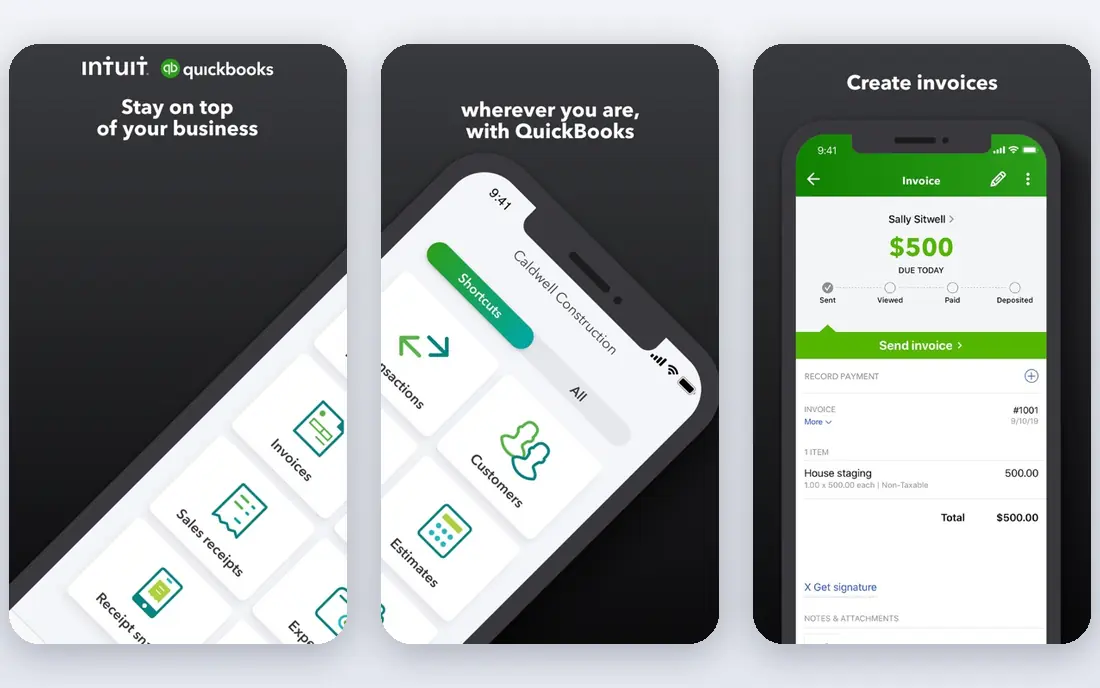
QuickBooks Online is the default for a reason. Most US accountants know it well, which makes handoffs at tax time simpler, and its reporting, invoicing, bill management and bank reconciliation cover the full bookkeeping cycle. The app ecosystem is also the widest in this list, so payroll, payments, inventory and time tracking can usually be connected without switching systems.
The cost is the main drawback. Prices have risen, the entry plan covers only one user, and payroll costs extra, so a growing team can see the monthly bill climb quickly. If your accountant insists on QuickBooks, or you need its reporting depth, it is still worth it, but check the plan limits before you commit.
- Widely used by US accountants and bookkeepers
- Deep reporting and app connections
- Scales from solo to larger teams
- Higher prices than most rivals
- Payroll is a separate add-on
- Entry plan limits users
Xero is the pick we suggest most often to teams that work with an outside accountant. Every plan includes unlimited users, so your bookkeeper, accountant and business partner can all log in without extra seat fees. Bank reconciliation is clear, invoicing is straightforward, and the dashboard gives a quick view of cash, bills and overdue invoices.
The entry plan is limited, with caps on invoices and bills each month, so growing businesses should price the middle plan rather than the cheapest one. US payroll is handled through a partner, not built in, which is fine for many firms but worth confirming if payroll is central to your choice.
- Unlimited users on every plan
- Clean bank reconciliation
- Strong accountant tools
- Entry plan caps monthly invoices and bills
- Multi-currency needs a higher plan
- US payroll needs a partner app
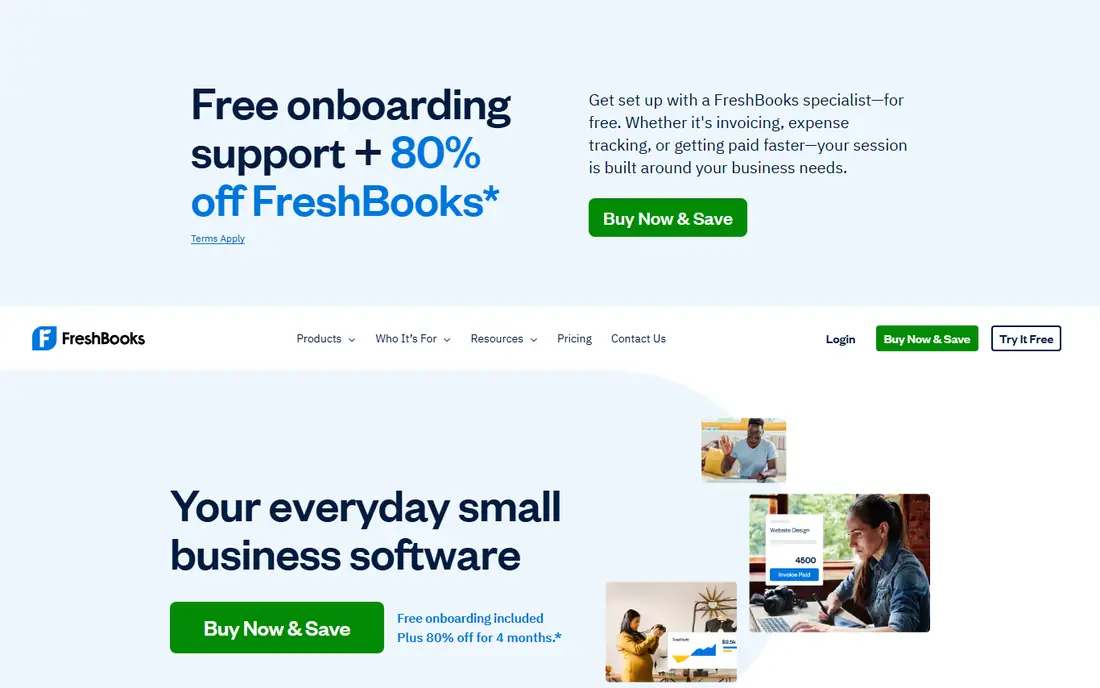
FreshBooks feels built for service businesses first and accountants second. Time tracking flows into invoices with little manual work, clients can pay online, and project costs stay visible as work progresses. For freelancers, consultants, agencies and trades, that workflow saves more time than a deeper general ledger they rarely use.
The limit is scope. FreshBooks plans cap the number of billable clients, and its accounting depth is lighter than full double-entry rivals. If you sell products, manage inventory or need complex reporting, Xero or QuickBooks will fit better.
- Excellent invoicing and time tracking
- Easy client view
- Good for project billing
- Plans are limited by billable client count
- Double-entry accounting is lighter than QuickBooks or Xero
- Extra team members cost more
Wave is the best free starting point for a solo owner or a very small service business. The starter plan covers invoicing and basic bookkeeping at no monthly cost, and setup takes minutes rather than a training session. For a side business or a new venture with low volume, that is hard to beat.
Paid features matter as volume grows. Bank auto-import, receipt capture and more complete bookkeeping tools sit on the Pro plan, and payroll is separate. Wave still saves money for many tiny businesses, but check whether the paid plan still undercuts rivals once those features are added.
- Free starter plan for invoicing and bookkeeping
- Simple setup
- No revenue cap on the free tier
- Automatic bank import and receipt capture need the paid plan
- Payroll is an add-on
- Reporting is basic
Zoho Books gives small businesses full accounting at a price that is hard to match. The free plan works for businesses under $50,000 in annual revenue, and paid plans add users, automation, inventory and project features at modest prices. Companies already using Zoho CRM, Zoho Inventory or Zoho Mail get extra value from the shared data.
The free plan is not unlimited, with caps on invoices and users, and the interface packs in many options that can overwhelm a first-time user. Spend time on the setup wizard and chart of accounts, and the system becomes much easier to live with.
- Functional free plan for businesses under $50,000 in revenue
- Full double-entry accounting
- Strong Zoho app connections
- Free plan has invoice and user limits
- Interface can feel busy
- US payroll is a separate Zoho module
Sage Accounting suits owners who want clean invoicing, expense tracking and cash flow visibility without a steep learning curve. It has served small businesses for many years, and its core workflows are settled and predictable. The mobile app covers invoicing and expense capture well for owners who work away from a desk.
Sage is less strong for businesses that need deep US payroll, inventory or accountant collaboration features at the same level as QuickBooks or Xero. Check the current US plan details and your accountant's familiarity before choosing it as your main system.
- Clear invoicing and cash flow tools
- Long history in small business accounting
- Useful mobile app
- Pricing varies by region and plan
- Advanced features trail QuickBooks and Xero
- Fewer US-specific integrations in some areas
FreeAgent is popular with freelancers and small companies that want one calm dashboard for money in, money out and tax deadlines. Invoicing, expenses, time tracking and bank feeds are presented in plain language, which helps owners who are not accountants. Its tax timeline is a practical touch for people who worry about missing a deadline.
The catch for US buyers is that FreeAgent was built first for the UK market, so some US tax and banking features are less complete than those in QuickBooks or Xero. Confirm bank connections, tax reports and accountant access for your state and business type before switching.
- Simple dashboard for cash, tax and invoices
- Good time tracking
- Clear tax timelines
- US feature set is narrower than its UK home market
- Payroll and banking connections vary
- Pricing is by plan and region
Bench is not just software, it is a service. A dedicated bookkeeper categorizes transactions, reconciles accounts and prepares monthly financial reports, while you review them in the Bench platform. For owners who fall behind on books, miss deductions or dread month-end, that human help is the whole point.
The price reflects that service, starting well above software-only rivals, and Bench does not replace a tax accountant. If you enjoy doing your own books, or your volume is tiny, Wave or Zoho Books will cost far less. If your books are months behind, Bench may pay for itself in time saved and cleaner records.
- A human bookkeeper does the monthly work
- Clean monthly reports
- Good for owners who hate bookkeeping
- Much pricier than software alone
- You still need an accountant for tax filing
- Less control for owners who like doing their own books
Kashoo is for owners who want real double-entry books without learning a large accounting platform. Setup is quick, invoicing is straightforward, and the core reports cover income, expenses and tax needs for many small businesses. It is a calm middle ground between a free invoicing tool and a full enterprise system.
Its ecosystem is smaller, so businesses that rely on many connected apps may hit limits. Kashoo also has no permanent free plan, only a trial, so budget the monthly cost from the start. For a simple service or retail business with modest needs, it remains a solid, low-fuss choice.
- Simple double-entry accounting
- Easy invoicing
- Low learning curve
- Smaller app ecosystem than rivals
- Reporting is more basic
- No free plan beyond the trial
How we picked these
We compared official pricing and feature pages, app store listings, support documentation and public reviews for accounting tools actively sold to US small businesses in 2026. We favored tools with clear invoicing, expense and reconciliation features, current US availability, and a clear fit for a business size or working style. We excluded desktop-only products that are no longer sold to new buyers, and we excluded tools that are mainly tax filing or payroll products without full bookkeeping.
How to choose accounting software for a small business
Start with who will do the books. If you will do them yourself, ease of use and invoicing matter most. If an accountant will do them, choose a tool your accountant already knows, because their time costs more than a small monthly saving.
Check invoicing, bank feeds and payroll together
Invoicing speed, bank reconciliation quality and payroll handling drive daily effort. Test bank connections with your actual bank, send a test invoice to yourself, and confirm how payroll, sales tax and 1099 reporting are handled before you migrate a full year of data.
Price for your real volume
Entry prices often assume low invoice counts, one user or limited bank features. Count your monthly invoices, bills, users and bank accounts, then price the plan that covers them. A free plan that forces an upgrade in month two is not really free.
Plan the tax handoff
Ask your accountant which reports they need, whether they can access your books directly, and how year-end close works. Clean categories, regular reconciliation and a separate business bank account matter more than any single feature, and they make tax season far less stressful.
FAQ
What is the best accounting software for small businesses overall?
QuickBooks Online is the safest all-round choice for many US businesses because accountants know it and it scales well, while Xero is a strong alternative for teams that want unlimited users. Very small businesses should start with Wave or Zoho Books and upgrade only when limits start to bite.
Is free accounting software good enough?
For a solo business with low volume, Wave or the Zoho Books free plan can be enough, especially for invoicing and basic records. As invoices, bank transactions and payroll grow, paid plans usually pay for themselves in time saved on reconciliation and reporting.
Do I still need an accountant if I use accounting software?
Yes, for most businesses. Software records transactions, but an accountant helps with tax planning, entity questions, year-end close and filings. Even Bench, which includes bookkeeping, does not replace tax advice from a qualified professional.
What is the difference between FreshBooks and QuickBooks?
FreshBooks is built around invoicing and time billing for service businesses, while QuickBooks is full double-entry accounting with deeper reporting, inventory and payroll options. Service freelancers often prefer FreshBooks, while product businesses and larger teams usually need QuickBooks or Xero.
Can I switch accounting software later?
Yes, but plan the switch at a month or year boundary, export your chart of accounts, customer lists and transaction history, and reconcile before you move. Your new system should import bank data cleanly, and your accountant should review the opening balances in the first month.
How much should a small business pay for accounting software?
Many small businesses pay from free to about $40 per month for software alone, while done-for-you bookkeeping starts near $199 per month. Payroll, payments and extra users add cost, so price the full setup you will actually use rather than the headline entry price.