Best Accounting Software for Small Business With Inventory in 2026: 8 Tools Compared
best accounting software for small business with inventory compared: 8 tools for stock, invoicing and books, with pricing and honest pros and cons for 2026.

- Editor's choice
 QuickBooks Online
US small businesses with stock
Starts at$35 per monthVisit quickbooks.intuit.comFull review - Great alternative
 Xero
Growing teams with stock
Starts at$29 per monthVisit xero.comFull review - Also consider
 Zoho Books
Budget inventory accounting
Starts atFreeVisit zoho.comFull review
TL;DR:
- Inventory accounting needs stock tracking tied to sales and purchases, not just a quantity field beside an invoice.
- The inventory plan often sits above the entry plan, so check which tier includes stock, assemblies, and cost tracking before you buy.
- Accountant familiarity matters: a tool your accountant already knows will save time at tax season and month-end close.
- Test stock, purchase orders, and cost of goods sold with your own products during a trial, since those workflows reveal limits fast.
Quick comparison
| Tool | Best for | Starts at | Free plan? | |
|---|---|---|---|---|
| QuickBooks Online | US small businesses with stock | $35 per month | Free trial | Visit |
| Xero | Growing teams with stock | $29 per month | Free trial | Visit |
| Zoho Books | Budget inventory accounting | Free | Yes | Visit |
 Sage Accounting | Inventory plus job costing | $25 per month | Free trial | Visit |
 Sage 50 | Desktop inventory depth | See website | Free trial | Visit |
 NetSuite | Scaling firms outgrowing small tools | See website | No | Visit |
 Odoo | Inventory plus wider business apps | See website | Yes | Visit |
 AccountEdge | Desktop-first small businesses | See website | Free trial | Visit |
The best accounting software for small business with inventory
We compared official pricing pages, feature lists, and public reviews for accounting tools that truly track inventory, not just invoices. Each tool below handles books and stock, but they differ in depth, price, and whether they run in the cloud or on a desktop.
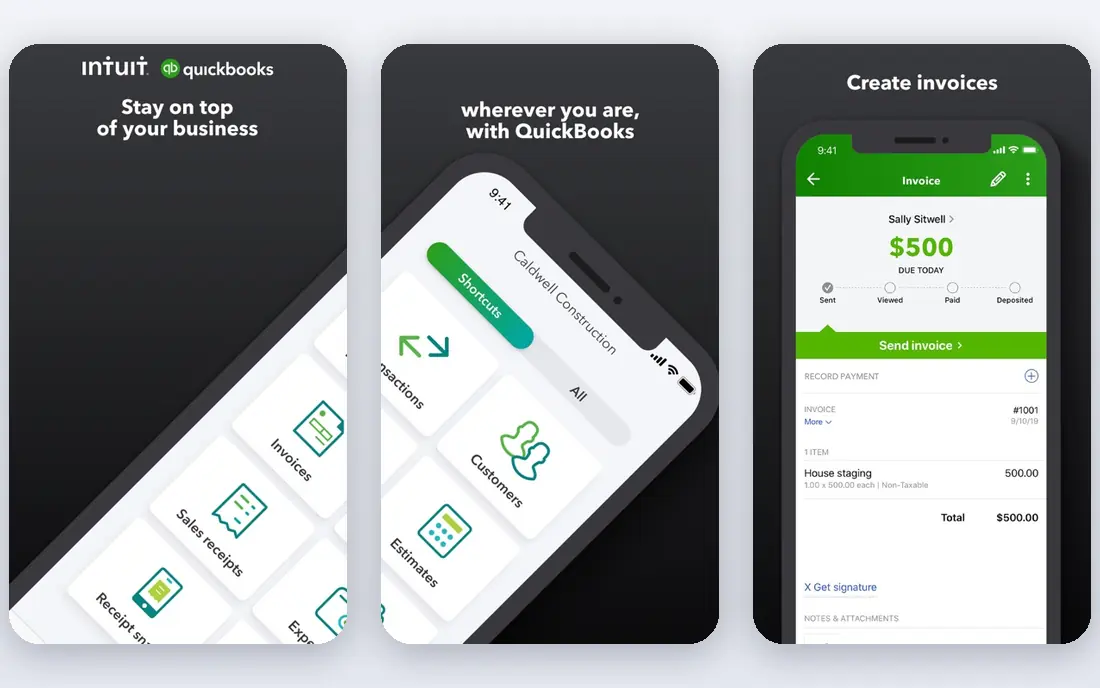
QuickBooks Online is our pick for most US small businesses with inventory because accountants know it, integrations are broad, and stock ties directly to sales and purchases. On Plus and above, you can track inventory quantities, costs, and purchase orders, with reports that show stock value and cost of goods sold. That link between books and stock saves manual reconciliation at month-end.
The catch is tiering. The entry plan does not include full inventory tracking, so a stock business must pay for Plus or higher. Promo pricing also ends, and the regular price is higher than many rivals. For a US business that works with an accountant, though, QuickBooks remains the safest default.
- Inventory tracking on Plus and above
- Huge accountant familiarity
- Many integrations
- Price rises after promo periods
- Inventory needs Plus or Advanced, not the entry plan
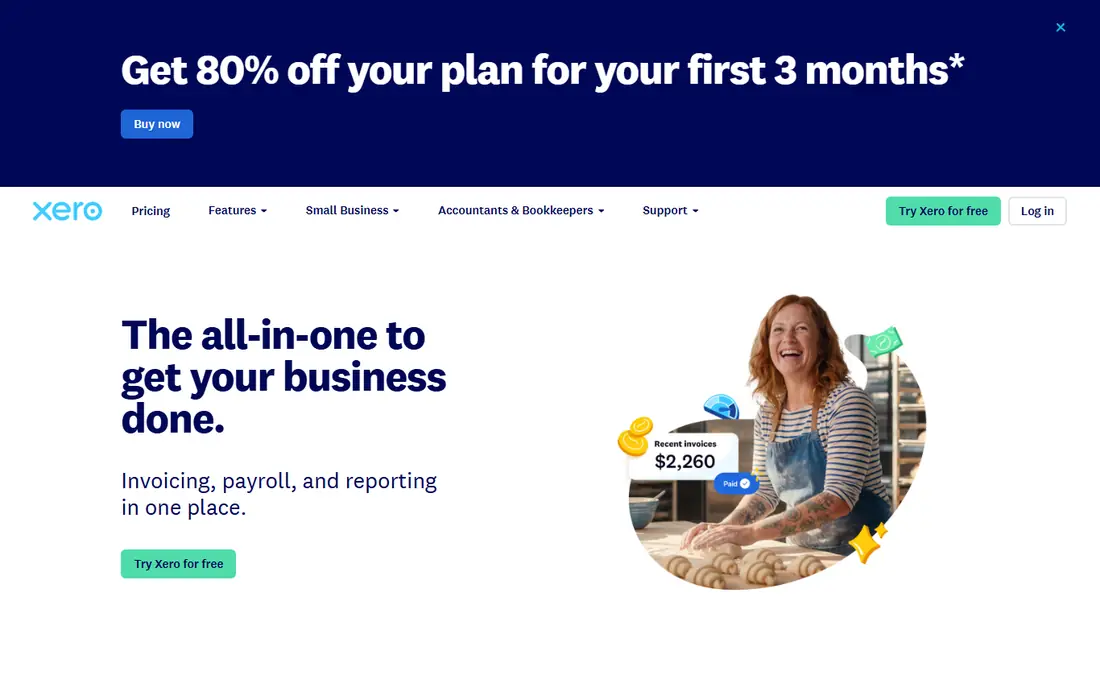
Xero suits growing teams that need unlimited users and clean books without per-seat costs. Bank reconciliation is strong, invoicing is clear, and inventory tracking on Standard and above covers quantities, costs, and purchase orders for many small businesses. Multi-currency support on higher tiers also helps firms that buy or sell abroad.
US payroll is handled through integrations such as Gusto rather than built in, and inventory depth is less than QuickBooks Advanced for complex assemblies. Accountant familiarity in the US is also lower than QuickBooks, though it is strong abroad. For a growing, multi-user team, Xero offers a clean, scalable alternative.
- Unlimited users on plans
- Clean bank reconciliation
- Inventory on Standard and above
- US payroll needs an integration
- Inventory depth is less than QuickBooks Advanced
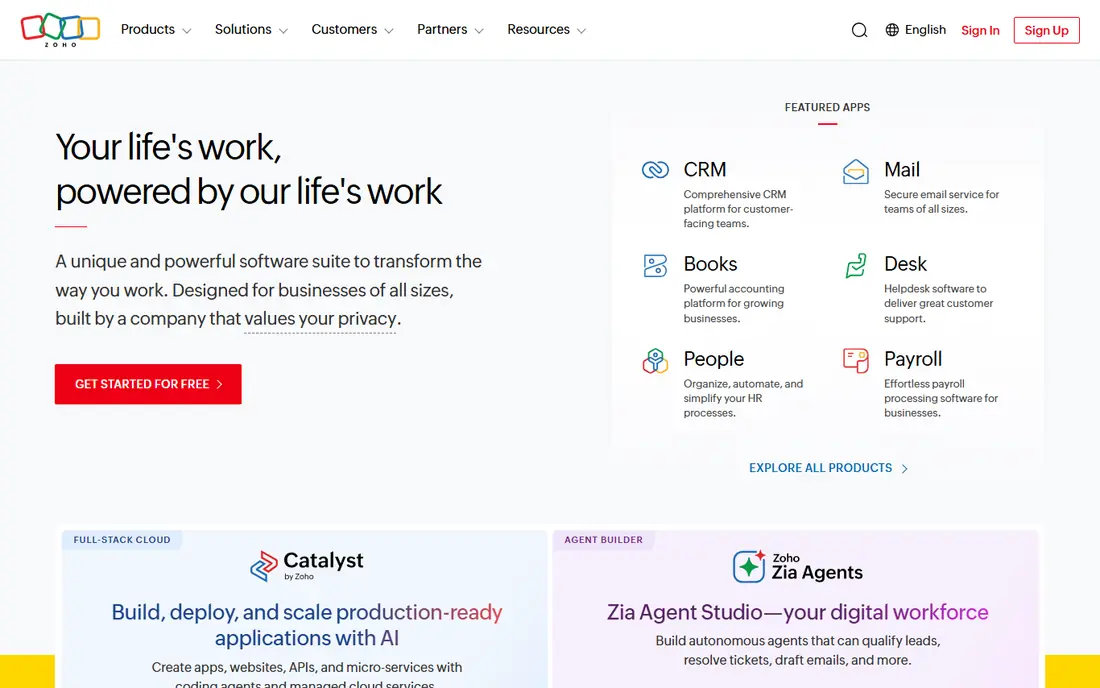
Zoho Books is the budget pick for a small business that wants real inventory accounting without a high monthly fee. The free plan covers businesses under a revenue limit, with invoicing, bank reconciliation, and inventory included. Paid tiers add warehouses, serial and batch tracking, and deeper automation, which suit a growing product business.
Third-party integrations are fewer than QuickBooks, and firms outside the Zoho suite may need workarounds. Some advanced inventory features also sit on higher tiers. For a cost-conscious business, especially one already using Zoho tools, Zoho Books offers strong value.
- Free plan for businesses under a revenue limit
- Full double-entry books
- Inventory and warehouse tools
- Fewer third-party integrations than QuickBooks
- Some features need higher tiers
Sage Accounting, also sold as Sage Business Cloud Accounting in some regions, suits small businesses that need inventory plus job costing. Stock, purchase orders, and project costs sit beside invoicing and bank feeds, which helps firms that sell products and run jobs. Reporting is clear enough for owners to track margins by product or job.
New users face a learning curve, and US accountant familiarity is lower than QuickBooks, so tax-season help may need more explanation. Pricing and plan names also vary by region, so check the US page carefully. For a product business that also tracks job costs, Sage Accounting is a capable choice.
- Inventory and job costing in one cloud tool
- Good for product and service mixes
- Clear reporting
- Learning curve for new users
- US accountant familiarity is lower than QuickBooks
Sage 50 suits small businesses that want deep desktop inventory control, including assemblies, bills of materials, and detailed stock costing. Manufacturers, distributors, and wholesalers use it for stock that cloud entry tools cannot handle well. Data stays on local machines, which some owners prefer for control and speed.
Desktop-first design is also its limit. Remote access, mobile use, and cloud collaboration are weaker than QuickBooks Online or Xero, and setup takes more effort. For a business that values inventory depth and desktop control over cloud convenience, Sage 50 remains a strong option.
- Deep inventory and assembly tracking
- Strong for manufacturers and distributors
- Desktop control
- Desktop-first, so cloud access is limited
- Setup is more involved than cloud tools
NetSuite is the step up for a small business that has outgrown entry accounting tools and needs a full system. Financials, inventory, order management, and CRM sit in one ERP, with multi-location and multi-subsidiary support for growing firms. That breadth helps a business that has hit the limits of QuickBooks or Xero.
NetSuite is costly and complex for a typical small business, and implementation often needs a partner and a longer timeline. It is not a first accounting tool, but a next-stage system. For a scaling firm with complex stock, orders, and reporting needs, NetSuite offers room to grow without another migration soon.
- Full ERP with financials, CRM, and inventory
- Strong for multi-location and multi-subsidiary firms
- Deep reporting
- Costly and complex for a small business
- Implementation needs planning and often a partner
Odoo suits a small business that wants inventory, sales, purchases, and accounting in one modular suite. Start with inventory and accounting, then add CRM, manufacturing, or ecommerce as the business grows. The community edition is free to use, while the online and enterprise editions add hosting and support.
Setup takes time, since modules must be configured to fit the business, and accounting depth varies by country and module. A firm that wants a simple, ready-made ledger may prefer QuickBooks or Xero. For a business that values one suite for many jobs and is willing to configure it, Odoo is flexible and affordable.
- Inventory, sales, purchases, and accounting in one suite
- Modular apps
- Free community option
- Setup and configuration take time
- Accounting depth varies by region and module
AccountEdge suits a small business that wants desktop accounting with local data and a one-time purchase rather than a monthly subscription. It covers invoicing, inventory, payroll, and reporting for a small firm, with data stored on the owner's machines. That model appeals to owners who dislike ongoing subscription costs.
The lack of native cloud access limits remote work and collaboration, and the integration ecosystem is smaller than QuickBooks or Xero. Accountant familiarity is also lower in many areas. For a desktop-first owner with a stable, local setup, AccountEdge offers control and predictable cost.
- One-time purchase option
- Local data storage
- Inventory and payroll tools for small firms
- No native cloud access
- Smaller integration ecosystem than cloud leaders
How we picked these
We compared official pricing pages, feature lists, and public reviews for accounting tools with real inventory tracking that are still sold and supported in 2026. We favored tools that link stock to sales, purchases, and cost of goods sold, rather than tools with only a quantity field. Where pricing was not published, we marked it as See website rather than guessing.
How to choose accounting software with inventory
Start with your stock workflow, not the ledger alone. List how you buy, receive, store, sell, and count stock, including variants, assemblies, batches, and locations. Then test each of those steps in a trial with your own products, including a purchase order, a sale, a return, and a stock count. A tool that handles invoicing well but fails on assemblies or multi-location stock will cause trouble later.
Next, check cost tracking. Inventory accounting should show stock value, cost of goods sold, and margins by product, using a method such as FIFO or average cost that fits your business. Ask how costs update when purchase prices change, and how adjustments and write-offs are recorded. Clean cost data matters for pricing, tax, and lender reporting.
Finally, check the team and accountant fit. Confirm who can access the books, what permissions look like, and whether your accountant can work in the system without extra seats or fees. Also check payroll, tax, and banking integrations for your region. A tool that your accountant and staff can both use without friction will save more time than a cheaper tool that no one adopts.
FAQ
What is the difference between inventory tracking and inventory accounting?
Inventory tracking counts quantities on hand, while inventory accounting also records stock value, purchase costs, and cost of goods sold in the ledger. A good accounting tool with inventory does both, so sales and purchases update the books and stock together. Tracking alone can leave the books out of step with the warehouse.
Which accounting plan do I need for inventory?
Inventory often sits above the entry plan, so check the tier carefully. QuickBooks Online needs Plus or higher for full inventory, Xero needs Standard or higher, and Zoho Books includes inventory on its free and paid tiers with limits. Always confirm stock, assemblies, and warehouse features for the exact plan you will buy.
Can small businesses use free accounting software with inventory?
Yes, in some cases. Zoho Books offers a free plan for businesses under a revenue limit with inventory included, and Odoo offers a free community edition. Free plans have limits on users, orders, or features, so check whether your stock volume and warehouse needs fit before relying on a free tier.
How do I move inventory data into new accounting software?
Import items with SKUs, quantities, costs, and locations, then do a full stock count to set a clean opening balance. Keep the old system running until the new stock values match, and reconcile cost of goods sold for a test month. A clean import and a verified opening count prevent months of corrections.
Do I need separate inventory software as well?
Not always. Many small businesses run books and stock in one accounting tool, which keeps data in step. Larger firms with warehouses, manufacturing, or many channels may need dedicated inventory software that syncs to accounting. Start with one tool, and add a dedicated system only when stock complexity outgrows it.