Best Accounting Software for Medium Sized Business in 2026: 8 Compared
Compare the best accounting software for medium sized business in 2026, from QuickBooks and Xero to Sage Intacct, NetSuite, and Zoho Books for growth.
- Editor's choice
 QuickBooks Online
Broad accountant support
Starts at$38 per monthVisit quickbooks.intuit.comFull review - Great alternative
 Xero
Unlimited users
Starts at$25 per monthVisit xero.comFull review - Also consider
 Sage Intacct
Multi-entity reporting
Starts atSee websiteVisit sage.comFull review
TL;DR:
- The best accounting software for medium business depends on entity count, inventory, payroll, and how much automation your finance team needs.
- QuickBooks Online Advanced and Xero suit growing teams that want broad accountant support and a familiar interface.
- Sage Intacct and Oracle NetSuite suit multi-entity and larger mid-market firms that need deeper controls and reporting.
- Zoho Books and FreshBooks offer lower-cost paths for medium firms with simpler needs, especially service businesses.
- Implementation time and add-on costs matter as much as the monthly price, so trial with real data before committing.
Quick comparison
| Tool | Best for | Starts at | Free plan? | |
|---|---|---|---|---|
| QuickBooks Online | Broad accountant support | $38 per month | No | Visit |
| Xero | Unlimited users | $25 per month | No | Visit |
| Sage Intacct | Multi-entity reporting | See website | No | Visit |
 Oracle NetSuite | ERP plus financials | See website | No | Visit |
 Zoho Books | Low-cost automation | Free | Yes | Visit |
 FreshBooks | Service invoicing | $23 per month | No | Visit |
 Acumatica | Growing ERP needs | See website | No | Visit |
 Microsoft Dynamics 365 Business Central | Microsoft ecosystem firms | See website | No | Visit |
The best accounting software for medium sized businesses
Medium-sized businesses sit between simple bookkeeping and full enterprise finance. They often need multiple users, approvals, inventory or project tracking, and reports that a basic tool cannot produce. The tools below cover that middle ground, from upgraded small-business platforms to full mid-market systems.
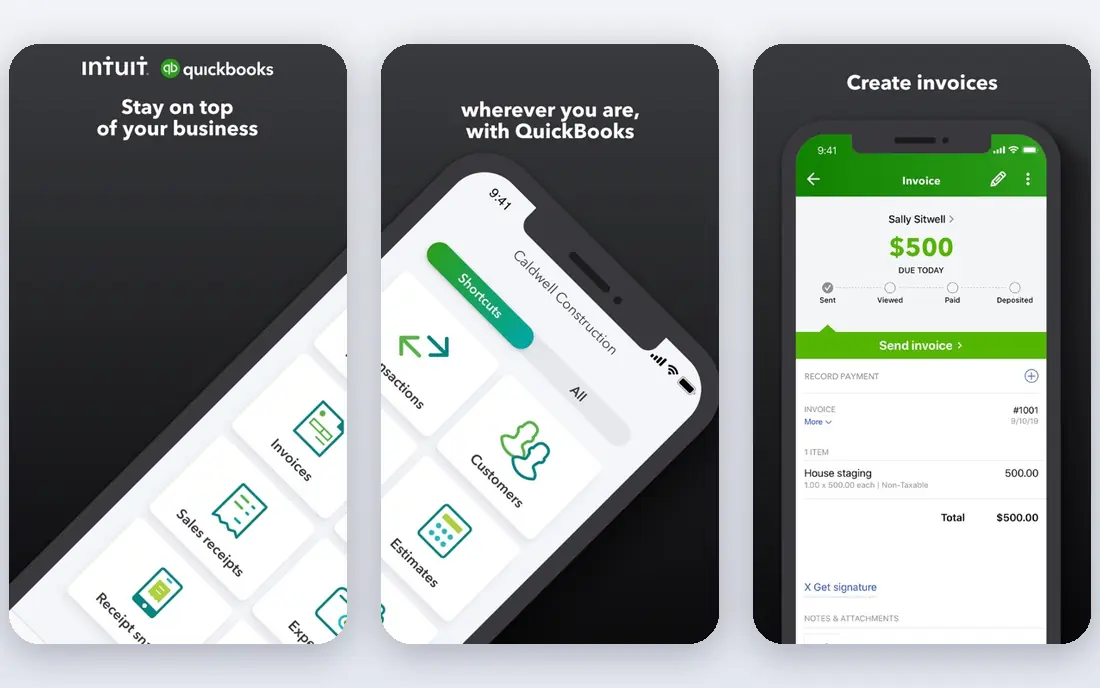
QuickBooks Online is the default for many US medium firms because accountants know it and integrations are plentiful. Entry plans start around $38 per month, with Plus and Advanced adding inventory, projects, batch transactions, and up to 25 users in Advanced. That range lets a firm start modestly and grow without migrating right away.
The cost curve is the catch. Advanced pricing is much higher than entry plans, and payroll, payments, and other add-ons increase the bill. For firms whose accountant already uses QuickBooks, the familiarity often outweighs the price, but firms with many users should compare Xero.
- Widest US accountant support
- Large app ecosystem
- Strong reporting in Advanced
- Price rises with users and tiers
- Interface can feel crowded
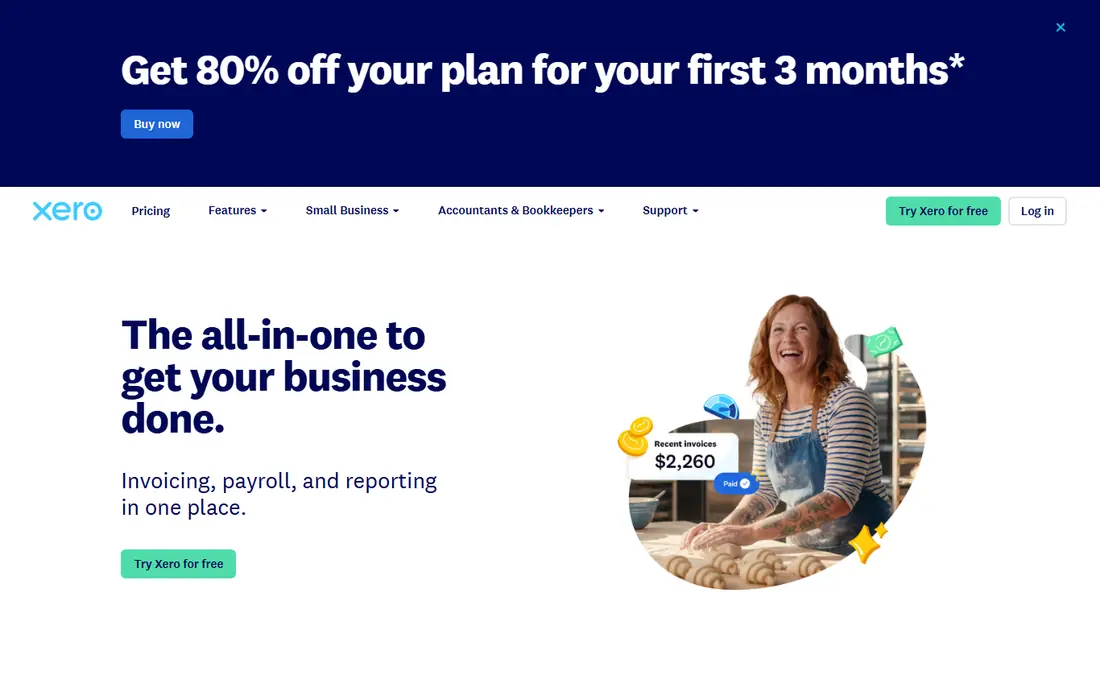
Xero suits medium teams where several people need access without paying per seat. Plans start around $25 per month, and every plan includes unlimited users, which keeps costs predictable as the team grows. Bank reconciliation, invoicing, and reporting are clean and easy to learn, and the app ecosystem is broad.
US firms should check payroll and tax details, since Xero often pairs with partners like Gusto for payroll. Inventory and project features also vary by tier, with projects on higher plans. For multi-user teams that value simplicity, Xero is a strong QuickBooks alternative.
- Unlimited users on all plans
- Clean bank reconciliation
- Good reporting
- US payroll needs a partner
- Inventory is an add-on in some cases
Sage Intacct is built for mid-market finance teams that manage multiple entities, departments, or locations. Consolidation, dimensional reporting, and approval workflows are core strengths, and automation reduces manual journal entries and close time. It suits firms that have outgrown a small-business ledger but do not need a full ERP yet.
Pricing is quote-based and implementation takes weeks, not hours, so it is a bigger commitment than QuickBooks or Xero. Firms with a single entity and simple needs will not use its depth. For multi-entity firms, the reporting and control gains often justify the cost.
- Strong multi-entity consolidation
- Deep reporting
- Automation and controls
- Quote-only pricing
- Implementation takes time
Oracle NetSuite combines accounting with inventory, order management, CRM, and other ERP functions, which suits fast-growing medium firms that need one system for many departments. It handles multi-subsidiary operations, multi-currency work, and detailed reporting, and it scales into larger enterprise use.
Cost and complexity are the main drawbacks. Pricing is quote-based and often starts well above small-business tools, and implementation needs planning, data migration, and training. Firms that only need accounting should look at Sage Intacct or QuickBooks Advanced first, while firms that need ERP breadth will find NetSuite hard to beat.
- Full ERP with financials
- Inventory and CRM in one system
- Scales well
- Expensive
- Implementation is complex and long
Zoho Books offers remarkable value for medium firms with moderate complexity. A free tier covers small operations, and paid plans add automation, inventory, projects, and multi-user access at prices below many rivals. Integration with other Zoho apps, including CRM and inventory tools, keeps data in one ecosystem.
Reporting and controls are not as deep as Sage Intacct or NetSuite, and US payroll usually needs a partner. Firms that are already in Zoho, or that want low cost with solid automation, will find it a strong fit. Firms with complex multi-entity needs should test reporting before committing.
- Free tier
- Strong automation
- Inventory and projects on higher tiers
- Reporting depth is less than Intacct
- US payroll needs partners
FreshBooks is built for service businesses that live on invoicing, time tracking, and client payments. Plans start around $23 per month, with a clean interface, recurring invoices, and a client portal that makes payment easy. Project profitability on higher tiers helps agencies and consultancies track margins.
Inventory is limited, and lower tiers cap billable clients, so product-based medium firms should look elsewhere. For service firms with straightforward accounting needs, FreshBooks is faster and friendlier than a full ERP, and it pairs well with an accountant for year-end work.
- Excellent invoicing
- Time tracking
- Easy client portal
- Limited inventory
- Per-client limits on lower tiers
Acumatica is a cloud ERP that suits medium firms in distribution, manufacturing, and field services that need more than accounting alone. Its resource-based pricing, rather than per-user pricing, can suit firms with many occasional users. Financials, inventory, order management, and project accounting sit in one system.
Implementation usually needs a partner, and pricing is quote-based, so budgeting takes a sales conversation. Smaller service firms will find it heavier than needed. For firms that need ERP depth without NetSuite pricing structure, Acumatica is a serious option.
- Flexible ERP
- Resource-based pricing
- Strong distribution and manufacturing
- Needs implementation partners
- Quote-only pricing
Microsoft Dynamics 365 Business Central suits medium firms already using Microsoft 365, Teams, and Outlook. Financials, inventory, sales, and project tools integrate with familiar Microsoft apps, which reduces training friction. It handles multi-company and multi-currency work for growing firms.
Licensing and implementation need care, since user types and modules affect price and setup time. Firms outside the Microsoft ecosystem may prefer Sage Intacct or NetSuite. For Microsoft-centered firms, Business Central offers a natural growth path from basic accounting to full ERP.
- Strong Microsoft integration
- Full financials
- Inventory and projects
- Implementation complexity
- Licensing needs care
How we picked these
We compared official pricing pages, feature lists, and public documentation for accounting platforms used by medium-sized firms. We weighed user limits, multi-entity support, inventory and project features, payroll options, reporting depth, and implementation effort, and we favored tools with clear upgrade paths from small-business plans.
How to choose accounting software for a medium business
Map your complexity first
Count entities, locations, users, and currencies, and list whether you need inventory, projects, approvals, or multi-entity consolidation. A single-entity service firm has very different needs from a multi-entity distributor, and that map points to the right tier.
Trial with real data, not a demo
Import a month of real transactions, run your standard reports, and test approvals and payroll flows. Test permissions for each role, since a medium firm often needs different access for staff, managers, and outside accountants. A demo looks smooth for every tool, but real data reveals import problems, reporting gaps, and user permission issues.
Budget for implementation and add-ons
Add payroll, payments, inventory, and implementation costs to the monthly price. A quote-only ERP may cost more to set up than a year of a small-business plan, so compare total first-year cost, not just the monthly subscription.
FAQ
What is the best accounting software for medium sized businesses?
QuickBooks Online Advanced and Xero suit many medium firms, while Sage Intacct suits multi-entity firms and NetSuite suits firms that need ERP breadth. Zoho Books is a strong low-cost option for simpler medium firms.
What is the best accounting software for medium business with multiple entities?
Sage Intacct and Oracle NetSuite lead for multi-entity consolidation and reporting. Microsoft Dynamics 365 Business Central and Acumatica also handle multi-company work, with different strengths in Microsoft integration and distribution.
Is QuickBooks good for medium sized businesses?
Yes, especially QuickBooks Online Advanced, which supports up to 25 users, batch transactions, and deeper reporting. Firms with complex multi-entity needs may still outgrow it and need Sage Intacct or NetSuite.
How much does accounting software for medium businesses cost?
Small-business plans start around $25 to $38 per month, Advanced plans run higher, and mid-market ERP pricing is quote-based and often starts at $1,000 per month or more. Add payroll, payments, and implementation to get the full cost.
Can I migrate from QuickBooks to Sage Intacct or NetSuite?
Yes, with planning. Export chart of accounts, customers, vendors, and history, then map them to the new system during implementation. Allow time for testing and training, and involve your accountant early to avoid reporting gaps.
Do I need ERP or just accounting software?
You need ERP if inventory, order management, manufacturing, or multi-department workflows are core to your business. If you mainly need invoicing, bills, bank reconciliation, and reports, accounting software alone is enough and cheaper to run.