Choosing Alternatives to GitLab CI in 2026: 5 Options Compared
5 products for alternatives to gitlab ci, ranked by fit, with starting costs and free tiers. Fit, price and catches for every tool. Pricing and limits included.
- Editor's choice
 TeamCity
Structured delivery with vendor support
Starts atSee websiteVisit jetbrains.comFull review - Great alternative
 Jenkins
Self-hosted, highly configurable automation
Starts atSee websiteVisit jenkins.ioFull review - Also consider
 GitHub Actions
Teams already hosting code on GitHub
Starts atSee websiteVisit github.comFull review
Direct answer
TeamCity is the first pick on this list for structured delivery with vendor support. Listed starting prices: Travis CI from $13.75 per month and CircleCI from $15 a month. For a different need, Jenkins covers self-hosted, highly configurable automation and GitHub Actions covers teams already hosting code on GitHub. The other 2 tools in the list cover narrower or pricier cases.
TL;DR:
- TeamCity is the opening pick, best for structured delivery with vendor support.
- CircleCI is the only tool of the 5 with a free plan.
- Starting prices begin at $13.75 per month with Travis CI.
- CircleCI fits managed cloud pipelines for quick delivery.
Last checked November 2026. Prices and plan details were read from the vendors' own pages in November 2026; vendors change plans often, so confirm the current price on the vendor site before you buy.
Quick comparison
| Tool | Best for | Starts at | Free plan? | |
|---|---|---|---|---|
| TeamCity | Structured delivery with vendor support | See website | Not stated | Visit |
| Jenkins | Self-hosted, highly configurable automation | See website | Not stated | Visit |
| GitHub Actions | Teams already hosting code on GitHub | See website | Not stated | Visit |
| Travis CI | Straightforward, adaptable hosted CI/CD | $13.75 per month | Not stated | Visit |
 CircleCI | Managed cloud pipelines for quick delivery | $15 a month | Yes | Visit |
The full GitLab CI list
LinkVetted put together this guide to GitLab CI for readers who want a clear shortlist without reading every vendor page. It compares 5 tools on starting price, free plans, who each one suits and where each one falls short.
TeamCity is built with structured delivery with vendor support in mind. New users face a ramp-up time in configuring build chains and projects. On top of that, if you prefer a completely open source server you control, Jenkins is the more natural comparison.
What TeamCity does well: CI/CD from JetBrains.
Drawbacks to consider: Configuration ramp-up time.
If you want managed cloud pipelines, CircleCI is worth a look. Also, teams outside the JetBrains ecosystem may not gain as much from the integration story. Check the vendor site for TeamCity pricing; none is listed in this comparison. Trial and free access: Not stated.
- Pitched at steady
- Supports human and automatic workflows
- Best value for teams using JetBrains tools
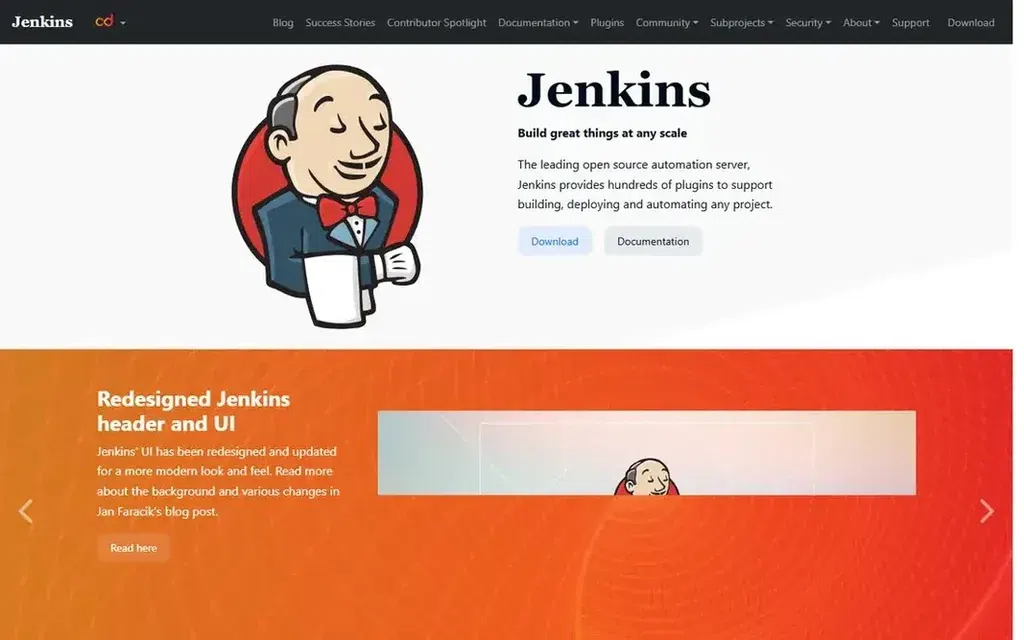
Pick Jenkins if this describes you: self-hosted, highly configurable automation. Jenkins is an open source automation server that, based on its homepage, makes it possible for developers to steadily build, test and deploy software. Beyond that, running Jenkins means owning maintenance: server updates, plugin compatibility and pipeline upkeep all fall to your team.
In daily use, since it is self-hosted, teams keep control over the environment and can shape pipelines around internal tooling. Configuration can become complicated on large installations. Pricing for Jenkins is not stated here, so ask the vendor for current figures. As for free access: Not stated.
Points against: Configuration can become complicated.
- Open source automation server
- Runs on your own infrastructure
- You handle servers and upgrades
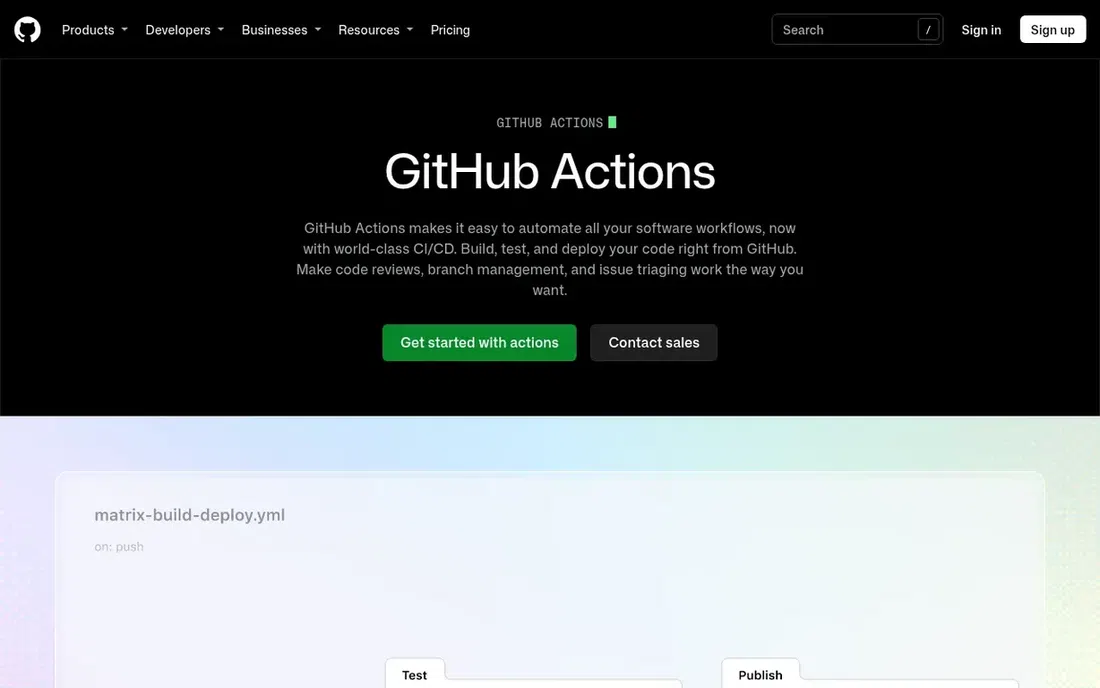
GitHub Actions is aimed squarely at teams already hosting code on GitHub. GitHub Actions is a CI/CD and automation service built into GitHub.
From a buyer's view, the central limit is ecosystem gravity: teams hosting code elsewhere may find the workflow less natural than a platform-neutral tool. Per its homepage, it lets you build, package, release, update and deploy a project in any language, either on GitHub or on an external system, without running code yourself. No starting price is listed for GitHub Actions here; confirm pricing on the vendor site. Free access: Not stated.
Limits to weigh: Tied closely to the GitHub ecosystem.
- CI/CD built into the GitHub workflow
- Deploys to GitHub or external systems
- Complicated workflows can be harder to debug
Travis CI
Best for: Straightforward, adaptable hosted CI/CD
Travis CI targets straightforward, adaptable hosted CI/CD. Travis CI is a hosted CI/CD tool that presents itself as straightforward and adaptable. Its homepage emphasizes straightforward continuous integration and continuous delivery, which makes it a reasonable fit for teams that want to get pipelines running without building out their own automation servers.
What users get: Adaptable for varied projects.
Where it falls short: A good match for conventional build flows. On top of that, smaller engineering groups frequently value that lower setup overhead. The trade-off is depth: teams needing deep custom infrastructure or unusual build environments may find hosted simplicity limiting. It is also less of a fit if your organization has standardized on another vendor's ecosystem. Travis CI pricing: $13.75 per month. Free access: Not stated.
- Straightforward CI/CD setup
- Hosted service model
- Fewer customization choices than self-hosted tools
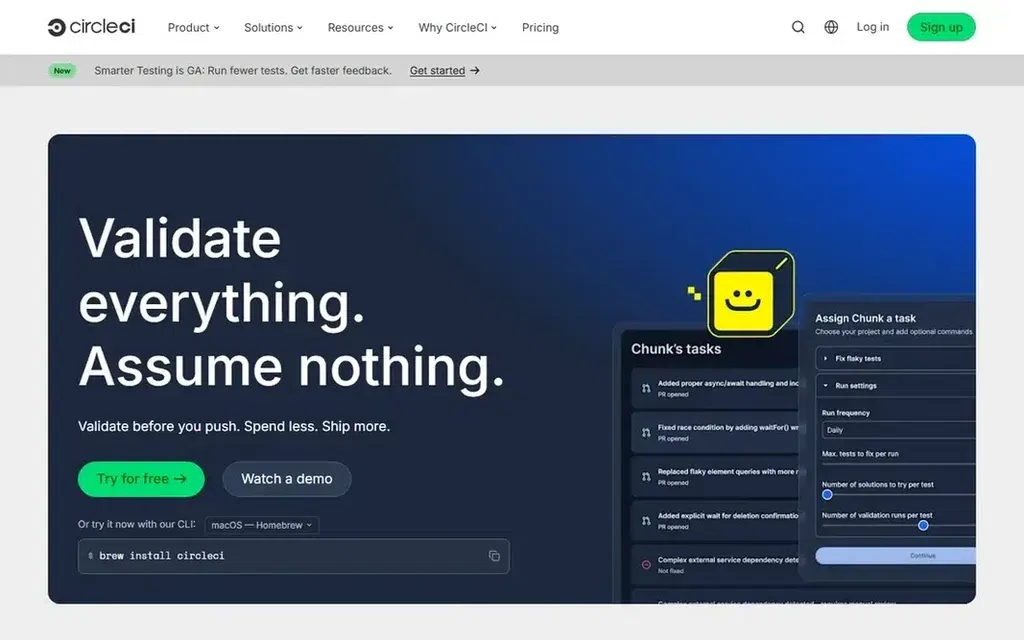
Pick CircleCI if this describes you: managed cloud pipelines for quick delivery. Since it is a hosted service, teams provide up some infrastructure control compared to self-hosted choices like Jenkins.
Downsides: Pipeline config still needs care.
Its homepage describes helping teams deliver production-ready software and validate, test and ship every change with intelligent automation. Price to start with CircleCI: $15 per month. CircleCI includes a free tier.
- Managed CI/CD service
- Positioned for modern
- Less control than completely self-hosted setups
How these tools were picked
Before you commit
- Get a written quote from TeamCity, Jenkins and GitHub Actions; the list shows no starting price for them.
- Test the free plan from CircleCI against your real workload before relying on it.
- Before choosing TeamCity, weigh its main limit: configuration ramp-up time.
- Verify that exporting from CircleCI is possible on your plan and covers all your records.
- Check whether the features you need in Jenkins sit on the entry plan or only on higher tiers.
FAQ
Is TeamCity the right pick for everyone comparing GitLab CI?
No single tool suits every team. TeamCity comes first because it fits structured delivery with vendor support, while Jenkins suits self-hosted, highly customizable automation and GitHub Actions suits teams already hosting code on GitHub. Match the tool to your own size, budget and workflow before deciding.
Can I migrate pipelines from GitLab CI without rewriting everything?
Pipeline definitions are tool-specific, so expect some rewriting regardless of destination. Check each vendor's documentation for migration guidance and supported configuration formats before committing.
Which options for GitLab CI have a free plan?
CircleCI is the only tool in this list with a free plan. Free plans usually cap users, projects or features, so check the limits on the vendor page. All 5 picks in this alternatives to GitLab CI comparison list a starting price, free plan details and the main limits on their cards above.
How are the tools for GitLab CI ordered?
TeamCity sits first and CircleCI last because the order follows typical fit for GitLab CI, then price clarity and free access. It is a judgement call, so read each profile for fit and limits.
Do these tools publish their prices?
Not all of them. TeamCity, Jenkins and GitHub Actions publish no starting price, so expect a quote request for those. The rest, Travis CI included, show a starting price, though seats and billing terms still change the final cost.
Sources
- https://www.jetbrains.com/teamcity
- https://www.jenkins.io
- https://github.com/features/actions
- https://www.travis-ci.com
- https://circleci.com