5 Allavsoft Alternatives Worth Switching To in 2026
Compare 5 picks for Allavsoft alternatives, with prices, free plans and who each fits. Strengths and weak spots are spelled out. Budget notes included.
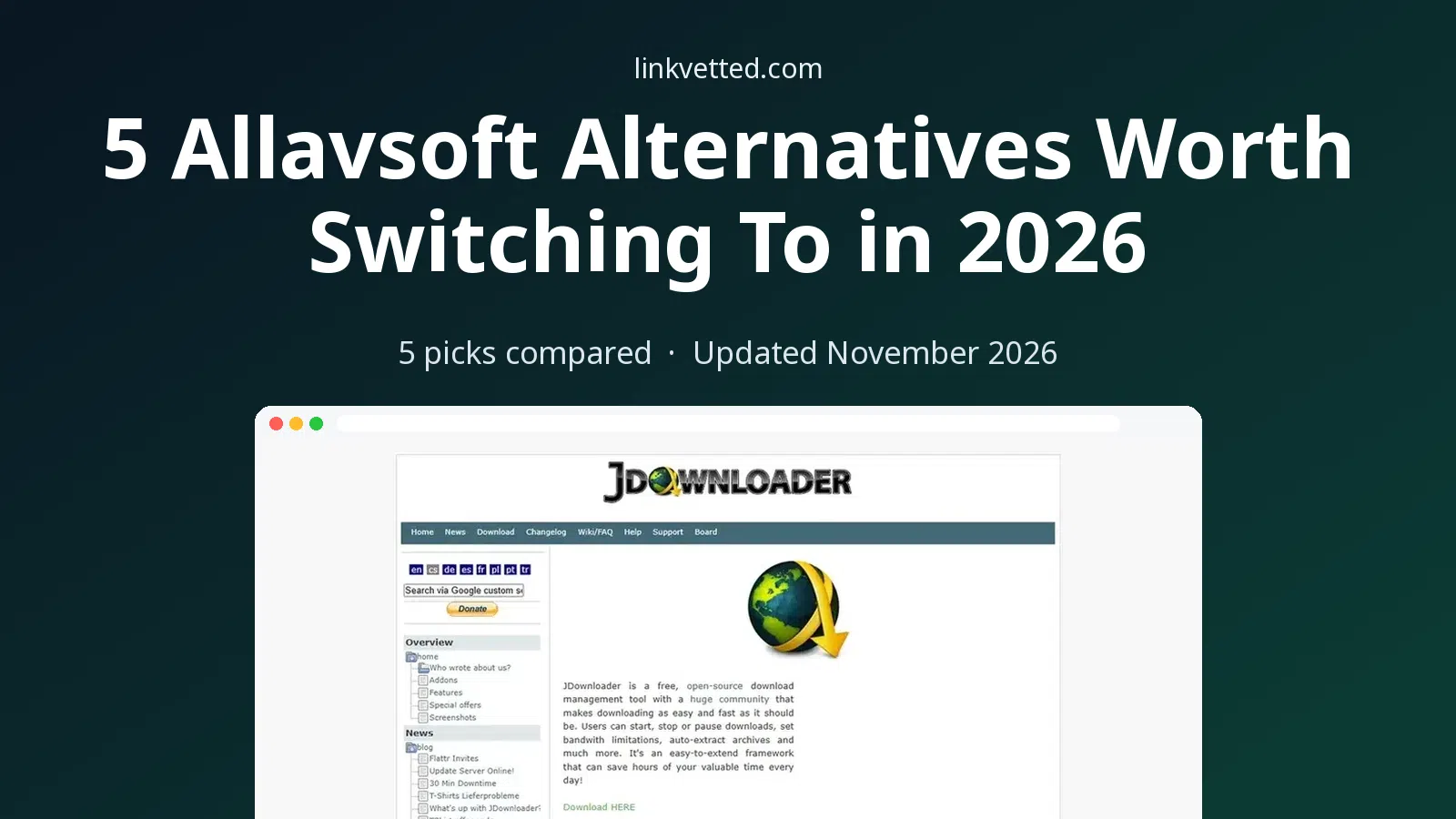
- Editor's choiceXtreme Download Manager
Open-source download acceleration
Starts atPricing on requestVisit xtremedownloadmanager.comFull review - Great alternativeJDownloader
Batch downloads and link management
Starts atPricing on requestVisit jdownloader.orgFull review - Also consider
 Internet Download Manager
Download acceleration and browser integration
Starts atPricing on requestVisit internetdownloadmanager.comFull review
Direct answer
Start with Xtreme Download Manager if you need open-source download acceleration. JDownloader is better for batch downloads and link management, and Internet Download Manager is better for Download acceleration and browser integration. All 5 tools are compared below on fit, free plan and limits. None of these vendors publish plan prices, so pricing is on request for every option.
TL;DR:
- Xtreme Download Manager sits first on this list: open-source download acceleration.
- Xtreme Download Manager, Free Download Manager and the 3 others all sell by quote; expect sales conversations before you see a price.
- Free Download Manager suits all-in-one download management.
- JDownloader comes with a trade-off: interface can be overwhelming.
Last checked November 2026. Pricing on request: vendors did not publish plan prices when this guide was last checked (November 2026), so ask each vendor for a written quote.
Quick comparison
| Tool | Best for | Starts at | Free plan? | |
|---|---|---|---|---|
| Xtreme Download Manager | Open-source download acceleration | Pricing on request | Not stated | Visit |
| JDownloader | Batch downloads and link management | Pricing on request | Not stated | Visit |
| Internet Download Manager | Download acceleration and browser integration | Pricing on request | Not stated | Visit |
| 4K Video Downloader | Simple video and audio downloads | Pricing on request | Not stated | Visit |
| Free Download Manager | All-in-one download management | Pricing on request | Not stated | Visit |
Every option for Allavsoft explained
LinkVetted put together this guide to Allavsoft for readers who want a clear shortlist without reading every vendor page. It compares 5 tools on starting price, free plans, who each one suits and where each one falls short.
Xtreme Download Manager
Best for: Open-source download acceleration
Xtreme Download Manager is designed for open-source download acceleration. Xtreme Download Manager (XDM) is a free, open-source download manager for Windows, macOS, and Linux. It accelerates downloads, resumes broken transfers, and can save streaming videos from browsers.
If you need a more actively maintained or approachable choice, Internet Download Manager or 4K Video Downloader could be better suits. From a buyer's view, XDM may experience occasional stability issues and receives updates less often than some commercial tools. Check the vendor site for Xtreme Download Manager pricing; none is listed in this comparison. On free options: Not stated.
Watch-outs: Less frequent updates.
- Free and open-source
- Saves streaming videos
- Occasional stability issues
JDownloader
Best for: Batch downloads and link management
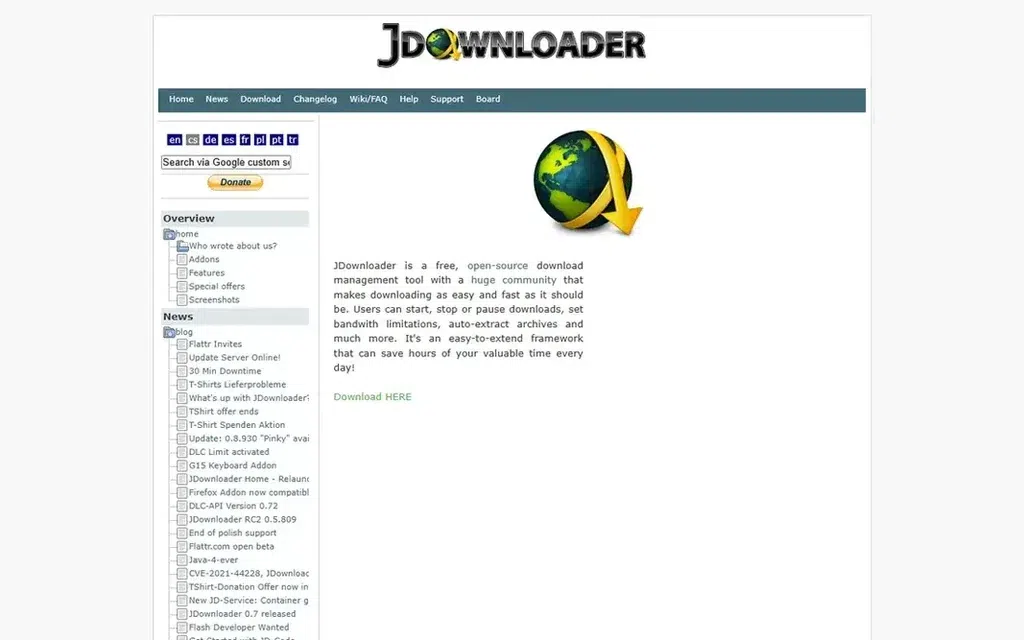
JDownloader serves batch downloads and link management. JDownloader is a capable, open-source download manager that excels at batch processing and managing large lists of links.
The main drawbacks: Needs Java runtime.
From a buyer's view, if you prefer a more modern, simplified experience, 4K Video Downloader or Free Download Manager might be better suited. Pricing for JDownloader is not stated here, so ask the vendor for current figures. Trial and free access: Not stated.
- Takes care of plenty of links at once
- Supports container extraction
- Interface can be overwhelming
Internet Download Manager
Best for: Download acceleration and browser integration
Internet Download Manager serves Download acceleration and browser integration. If you need a cross-platform or open-source option, Free Download Manager or Xtreme Download Manager may be more appropriate.
Internet Download Manager (IDM) is a widely used download accelerator that can increase download accelerates, resume broken downloads, and schedule tasks. Pricing for Internet Download Manager is not stated here, so ask the vendor for current figures. Free options: Not stated.
Where it falls short: Windows only.
- Schedules downloads
- Resumes broken downloads
- Premium software with trial
4K Video Downloader
Best for: Simple video and audio downloads

4K Video Downloader was built for simple video and audio downloads. It also grabs photos from Instagram and builds slideshows, making it a versatile tool for casual users who want a straightforward downloader.
Limits to weigh: Restricted advanced customization.
No starting price is listed for 4K Video Downloader here; confirm pricing on the vendor site. Free options: Not stated.
Best features of 4K Video Downloader: Straightforward.
- Downloads subtitles and playlists
- Easy-to-learn interface
- Some sites may need workarounds
Free Download Manager
Best for: All-in-one download management
Free Download Manager was built for all-in-one download management. For a more refined video-focused tool, consider 4K Video Downloader.
Free Download Manager does not show a starting price in this comparison, so check the vendor site for current pricing. On free options: Not stated.
Where it falls short: Some features need configuration.
- Cross-platform
- Accelerates downloads
- Interface may feel dated
How we compared the tools
Pre-purchase checklist
- Ask each vendor, from Xtreme Download Manager to Free Download Manager, for a written quote; none of them publishes a starting price.
- Read the limits listed for Xtreme Download Manager first: occasional stability issues.
- The entry price of 4K Video Downloader is only the starting point; model the full cost with seats and extras.
- Check the support hours and onboarding help JDownloader offers; smaller vendors vary a lot here.
- Before you load data into Internet Download Manager, check what an export looks like and who can run it.
FAQ
How are the tools for Allavsoft ordered?
Xtreme Download Manager sits first and Free Download Manager last because the order follows typical fit for Allavsoft, then price clarity and free access. It is a judgement call, so read each profile for fit and limits.
Can I try these tools before paying?
Not by default. None of the tools, from Xtreme Download Manager to Free Download Manager, lists a free plan or a free trial here, so ask each vendor for a demo before committing.
What is the best free alternative to Allavsoft?
This list starts with Xtreme Download Manager, which fits open-source download acceleration. For other needs, JDownloader is aimed at batch downloads and link management, and Internet Download Manager at Download acceleration and browser integration. Check each tool's price and main limit first.
Is Xtreme Download Manager the right pick for everyone comparing Allavsoft?
No single tool suits every team. Xtreme Download Manager comes first because it fits open-source download acceleration, while JDownloader suits batch downloads and link management and Internet Download Manager suits Download acceleration and browser integration. Match the tool to your own size, budget and workflow before deciding.
Do these tools publish their prices?
No. None of the tools, from Xtreme Download Manager to Free Download Manager, shows a fixed starting price here, so budget time for quotes.
Sources
- https://xtremedownloadmanager.com
- https://jdownloader.org
- https://www.internetdownloadmanager.com
- https://www.4kdownload.com
- https://www.freedownloadmanager.org