Choosing Which Online Notary Service Has the Best API in 2026: 5 Options Compared
Need which online notary service has the best API? We compare 5 tools on cost, free access and who each suits. Each entry gets a plain verdict. Decide faster.
- Editor's choice
 DocuSign
Wide e-signature and agreement workflows
Starts at$45 per user per monthVisit docusign.comFull review - Great alternative
 Proof
Identity verification around signing
Starts at$199 a monthVisit proof.comFull review - Also consider
 Adobe Acrobat Sign
E-signature inside Adobe workflows
Starts atSee websiteVisit adobe.comFull review
Direct answer
DocuSign leads the list, best for wide e-signature and agreement workflows. Listed starting prices: DocuSign from $45 per user per month, Proof from $199 a month and Dropbox Sign from $15 USD / mo. Alternatives: Proof for identity verification around signing, and Adobe Acrobat Sign for E-signature inside Adobe workflows. The remaining 2 options are covered below with prices and limits.
TL;DR:
- DocuSign takes the first slot, best suited to wide e-signature and agreement workflows.
- Notarize is the one to check for embedding remote online notarization.
- One limit worth knowing about Dropbox Sign: notary capability is not the focus.
- Just one of the 5 tools, Notarize, has a free plan.
- The lowest published monthly entry price here is $45 per user per month, from DocuSign.
Last checked November 2026. Prices and plan details were read from the vendors' own pages in November 2026; vendors change plans often, so confirm the current price on the vendor site before you buy.
Quick comparison
| Tool | Best for | Starts at | Free plan? | |
|---|---|---|---|---|
| DocuSign | Wide e-signature and agreement workflows | $45 per user per month | Not stated | Visit |
| Proof | Identity verification around signing | $199 a month | Free trial | Visit |
| Adobe Acrobat Sign | E-signature inside Adobe workflows | See website | Not stated | Visit |
 Dropbox Sign | Straightforward e-signature sending and management | $15 USD / mo | Free trial | Visit |
| Notarize | Embedding remote online notarization | $4 per transaction | Yes | Visit |
The 5 tools in detail
LinkVetted put together this guide to which online notary service has the best API for readers who want a clear shortlist without reading every vendor page. It compares 5 tools on starting price, free plans, who each one suits and where each one falls short.
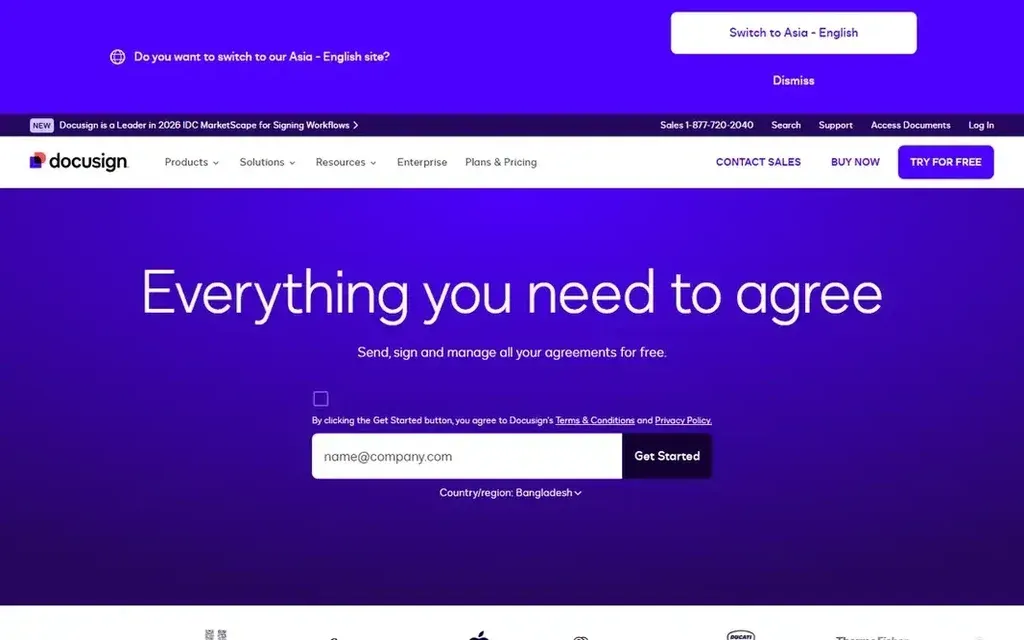
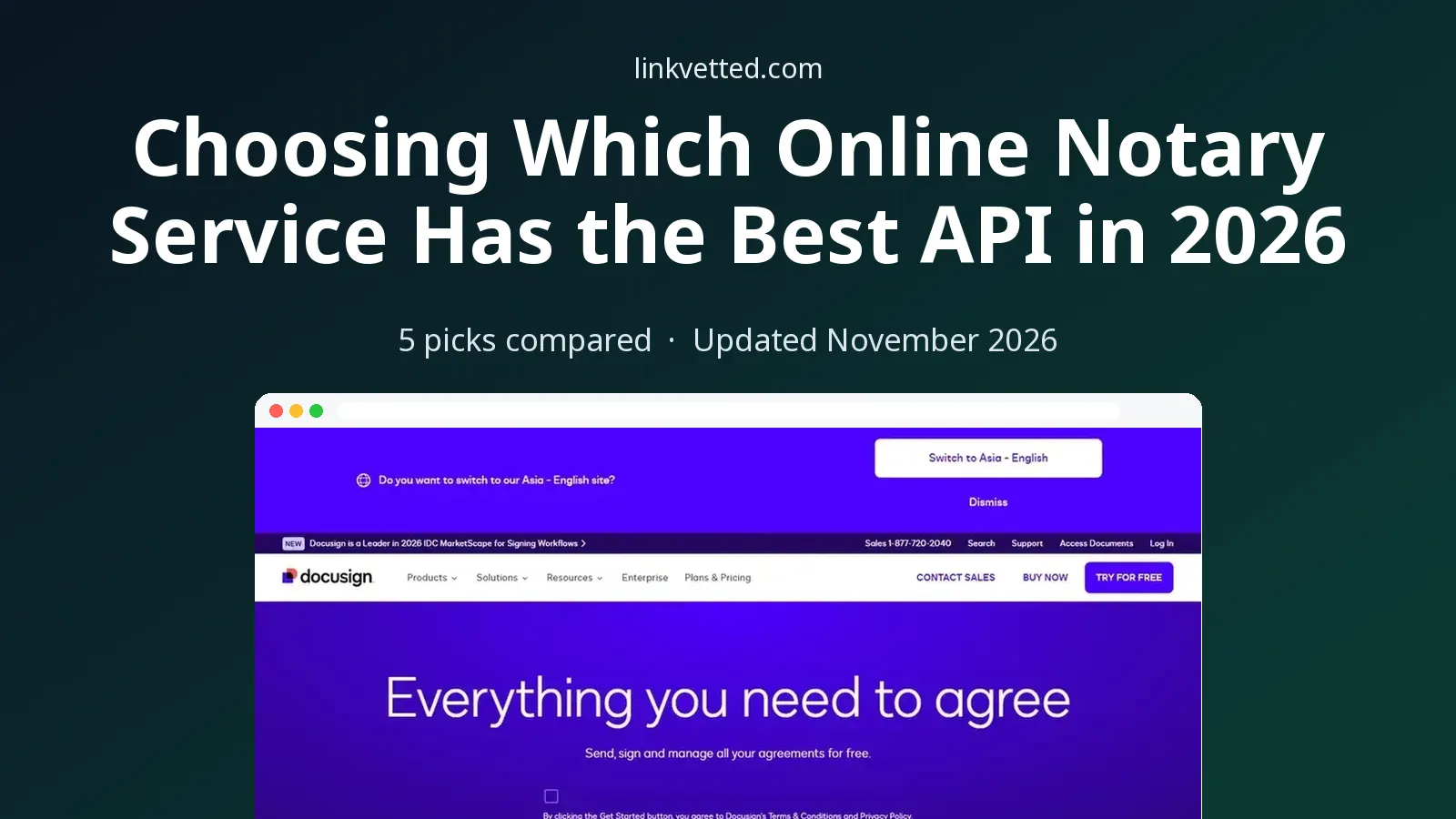
DocuSign is designed for wide e-signature and agreement workflows. DocuSign combines electronic signature with intelligent agreement management, positioning itself as a system for creating, committing to and managing agreements in one place.
Starting cost for DocuSign: $45 per user per month. As for free access: Not stated.
Points against: Not a dedicated notary-only product.
- Electronic signature plus agreement management
- Wide document workflow coverage
- Broader scope may exceed straightforward needs
Pick Proof if this describes you: identity verification around signing. Proof is not positioned as a standalone notary service, so notarization needs may need a dedicated partner.
Proof describes itself as an identity-centric security product that verifies identities and secures transactions to protect companies and their customers. The starting price for Proof: $199 per month. Free options: Free trial.
Points against: Not a notary-first product.
- Supports securing transactions
- Identity-centric security system
- Needs pairing for notarization
For E-signature inside Adobe workflows, Adobe Acrobat Sign is a natural candidate. Remote notarization is not the product's primary purpose, so notary-heavy use cases may need a specialist service.
Limits to weigh: Notary not the core focus.
It is the more solid choice when standard e-signature automation is the goal. This comparison lists no price for Adobe Acrobat Sign; ask the vendor. On free options: Not stated.
- Electronic signature and digital payments
- Website signature collection
- Best value within Adobe ecosystem
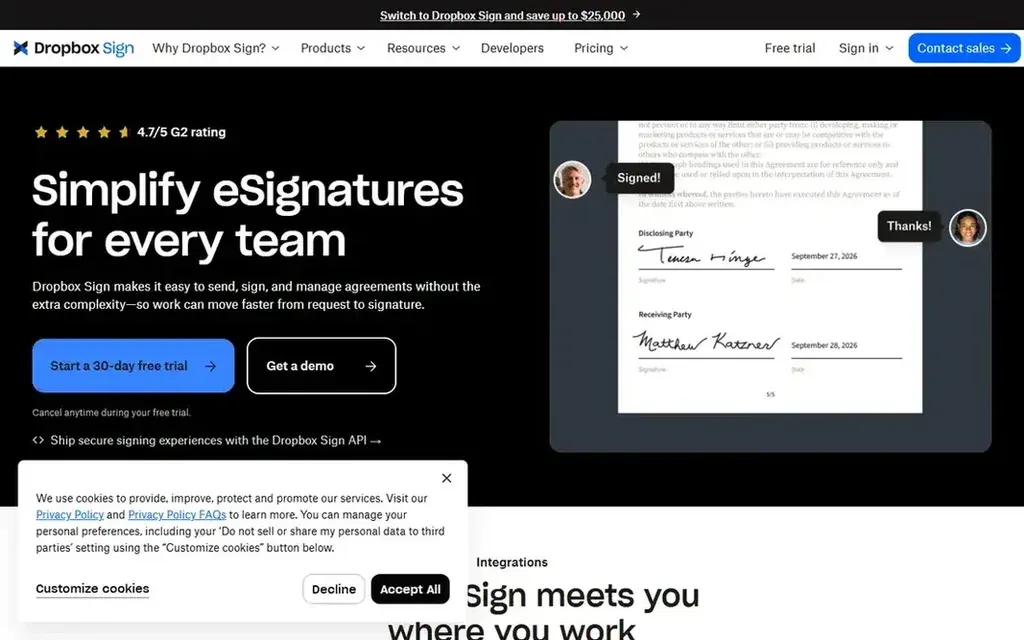
Dropbox Sign is a good fit for straightforward e-signature sending and management. Dropbox Sign, formerly HelloSign, describes itself as a straightforward way to send, receive and run legally binding electronic signatures.
Beyond that, the product is built around e-signature instead of remote notarization, so notary-specific requirements may call for a dedicated service. Entry price for Dropbox Sign: $15 USD / mo. Free options: Free trial.
Downsides: Less specialized than notary systems.
- Runs legally binding e-signatures
- Suits teams already using Dropbox
- Notary capability is not the focus
Notarize
Best for: Embedding remote online notarization
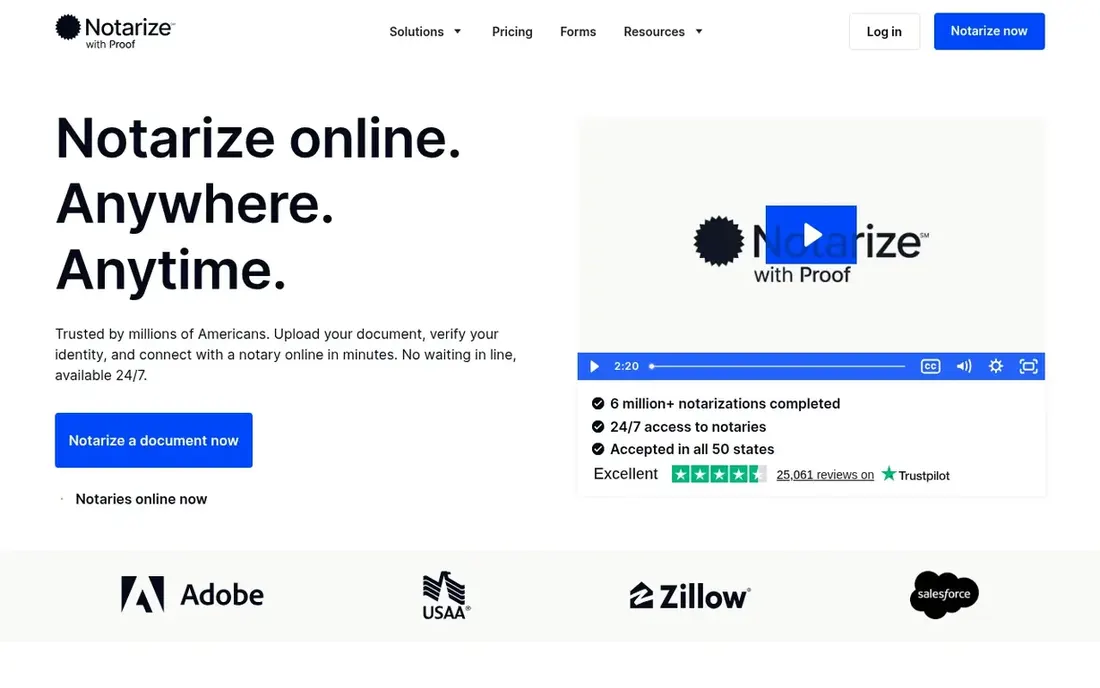
Notarize is a good fit for embedding remote online notarization. Since the product is centered on notarization, teams that want wide contract lifecycle or agreement management may need a separate tool alongside it.
Where it falls short: Notarization-specific scope.
It is the better fit when notarization is the main event instead of one step in a bigger signature process. Price to start with Notarize: $4 per transaction. Free access exists with Notarize.
- Clear focus on legally valid online notarization
- Round-the-clock notary access
- Narrower than full agreement suites
How these tools were picked
Selection started from tools commonly considered for which online notary service has the best API, then narrowed to 5 that have clear pricing information or a clear quote process. Treat prices as a snapshot: vendors change plans often, so check the vendor site for the figure that applies today. Tools are placed by general fit for which online notary service has the best API, with price clarity and free access as tie-breakers. A different team can reasonably rank them differently.
What to check before you buy
- Confirm the entry price on the vendor page. For Adobe Acrobat Sign that means a quote rather than a fixed price.
- Test the free plan from Notarize against your real workload before relying on it.
- Use real work to test the free trial from Proof and Dropbox Sign, rather than a demo project.
- Before choosing DocuSign, weigh its main limit: not a dedicated notary-only product.
- Check whether the features you need in DocuSign sit on the entry plan or only on higher tiers.
- Check how data leaves Notarize: formats, limits and whether exports are available on every plan.
FAQ
Do online notary services work across all states?
Coverage relies on the provider and on state rules for remote notarization. Some systems state wide coverage, but you should verify the specific states you need. Rules can also differ by document type.
How are the tools for which online notary service has the best API ordered?
DocuSign sits first and Notarize last because the order follows typical fit for which online notary service has the best API, then price clarity and free access. It is a judgement call, so read each profile for fit and limits.
Which options for which online notary service has the best API have a free plan?
Notarize is the only tool in this list with a free plan. Free plans usually cap users, projects or features, so check the limits on the vendor page. Several others offer a trial instead.
What is the difference between an e-signature API and a notary API?
An e-signature API automates sending and signing documents, whereas a notary API typically brings a live notarization step with a certified notary. Some systems offer both, but plenty of specialize in one. Match the choice to whether notarization is legally required.
Do these tools publish their prices?
Not all of them. Adobe Acrobat Sign publishes no starting price, so expect a quote request for it. The rest, DocuSign included, show a starting price, though seats and billing terms still change the final cost.
Can I try these tools before paying?
Often, yes. Notarize has a free plan and Proof and Dropbox Sign offer a free trial. Use your own data and a real task during the test, and check what the free tier or trial limits before you rely on it.
Sources
- https://www.docusign.com
- https://www.proof.com
- https://www.adobe.com/sign.html
- https://www.hellosign.com
- https://www.notarize.com