The 5 Best Online Notary Software in 2026, Ranked
Best online notary software in 2026: 5 contenders with entry costs and free tiers. Our number one: DocuSign, for agreement management with e-signature.

- Editor's choice
 DocuSign
Agreement management with e-signature
Starts at$45 per user per monthVisit docusign.comFull review - Great alternative
 Proof
Identity-centric transaction security
Starts at$199 per monthVisit proof.comFull review - Also considerBlueNotary
Remote notarization for varied users
Starts atSee websiteVisit bluenotary.usFull review
Direct answer
If you need agreement management with e-signature, DocuSign is the first tool to look at here. Listed starting prices: DocuSign from $45 per user per month, Proof from $199 per month and Notarize from $4 per transaction. Alternatives: Proof for identity-centric transaction security, and BlueNotary for remote notarization for varied users. Details, prices and limits for the rest of the 5 tools are below.
TL;DR:
- This list starts with DocuSign, which is built for agreement management with e-signature.
- Only Notarize offers a free plan among these 5 tools.
- Before buying Notarize, weigh this: not a full agreement management system.
- NotaryLive fits no-appointment online notarization.
Last checked November 2026. Prices and plan details were read from the vendors' own pages in November 2026; vendors change plans often, so confirm the current price on the vendor site before you buy.
Quick comparison
| Tool | Best for | Starts at | Free plan? | |
|---|---|---|---|---|
| DocuSign | Agreement management with e-signature | $45 per user per month | Not stated | Visit |
| Proof | Identity-centric transaction security | $199 per month | Free trial | Visit |
| BlueNotary | Remote notarization for varied users | See website | Not stated | Visit |
| Notarize | Quick online notarization sessions | $4 per transaction | Yes | Visit |
| NotaryLive | No-appointment online notarization | $25 per session | No | Visit |
The best online notary software
LinkVetted compared 5 tools for online notary software. The goal is a practical shortlist: published prices, free plan facts, best-fit use cases and honest limits for every entry.
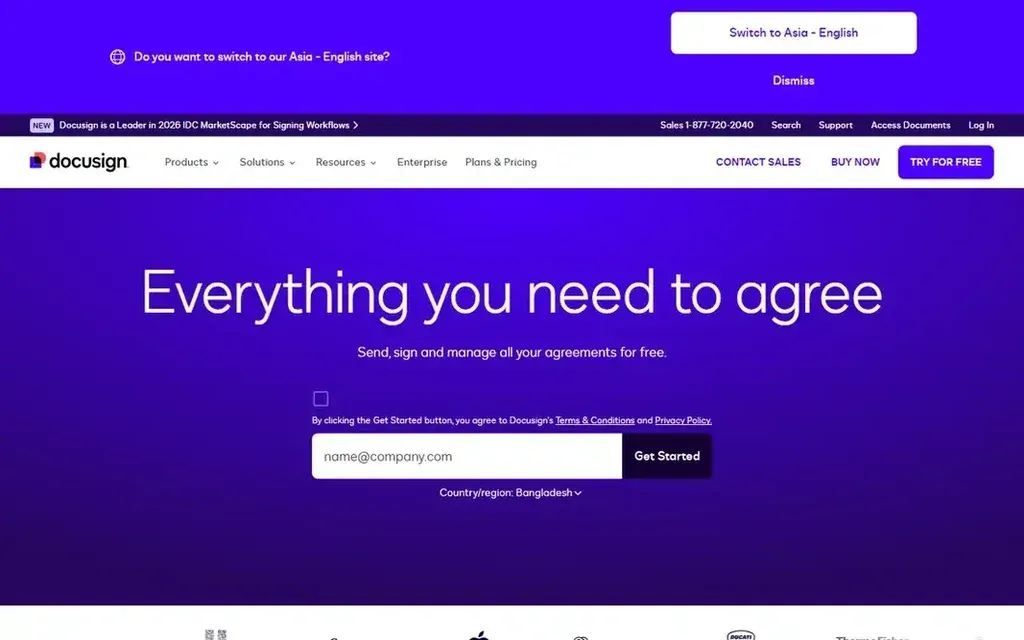
Choose DocuSign for agreement management with e-signature. When a document also needs notarization, DocuSign can be part of the process. Its homepage emphasis is on e-signature and agreement management instead of notary services alone.
What to check first: May be more system than needed for a single notarized document.
For a one-off notarization, DocuSign may offer more agreement tooling than a small team needs. Its strength is managing agreement lifecycles, so pick it when e-signature and contract management are the priority and notarization is an occasional add-on. Otherwise, a dedicated online notary service may be a more direct fit. Starting cost for DocuSign: $45 per user per month. As for free access: Not stated.
- Widely used for electronic signing
- Supports creating and managing agreements
- Notarization is not its primary focus
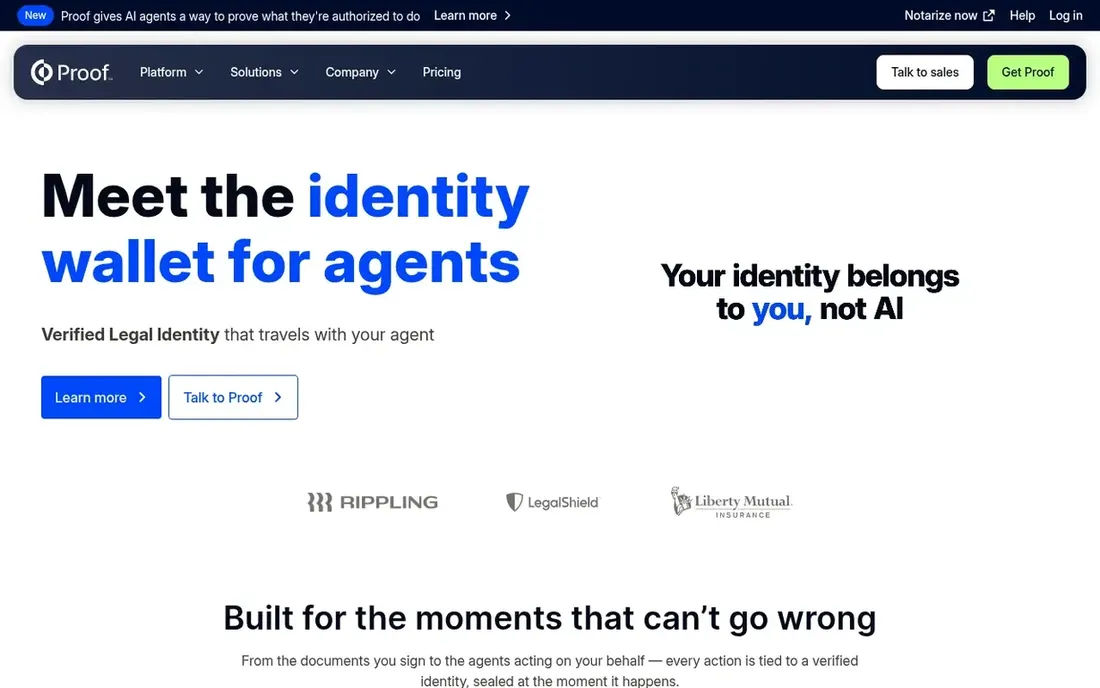
Proof serves identity-centric transaction security. Consider it when identity verification is a core requirement and you can integrate it with your existing document processes; otherwise a dedicated notarization service may be more straightforward.
Honest limits: Not a dedicated notary scheduling service.
Beyond that, instead of acting as a standalone notary marketplace, Proof is positioned as infrastructure for identity and transaction security. As for the details, Proof describes itself as an identity-centric security system that verifies identities and secures transactions to protect firms and their customers. The starting price for Proof: $199 per month. Free plan details: Free trial.
- Aimed at business trust needs
- Centres on verifying identities
- May need integration into existing workflows
BlueNotary
Best for: Remote notarization for varied users
Pick BlueNotary if this describes you: remote notarization for varied users. Its homepage invites users to start notarizing in minutes, which fits people who want a straightforward online session without an office visit. Beyond that, confirm which document types and states are supported for your situation.
What works well: Supports remote online notarization.
Trade-offs to know: Details of supported document types should be confirmed.
It is a solid candidate when the goal is a dedicated RON service, but compare it with other notary systems if you need broader workflow features. In daily use, the service appears made for both sides of the transaction, including notaries who perform remote sessions and organizations that require documents notarized. BlueNotary shows no starting price here, so confirm the cost on the vendor site. Free options: Not stated.
- Emphasizes secure and compliant sessions
- Notaries and firms
- Not positioned as a full agreement platform
Notarize
Best for: Quick online notarization sessions
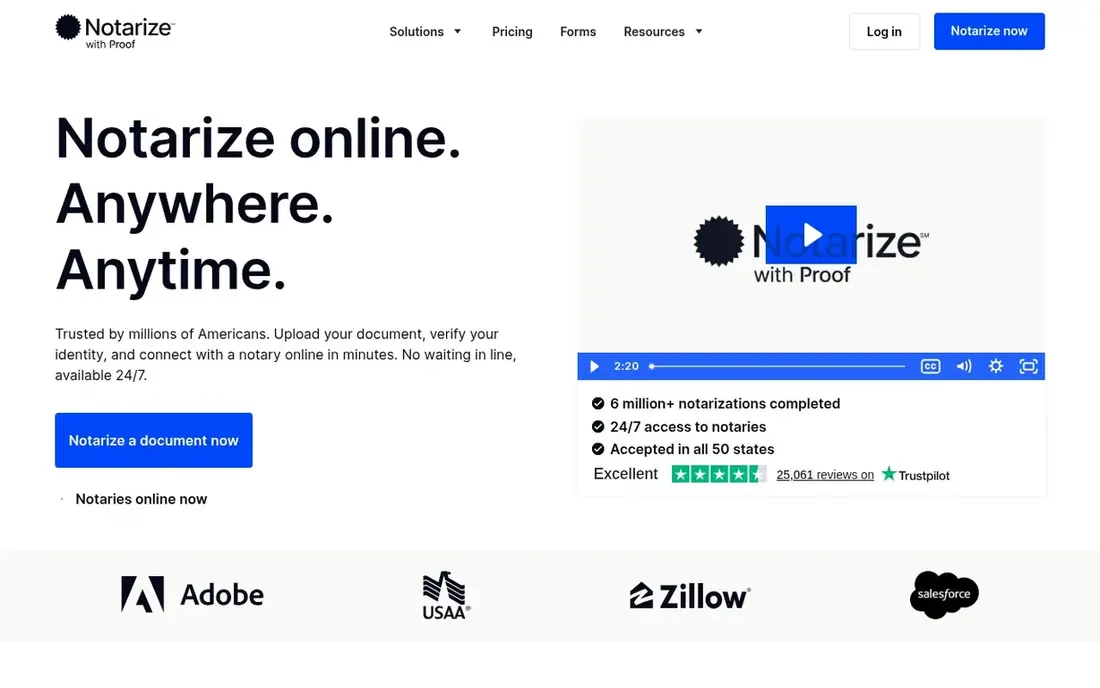
Pick Notarize if this describes you: quick online notarization sessions. Notarize is an online notarization service that links users with certified notaries for secure sessions. Its homepage flags fast and legally valid notarizations available anytime, which suits individuals and companies that require a document notarized without visiting an office.
As for the details, the service is positioned around convenience and speed. It is a reasonable choice when the central task is getting a document notarized online, but organizations with complicated contract workflows should compare it against tools that combine e-signature and agreement management. Notarize starts at: $4 per transaction. Notarize has a free plan.
What works well: Available around the clock.
What to check first: Not a full agreement management system.
- Secure notarization
- Made for fast
- Most useful for notarization instead of wide e-signature workflows
NotaryLive
Best for: No-appointment online notarization
NotaryLive is built with no-appointment online notarization in mind. NotaryLive lets users notarize documents online in minutes with a live notary, without an appointment, and states validity in all 50 states.
The main drawbacks: Centred on notarization instead of agreement management.
As a notarization-focused service, NotaryLive does not replace agreement creation or identity infrastructure. NotaryLive pricing: $25 per session. NotaryLive has no free plan.
- Links users with a live notary
- No appointment needed
- Confirm document eligibility before your session
How we built this list
LinkVetted used vendor pricing pages and product documentation as the base, then compared plans, free access and documented limits for 5 tools. Figures are shown as the vendors publish them. Billing terms, seat minimums and add-ons can change the real cost. The order reflects how well each tool fits the most common buying scenario for online notary software, then price clarity, then free plan access. It is a starting point, not a verdict.
What to confirm before you sign up
- Get a written quote from BlueNotary; the list shows no starting price for them.
- Test the free plan from Notarize against your real workload before relying on it.
- Use real work to test the free trial from Proof, rather than a demo project.
- Before choosing DocuSign, weigh its main limit: Notarization is not its primary focus.
- Check the support hours and onboarding help BlueNotary offers; smaller vendors vary a lot here.
- Ask NotaryLive about contract length, onboarding fees and user minimums before you sign.
FAQ
Do these tools publish their prices?
Not all of them. BlueNotary publishes no starting price, so expect a quote request for it. The rest, DocuSign included, show a starting price, though seats and billing terms still change the final cost.
Is DocuSign the right pick for everyone comparing online notary software?
No single tool suits every team. DocuSign comes first because it fits agreement management with e-signature, while Proof suits identity-centric transaction security and BlueNotary suits remote notarization for varied users. Match the tool to your own size, budget and workflow before deciding.
Can I try these options before paying?
Often, yes. Notarize has a free plan and Proof offers a free trial. Use your own data and a real task during the test, and check what the free tier or trial limits before you rely on it.
How are the tools for online notary software ordered?
The order follows typical fit for online notary software, with DocuSign first and NotaryLive last, then price clarity and free access. It is editorial judgement, not a score, so another team could rank the tools differently.
Is online notarization legally valid?
Remote online notarization is recognized in plenty of states, but rules vary by jurisdiction and document type. The tools here describe legally valid or compliant notarization, yet you should confirm acceptance with the receiving party and your state before relying on a session.
Sources
- https://www.docusign.com
- https://www.proof.com
- https://bluenotary.us
- https://www.notarize.com
- https://notarylive.com