Choosing Videobearbeitungs-Software Für Anfänger in 2026: 5 Options Compared
Searching for the top videobearbeitungs-software für anfänger? Here are 5 options with prices and free plans. Each entry gets a plain verdict. Updated for 2026.

- Editor's choice
 Filmora
Balanced desktop and mobile editing
Starts atPricing on requestVisit filmora.wondershare.comFull review - Great alternative
 CapCut
Quick social video on any device
Starts atPricing on requestVisit capcut.comFull review - Also considerCorel VideoStudio
Consumer editing with tutorials on hand
Starts atPricing on requestVisit videostudiopro.comFull review
Direct answer
For balanced desktop and mobile editing, Filmora is where this list starts. CapCut is the stronger choice for quick social video on any device, while Corel VideoStudio suits consumer editing with tutorials on hand. The other 2 tools in the list cover narrower or pricier cases. None of these vendors publish plan prices, so pricing is on request for every option.
TL;DR:
- The list opens with Filmora, aimed at balanced desktop and mobile editing.
- A fair warning about Corel VideoStudio: restricted to the Windows ecosystem.
- Apple Final Cut Pro suits Apple users ready to level up.
- No starting price is shown for any of the 5 tools, Filmora and Apple Final Cut Pro included, so plan time for sales calls.
Last checked November 2026. Pricing on request: vendors did not publish plan prices when this guide was last checked (November 2026), so ask each vendor for a written quote.
Quick comparison
| Tool | Best for | Starts at | Free plan? | |
|---|---|---|---|---|
| Filmora | Balanced desktop and mobile editing | Pricing on request | Not stated | Visit |
| CapCut | Quick social video on any device | Pricing on request | Yes | Visit |
| Corel VideoStudio | Consumer editing with tutorials on hand | Pricing on request | Not stated | Visit |
| Adobe Premiere Elements | Guided desktop editing for newcomers | Pricing on request | Not stated | Visit |
| Apple Final Cut Pro | Apple users ready to level up | Pricing on request | Not stated | Visit |
Videobearbeitungs-Software Für Anfänger, one by one
LinkVetted compared 5 tools for videobearbeitungs-software für anfänger. The goal is a practical shortlist: published prices, free plan facts, best-fit use cases and honest limits for every entry.
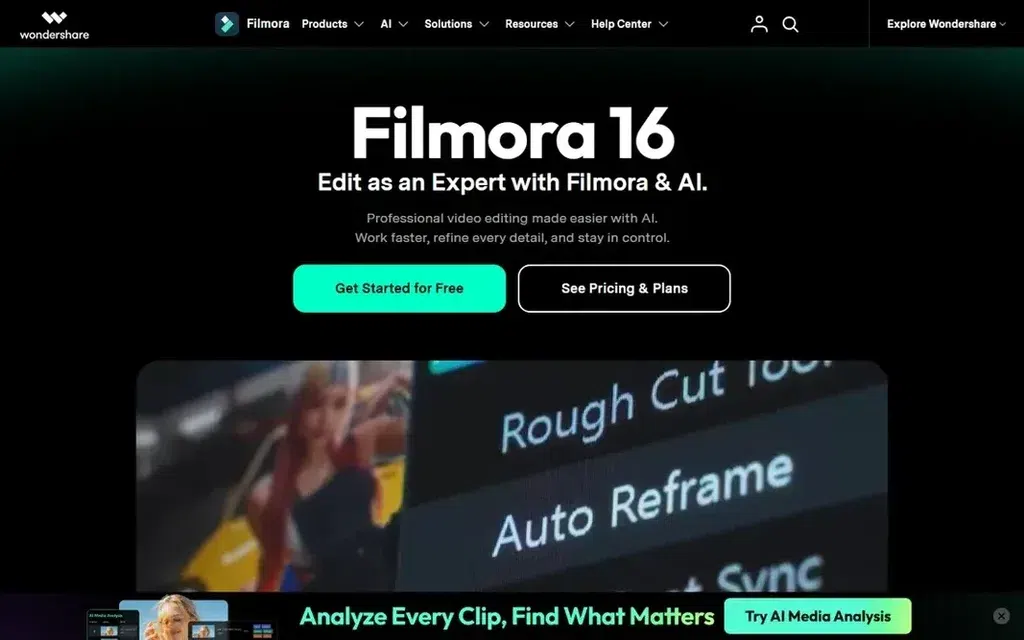
Where Filmora fits: balanced desktop and mobile editing. If you only need simple trims and titles, a lighter editor may be simpler, whereas editors aiming for professional color and effects work should look at dedicated pro tools.
Pricing for Filmora is not stated here, so ask the vendor for current figures. On free options: Not stated.
The main drawbacks: Interface can feel busy for absolute beginners.
- Effects and captions
- Easy-to-learn timeline tools
- Some advanced features sit behind premium levels
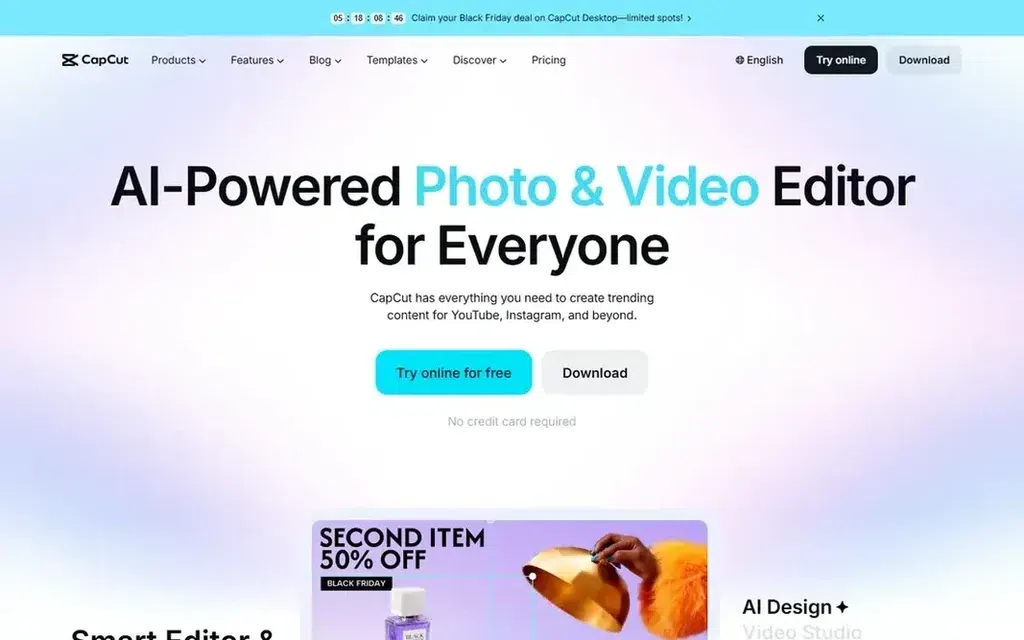
For quick social video on any device, CapCut is a natural candidate. Pick a timeline-centered desktop editor instead if your projects are longer or need in-depth audio and color work.
The main drawbacks: Less suited to long-form film projects.
Best features of CapCut: Smart templates and creative effects. Check the vendor site for CapCut pricing; none is listed in this comparison. Free access exists with CapCut.
- Mobile and online editing
- AI-powered tools built in
- Template-heavy style can feel limiting
Corel VideoStudio
Best for: Consumer editing with tutorials on hand
Corel VideoStudio was built for consumer editing with tutorials on hand. Corel VideoStudio is the official home of the VideoStudio Pro family, offering product information, updates, tutorials and videos. Beyond that, consider it when you prefer a traditional consumer editor with tutorial support instead of a mobile-first or pro-grade application.
Beginners who like learning from structured tutorials and want a consumer-oriented Windows editor can use the site to understand the product line before committing to a workflow. It is a consumer-focused Windows choice, so Mac users and editors wanting deep professional color or effects tools will need alternatives. Corel VideoStudio does not show a starting price in this comparison, so check the vendor site for current pricing. As for free access: Not stated.
Watch-outs: Less momentum than some rivals.
- Product information and tutorials on site
- Familiar consumer editing approach
- Restricted to the Windows ecosystem
Adobe Premiere Elements
Best for: Guided desktop editing for newcomers
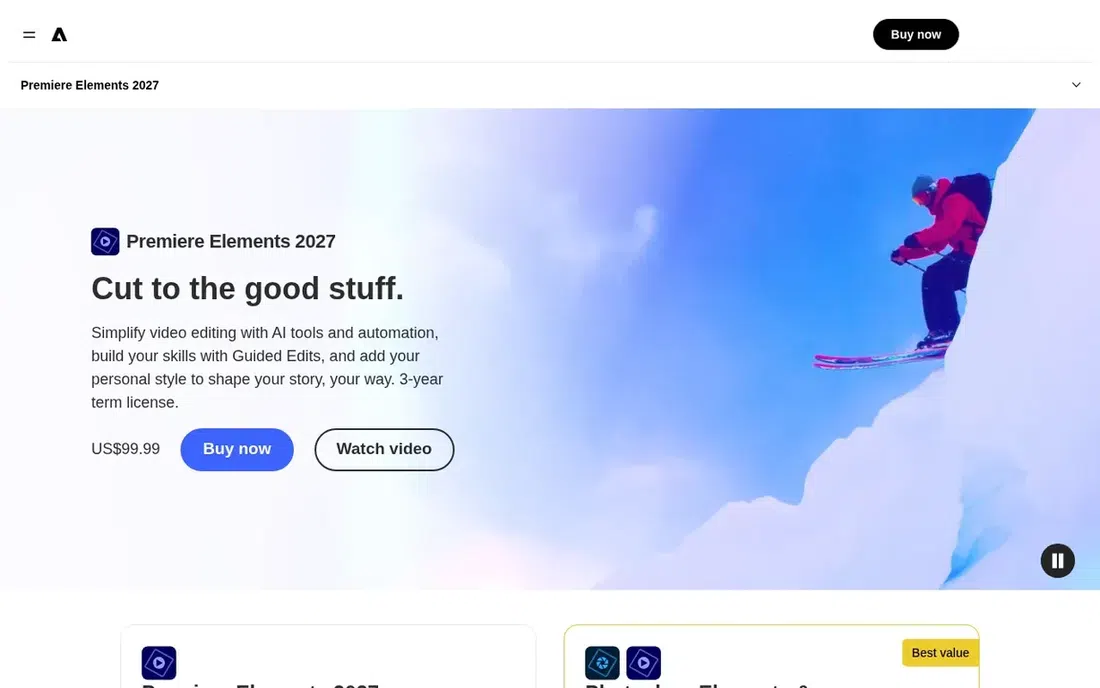
Adobe Premiere Elements was built for guided desktop editing for newcomers. Consider it when you want a guided desktop experience instead of mobile convenience or advanced color and audio work.
The main drawbacks: Desktop only, no mobile app.
Adobe Premiere Elements is positioned as simple video editing software for telling stories and sharing memories. Adobe Premiere Elements does not show a starting price in this comparison, so check the vendor site for current pricing. As for free access: Not stated.
- Automatic editing and step-by-step guidance
- Decent fit for turning clips into finished movies
- Fewer advanced choices than pro Adobe tools
Apple Final Cut Pro
Best for: Apple users ready to level up
Where Apple Final Cut Pro fits: Apple users ready to level up. Final Cut Pro is Apple's professional editing application, packed with feature-rich intelligence features that aim to make pro-quality video creation and editing simpler on Mac and iPad.
Where it is weaker: Mac and iPad only.
Apple Final Cut Pro does not show a starting price in this comparison, so check the vendor site for current pricing. Free access: Not stated.
- Runs on Mac and iPad
- Pro-quality editing made approachable
- More complicated than consumer editors
How the list was put together
Each tool was reviewed on what its vendor publishes: price, plan limits, core features and stated drawbacks. We did not run hands-on tests. Where a vendor does not publish a price, the entry says quote. Where a price depends on seats or billing term, the entry says so. The order reflects how well each tool fits the most common buying scenario for videobearbeitungs-software für anfänger, then price clarity, then free plan access. It is a starting point, not a verdict.
What to check before you buy
- Request quotes from Filmora, Apple Final Cut Pro and the others; the list shows no fixed prices.
- Look at the free plan from CapCut closely: its caps decide whether it is usable for real work.
- Before choosing Filmora, weigh its main limit: some advanced features sit behind premium levels.
- Test how quickly Filmora answers a pre-sales question; it hints at how support will feel later.
- The entry price of Corel VideoStudio is only the starting point; model the full cost with seats and extras.
FAQ
Is a mobile editor enough for beginner projects?
For short social videos, mobile-friendly tools for example CapCut and iMovie handle most needs. Longer projects with in-depth audio and color work are typically simpler on a desktop editor with a full timeline.
Which options for videobearbeitungs-software für anfänger have a free plan?
CapCut is the only tool in this list with a free plan. Free plans usually cap users, projects or features, so check the limits on the vendor page. All 5 picks in this Videobearbeitungs-Software für anfänger comparison list a starting price, free plan details and the main limits on their cards above.
Can I try these tools before paying?
Often, yes. CapCut has a free plan. Use your own data and a real task during the test, and check what the free tier or trial limits before you rely on it. For the full picture, the cards above cover all 5 entries of this Videobearbeitungs-Software für anfänger list, including price, free plan and limits.
Is Filmora the right pick for everyone comparing videobearbeitungs-software für anfänger?
No single tool suits every team. Filmora comes first because it fits balanced desktop and mobile editing, while CapCut suits fast social video on any device and Corel VideoStudio suits consumer editing with tutorials on hand. Match the tool to your own size, budget and workflow before deciding.
Do these tools publish their prices?
No. None of the tools, from Filmora to Apple Final Cut Pro, shows a fixed starting price here, so budget time for quotes.
Sources
- https://filmora.wondershare.com
- https://www.capcut.com
- https://www.videostudiopro.com
- https://www.adobe.com/products/premiere-elements.html
- https://www.apple.com/final-cut-pro