Software for Layout and Visual Design in 2026: The 6 Best Options Side by Side
Compare 6 picks for the top software for layout and visual design, with prices, free plans and who each fits. Pros and cons for every tool. Clear verdicts.
- Editor's choice
 Canva
Fast visuals for non-designers
Starts atSee websiteVisit canva.comFull review - Great alternativeAffinity Publisher
Professional page layout work
Starts atSee websiteVisit affinity.serif.comFull review - Also consider
 Affinity Designer
Vector art and bold graphics
Starts atSee websiteVisit affinity.serif.comFull review
Direct answer
For fast visuals for non-designers, Canva is where this list starts. Listed starting prices: Figma from $3 per month and Sketch from $12 per editor a month. Affinity Publisher is the stronger choice for professional page layout work, while Affinity Designer suits vector art and bold graphics. The full list of 6 tools follows, with prices and free plan facts.
TL;DR:
- The list opens with Canva, aimed at fast visuals for non-designers.
- For print and digital page layout, Adobe InDesign is worth a look.
- A permanent free plan is missing from all 6 tools, Canva and Adobe InDesign included; plan for a trial or a premium start.
- One limit worth knowing about Affinity Designer: not a page layout program.
Last checked November 2026. Prices and plan details were read from the vendors' own pages in November 2026; vendors change plans often, so confirm the current price on the vendor site before you buy.
Quick comparison
| Tool | Best for | Starts at | Free plan? | |
|---|---|---|---|---|
| Canva | Fast visuals for non-designers | See website | Not stated | Visit |
| Affinity Publisher | Professional page layout work | See website | Not stated | Visit |
| Affinity Designer | Vector art and bold graphics | See website | Not stated | Visit |
 Figma | Collaborative interface and product design | $3 per month | Not stated | Visit |
 Sketch | Mac-based design and handoff | $12 per editor a month | Free trial | Visit |
 Adobe InDesign | Print and digital page layout | See website | Not stated | Visit |
Software for Layout and Visual Design, one by one
Choosing software for layout and visual design usually comes down to price, fit and limits. This LinkVetted guide sets 6 tools side by side on those three points, with the facts kept short and checkable.
For quick visuals for non-designers, Canva is a natural candidate. Customization can feel constrained when a brand needs exact specifications.
Where it is weaker: Template-driven results can look generic.
Its breadth of output formats makes it a practical choice for everyday communication assets instead of specialist production work. As for the details, Canva favors speed and templates over fine-grained typographic and layout control, so demanding print projects may need a dedicated publishing tool. Canva shows no starting price here, so confirm the cost on the vendor site. Free options: Not stated.
- Handles social posts
- Posters and presentations
- Less precise control for print production
Affinity Publisher
Best for: Professional page layout work
Affinity Publisher is aimed squarely at professional page layout work. Publisher is a layout tool first, so heavy vector illustration or interface design belongs in other applications. Affinity Publisher is page layout and desktop publishing software for crafting striking layouts with precision.
Its homepage describes professional page layout with total control, positioning it as a focused alternative for document work. Teams already standardized on another publishing ecosystem may face friction when exchanging files and templates. Affinity Publisher does not show a starting price in this comparison, so check the vendor site for current pricing. Trial and free access: Not stated.
What to check first: Less familiar to some production teams.
- Precise layout and typography control
- Aimed at desktop publishing
- Fewer external integrations
Think of Affinity Designer for vector art and bold graphics. Pick it for vector work and pair it with layout software for document-heavy projects. Beyond that, Designer does not replace a publishing application for long, multi-page documents with complicated typographic flow.
Affinity Designer is graphic and vector design software for creating crisp vector art and bold graphics, described as aimed at precision, speed and freedom. It pairs naturally with a dedicated layout tool when a project spans both drawing and page assembly. This comparison lists no price for Affinity Designer; ask the vendor. Free options: Not stated.
Limits to weigh: Fewer learning resources than bigger ecosystems.
- Crisp vector drawing and editing
- Aimed at precision and speed
- Not a page layout program
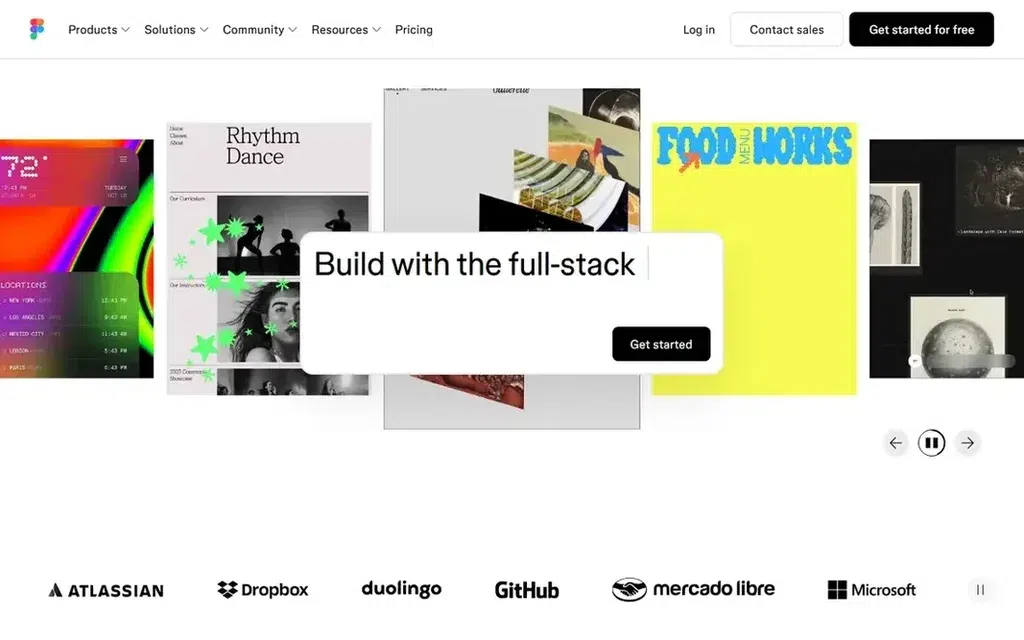
Figma is built with collaborative interface and product design in mind. Figma presents itself as a collaborative canvas where design, code and AI come together, taking teams from first idea to shipped product in one place. Teams that mostly produce brochures or books may find the model mismatched.
What to check first: Less suited to print publishing.
Visual design here leans toward screens and interactive products rather than printed pages. From a buyer's view, choose it when shared, live collaboration on screen designs is the core need. On cost, Figma starts like this: $3 per month. On free options: Not stated.
What Figma does well: code and AI together.
- Supports concept-to-production workflows
- Brings design
- Depends on stable connectivity for shared work
Sketch is aimed squarely at Mac-based design and handoff. Its emphasis is on keeping attention on the work itself instead of on surrounding complexity. For everyday use, consider a cross-platform choice when everyone needs to open and edit files in the browser.
For everyday use, collaboration happens through its own workflow instead of a completely browser-based canvas, so distributed teams should weigh that against their habits. As for the details, Sketch is tied to Apple systems, which limits mixed teams using other systems. Sketch pricing: $12 per editor per month. Free access: Free trial.
Downsides: Restricted to Apple systems.
Reasons to shortlist it: Focused.
- Design
- Clear workflow for sharing specs
- Smaller ecosystem than browser tools
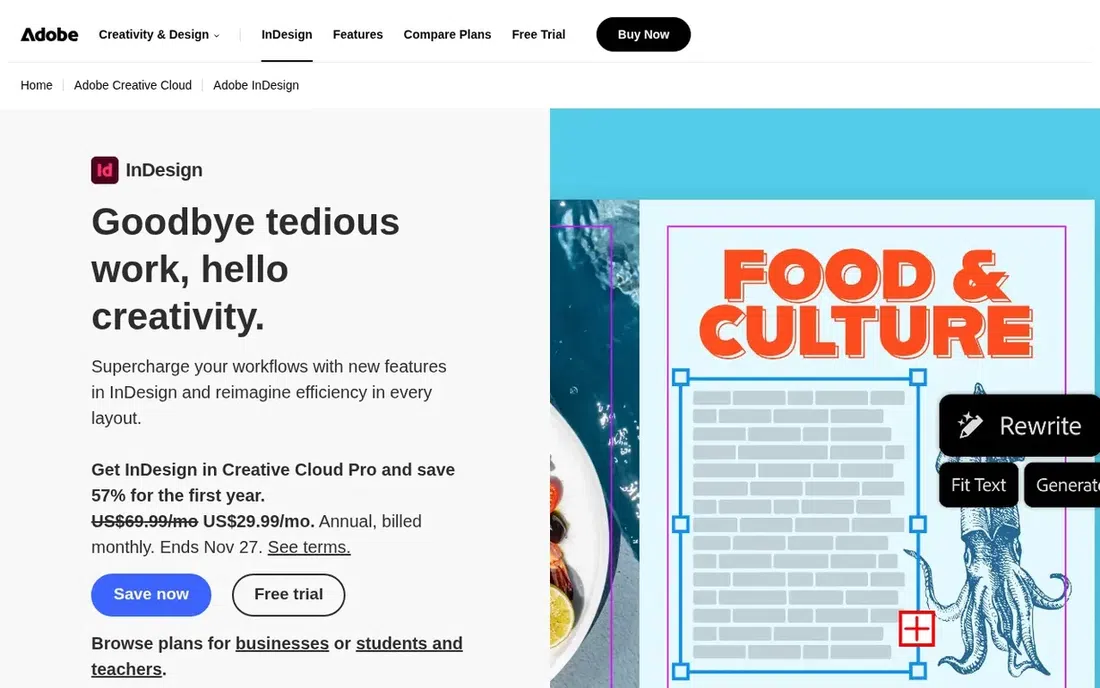
Adobe InDesign is a good fit for print and digital page layout. Adobe InDesign is desktop publishing software aimed at creating layout designs, including printed books, brochures, digital magazines, flyers and interactive online documents. From a buyer's view, consider something else when collaboration on screen designs is the priority or when you seldom produce multi-page documents.
Where it falls short: Steeper ramp-up time for beginners.
If your work centers on print-ready output or structured publications instead of screen interfaces, InDesign is the natural starting point among the tools here. It is not the quickest route for social graphics or straightforward one-page visuals, where lighter tools move quicker. Adobe InDesign does not show a starting price in this comparison, so check the vendor site for current pricing. As for free access: Not stated.
- Brochures and interactive documents
- Well suited to structured publishing work
- Desktop-only workflow
What went into this list
Before you commit
- Ask Canva, Affinity Publisher, Affinity Designer and Adobe InDesign for a written quote, since no starting price is shown.
- Use real work to test the free trial from Sketch, rather than a demo project.
- Read the limits listed for Canva first: less precise control for print production.
- Ask Adobe InDesign which support channels and response times come with the plan you would buy.
- Confirm that Affinity Publisher connects to the apps your team already uses, on the plan you would actually buy.
FAQ
Can I try these tools before paying?
Often, yes. Sketch offers a free trial. Use your own data and a real task during the test, and check what the free tier or trial limits before you rely on it. All 6 picks in this software for layout and visual design comparison list a starting price, free plan details and the main limits on their cards above.
How are the tools for software for layout and visual design ordered?
Canva sits first and Adobe InDesign last because the order follows typical fit for software for layout and visual design, then price clarity and free access. It is a judgement call, so read each profile for fit and limits.
Do these tools publish their prices?
Not all of them. Canva, Affinity Publisher, Affinity Designer and Adobe InDesign publish no starting price, so expect a quote request for those. The rest, Figma included, show a starting price, though seats and billing terms still change the final cost.
Does any tool for software for layout and visual design here have a free plan?
A permanent free plan is not offered by Canva, Adobe InDesign or the other tools here. Sketch offer a trial. Plan a short evaluation period instead.
Sources
- https://www.canva.com
- https://affinity.serif.com/en-us/publisher
- https://affinity.serif.com/en-us/designer
- https://www.figma.com
- https://www.sketch.com
- https://www.adobe.com/products/indesign.html