6 Strong Project Software Designed for Marketing Teams in 2026
Top project software designed for marketing teams: 6 tools compared on price, free plans and fit. Verdicts stay brief and factual. Read before you buy.
- Editor's choice
 ClickUp
Budget teams that want one workspace
Starts at$7 per user/month (billed annually)Visit clickup.comFull review - Great alternative
 Teamwork.com
Client work and agencies
Starts atSee websiteVisit teamwork.comFull review - Also consider
 Airtable
Content databases and custom workflows
Starts at$20 per user/month (billed annually)Visit airtable.comFull review
Direct answer
Start with ClickUp if you need budget teams that want one workspace. If your case is different, Teamwork.com suits client work and agencies and Airtable suits content databases and custom workflows. The full list of 6 tools follows, with prices and free plan facts.
TL;DR:
- Top of the list is ClickUp, which targets budget teams that want one workspace.
- A fair warning about monday.com: free plan is limited to two seats.
- Wrike fits creative request intake and proofing.
- 6 out of 6 tools include a free plan, among them ClickUp, Teamwork.com, Airtable and monday.com.
- ClickUp has the lowest monthly starting price in this list: $7 per user/month.
Quick comparison
| Tool | Best for | Starts at | Free plan? | |
|---|---|---|---|---|
| ClickUp | Budget teams that want one workspace | $7 per user/month (billed annually) | Yes | Visit |
| Teamwork.com | Client work and agencies | See website | Yes | Visit |
| Airtable | Content databases and custom workflows | $20 per user/month (billed annually) | Yes | Visit |
 monday.com | Visual dashboards and custom boards | $9 per seat/month (billed yearly) | Yes | Visit |
 Asana | Campaign planning and approvals | $10.99 per user/month (billed yearly) | Yes | Visit |
 Wrike | Creative request intake and proofing | $10 per user/month | Yes | Visit |
Project Software Designed for Marketing Teams, one by one
LinkVetted compared 6 project software designed for marketing teams. The goal is a practical shortlist: published prices, free plan facts, best-fit use cases and honest limits for every entry.

ClickUp targets budget teams that want one workspace. ClickUp is the value pick. New users frequently get lost in views, statuses and settings, and a team without a workspace owner tends to build inconsistent setups.
Main advantages: Lowest entry price among the big names.
The main drawbacks: Large feature set makes setup and training slow.
Worth adding: for marketing, the appeal is replacing multiple tools with one. In practice, the Unlimited plan is $7 per user per month billed annually ($10 monthly), and Business is $12 yearly ($19 monthly). The downside is that ClickUp provides plenty of options. From a buyer's view, plan on a handful of weeks of tidy-up before it feels natural. On cost, ClickUp starts like this: $7 per user/month. You can start on ClickUp without paying.
- Ample free plan
- Docs, tasks
- Interface can feel crowded
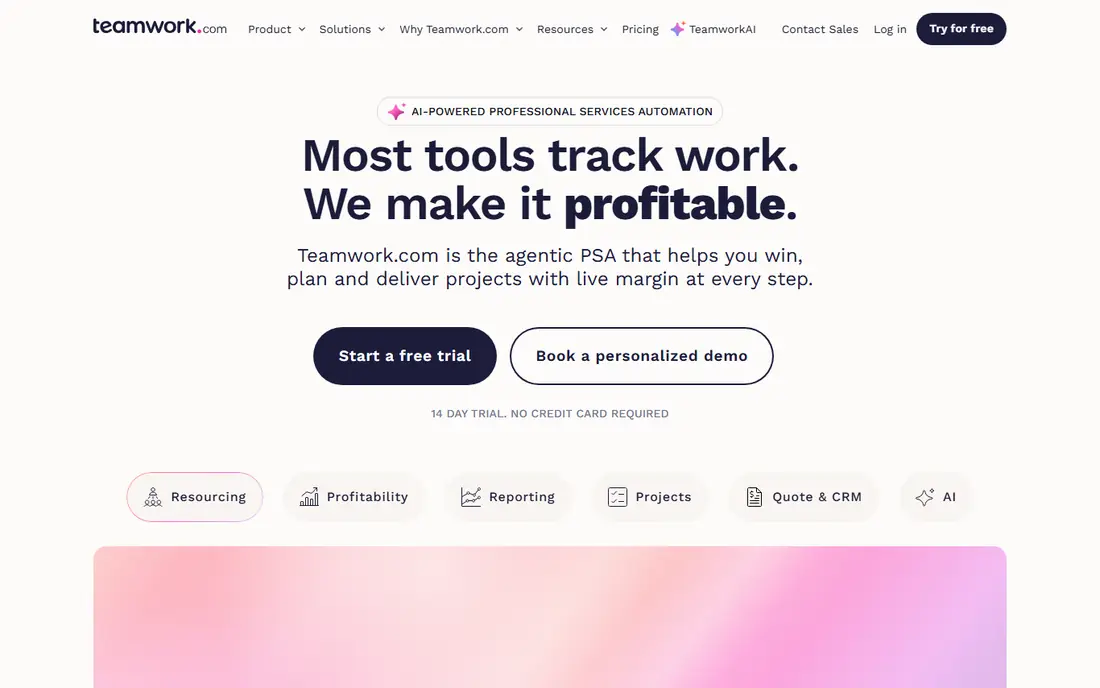
Teamwork.com serves client work and agencies. Teamwork.com is aimed at teams that deliver work to clients, which makes it a natural match for marketing agencies and in-house teams that bill internal departments. It puts time tracking, budgets and workload planning alongside tasks.
Watch-outs: More than an entry-level task tool needs.
So you can see whether a campaign is on track financially and not just on schedule. I could not confirm Teamwork's current prices from its own pricing page, so the table says See website. From a buyer's view, external roundups list a free level and premium levels named Deliver, Grow and Scale. But the numbers differ between sources, which is a decent reason to check the vendor page straight. In practice, if you only need a content calendar and task list, Teamwork has more than you need. It makes the most sense when billable hours and client reporting are a daily concern. Teamwork.com shows no starting price here, so confirm the cost on the vendor site. You can start on Teamwork.com without paying.
- Client-facing collaboration choices
- Built with client delivery in mind
- Plan names and prices have changed over time, so check before you buy
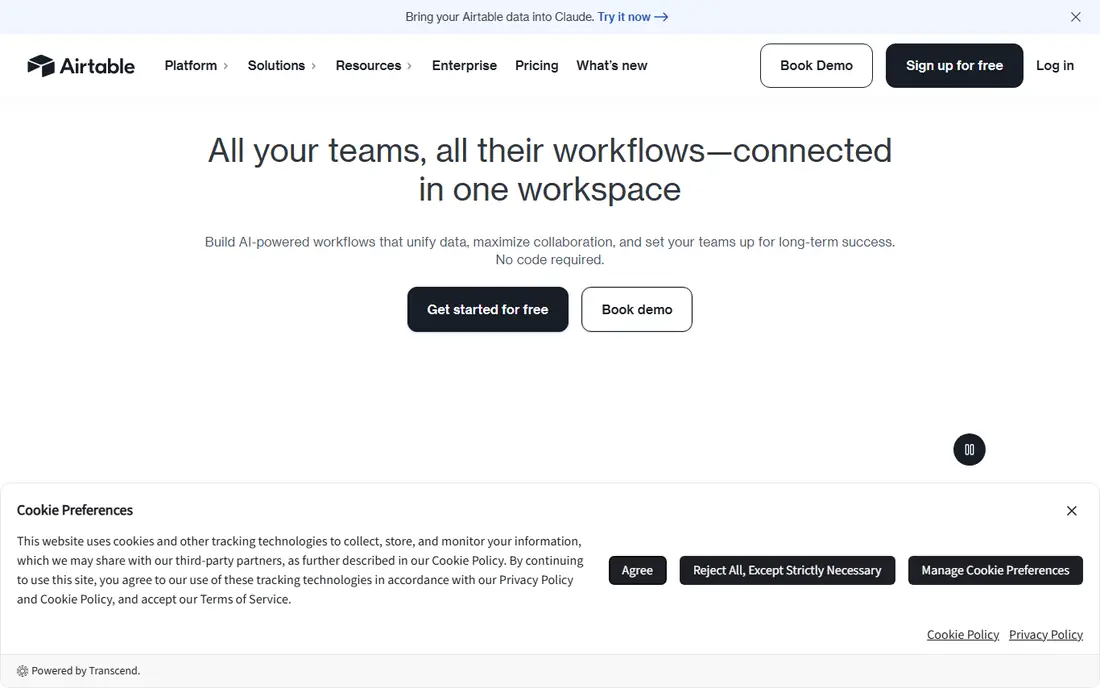
Airtable makes the most sense for content databases and custom workflows. Airtable performs best when your marketing work is really a database problem. Teams that want ready-made project templates, dependencies and workload views may find themselves rebuilding features that other tools bundle.
Highlights: asset libraries and editorial calendars.
Where it is weaker: Not a traditional project tool, so you build the structure yourself.
Also, the Airtable pricing page lists a Free plan, Team at $20 per user a month billed yearly, and Business at $45. Worth adding: think of a content library with hundreds of posts, each with a status, channel, author and publish date, or a campaign tracker tying assets to budgets. The starting price for Airtable: $20 per user/month. A free plan is available with Airtable.
- Solid automation and integration choices
- Solid for content inventories
- Per-seat price is the highest of the entry plans here
monday.com makes the most sense for visual dashboards and custom boards. The monday.com pricing page presents a free plan for up to two seats.
Also, entry-level is light, and the features most marketers want, for example more automations and richer views, arrive on Standard or Pro. The starting price for monday.com: $9 per seat/month. monday.com has a free plan.
What to check first: The cheapest level is thin on automations and views.
- Many automation recipes
- Solid dashboards for reporting to leadership
- Free plan is restricted to two seats
Asana targets campaign planning and approvals. A campaign becomes a project, each deliverable becomes a task with an owner and due date, and dependencies present who is blocking whom. Beyond that, starter is $10.99 per user a month billed yearly, and Advanced is $24.99 on the same basis.
In daily use, Asana is also a general work tool, so it has no built-in proofing or budget tracking tuned for creative work. On pricing, the Asana page lists a free Personal plan for one or two people. Marketers who want portfolios, workload views and approvals across multiple campaigns will end up on Advanced, so budget for that level instead of the entry price. What you pay to start with Asana: $10.99 per user/month. Asana includes a free tier.
Drawbacks to consider: The most handy planning features sit on the $24.99 Advanced tier.
- Solid integration library
- Simple for non-technical staff to adopt
- Free plan is limited to one or two people
Wrike is aimed squarely at creative request intake and proofing. Pinnacle is custom priced, and the page lists advanced resource and capacity planning there. As for the details, the Wrike pricing page lists a Free plan with essential task management, Team at $10 per user a month, and Business at $25.
Where it is weaker: Interface takes longer to learn than Asana or Trello.
Beyond that, the trade-off is complexity. Small teams of three or four marketers can find Wrike heavy, and setup takes real thought if you want clean folders, custom fields and reports. It rewards teams with an admin who cares about process. That structure is handy when you have more than a dozen campaigns running at once. On cost, Wrike starts like this: $10 per user/month. Wrike has a free plan.
- Manages plenty of concurrent projects
- Request forms and approvals suit creative teams
- Advanced resource planning sits on the top custom-priced level
How the list was put together
LinkVetted looked at what each vendor publishes: pricing, plan limits, feature coverage for project software designed for marketing teams and stated drawbacks. No hands-on testing is claimed. Treat prices as a snapshot: vendors change plans often, so check the vendor site for the figure that applies today. The order reflects how well each tool fits the most common buying scenario for project software designed for marketing teams, then price clarity, then free plan access. It is a starting point, not a verdict.
What to confirm before you sign up
- Ask Teamwork.com for a written quote, since no starting price is shown.
- Look at free plan limits closely: ClickUp, Teamwork.com, Airtable and others have one, and the caps decide whether it is usable for real work.
- Before choosing ClickUp, weigh its main limit: large feature set makes setup and training slow.
- Before you load data into Asana, check what an export looks like and who can run it.
- Add up seats, add-ons and usage charges for Airtable before comparing it with cheaper entries.
FAQ
Can I try these tools before paying?
Often, yes. ClickUp, Teamwork.com, Airtable and others have a free plan. Use your own data and a real task during the test, and check what the free tier or trial limits before you rely on it.
Is ClickUp the right pick for everyone comparing project software designed for marketing teams?
No single tool suits every team. ClickUp comes first because it fits budget teams that want one workspace, while Teamwork.com suits client work and agencies and Airtable suits content databases and custom workflows. Match the tool to your own size, budget and workflow before deciding.
How are the project software designed for marketing teams ordered?
ClickUp sits first and Wrike last because the order follows typical fit for project software designed for marketing teams, then price clarity and free access. It is a judgement call, so read each profile for fit and limits.
What is the cheapest option for project software designed for marketing teams in this list?
On published monthly entry prices, ClickUp is the lowest here at $7 per user/month. Entry price is only part of the cost, because seats, add-ons and billing terms can change the total.