5 Best Workflow Automation Tools for Retail for 2026, Vetted and Compared
Weighing the best workflow automation tools for retail? We lined up 5 products by cost, free access and fit. Each entry gets a plain verdict. Pick by budget.
- Editor's choice
 UiPath
Enterprise orchestration with robots and AI
Starts at$25 per monthVisit uipath.comFull review - Great alternative
 Tray.ai
AI-native iPaaS for complicated retail integrations
Starts at$50 per monthVisit tray.aiFull review - Also consider
 Kissflow
Low-code custom apps and workflow automation
Starts atSee websiteVisit kissflow.comFull review
Direct answer
This list puts UiPath first for enterprise orchestration with robots and AI. Listed starting prices: UiPath from $25 per month, Tray.ai from $50 per month and Workato from $100 a month. Tray.ai is better for AI-native iPaaS for complicated retail integrations, and Kissflow is better for low-code custom apps and workflow automation. Prices, free plans and limits for all 5 tools follow.
TL;DR:
- UiPath is the opening pick, best for enterprise orchestration with robots and AI.
- Workato fits governed enterprise integration and automation.
- UiPath has the lowest monthly starting price in this list: $25 per month.
- Make comes with a trade-off: can get complicated at scale.
Last checked November 2026. Prices and plan details were read from the vendors' own pages in November 2026; vendors change plans often, so confirm the current price on the vendor site before you buy.
Quick comparison
| Tool | Best for | Starts at | Free plan? | |
|---|---|---|---|---|
| UiPath | Enterprise orchestration with robots and AI | $25 per month | Yes | Visit |
| Tray.ai | AI-native iPaaS for complicated retail integrations | $50 per month | Free trial | Visit |
| Kissflow | Low-code custom apps and workflow automation | See website | Not stated | Visit |
 Make | Visual no-code automation for retail workflows | See website | Yes | Visit |
 Workato | Governed enterprise integration and automation | $100 a month | Yes | Visit |
Workflow Automation Tools for Retail, one by one
This LinkVetted guide covers 5 options for workflow automation tools for retail. Each profile lists a starting price, free plan details, strengths and drawbacks, so you can drop poor fits quickly.
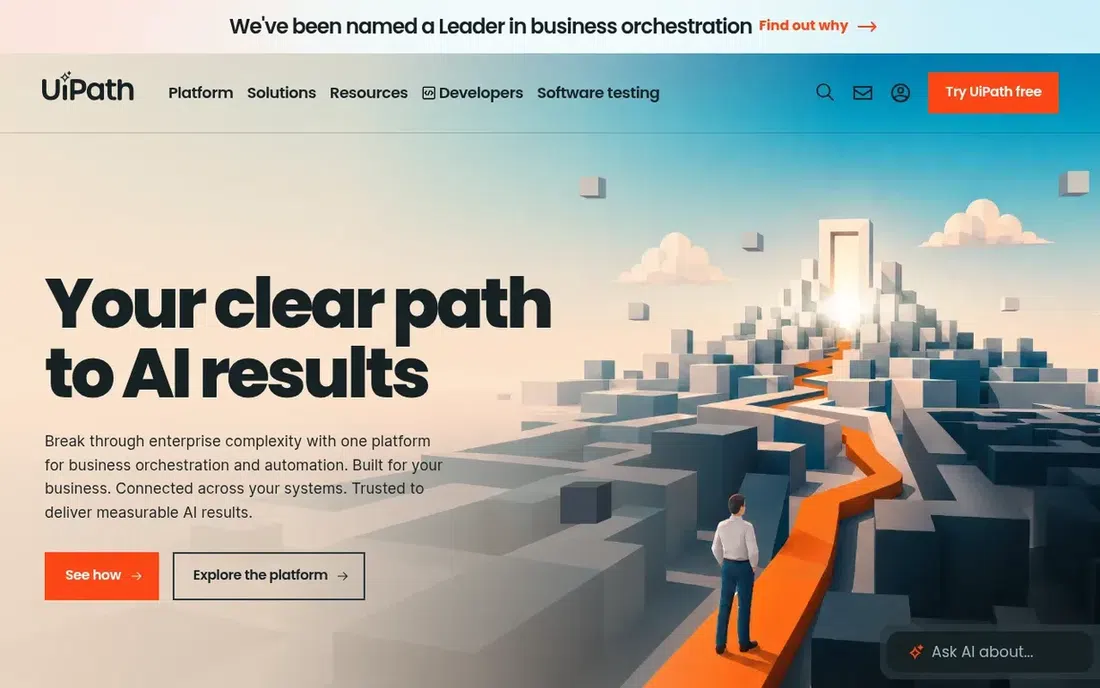
Pick UiPath if this describes you: enterprise orchestration with robots and AI. UiPath gives you a system for business orchestration and automation that makes it possible for AI agents, robots, and people to deliver secure, compliant outcomes at scale.
More specifically, UiPath can be more complicated and resource-intensive than light no-code tools, making it less a strong match for small retail teams without dedicated automation staff. Consider UiPath when enterprise-scale orchestration and compliance are top priorities. On cost, UiPath starts like this: $25 per month. UiPath has a free plan.
Limits to weigh: Can be complicated for small teams.
- Compliant outcomes
- Focus on secure
- May require specialized skills
Tray.ai targets AI-native iPaaS for complicated retail integrations. Choose Tray.ai when you need an AI-native product for sophisticated, large-scale retail integrations.
Tray.ai may be more complicated than necessary for entry-level retail automation tasks. It also needs a certain level of technical understanding to use its full capabilities. On cost, Tray.ai starts like this: $50 per month. Free options: Free trial.
Where it is weaker: Needs technical understanding.
- AI-native system
- Governs MCP and automates on one system
- May be complicated for straightforward needs
Kissflow serves low-code custom apps and workflow automation. Kissflow may not offer the same depth of pre-built integrations as dedicated iPaaS systems, which could limit its use for complicated retail system connections.
Also, pick Kissflow when you have to build custom apps and automate internal workflows with low-code ease. Check the vendor site for Kissflow pricing; none is listed in this comparison. On free options: Not stated.
The main drawbacks: Less centred on iPaaS.
- Build custom enterprise apps
- AI-powered low-code product
- May lack deep integration features
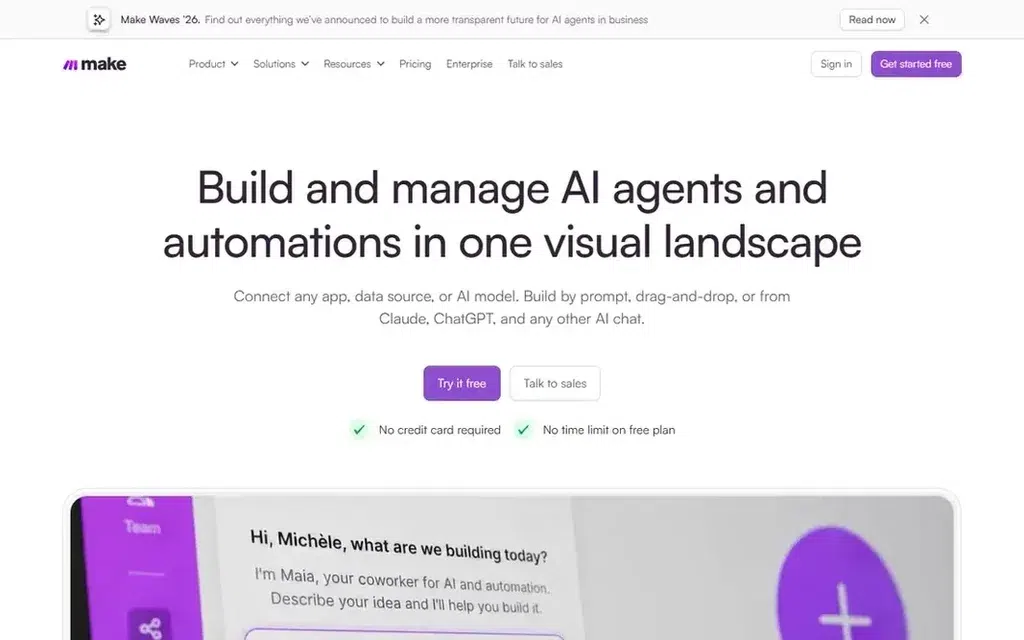
Make is aimed squarely at visual no-code automation for retail workflows. Make is a visual no-code integration and automation system that lets retail teams build, scale, and automate AI and agentic workflows. Choose Make when speed and visual simplicity matter most for retail process automation.
Honest limits: Can get complicated at scale.
In practice, teams with strict enterprise governance or heavy IT oversight might prefer a system with deeper orchestration controls. From a buyer's view, the visual builder makes it approachable for operations staff who require to automate repetitive tasks for example order routing or inventory updates. Check the vendor site for Make pricing; none is listed in this comparison. Free access exists with Make.
- Scales from straightforward to complicated
- Supports AI and agentic workflows
- Less suited for heavy governance needs
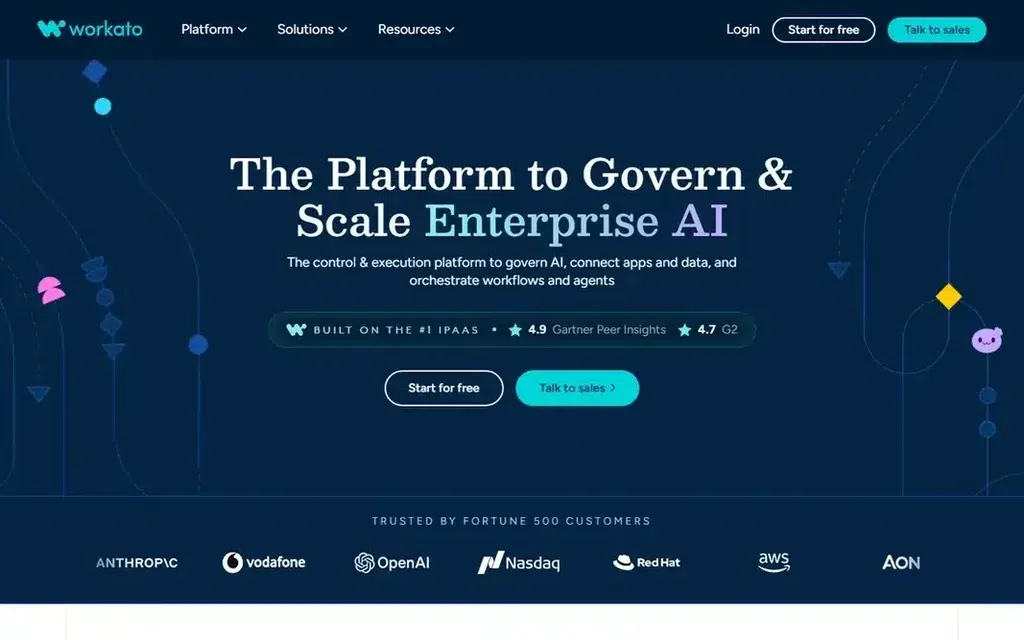
Workato was built for governed enterprise integration and automation. The product emphasizes security and compliance, making it appropriate for bigger retail operations.
What users get: Links apps, data, workflows.
Where it falls short: Needs setup for governance policies.
As for the details, Workato may be more than needed for small retail teams with straightforward automation requirements. It also involves configuration to set up governance and security policies. Entry price for Workato: $100 per month. Workato has a free plan.
- Unified product for orchestration
- Enterprise-grade security and governance
- May be overkill for straightforward retail tasks
How we built this list
Things to verify first
- Ask Kissflow and Make for a written quote, since no starting price is shown.
- Read the fine print on the free plans from UiPath, Make and Workato; seat, project and feature caps differ.
- Run a trial of Tray.ai with real work before paying for a year; your own workflow is the best test.
- Read the limits listed for UiPath first: can be complicated for small teams.
- Before you load data into Workato, check what an export looks like and who can run it.
- Work out what Tray.ai costs with your real seat count, add-ons and usage, not just the entry price.
FAQ
Do these tools publish their prices?
Not all of them. Kissflow and Make publish no starting price, so expect a quote request for those. The rest, UiPath included, show a starting price, though seats and billing terms still change the final cost.
What is the cheapest option for workflow automation tools for retail in this list?
On published monthly entry prices, UiPath is the lowest here at $25 per month. Entry price is only part of the cost, because seats, add-ons and billing terms can change the total. For the full picture, the cards above cover all 5 entries of this workflow automation tools for retail list, including price, free plan and limits.
Is UiPath the right pick for everyone comparing workflow automation tools for retail?
No single tool suits every team. UiPath comes first because it fits enterprise orchestration with robots and AI, while Tray.ai suits AI-native iPaaS for complex retail integrations and Kissflow suits low-code custom apps and workflow automation. Match the tool to your own size, budget and workflow before deciding.
How are the tools for workflow automation tools for retail ordered?
UiPath sits first and Workato last because the order follows typical fit for workflow automation tools for retail, then price clarity and free access. It is a judgement call, so read each profile for fit and limits.
Which tool is a good match for retail companies using NetSuite?
The first pick on this list is UiPath, because it suits enterprise orchestration with robots and AI. Tray.ai is better for AI-native iPaaS for complex retail integrations, and Kissflow for low-code custom apps and workflow automation. Check price and limits against your own needs before choosing.
How does Make differ from UiPath for retail automation?
Make is a visual no-code platform centred on accessible automation for business users, whereas UiPath is an enterprise orchestration system that merges AI agents, robots, and people for secure, compliant outcomes.
Sources
- https://www.uipath.com
- https://tray.ai
- https://kissflow.com
- https://www.make.com
- https://www.workato.com