Best System Mechanic Alternatives for 2026 (5 Compared)
Need System Mechanic alternatives? We compare 5 tools on cost, free access and who each suits. Every profile names its biggest catch. Reviewed in November 2026.

- Editor's choiceWise Care 365
One-click tune-up and registry cleaning
Starts atSee websiteVisit wisecleaner.comFull review - Great alternativeGlary Utilities
All-in-one maintenance bundle
Starts atSee websiteVisit glarysoft.comFull review - Also considerNorton Utilities
Automatic PC optimization
Starts atSee websiteVisit norton.comFull review
Direct answer
For one-click tune-up and registry cleaning, Wise Care 365 is where this list starts. Listed starting prices: CCleaner from $44.95. Look at Glary Utilities for all-in-one maintenance bundle, and at Norton Utilities for automatic PC optimization. All 5 tools are compared below on price, free plan and limits.
TL;DR:
- Number one here is Wise Care 365, a fit for one-click tune-up and registry cleaning.
- For simple PC cleaning and privacy, CCleaner is worth a look.
- CCleaner stands alone as the one tool in this list with a free plan.
- Expect to ask for a quote from Wise Care 365, Glary Utilities, Norton Utilities and Ashampoo WinOptimizer; the other tools show a starting price.
- One limit worth knowing about Norton Utilities: may be bundled with other Norton products.
Last checked November 2026. Prices and plan details were read from the vendors' own pages in November 2026; vendors change plans often, so confirm the current price on the vendor site before you buy.
Quick comparison
| Tool | Best for | Starts at | Free plan? | |
|---|---|---|---|---|
| Wise Care 365 | One-click tune-up and registry cleaning | See website | Not stated | Visit |
| Glary Utilities | All-in-one maintenance bundle | See website | Not stated | Visit |
| Norton Utilities | Automatic PC optimization | See website | Not stated | Visit |
| Ashampoo WinOptimizer | Module-rich Windows tuning suite | See website | Not stated | Visit |
 CCleaner | Straightforward PC cleaning and privacy | $44.95 | Yes | Visit |
Tool-by-tool breakdown
Short on time? The summary and table above give the quick view of 5 tools for System Mechanic, and the profiles that follow give the detail behind each entry.
Wise Care 365
Best for: One-click tune-up and registry cleaning
Where Wise Care 365 fits: one-click tune-up and registry cleaning. If you prefer to review each action manually, a more transparent tool might be preferable.
Downsides: Some features need the premium edition.
No starting price is listed for Wise Care 365 here; confirm pricing on the vendor site. As for free access: Not stated.
- Contains privacy protection
- Cleans registry and junk files
- Aggressive cleaning may need review
Glary Utilities
Best for: All-in-one maintenance bundle
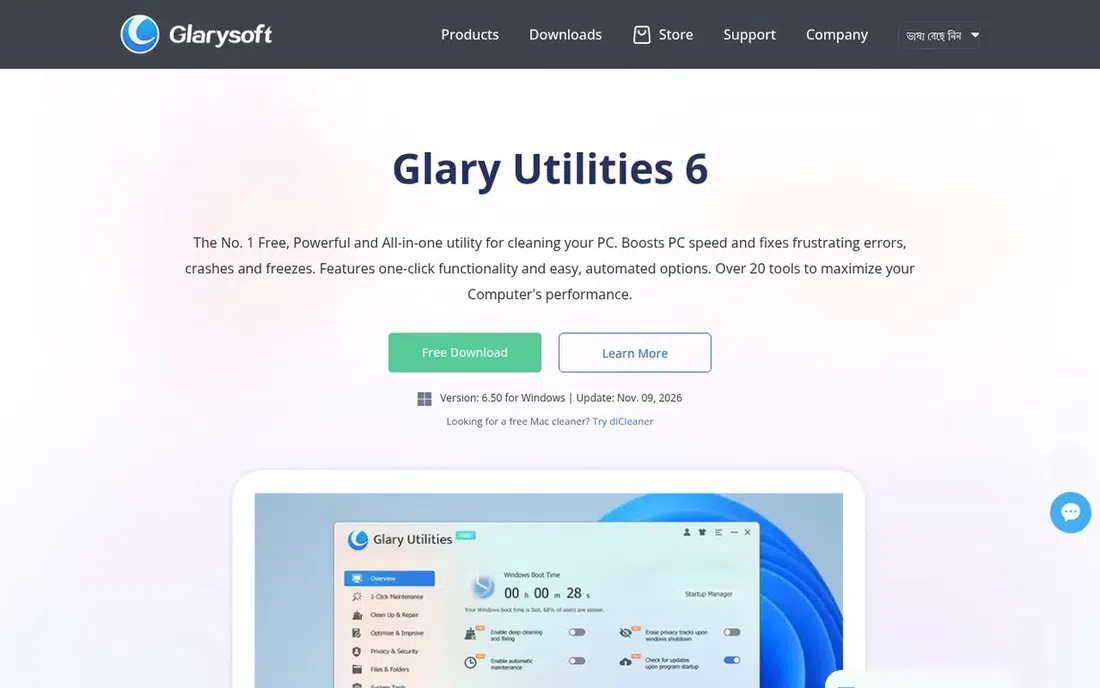
Glary Utilities works best for all-in-one maintenance bundle. It bundles cleaning, repair, and optimization tools into a single interface, which appeals to users who prefer one program for numerous maintenance jobs. Beyond that, consider it when you value breadth over simplicity.
The suite is built to deal with routine tasks like removing junk files and fixing typical system issues. It may not be the best choice if you want a minimal, single-purpose cleaner. Glary Utilities does not show a starting price in this comparison, so check the vendor site for current pricing. Free plan details: Not stated.
Where it falls short: Interface can feel busy.
- Handles cleaning and repair tasks
- Merges plenty of utilities in one package
- Some modules overlap in function
Norton Utilities
Best for: Automatic PC optimization
Norton Utilities works best for automatic PC optimization. Norton Utilities Ultimate is a thorough PC cleaner that helps automatically optimize your PC. For everyday use, since Norton Utilities emphasizes automation, it may offer less manual control than some competitors.
It can also be bundled with other Norton offerings, so check what you are getting. In practice, the tool fits those who prefer minimal interaction and trust a recognized brand. Choose it if you want automatic optimization and are comfortable with a security-brand ecosystem. No starting price is listed for Norton Utilities here; confirm pricing on the vendor site. As for free access: Not stated.
Watch-outs: May be bundled with other Norton products.
- Backed by a known security brand
- Full cleaner
- Automatic approach limits manual control
Ashampoo WinOptimizer
Best for: Module-rich Windows tuning suite
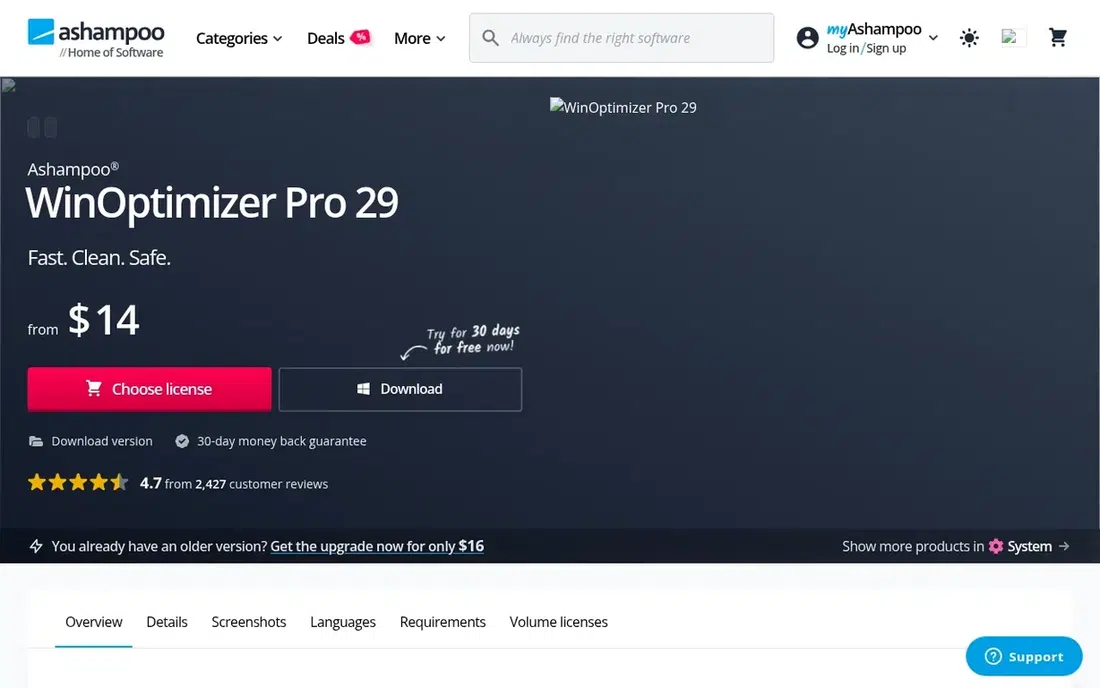
Ashampoo WinOptimizer was built for module-rich Windows tuning suite. Ashampoo WinOptimizer is a full system optimization suite with numerous modules. The deep module set can be daunting for those who prefer a straightforward cleaner, and not every feature will be needed by every user.
From a buyer's view, if you want a lighter, more focused tool, a more straightforward alternative may serve you better. Also, pick WinOptimizer when you want a wide suite and are willing to learn its interface. Ashampoo WinOptimizer does not show a starting price in this comparison, so check the vendor site for current pricing. As for free access: Not stated.
Where it is weaker: Some modules are for advanced users.
- Accelerates Windows based on vendor
- Broad range of optimization modules
- Large feature set may overwhelm beginners
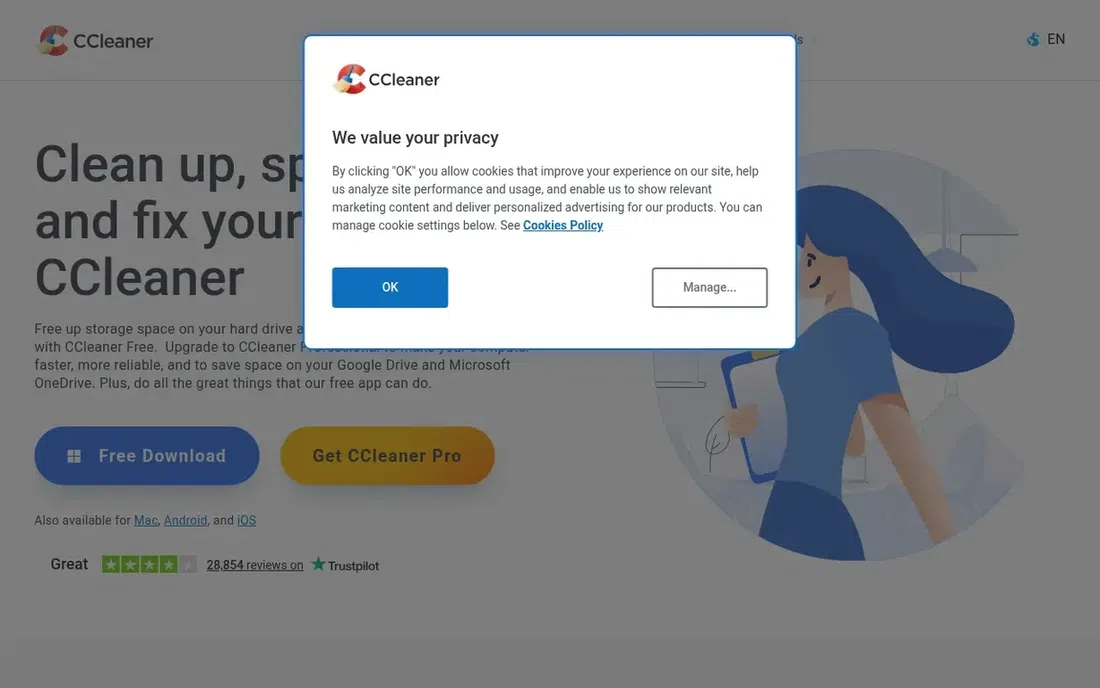
CCleaner works best for straightforward PC cleaning and privacy. CCleaner is a well-known Windows utility for removing temporary files, browsing history, and other clutter. It aims to make your computer quicker and more secure by protecting privacy and clearing unnecessary data.
Watch-outs: Restricted advanced tuning modules.
Also, if you need broad registry repair or startup management, another tool may be a better fit. On top of that, CCleaner concentrates on cleaning and privacy, so it gives you fewer deep optimization modules than some all-in-one suites. What you pay to start with CCleaner: $44.95. Free access exists with CCleaner.
- Cleans junk files and browsing traces
- Straightforward interface
- Some features need the premium edition
What went into this list
We compared the tools on published pricing, free plan or trial availability, feature coverage for System Mechanic, and the limits each vendor documents. Seat minimums, billing terms and add-ons can move the real cost, so the starting prices here are a guide and not a quote. The order reflects how well each tool fits the most common buying scenario for System Mechanic, then price clarity, then free plan access. It is a starting point, not a verdict.
What to check before you buy
- Ask Wise Care 365, Glary Utilities, Norton Utilities and Ashampoo WinOptimizer for a written quote, since no starting price is shown.
- Test the free plan from CCleaner against your real workload before relying on it.
- Before choosing Wise Care 365, weigh its main limit: some features need the premium edition.
- A short pilot of Wise Care 365 with your real workflow tells you more than a feature table.
- Make sure CCleaner lets you export your data in a format another tool can read.
FAQ
Do these tools publish their prices?
Not all of them. Wise Care 365, Glary Utilities, Norton Utilities and Ashampoo WinOptimizer publish no starting price, so expect a quote request for those. The rest, CCleaner included, show a starting price, though seats and billing terms still change the final cost.
Can I try these tools before paying?
Often, yes. CCleaner has a free plan. Use your own data and a real task during the test, and check what the free tier or trial limits before you rely on it. Prices, free plan details and limits for all 5 tools in this System Mechanic alternatives roundup sit on the individual cards above.
Which options for System Mechanic have a free plan?
CCleaner is the only tool in this list with a free plan. Free plans usually cap users, projects or features, so check the limits on the vendor page. Each of the 5 options in this System Mechanic alternatives guide has its own card above with the price, free plan and limits.
Can these alternatives fix registry issues?
Multiple tools, including Wise Care 365 and Glary Utilities, bundle registry cleaning among their features. Even so, registry cleaning should be used with caution, and not all experts recommend it.
What is the best System Mechanic alternative for straightforward cleaning?
This list starts with Wise Care 365, which fits one-click tune-up and registry cleaning. For other needs, Glary Utilities is aimed at all-in-one maintenance bundle, and Norton Utilities at automatic PC optimization. Check each tool's price and main limit first.
How are the tools for System Mechanic ordered?
Wise Care 365 sits first and CCleaner last because the order follows typical fit for System Mechanic, then price clarity and free access. It is a judgement call, so read each profile for fit and limits.
Sources
- https://www.wisecleaner.com/wise-care-365.html
- https://www.glarysoft.com
- https://www.norton.com/products/norton-utilities
- https://www.ashampoo.com/en-us/winoptimizer
- https://www.ccleaner.com