Best Static Application Security Testing Tools in 2026: 8 Tools Compared
Compare the best static application security testing tools for code scanning, fix guidance, and pricing in 2026, from free to enterprise SAST for developers.
- Editor's choice
 SonarQube
Code quality plus security
Starts atFreeVisit sonarsource.comFull review - Great alternative
 Semgrep
Custom rules and open source
Starts atFreeVisit semgrep.devFull review - Also consider
 Snyk Code
Developer-first scanning
Starts atFreeVisit snyk.ioFull review
TL;DR:
- SonarQube is our pick for most teams because it combines code quality and security scanning with a free build.
- Semgrep suits teams that want custom rules and a free open-source start.
- Snyk Code suits developers who want scanning inside the IDE and pull requests.
- Checkmarx, Veracode, and Fortify suit large enterprises with compliance and audit needs.
- Price SAST by fix rate and triage time, not just by finding count, since noisy results get ignored.
Quick comparison
| Tool | Best for | Starts at | Free plan? | |
|---|---|---|---|---|
| SonarQube | Code quality plus security | Free | Yes | Visit |
| Semgrep | Custom rules and open source | Free | Yes | Visit |
| Snyk Code | Developer-first scanning | Free | Yes | Visit |
 Checkmarx One | Enterprise SAST platform | See website | No | Visit |
 Veracode | Enterprise compliance scanning | See website | No | Visit |
 OpenText Fortify | Large mixed codebases | See website | No | Visit |
 GitHub Advanced Security | GitHub teams with CodeQL | $30 per active committer per month | Free trial | Visit |
 Aikido Security | SAST plus wider app security | $350 per month | Yes | Visit |
The best static application security testing tools
SAST tools read source code without running it and flag flaws such as injection, cross-site scripting, and insecure cryptography. We compared official pricing pages, language support, and integration pages.
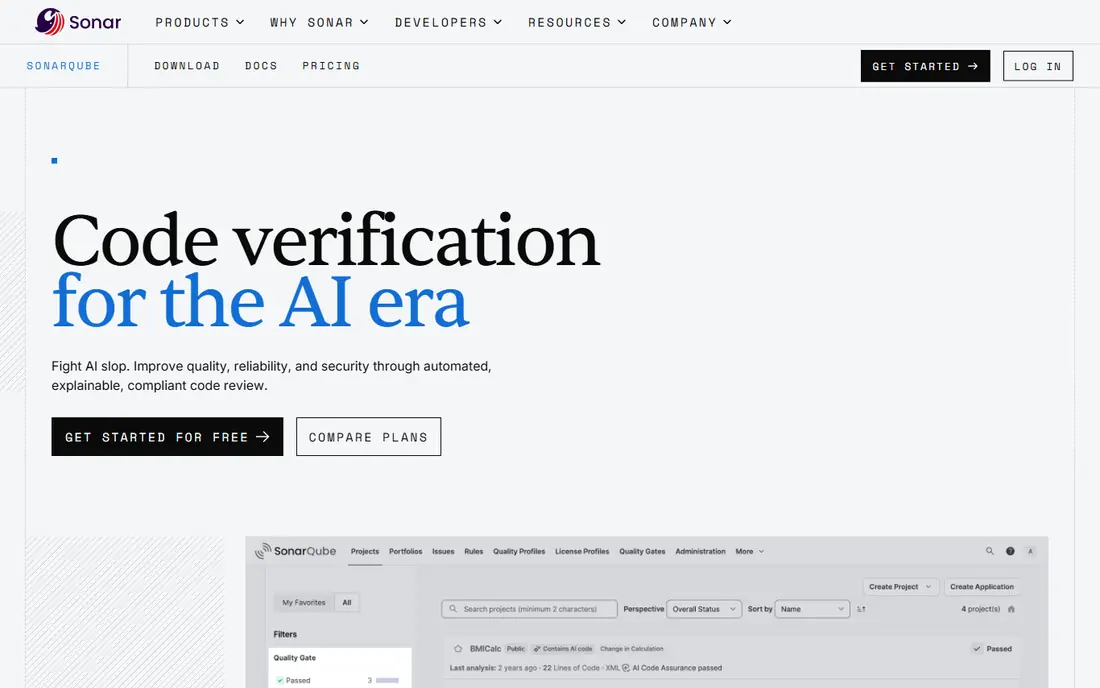
SonarQube is our pick for most teams because it pairs security scanning with code quality checks that developers already use. It flags security hotspots, injection flaws, and maintainability issues, and it can block a pull request when a quality gate fails. The Community Build is free, and SonarQube Cloud offers a free tier up to a lines-of-code limit, with Team plans from about $34 per month in recent listings.
The free build lacks some advanced security rules found in paid editions, so larger teams often move to a paid server or cloud plan. Still, SonarQube gives a small team a real SAST baseline at no cost, with a clear upgrade path as code grows.
- Community Build is free
- Cloud Team starts near $34 per month
- Quality gates block risky merges
- Advanced security rules need paid editions
- Server pricing scales with lines of code
Semgrep suits teams that want to write their own security rules for their own code patterns. The open-source engine scans many languages, and custom rules can catch company-specific mistakes that generic scanners miss. The free tier covers up to ten contributors in recent listings, while Teams plans start near $30 per contributor per month.
Custom rules are also the work. Someone must write, test, and maintain them, or the scanner drifts out of date. For a team with a security-minded developer, that control is a strength. For a team that wants a managed rule set, SonarQube or Snyk may be easier.
- Open-source engine is free
- Custom rules are easy to write
- Teams plans from $30 per contributor per month
- Full platform features need a paid plan
- Tuning rules takes time
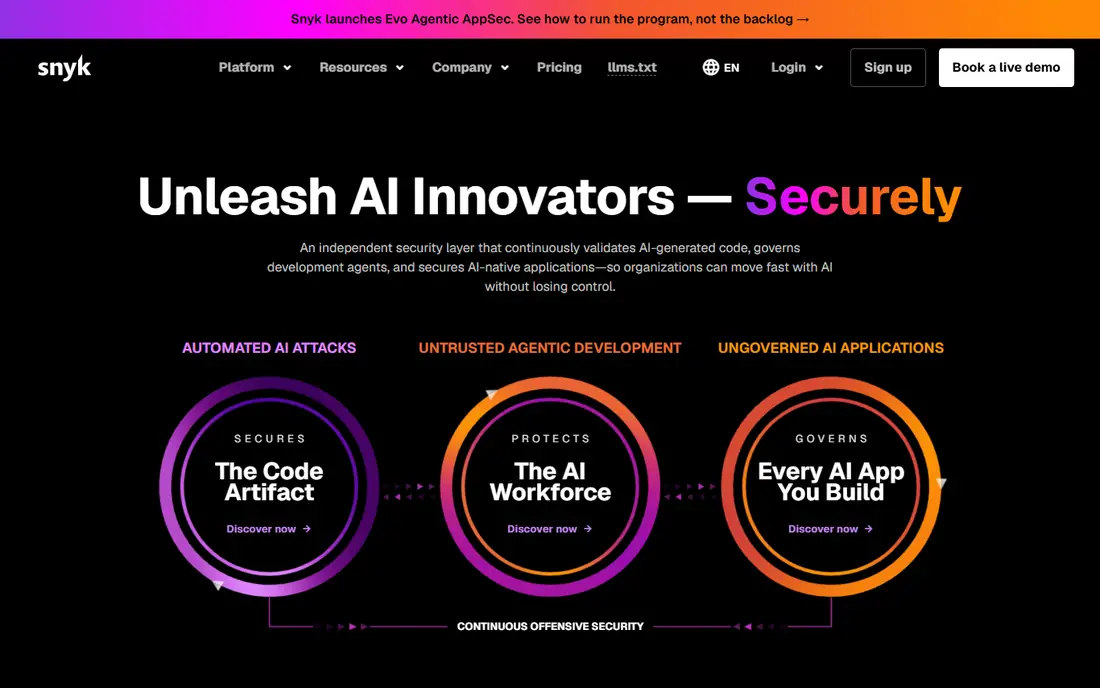
Snyk Code fits developers who want security feedback where they already work. It scans in the IDE, in pull requests, and in CI, and it suggests fixes that can be opened as pull requests. The free tier covers a set number of code tests per month, which is enough for a small project to start. Team plans start near $25 per developer per month in recent listings.
Snyk is broader than SAST alone, covering dependencies and containers in other products, which can be a benefit or a distraction. If you only need SAST, compare the code product price alone. For a developer-led team, the IDE-first design helps fixes happen sooner.
- Free tier with monthly code tests
- IDE and pull request integration
- Fix suggestions and pull requests
- Full team features start at $25 per developer per month
- Enterprise pricing is by quote
Checkmarx One is a leading enterprise SAST platform for banks, large firms, and government teams. Its data flow analysis traces tainted data through code, which helps cut false positives compared with simple pattern matching. It also covers supply chain, API security, and infrastructure checks in the wider platform, which suits a full application security program.
Pricing is by quote, and total cost can be large once apps, users, and modules are counted. Small teams should not start here unless compliance requires it. Large teams should run a proof of concept on their own code, since accuracy on your codebase matters more than a vendor demo.
- Deep data flow analysis
- Broad language support
- Enterprise reporting and compliance tools
- Quote-only pricing
- Implementation and tuning take time
Veracode suits regulated teams that need cloud scanning plus audit-ready reporting. Its SAST product scans code in the cloud, reports flaws with severity and remediation guidance, and supports compliance frameworks that auditors ask about. That reporting focus is why many large firms keep Veracode as their assessment anchor, even when developers also use a lighter scanner.
The trade-off is developer experience. Veracode is less IDE-first than Snyk, and pricing is by quote. For a compliance-led program, that is acceptable. For a small developer team, a free or low-cost scanner will move faster.
- Cloud SAST with compliance reporting
- Guided remediation
- Long enterprise track record
- Quote-only pricing
- Less developer-first than Snyk or Semgrep
OpenText Fortify, formerly Micro Focus Fortify, suits large enterprises with complex, mixed codebases that include legacy languages. It supports dozens of languages and hundreds of frameworks, and it can run hosted or on premises, which matters for teams with strict data rules. That breadth is hard to match for a firm with old and new code side by side.
Fortify is an enterprise buy, with quote-only pricing and a setup process that needs skilled staff. Smaller teams will find it heavy and costly. For a large firm with legacy code and audit needs, its depth justifies a closer look.
- Supports many languages and frameworks
- Hosted or on-premises deployment
- Strong for legacy code
- Quote-only pricing
- Setup and tuning need expertise
GitHub Advanced Security is the natural pick for teams already on GitHub. CodeQL, its SAST engine, scans code in pull requests and blocks risky merges, while secret scanning and dependency alerts cover related risks. Code Security is listed at $30 per active committer per month in recent listings, and code scanning is free for public repositories.
Teams outside GitHub get little value here, since the tool is tied to the platform. For a GitHub shop, though, the low friction is a real benefit: developers see results in the pull request they already review, which helps fixes happen before merge.
- CodeQL scanning built into GitHub
- Code scanning free for public repos
- Secret scanning and dependency alerts
- Requires a GitHub plan
- Per-committer pricing adds up for large teams
Aikido Security suits teams that want SAST plus wider application security in one platform, without buying several tools. It covers code scanning, dependencies, infrastructure as code, and dynamic checks, with a free developer plan for small use. The Basic plan, listed near $350 per month for ten users in recent listings, gives a clear price for a small team.
Aikido is newer than the enterprise names on this list, so large regulated firms may prefer a longer track record. For a startup or mid-size team that wants one security platform with published pricing, Aikido is a practical choice.
- SAST, dependency, infrastructure, and dynamic checks in one tool
- Free developer plan
- Clear monthly pricing
- Newer vendor than Checkmarx or Veracode
- Basic plan cost is high for a solo developer
How we picked these
We compared official pricing pages, language support, and integration pages for SAST tools that scan source code without running it. Dynamic testing tools and stand-alone dependency scanners did not qualify on their own. We kept only tools still offered in 2026, and we mixed free, developer-first, platform-native, and enterprise options so different team sizes are covered.
What to check before you choose
Start with your languages and your repository host. A scanner that lacks your main language, or that fits poorly with GitHub or GitLab, will create friction on every pull request. Next, run a trial on your own code and measure the fix rate, not just the finding count. A scanner that flags hundreds of low-value issues will be ignored, while a scanner with fewer, clearer findings will get fixed.
Also check deployment rules, data handling, and pricing units. Some tools price per developer, some per committer, and some per lines of code, so model the cost at your real team size. Finally, pair SAST with dynamic testing and dependency scanning, since SAST alone cannot catch runtime or dependency flaws. A good SAST tool is one part of a wider security program, not the whole program.
FAQ
What is the best static application security testing tool for a small team?
SonarQube Community Build and Semgrep open source are the best free starts. Snyk Code is the best developer-first paid start, from about $25 per developer per month. Pick the one that fits your languages and your pull request workflow.
What is the best static application security testing software for enterprises?
Checkmarx One, Veracode, and OpenText Fortify are the leading enterprise picks. Checkmarx leads on data flow depth, Veracode leads on compliance reporting, and Fortify leads on mixed and legacy codebases. Run a proof of concept on your own code before signing.
How much do SAST tools cost?
Free options include SonarQube Community Build, Semgrep open source, and Snyk Code free tier. Paid developer tools run roughly $25 to $35 per developer per month, while enterprise tools are quote-only and can cost far more. Always model the price at your team size and code size.
What is the difference between SAST and DAST?
SAST reads source code without running it and finds flaws early in development. DAST tests a running application from the outside, like an attacker would. Most security programs use both, since SAST covers code paths and DAST catches runtime issues.
Do SAST tools replace manual code review?
No. SAST tools catch known patterns at scale, but manual review catches logic flaws, design issues, and business rules that scanners miss. Use SAST to handle routine checks so reviewers can focus on design and logic.