Spacio Alternatives in 2026: 5 Options Vetted
Need Spacio alternatives? We compare 5 tools on cost, free access and who each suits. Each listing flags where it falls short. Built for quick decisions.
- Editor's choice
 Figma
Collaborative design across entire teams
Starts at$3 per monthVisit figma.comFull review - Great alternative
 Balsamiq
Quick, low-friction wireframing
Starts at$16 per editor a monthVisit balsamiq.comFull review - Also consider
 Framer
Designing and publishing sites in one place
Starts at$10 a monthVisit framer.comFull review
Direct answer
Figma is the first pick on this list for collaborative design across entire teams. Listed starting prices: Figma from $3 per month, Balsamiq from $16 per editor a month and Framer from $10 a month. Alternatives: Balsamiq for quick, low-friction wireframing, and Framer for designing and publishing sites in one place. The remaining 2 options are covered below with prices and limits.
TL;DR:
- The list opens with Figma, aimed at collaborative design across entire teams.
- Before buying Framer, weigh this: website-builder focus rather than full product design.
- For the cheapest start, look at Figma: $3 per month.
- Just one of the 5 tools, Framer, has a free plan.
- Adobe XD is the one to check for teams already inside Adobe workflows.
Last checked November 2026. Prices and plan details were read from the vendors' own pages in November 2026; vendors change plans often, so confirm the current price on the vendor site before you buy.
Quick comparison
| Tool | Best for | Starts at | Free plan? | |
|---|---|---|---|---|
| Figma | Collaborative design across entire teams | $3 per month | Not stated | Visit |
| Balsamiq | Quick, low-friction wireframing | $16 per editor a month | Free trial | Visit |
| Framer | Designing and publishing sites in one place | $10 a month | Yes | Visit |
 Sketch | Designer-focused design and handoff | $12 per editor a month | Free trial | Visit |
 Adobe XD | Teams already inside Adobe workflows | See website | Not stated | Visit |
The best Spacio
This LinkVetted guide covers 5 options for Spacio. Each profile lists a starting price, free plan details, strengths and drawbacks, so you can drop poor fits quickly.
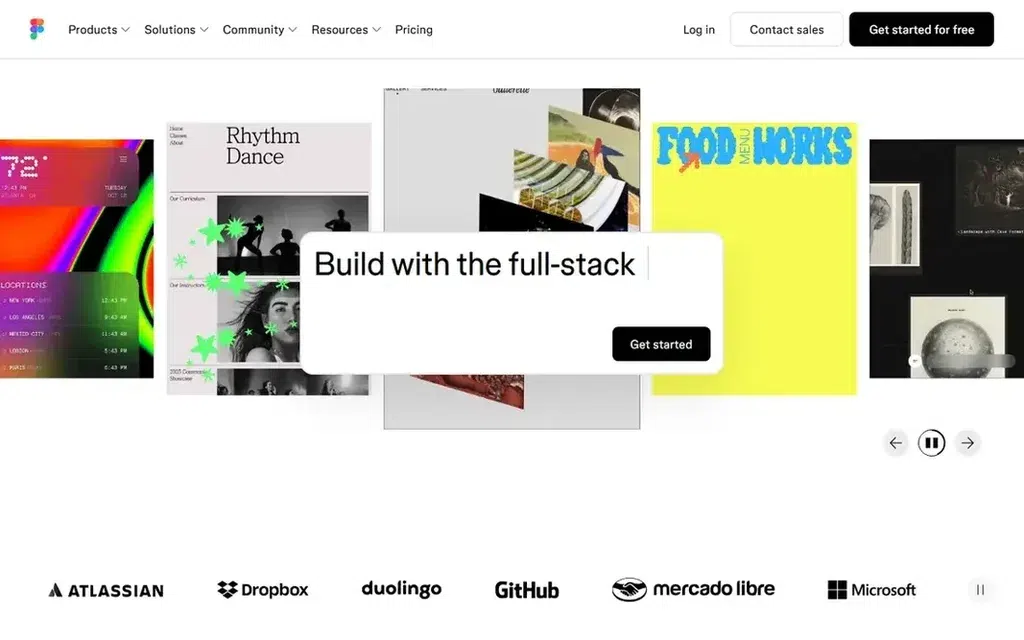
Figma targets collaborative design across entire teams. Figma describes itself as the collaborative canvas where design, code and AI come together, taking a team from first idea to shipped product in one place.
What to check first: Collaboration-first model may not suit solo designers.
What Figma does well: Supports concept-to-production workflows. In practice, consider Figma when shared, continuing collaboration is the priority instead of a single-designer workflow. The starting price for Figma: $3 per month. As for free access: Not stated.
- One canvas for design
- Code and AI
- Wide scope can overwhelm straightforward projects
Balsamiq is built with fast, low-friction wireframing in mind. Balsamiq supplies wireframing and prototyping tools built to remove friction, geared toward product, tech and business people who want to sketch, test and refine an UI rapidly. Its deliberate focus on early-stage layout work makes it handy for teams that want to agree on structure before investing in visual detail.
Downsides: Restricted fit for in-depth specifications.
In daily use, pick it when speed of iteration on layout matters more than finished visuals. As for the details, Balsamiq is not positioned for high-fidelity design or in-depth specification documents. So it typically sits alongside a fuller design tool instead of replacing one. On cost, Balsamiq starts like this: $16 per editor per month. Free access: Free trial.
- Fast sketch
- Concentrated on wireframes and prototypes
- Not intended for refined visual design
Pick Framer if this describes you: designing and publishing sites in one place. Framer presents itself as a website builder with a design agent that takes an idea through to launch, with changes remaining editable afterward.
Framer is oriented toward websites instead of deep product design or specification work, so teams building complicated application interfaces may need a dedicated design tool alongside it. Entry price for Framer: $10 per month. A free plan is available with Framer.
The main drawbacks: Website-builder focus instead of full product design.
- Design agent moves from idea to launch
- Analytics and SEO built in
- Less suited to in-depth app prototyping
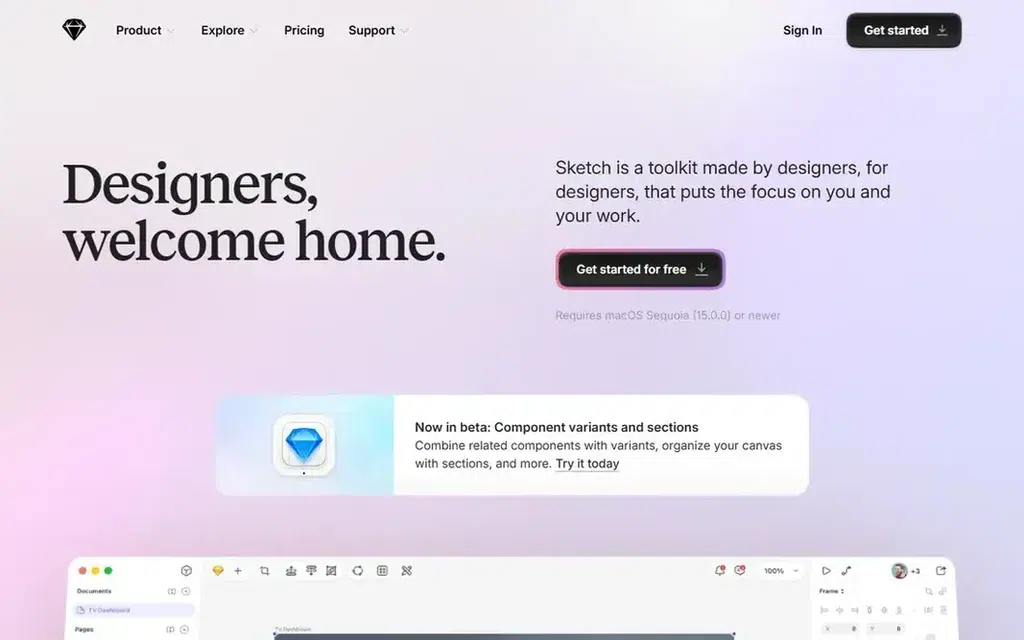
Sketch was built for designer-focused design and handoff. Sketch is a design tool that puts the focus back on the designer and the work itself, positioning itself as software made by designers for designers.
What users get: Includes design, prototyping.
Points against: Collaboration is not its headline focus. It spans design, prototyping, collaboration and handoff in one environment, which makes it a natural consideration for individuals and teams who want a dedicated design workspace instead of a broader product system. Beyond that, since Sketch frames itself around the designer's craft, teams that require heavy live co-editing or code-adjacent workflows may find it less central to their process. On cost, Sketch starts like this: $12 per editor per month. Free access: Free trial.
- Built around designer workflows
- Made by designers
- Restricted to the vendor's own ecosystem
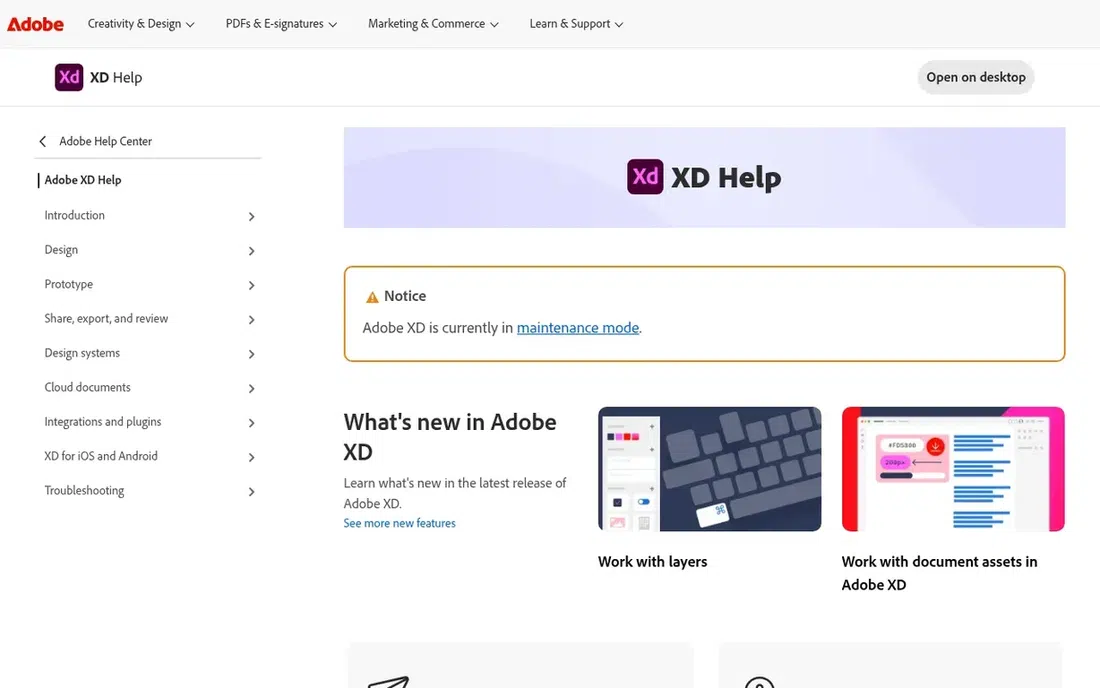
Adobe XD is a good fit for teams already inside Adobe workflows. Adobe XD is Adobe's design and prototyping tool for user interface and user experience work. It is a reasonable candidate for designers and teams already working inside Adobe's creative ecosystem, where keeping design files close to other Adobe applications matters more than adopting a separate collaboration product.
Worth adding: teams that want an actively evolving collaborative canvas commonly look to Figma instead. Adobe XD has received less visible development attention than some newer tools, and its help-focused homepage provides little detail on current capabilities. Adobe XD shows no starting price here, so confirm the cost on the vendor site. Free plan details: Not stated.
Downsides: Not the focus of Adobe's current messaging.
- Suits alongside other Adobe creative tools
- Familiar to long-time Adobe users
- Less momentum than newer collaborative tools
Selection criteria
Things to verify first
- Confirm the entry price on the vendor page. For Adobe XD that means a quote rather than a fixed price.
- Test the free plan from Framer against your real workload before relying on it.
- Take the trial from Balsamiq and Sketch and push a live task through it before you pay.
- Read the limits listed for Figma first: wide scope can overwhelm straightforward projects.
- Pick one real project and run it in Sketch first; a small pilot shows fit faster than a checklist.
- Check whether Framer bills monthly or annually, and what cancelling early costs.
FAQ
Which options for Spacio have a free plan?
Framer is the only tool in this list with a free plan. Free plans usually cap users, projects or features, so check the limits on the vendor page. Several others offer a trial instead. Prices, free plan details and limits for all 5 tools in this Spacio alternatives roundup sit on the individual cards above.
What is the cheapest option for Spacio in this list?
On published monthly entry prices, Figma is the lowest here at $3 per month. Entry price is only part of the cost, because seats, add-ons and billing terms can change the total. Each of the 5 options in this Spacio alternatives guide has its own card above with the price, free plan and limits.
Do I need a separate tool for publishing a website?
Not necessarily. Framer merges design with built-in hosting, CMS, analytics and SEO, so it can take a site from idea to launch.
Is Figma the right pick for everyone comparing Spacio?
No single tool suits every team. Figma comes first because it fits collaborative design across whole teams, while Balsamiq suits fast, low-friction wireframing and Framer suits designing and publishing sites in one place. Match the tool to your own size, budget and workflow before deciding.
Is Adobe XD still a reasonable choice?
Adobe XD remains a design and prototyping tool that suits teams already working within Adobe's creative ecosystem. Its homepage is help-oriented and provides restricted detail, so check current capabilities on Adobe's site before committing.
How are the tools for Spacio ordered?
The order follows typical fit for Spacio, with Figma first and Adobe XD last, then price clarity and free access. It is editorial judgement, not a score, so another team could rank the tools differently.
Sources
- https://www.figma.com
- https://balsamiq.com
- https://www.framer.com
- https://www.sketch.com
- https://www.adobe.com/products/xd.html