Best Spacebring Alternatives for 2026 (5 Compared)
Weighing Spacebring alternatives? We lined up 5 products by cost, free access and fit. Every profile names its biggest catch. Last reviewed November 2026.
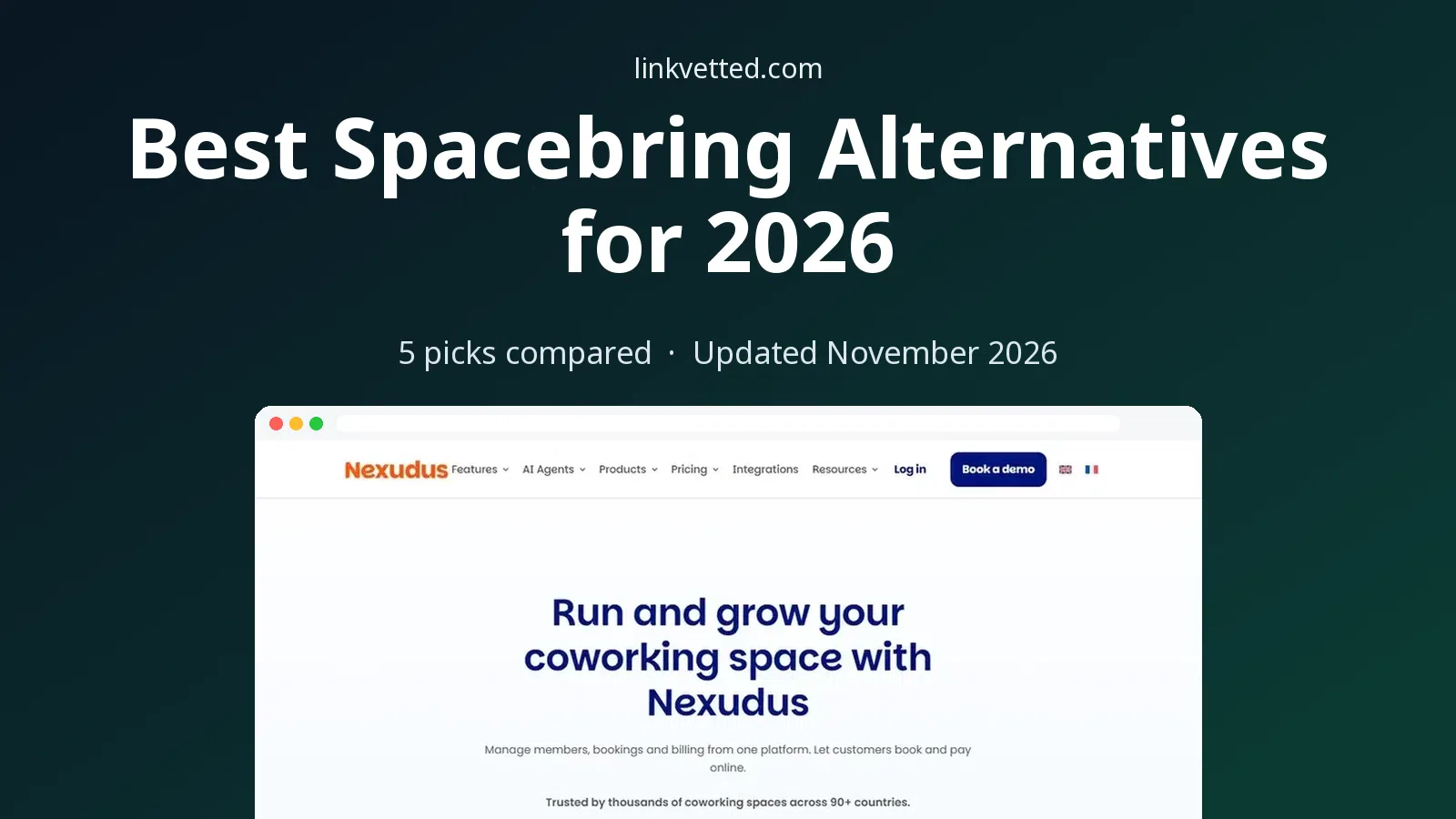
- Editor's choice
 Nexudus
Bookings and payments on your own site
Starts atSee websiteVisit nexudus.comFull review - Great alternativeCoworkify
Straightforward coworking management
Starts at$29 per monthVisit coworkify.comFull review - Also consider
 OfficeRnD Flex
Flex space and hybrid work management
Starts atSee websiteVisit officernd.comFull review
Direct answer
Nexudus comes first here, mainly for bookings and payments on your own site. Listed starting prices: Coworkify from $29 per month and Optix from $197 per month. For a different need, Coworkify covers straightforward coworking management and OfficeRnD Flex covers Flex space and hybrid work management. Prices, free plans and limits for all 5 tools follow.
TL;DR:
- Nexudus is the opening pick, best for bookings and payments on your own site.
- One limit worth knowing about OfficeRnD Flex: wide scope may feel heavy for very small spaces.
- Cobot suits intuitive all-in-one coworking management.
- Neither Nexudus nor Cobot, nor any of the other 3 tools, has a permanent free plan; trials and quotes are the norm.
- Starting prices begin at $29 per month with Coworkify.
Last checked November 2026. Prices and plan details were read from the vendors' own pages in November 2026; vendors change plans often, so confirm the current price on the vendor site before you buy.
Quick comparison
| Tool | Best for | Starts at | Free plan? | |
|---|---|---|---|---|
| Nexudus | Bookings and payments on your own site | See website | Not stated | Visit |
| Coworkify | Straightforward coworking management | $29 per month | Free trial | Visit |
| OfficeRnD Flex | Flex space and hybrid work management | See website | Not stated | Visit |
 Optix | Automation-first coworking and flex spaces | $197 per month | Free trial | Visit |
 Cobot | Easy-to-learn all-in-one coworking management | See website | Free trial | Visit |
The 5 tools in detail
LinkVetted compared 5 tools for Spacebring. The goal is a practical shortlist: published prices, free plan facts, best-fit use cases and honest limits for every entry.
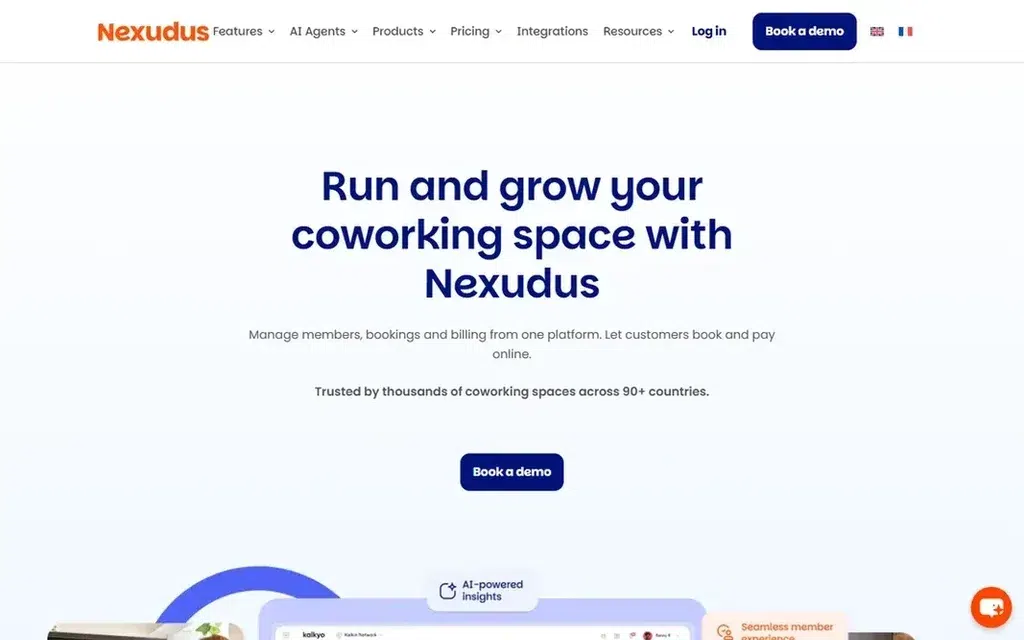
Nexudus is a good fit for bookings and payments on your own site. Nexudus is coworking software that merges bookings, payments and memberships.
Pick Nexudus when direct bookings and payments on your own site are a priority. From a buyer's view, the product is built around coworking operations, so companies looking chiefly for hybrid workplace management may find it less aligned. No starting price is listed for Nexudus here; confirm pricing on the vendor site. Free options: Not stated.
Where Nexudus stands out: No commission on bookings.
Where it falls short: Less centred on hybrid workplace management.
- Bookings
- Members book and pay on your site without redirects
- Feature depth may need onboarding time
Coworkify
Best for: Straightforward coworking management
In short, Coworkify is for straightforward coworking management. Public information about the product is restricted, so confirm specific capabilities with the vendor.
From a buyer's view, choose Coworkify when you want a straightforward, coworking-focused management tool. For everyday use, spaces with complicated multi-site or enterprise requirements may need a broader product. Starting cost for Coworkify: $29 per month. Free options: Free trial.
What to check first: Fewer details available on the homepage.
- Approachable positioning
- Core tools for running a space
- May lack depth for complicated multi-site needs
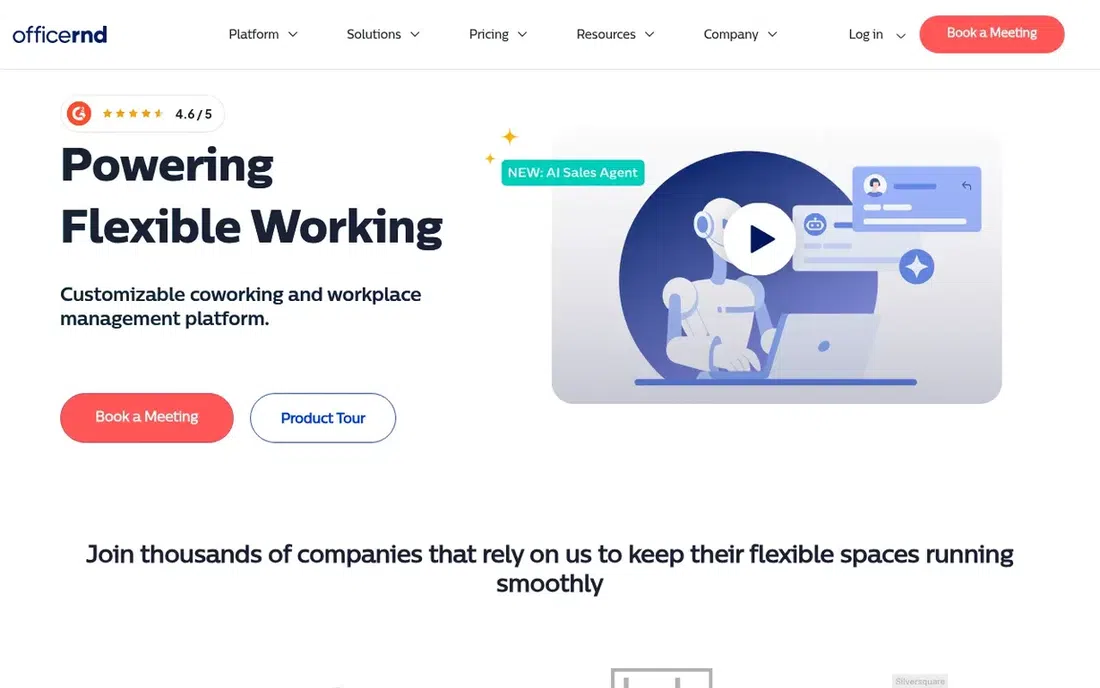
Pick OfficeRnD Flex if this describes you: Flex space and hybrid work management. Teams that only need straightforward desk booking might prefer a narrower tool.
Watch-outs: Wide scope may feel heavy for very small spaces.
Beyond that, OfficeRnD Flex is software for managing coworking spaces, flex spaces and hybrid workplaces. Pricing for OfficeRnD Flex is not stated here, so ask the vendor for current figures. On free options: Not stated.
Where it shines: Focus on workplace experience for members.
- Single product family for space operators
- Includes coworking
- Hybrid work features may not suit pure venue operators
Think of Optix for automation-first coworking and flex spaces. Optix is automation-first software for coworking spaces, golf simulator venues and flex spaces of every kind.
More specifically, automation can take time to configure well, so expect some initial setup effort. Beyond that, pick Optix when saving time through automation is a central goal for your space. Optix pricing: $197 per month. Free plan details: Free trial.
Where it shines: Suited to coworking. Limits to weigh: Automation setup may need initial configuration.
- Focus on saving time and expanding the business
- Automation-first approach to space management
- Venue-specific needs may need extras
Cobot works best for easy-to-learn all-in-one coworking management. It is geared toward coworking operators who want an easy-to-learn system that members can use without much training.
From a buyer's view, the combination of billing and access control makes it a practical fit for spaces with recurring members. Cobot does not show a starting price in this comparison, so check the vendor site for current pricing. On free options: Free trial.
What Cobot does well: Bookings. Watch-outs: May be more than tiny spaces need.
- Analytics and member tools included
- Mobile app for members
- Access control relies on compatible hardware
How we chose
LinkVetted looked at what each vendor publishes: pricing, plan limits, feature coverage for Spacebring and stated drawbacks. No hands-on testing is claimed. Prices and plan limits come from vendor pages and can change, so confirm them on the vendor site before you buy. We ordered the tools by general fit, then by how clearly pricing is shown, then by free access. A buyer with unusual needs may reorder them.
Things to verify first
- Ask Nexudus, OfficeRnD Flex and Cobot for a written quote, since no starting price is shown.
- Take the trial from Coworkify, Optix and Cobot and push a live task through it before you pay.
- Before choosing Nexudus, weigh its main limit: feature depth may need onboarding time.
- Price Optix for your actual team size; headline prices rarely include add-ons or overage.
- Ask whether Cobot integrates with your current software, and whether that comes standard or as an add-on.
FAQ
How are the tools for Spacebring ordered?
Nexudus sits first and Cobot last because the order follows typical fit for Spacebring, then price clarity and free access. It is a judgement call, so read each profile for fit and limits.
Can I try these tools before paying?
Often, yes. Coworkify, Optix and Cobot offer a free trial. Use your own data and a real task during the test, and check what the free tier or trial limits before you rely on it.
Does any tool for Spacebring here have a free plan?
A permanent free plan is not offered by Nexudus, Cobot or the other tools here. Coworkify, Optix, Cobot offer a trial. Plan a short evaluation period instead.
What is the cheapest option for Spacebring in this list?
On published monthly entry prices, Coworkify is the lowest here at $29 per month. Entry price is only part of the cost, because seats, add-ons and billing terms can change the total.
What should I look for in a Spacebring alternative?
Focus on the core tasks your space runs on: bookings, billing, access control and member communication. Check whether the tool supports your website and hardware setup. Then compare how much configuration each choice needs.
Sources
- https://www.nexudus.com
- https://www.coworkify.com
- https://www.officernd.com
- https://www.optixapp.com
- https://www.cobot.me