Slidesgo Alternatives in 2026: 5 Options Vetted
Shortlisting Slidesgo alternatives? 5 products compared on cost, free access and ideal buyer. Each profile ends with a plain caveat. Refreshed for 2026.
- Editor's choice
 Prezi
Interactive, non-linear presentations
Starts atSee websiteVisit prezi.comFull review - Great alternative
 Beautiful.ai
AI-driven, on-brand enterprise decks
Starts at$14.50 per monthVisit beautiful.aiFull review - Also consider
 Pitch
Collaborative team presentations
Starts at€10 per monthVisit pitch.comFull review
Direct answer
If you need interactive, non-linear presentations, Prezi is the first tool to look at here. Listed starting prices: Beautiful.ai from $14.50 per month and Pitch from €10 per month. Beautiful.ai is the stronger choice for AI-driven, on-brand enterprise decks, while Pitch suits collaborative team presentations. Details, prices and limits for the rest of the 5 tools are below.
TL;DR:
- The list opens with Prezi, aimed at interactive, non-linear presentations.
- Only Pitch offers a free plan among these 5 tools.
- One limit worth knowing about Prezi: can be challenging to learn for complicated decks.
- Canva fits all-in-one design and presentations.
Last checked November 2026. Prices and plan details were read from the vendors' own pages in November 2026; vendors change plans often, so confirm the current price on the vendor site before you buy.
Quick comparison
| Tool | Best for | Starts at | Free plan? | |
|---|---|---|---|---|
| Prezi | Interactive, non-linear presentations | See website | Not stated | Visit |
| Beautiful.ai | AI-driven, on-brand enterprise decks | $14.50 per month | Free trial | Visit |
| Pitch | Collaborative team presentations | €10 per month | Yes | Visit |
 Microsoft PowerPoint | In-depth, feature-rich slide decks | See website | Not stated | Visit |
 Canva | All-in-one design and presentations | See website | Not stated | Visit |
The full Slidesgo list
If you are comparing Slidesgo, this page covers 5 tools in one place: what each is best for, what it costs to start, whether it has a free plan, and the main limit to know about.
For interactive, non-linear presentations, Prezi is a natural candidate. Prezi is an interactive presentation system that permits you to produce non-linear presentations with a zooming canvas.
In daily use, Prezi's unique style may not suit all corporate or academic settings, and the ramp-up time can be steeper. Pricing for Prezi is not stated here, so ask the vendor for current figures. Trial and free access: Not stated.
Honest limits: Can be challenging to learn for complicated decks.
- Interactive elements like polls and quizzes
- Unique zooming and panning presentation style
- Less right for traditional slide-by-slide formats
Pick Beautiful.ai if this describes you: AI-driven, on-brand enterprise decks. Beautiful.ai is an AI presentation system designed for enterprise teams, automatically formatting slides to maintain brand consistency. It is a strong match for organizations that require to produce professional decks rapidly without design expertise.
Where it is weaker: May need adaptation for complicated layouts.
The AI-driven approach ensures every slide looks refined. If you need pixel-perfect customization, consider other choices. What you pay to start with Beautiful.ai: $14.50 per month. Free options: Free trial.
- AI automatically formats slides for consistency
- Straightforward to use for non-designers
- Less manual design control
For collaborative team presentations, Pitch is a natural candidate. Pitch is a collaborative presentation product aimed at teams to produce, share, and deliver work efficiently. It bundles AI features to simplify presentation building.
The main drawbacks: May lack some advanced design features.
On top of that, Pitch may not have the broad template libraries or advanced design tools of Canva or PowerPoint. In practice, if you need highly customized designs, consider those alternatives. Price to start with Pitch: €10 per month. A free plan is available with Pitch.
- Easy-to-learn interface
- Designed for team collaboration
- Less established than some competitors
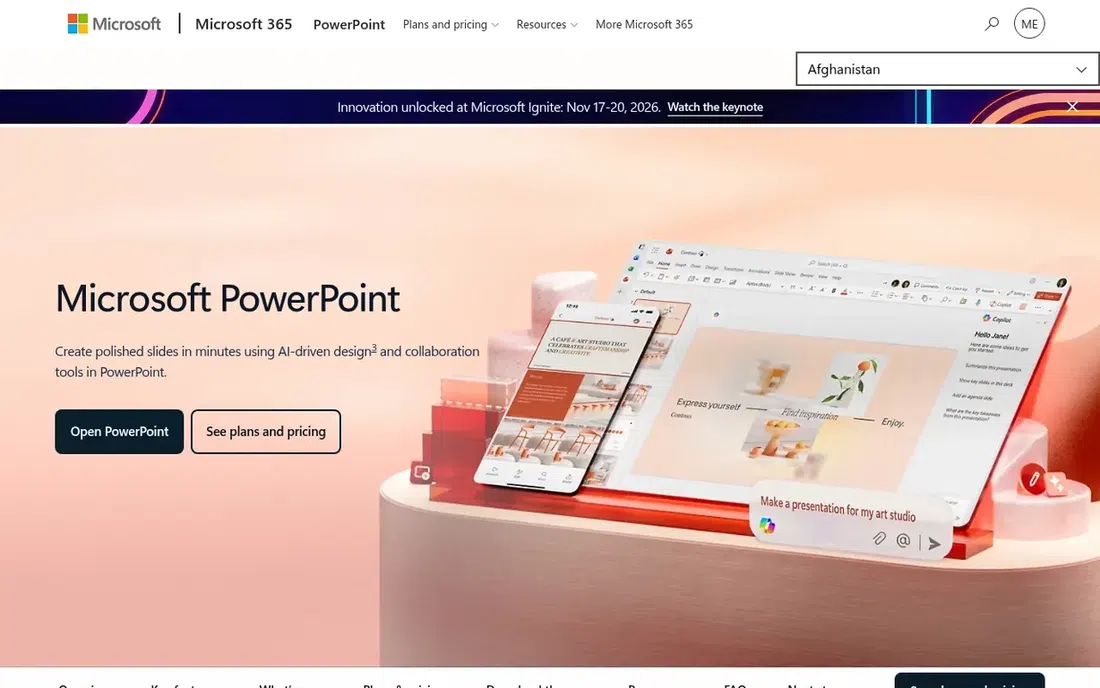
Microsoft PowerPoint targets in-depth, feature-rich slide decks. Microsoft PowerPoint is a feature-rich presentation maker that permits you to produce clean slideshows and intricate pitch decks.
Drawbacks to consider: Collaboration can be less smooth than cloud-native tools.
For everyday use, PowerPoint usually needs a Microsoft 365 subscription for full functionality, and live collaboration may not be as smooth as with cloud-first tools. Beyond that, the familiar interface makes it a dependable choice for professional presentations. No starting price is listed for Microsoft PowerPoint here; confirm pricing on the vendor site. As for free access: Not stated.
- Integration with Microsoft 365 ecosystem
- Widely used and compatible with plenty of devices
- Needs a license for full features
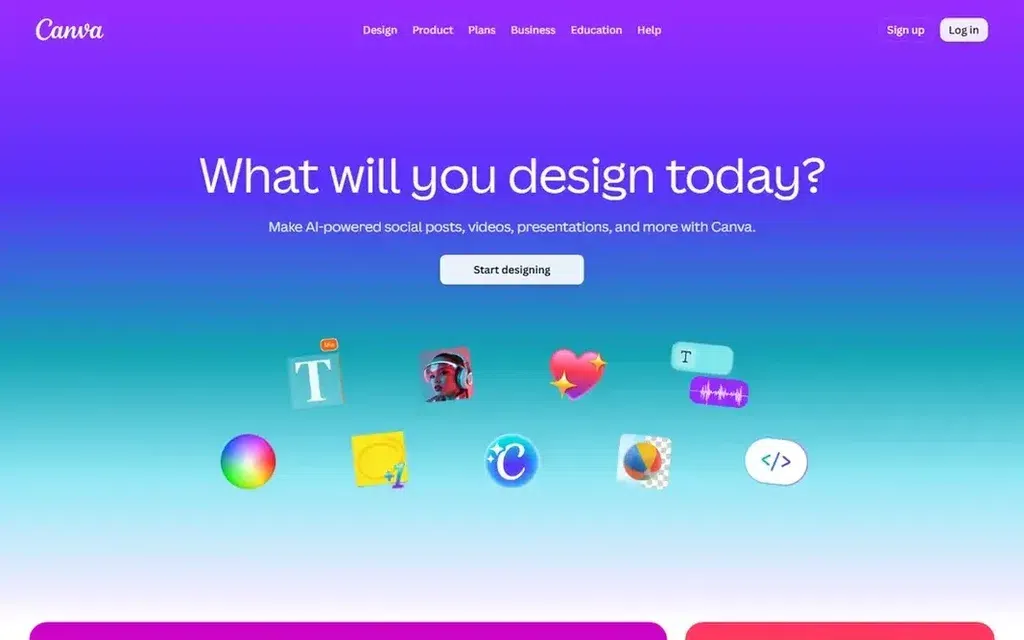
Canva is built with all-in-one design and presentations in mind. Canva is a visual suite that goes beyond presentations, offering tools for social media, posters, videos, and more.
Beyond that, Whereas Canva is capable, some advanced features and assets are only available with a premium plan. Canva does not show a starting price in this comparison, so check the vendor site for current pricing. Free options: Not stated.
The main drawbacks: Can be overwhelming for new users.
- Broad range of templates and design elements
- Supports several file formats and exports
- Advanced features may need a subscription
How these tools were picked
Selection started from tools commonly considered for Slidesgo, then narrowed to 5 that have clear pricing information or a clear quote process. Where a price is missing, the vendor does not list one publicly or ties it to a quote. Always confirm before budgeting. The ranking is editorial: typical fit first, then clear pricing, then free access. If your needs are unusual, read the profiles rather than relying on position.
Before you commit
- Get a written quote from Prezi, Microsoft PowerPoint and Canva; the list shows no starting price for them.
- Look at the free plan from Pitch closely: its caps decide whether it is usable for real work.
- Run a trial of Beautiful.ai with real work before paying for a year; your own workflow is the best test.
- Before choosing Prezi, weigh its main limit: can be challenging to learn for complicated decks.
- Get the contract term, renewal terms and any onboarding fees from Microsoft PowerPoint in writing.
- Compare total cost, not headline price: for Pitch, add extra seats, add-ons and any usage-based charges.
FAQ
Which options for Slidesgo have a free plan?
Pitch is the only tool in this list with a free plan. Free plans usually cap users, projects or features, so check the limits on the vendor page. One other tool offers a trial instead. Each of the 5 options in this Slidesgo alternatives guide has its own card above with the price, free plan and limits.
Can I try these tools before paying?
Often, yes. Pitch has a free plan and Beautiful.ai offers a free trial. Use your own data and a real task during the test, and check what the free tier or trial limits before you rely on it. All 5 picks in this Slidesgo alternatives comparison list a starting price, free plan details and the main limits on their cards above.
Do these tools publish their prices?
Not all of them. Prezi, Microsoft PowerPoint and Canva publish no starting price, so expect a quote request for those. The rest, Beautiful.ai included, show a starting price, though seats and billing terms still change the final cost.
Is Prezi the right pick for everyone comparing Slidesgo?
No single tool suits every team. Prezi comes first because it fits interactive, non-linear presentations, while Beautiful.ai suits AI-driven, on-brand enterprise decks and Pitch suits collaborative team presentations. Match the tool to your own size, budget and workflow before deciding.
Can I use these tools for enterprise presentations?
Beautiful.ai and Microsoft PowerPoint are well-suited for enterprise use. Beautiful.ai enforces brand consistency, whereas PowerPoint supplies advanced features and integration with Microsoft 365. Consider your organization's specific needs.
Sources
- https://prezi.com
- https://www.beautiful.ai
- https://pitch.com
- https://www.microsoft.com/microsoft-365/powerpoint
- https://www.canva.com