Top Seesaw Alternatives in 2026: 5 Picks Ranked
Comparing Seesaw alternatives? 5 contenders, each with entry cost, free tier and best-fit buyer. Includes honest limits for each tool. Checked this month.
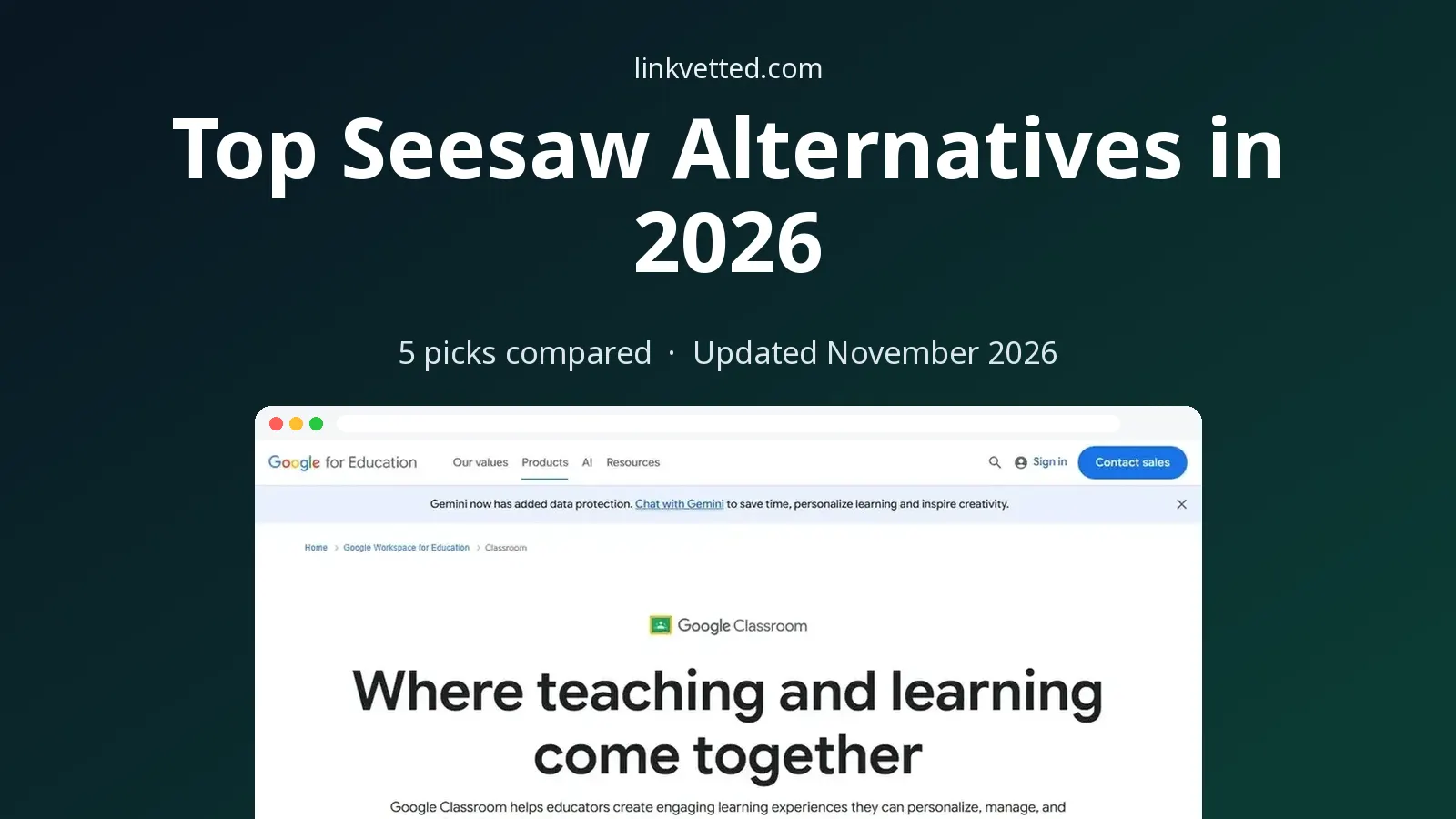
- Editor's choice
 Microsoft Teams for Education
Video conferencing and school collaboration
Starts atSee websiteVisit microsoft.comFull review - Great alternative
 Google Classroom
Schools already using Google tools
Starts atSee websiteVisit classroom.google.comFull review - Also considerBloomz
All-in-one school communications and operations
Starts at$3 per student a yearVisit bloomz.comFull review
Direct answer
This list puts Microsoft Teams for Education first for video conferencing and school collaboration. Listed starting prices: Bloomz from $3 per student a year. Google Classroom fits schools already using Google tools; Bloomz fits all-in-one school communications and operations. The full list of 5 tools follows, with prices and free plan facts.
TL;DR:
- Microsoft Teams for Education takes the first slot, best suited to video conferencing and school collaboration.
- For Microsoft Teams for Education, Google Classroom, ClassDojo and Canvas LMS, you have to request a quote because no starting price is shown.
- For institutions needing a full LMS, Canvas LMS is worth a look.
- Neither Microsoft Teams for Education nor Canvas LMS, nor any of the other 3 tools, has a permanent free plan; trials and quotes are the norm.
- The main caution on ClassDojo: portfolio features are lighter than a full LMS.
Last checked November 2026. Prices and plan details were read from the vendors' own pages in November 2026; vendors change plans often, so confirm the current price on the vendor site before you buy.
Quick comparison
| Tool | Best for | Starts at | Free plan? | |
|---|---|---|---|---|
| Microsoft Teams for Education | Video conferencing and school collaboration | See website | Not stated | Visit |
| Google Classroom | Schools already using Google tools | See website | Not stated | Visit |
| Bloomz | All-in-one school communications and operations | $3 per student a year | Not stated | Visit |
 ClassDojo | Family communication and behavior tracking | See website | Not stated | Visit |
 Canvas LMS | Institutions needing a full LMS | See website | Not stated | Visit |
Tool-by-tool breakdown
LinkVetted compared 5 tools for Seesaw. The goal is a practical shortlist: published prices, free plan facts, best-fit use cases and honest limits for every entry.
Microsoft Teams for Education
Best for: Video conferencing and school collaboration
Microsoft Teams for Education targets video conferencing and school collaboration. Microsoft Teams for Education is a video conferencing and communication app for schools that supports both in-person and remote students. More specifically, districts standardizing on Microsoft frequently choose it for that reason.
Where it falls short: Communication focus over portfolios.
It is not primarily a student portfolio or family update tool, so teachers who relied on Seesaw for those jobs may need a companion app. It also performs best when the school runs accounts through Microsoft Education. No starting price is listed for Microsoft Teams for Education here; confirm pricing on the vendor site. On free options: Not stated.
- Ties into Microsoft Education tools
- Video conferencing aimed at schools
- Best within a Microsoft environment
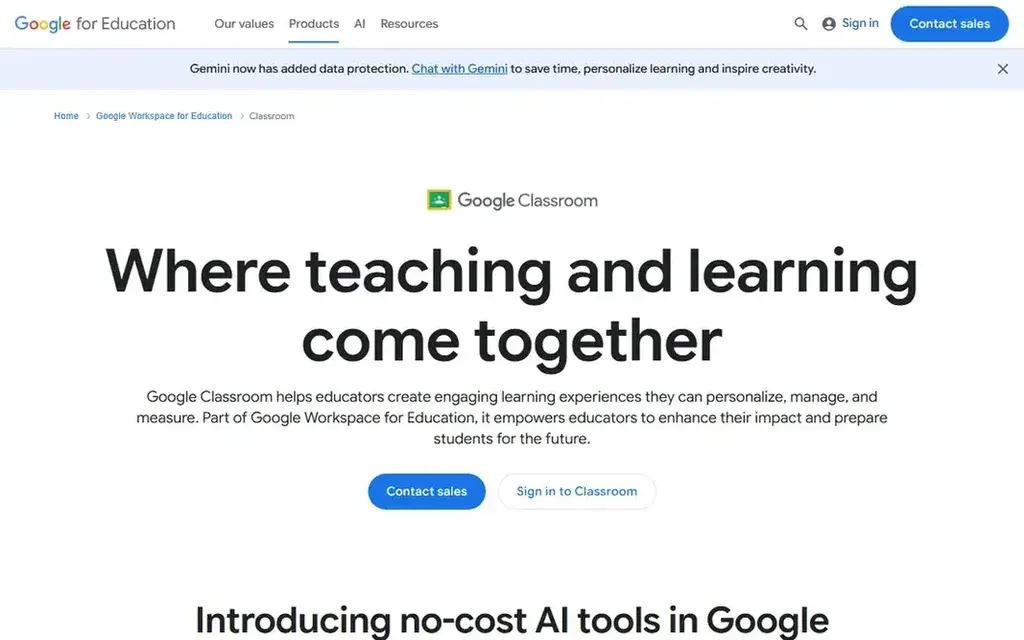
Google Classroom is designed for schools already using Google tools. It fits teachers who want straightforward digital classroom management without adding another ecosystem.
It also performs best when the wider school already uses Google accounts. Google Classroom does not show a starting price in this comparison, so check the vendor site for current pricing. Free access: Not stated.
Honest limits: Best value inside Google for Education.
- Central hub for class tools and resources
- Suits schools in the Google ecosystem
- Restricted standalone parent communication
Bloomz
Best for: All-in-one school communications and operations
Bloomz is a good fit for all-in-one school communications and operations. It fits schools that want to replace multiple communication tools at once instead of teachers seeking only a portfolio app.
Its operations focus can feel like more than an individual teacher needs, and the value grows when an entire school adopts it. Bloomz pricing: $3 per student per year. On free options: Not stated.
Where it falls short: Broader scope than a single classroom needs.
- Merges communication and operations
- Layers on attendance and dismissal tools
- Most handy at school or district level
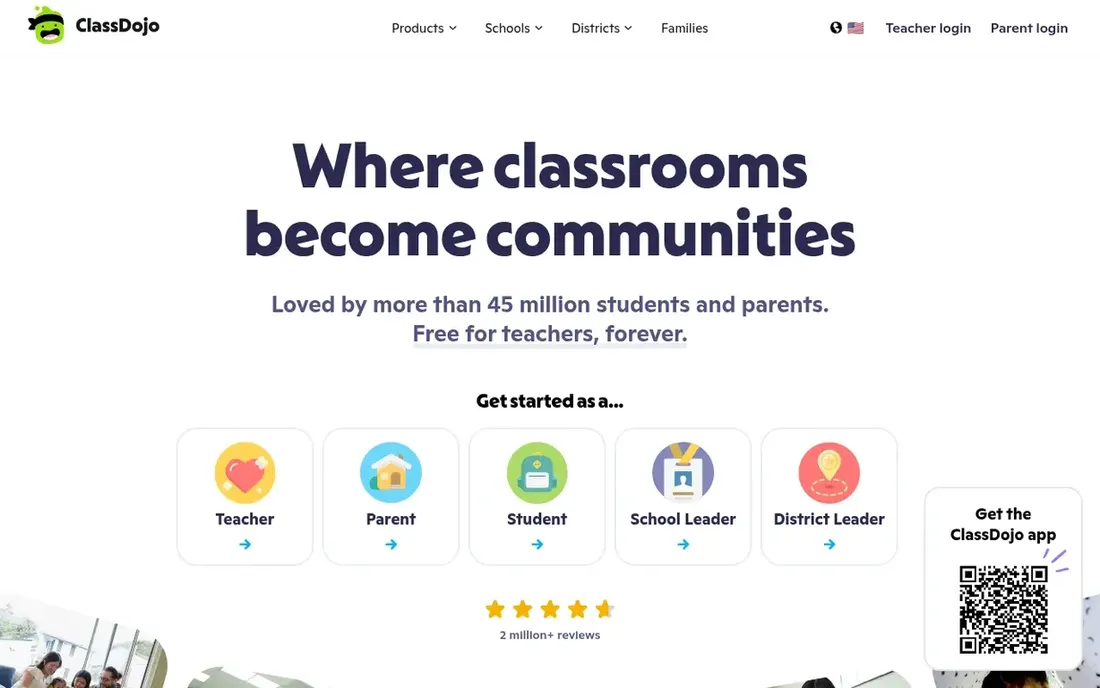
ClassDojo works best for family communication and behavior tracking. ClassDojo is a classroom communication product that links K-12 teachers with families. It bundles messaging, behavior tracking and student portfolios, which makes it a natural comparison point for Seesaw users who want parent contact and straightforward student sharing in one place.
It tends to fit elementary and middle school teachers who value fast family updates over deep course management. From a buyer's view, consider Google Classroom or Canvas LMS if course delivery is the priority instead of home communication. In daily use, the portfolio and assignment side is more straightforward than a dedicated learning management system, so schools needing gradebooks and structured courses may outgrow it. No starting price is listed for ClassDojo here; confirm pricing on the vendor site. Free access: Not stated.
The main drawbacks: Portfolio features are lighter than a full LMS.
- Links teachers with families in one app
- Supports student portfolios
- Behavior points may not suit every classroom
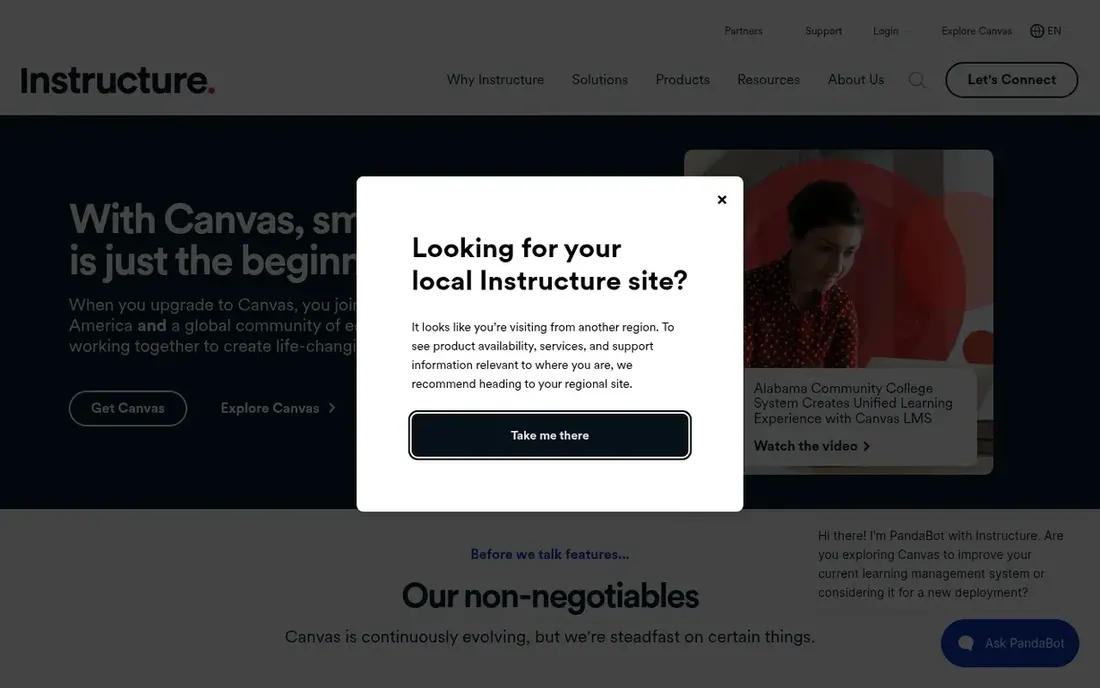
In short, Canvas LMS is for institutions needing a full LMS. Teachers moving from Seesaw at the institutional level frequently land on a LMS like Canvas.
It is more system than most individual elementary teachers need, and getting started usually involves school or district administration. Check the vendor site for Canvas LMS pricing; none is listed in this comparison. On free options: Not stated.
Watch-outs: Heavier than most elementary needs.
- Scales from classrooms to institutions
- Aimed at course delivery and grading
- Setup needs institutional support
How we compared the tools
What to confirm before you sign up
- Get a written quote from Microsoft Teams for Education, Google Classroom, ClassDojo and Canvas LMS; the list shows no starting price for them.
- Read the limits listed for Microsoft Teams for Education first: communication focus over portfolios.
- Compare total cost, not headline price: for Canvas LMS, add extra seats, add-ons and any usage-based charges.
- Find out whether the entry plan of ClassDojo covers your must-haves or only a trimmed-down version.
- Check the support hours and onboarding help Bloomz offers; smaller vendors vary a lot here.
FAQ
Do these tools publish their prices?
Not all of them. Microsoft Teams for Education, Google Classroom, ClassDojo and Canvas LMS publish no starting price, so expect a quote request for those. The rest, Bloomz included, show a starting price, though seats and billing terms still change the final cost.
Do any of these tools work as a full learning management system?
Google Classroom and Microsoft Teams for Education include parts of that role but are not the same as a dedicated LMS.
Is Microsoft Teams for Education the right pick for everyone comparing Seesaw?
No single tool suits every team. Microsoft Teams for Education comes first because it fits video conferencing and school collaboration, while Google Classroom suits schools already using Google tools and Bloomz suits all-in-one school communications and operations. Match the tool to your own size, budget and workflow before deciding.
Does any tool for Seesaw here have a free plan?
No tool in this list, Microsoft Teams for Education and Canvas LMS included, has a permanent free plan. Trials and quotes are the usual route, so plan a short evaluation period. For the full picture, the cards above cover all 5 entries of this Seesaw alternatives list, including price, free plan and limits.
Which alternative is a good match for parent communication?
The first pick on this list is Microsoft Teams for Education, because it suits video conferencing and school collaboration. Google Classroom is better for schools already using Google tools, and Bloomz for all-in-one school communications and operations. Check price and limits against your own needs before choosing.
How are the tools for Seesaw ordered?
Microsoft Teams for Education sits first and Canvas LMS last because the order follows typical fit for Seesaw, then price clarity and free access. It is a judgement call, so read each profile for fit and limits.
Sources
- https://www.microsoft.com/en-us/education/products/teams
- https://classroom.google.com
- https://www.bloomz.com
- https://www.classdojo.com
- https://www.instructure.com/canvas