ScreenRec Alternatives in 2026: 5 Options Vetted
Shortlisting ScreenRec alternatives? 5 products compared on cost, free access and ideal buyer. Limits and pricing notes included. Reviewed in November 2026.
- Editor's choice
 OBS Studio
Free open-source recording and streaming
Starts atSee websiteVisit obsproject.comFull review - Great alternative
 Vidyard
Business video for sales and marketing
Starts atSee websiteVisit vidyard.comFull review - Also consider
 Snagit
Fast records with annotations
Starts atSee websiteVisit techsmith.comFull review
Direct answer
For free open-source recording and streaming, OBS Studio is where this list starts. Listed starting prices: Loom from $18 per user a month. Vidyard is the stronger choice for business video for sales and marketing, while Snagit suits fast records with annotations. All 5 tools are compared below on price, free plan and limits.
TL;DR:
- Number one here is OBS Studio, a fit for free open-source recording and streaming.
- Loom has the lowest monthly starting price in this list: $18 per user per month.
- One limit worth knowing about Snagit: not a full video editor.
- 2 of 5 tools offer a free plan: Vidyard, Loom.
Last checked November 2026. Prices and plan details were read from the vendors' own pages in November 2026; vendors change plans often, so confirm the current price on the vendor site before you buy.
Quick comparison
| Tool | Best for | Starts at | Free plan? | |
|---|---|---|---|---|
| OBS Studio | Free open-source recording and streaming | See website | Not stated | Visit |
| Vidyard | Business video for sales and marketing | See website | Yes | Visit |
| Snagit | Fast records with annotations | See website | Not stated | Visit |
 Loom | Quick recording and link sharing | $18 per user a month | Yes | Visit |
 Bandicam | Gameplay and webcam screen recording | See website | Not stated | Visit |
ScreenRec compared in detail
LinkVetted put together this guide to ScreenRec for readers who want a clear shortlist without reading every vendor page. It compares 5 tools on starting price, free plans, who each one suits and where each one falls short.
OBS Studio is aimed squarely at free open-source recording and streaming. OBS Studio needs more setup than straightforward recorders, and its interface assumes some willingness to configure scenes, sources and output settings.
Points against: Configuration-heavy setup.
It can stream to Twitch, YouTube and many other providers or record videos locally with high-quality H264 and AAC encoding, making it a fit for streamers, educators and technical users who want control over scenes and sources. No starting price is listed for OBS Studio here; confirm pricing on the vendor site. As for free access: Not stated.
- Free and open source
- Recording and live streaming
- Less guided for casual users
In short, Vidyard is for business video for sales and marketing. It suits sales and marketing teams that want to record and share video as part of outreach and customer communication instead of as a standalone editing suite.
Pricing for Vidyard is not stated here, so ask the vendor for current figures. Vidyard has a free plan.
Where it falls short: Business-oriented focus.
- Supports lead-focused video use
- Online video system
- Not a general-purpose recorder
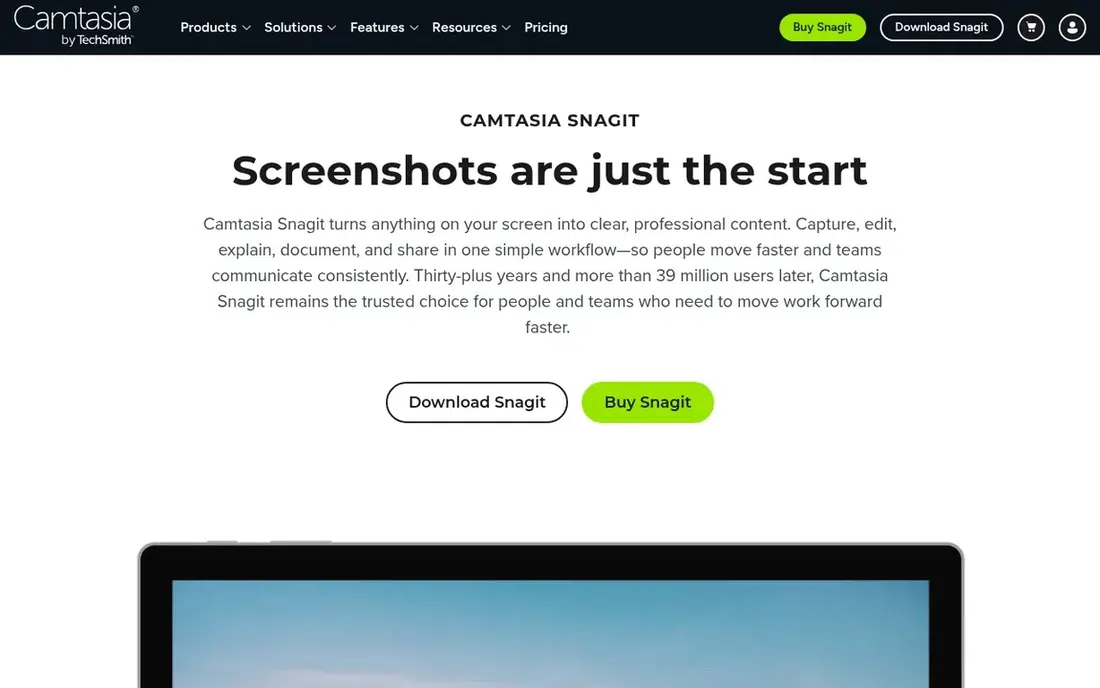
Snagit is designed for fast records with annotations. Snagit is not positioned as a full timeline video editor, so long-form tutorials or multi-scene productions may need a different tool. More specifically, Snagit, also from Techsmith, is screen capture and recording software for Windows and Mac.
Where it falls short: Concentrated on shorter captures.
It is meant to rapidly build images and videos, with markup and annotation features that suit documentation, bug reports and short explainers where a still image or brief clip communicates the point. Beyond that, pick Snagit when quick records and annotated screenshots are the priority instead of extended video editing. Snagit shows no starting price here, so confirm the cost on the vendor site. Trial and free access: Not stated.
- Windows and Mac support
- Screen capture and recording
- Not a full video editor
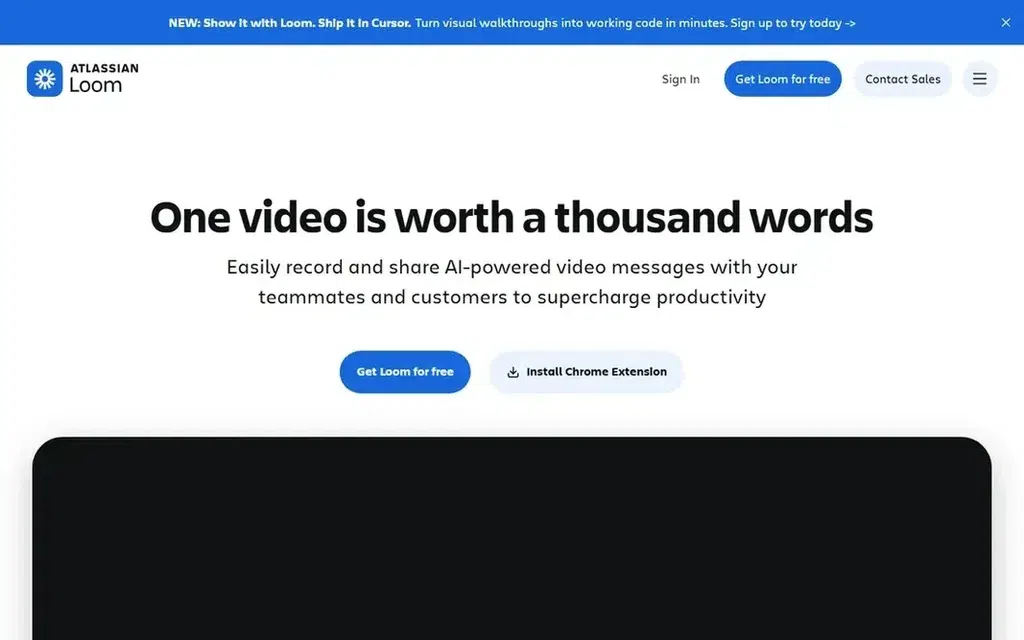
Loom is aimed squarely at quick recording and link sharing. Choose Loom when speed of recording and sharing matters more than granular post-production. Loom is a screen recorder for Mac and PC that emphasizes fast capture and simple sharing from its website.
It includes advanced video editing and video storage, making it a fit for teams and individuals who send async video updates, walkthroughs and feedback instead of producing heavily edited tutorials. Loom is less suited to complicated multi-track editing or deep local file control. So users who require a full production suite may prefer a dedicated editor. Loom starts at: $18 per user per month. Loom has a free plan.
Where it is weaker: Cloud-first workflow.
Upsides: Fast recording and sharing.
- Works on Mac and PC
- Built-in video editing
- Restricted advanced editing
Choose Bandicam for Gameplay and webcam screen recording. Consider it when gameplay or webcam capture on Windows is the primary use case instead of collaborative sharing or full production editing.
Drawbacks to consider: Feature set oriented to capture.
Bandicam is high-quality screen recording software for capturing your screen, gameplay and webcam, with built-in editing and AI tools. This comparison lists no price for Bandicam; ask the vendor. Trial and free access: Not stated.
- Gameplay and webcam capture
- Built-in editing tools
- Windows-focused
What went into this list
For each of the 5 tools we noted price, free plan or trial, fit for ScreenRec and the main limit, using vendor pages and documentation. Seat minimums, billing terms and add-ons can move the real cost, so the starting prices here are a guide and not a quote. Tools are placed by general fit for ScreenRec, with price clarity and free access as tie-breakers. A different team can reasonably rank them differently.
Before you commit
- Confirm the entry price on the vendor page. For OBS Studio, Vidyard, Snagit and Bandicam that means a quote rather than a fixed price.
- Read the fine print on the free plans from Vidyard and Loom; seat, project and feature caps differ.
- Read the limits listed for OBS Studio first: configuration-heavy setup.
- See whether OBS Studio offers onboarding or training, and whether it is included in the price.
- Confirm you can export your data from Snagit, so leaving later does not mean losing records.
FAQ
Can I try these tools before paying?
Often, yes. Vidyard and Loom have a free plan. Use your own data and a real task during the test, and check what the free tier or trial limits before you rely on it.
Which options for ScreenRec have a free plan?
On this list, Vidyard and Loom include a free plan. Caps on seats, usage or features are common, so test the free plan against your real workload.
Can these tools record gameplay?
Bandicam is positioned for capturing screen, gameplay and webcam with built-in editing and AI tools. OBS Studio is also often used for gameplay recording and streaming, with high-quality H264 and AAC encoding.
What is the cheapest option for ScreenRec in this list?
On published monthly entry prices, Loom is the lowest here at $18 per user per month. Entry price is only part of the cost, because seats, add-ons and billing terms can change the total. Each of the 5 options in this ScreenRec alternatives guide has its own card above with the price, free plan and limits.
Is OBS Studio the right pick for everyone comparing ScreenRec?
No single tool suits every team. OBS Studio comes first because it fits free open-source recording and streaming, while Vidyard suits business video for sales and marketing and Snagit suits quick captures with annotations. Match the tool to your own size, budget and workflow before deciding.
Sources
- https://obsproject.com
- https://www.vidyard.com
- https://www.techsmith.com/screen-capture.html
- https://www.loom.com
- https://www.bandicam.com